Siemens
RFQ Ready
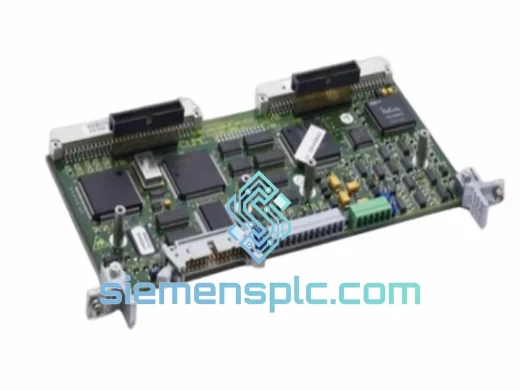
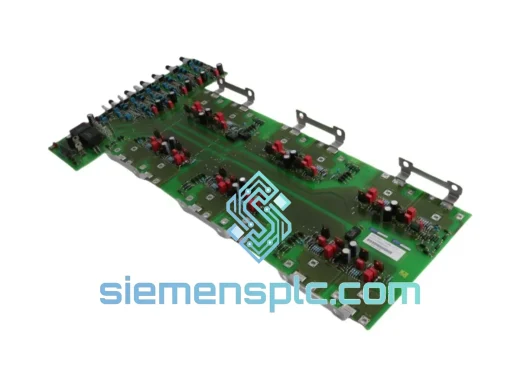
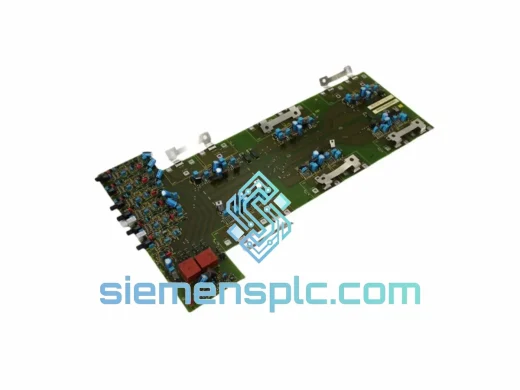
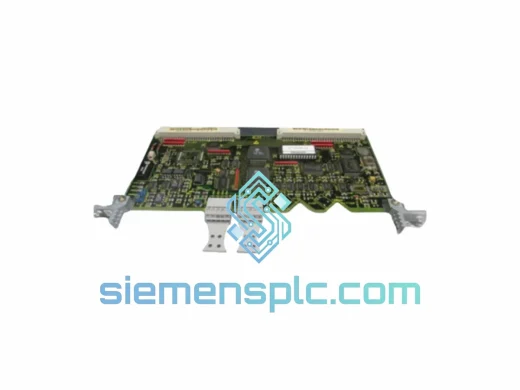
Siemens 6SE7090-0XX84-0BD1 Serial Interface Board – MASTERDRIVES
MASTERDRIVES
Origin DE
Serial Interface Board
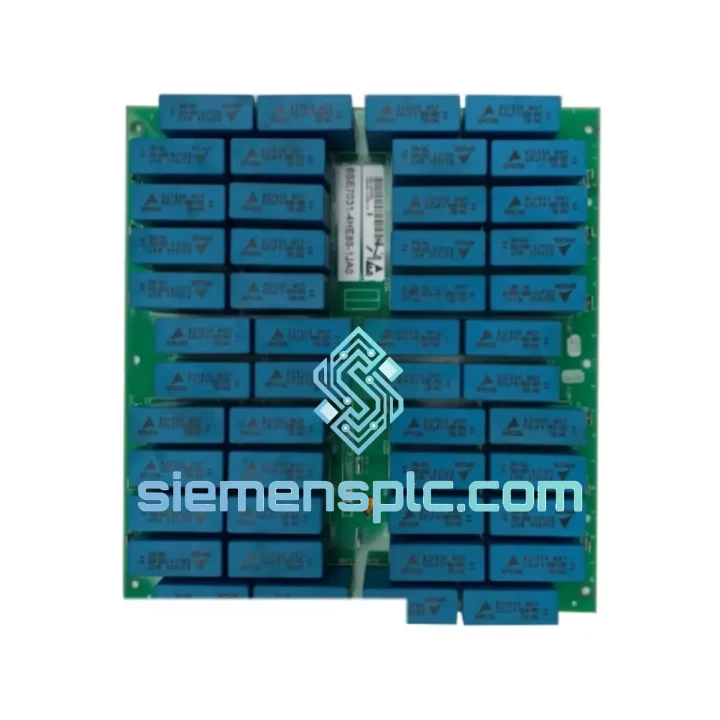
Request verified availability, condition, replacement risk review, packing options and courier lead time for 6SE7031-4HE85-1JA0.
Click Request Quote and the part number is inserted into the inquiry form automatically.
Core fields for model confirmation and RFQ routing. Detailed product narrative remains below.
Every minute a MASTERDRIVES-controlled line sits idle, you’re bleeding production output. Whether it’s a conveyor freeze in a steel mill, a spindle fault on a CNC cell, or a crane drive that won’t respond, the root cause is often this board — the CU (Control Unit) at the heart of the 6SE70 chassis. We stock the Siemens 6SE7031-4HE85-1JA0 / C98043-A1684-L2 and ship same-day from Xiamen. No waiting on factory lead times. No sourcing delays. Just a verified board in your hands, fast.
URGENT REQUIREMENT? Contact: [email protected] | WhatsApp: +86 18359268345
| Parameter | Specification |
|---|---|
| Full Part Number | 6SE7031-4HE85-1JA0 / C98043-A1684-L2 |
| Manufacturer | Siemens AG |
| Series | SIMOVERT MASTERDRIVES MC/VC — 6SE70xx |
| Module Function | Drive Control Unit (CU Board) |
| Compatible Chassis | 6SE70 Series Inverter / Converter Units |
| Control Mode | Vector Control (VC) / Motion Control (MC) |
| Communication Slots | 2× option board slots (CBP2, CBC, SCI compatible) |
| Technology Board Slots | 1× T100/T300/T400 compatible |
| Operator Panel Interface | OP1S / PMU compatible |
| Firmware | Matched to drive hardware revision — confirm before swap |
| Origin | Germany |
| Weight (approx.) | 5,500 g (with packaging) |
| Availability | ✅ Ready to Ship — Xiamen Stock |
After 10 years of field work on MASTERDRIVES systems, these are the failure patterns that point directly to the CU board — and what to watch when you swap one in.
Common fault codes that indicate CU failure:
Step-by-step replacement procedure:
Note on self-addressing (Slot Auto-Addressing): On MASTERDRIVES systems with PROFIBUS (CBP2), the drive node address is stored in the CU’s EEPROM. After a CU swap, the PROFIBUS address defaults to 3. Restore the correct address from your parameter backup (P918) before reconnecting to the fieldbus network, or you will cause a bus collision.
The 6SE7031-4HE85-1JA0 CU board was engineered for the environments where drives actually live — not climate-controlled server rooms. Siemens designed the MASTERDRIVES 6SE70 platform for continuous operation in conditions that would kill consumer-grade electronics.
The board’s conformal-coated PCB resists condensation and airborne contaminants common in paper mills, food processing plants, and coastal installations. Operating temperature range extends from -10°C to +55°C ambient, with the drive chassis providing forced-air cooling to the CU board. Vibration tolerance meets IEC 60068-2-6 test profiles — relevant for crane and hoist applications where mechanical shock is a daily reality.
Electrostatic discharge (ESD) protection is built into the board’s I/O interface circuits, which matters in environments where operators frequently touch drive panels without grounding themselves. The multi-layer PCB construction minimizes susceptibility to the high-frequency electrical noise generated by the drive’s own IGBT switching — a self-inflicted EMC challenge that cheaper control boards fail to handle.
Units shipped from our Xiamen warehouse are stored in climate-controlled conditions and packed in anti-static bags within foam-lined export cartons. Long-term storage degradation is not a concern for boards dispatched within our standard stock rotation cycle.
Our dispatch hub is in Xiamen, Fujian — one of China’s primary export ports with direct DHL and FedEx gateway access. Here’s how a typical urgent order moves:
For time-critical plant shutdowns, contact us directly on WhatsApp for a real-time stock confirmation and freight quote before placing the order. We can coordinate with your freight forwarder if you have a preferred carrier account.
📧 Email: [email protected]
💬 WhatsApp: +86 18359268345
🌐 Web: siemensplc.com
© 2026 siemensplc.com. All rights reserved.
We check the full part number, brand, series and visible nameplate information before quotation.
Sales confirms stock path, condition option, quantity and realistic lead time for export dispatch.
DHL, FedEx, UPS or buyer courier arrangements can be reviewed with packing requirements.
Similar brand or category products for fast comparison and multi-item RFQ lists.