Siemens
RFQ Ready
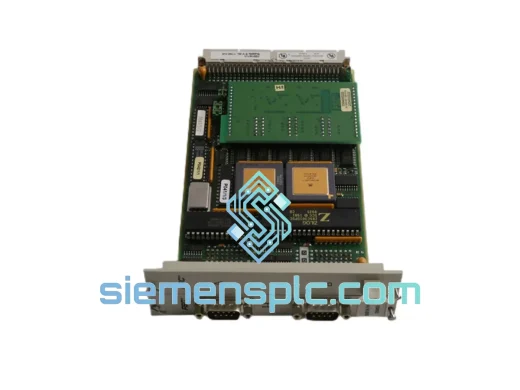
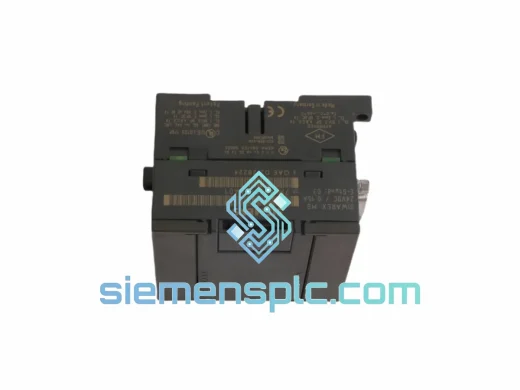
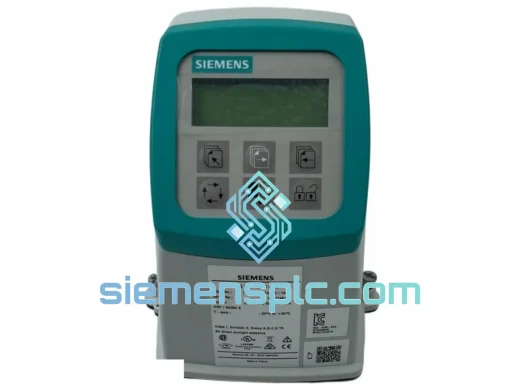
SIEMENS 6GK5108-0BA00-2AA3 Industrial Ethernet Switch
SIMATIC
Origin DE
Industrial Ethernet Switch
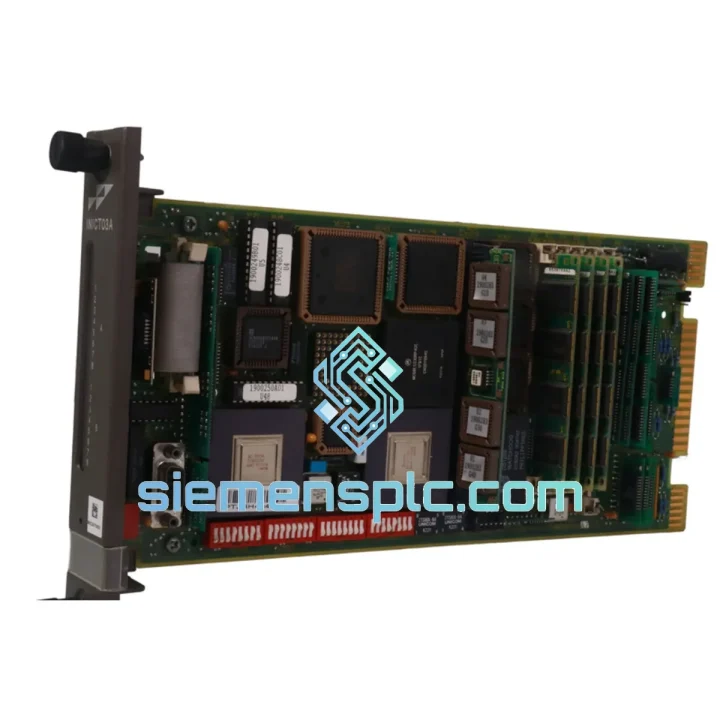
Request verified availability, condition, replacement risk review, packing options and courier lead time for IMMPI01.
Click Request Quote and the part number is inserted into the inquiry form automatically.
Core fields for model confirmation and RFQ routing. Detailed product narrative remains below.
Every minute a production line sits idle costs real money. If your S7-300 rack has thrown a fault and the IMMPI01 Multi-Point Interface module is the culprit, you already know the pressure you’re under. Maintenance managers are calling. The shift supervisor is standing behind you. You need a verified, drop-in replacement — not a two-week lead time from a regional distributor.
We stock the Siemens IMMPI01 in Xiamen and ship globally via DHL Express and FedEx International Priority. Orders confirmed before 14:00 CST go out the same business day. That means your replacement module can be on-site in Frankfurt, Houston, or Kuala Lumpur within 24–72 hours. No excuses. No delays. Just the part you need, moving toward you right now.
URGENT REQUIREMENT? Contact: [email protected] | WhatsApp: +86 18359268345
| Parameter | Specification | Status |
|---|---|---|
| Part Number | IMMPI01 | ✅ Ready to Ship |
| Manufacturer | Siemens AG | — |
| Series | SIMATIC S7-300 | — |
| Function | Multi-Point Interface (MPI) Communication Module | — |
| Interface | MPI (Multi-Point Interface), RS-485 physical layer | — |
| Baud Rate | 187.5 kbps (default) / up to 12 Mbps configurable | — |
| Max. Nodes | 32 nodes per MPI segment | — |
| Supply Voltage | 24 VDC via S7-300 backplane bus | — |
| Current Consumption | ≤ 100 mA at 5 VDC (backplane) | — |
| Operating Temperature | 0°C to +60°C | — |
| Storage Temperature | -40°C to +70°C | — |
| Relative Humidity | 10% to 95%, non-condensing | — |
| Mounting | S7-300 DIN rail rack, standard module slot | — |
| Dimensions (W×H×D) | 40 mm × 125 mm × 120 mm | — |
| Weight | Approx. 200 g | — |
| Protection Class | IP20 | — |
| Certifications | CE, UL, cULus, ATEX (zone 2 variant) | — |
| Origin | Germany | — |
| Condition | New / Surplus New | ✅ Ready to Ship |
After ten years of field work, here are the failure patterns I see most often with the IMMPI01 and what to watch for during swap-out:
Common Fault Indicators:
Step-by-Step Replacement Procedure:
Pro tip from the field: Always keep one spare IMMPI01 on the shelf for every S7-300 rack running MPI-connected HMI or SCADA. The module is not expensive relative to the cost of an unplanned shutdown. The engineers who argue against stocking spares are never the ones who get the 2 AM call.
The Siemens IMMPI01 was engineered for the industrial floor, not a climate-controlled server room. The module’s conformal-coated PCB provides resistance against humidity, condensation, and airborne contaminants — the kind of environment you find in paper mills, chemical plants, and coastal power stations where salt air accelerates corrosion on unprotected electronics.
Vibration resistance meets IEC 60068-2-6 (sinusoidal, 10–58 Hz, 0.075 mm amplitude; 58–500 Hz, 1g). In practice, this means the module holds up in press rooms, compressor halls, and rolling mill control cabinets where the floor never stops shaking. The module’s backplane connector uses a positive-locking mechanism that maintains electrical contact under continuous vibration — a detail that matters when a loose connection at 3 AM triggers a spurious fault and wakes up the whole maintenance team.
Thermal performance is validated across the full 0°C to +60°C operating range with no derating. The RS-485 driver components are rated for extended temperature operation, which is why you see IMMPI01 modules still running reliably after 15+ years in service in hot climates. When a module does fail after long service, it’s almost always the electrolytic capacitors on the power conditioning section — a predictable wear-out mechanism, not a design flaw.
Every unit we ship has been visually inspected for physical damage, corrosion, and label authenticity. Modules showing evidence of prior repair, re-marking, or counterfeit indicators are rejected. We do not sell refurbished-as-new. What you receive is what we describe.
Our warehouse is located in Xiamen, Fujian Province — one of China’s primary export hubs with direct access to international freight lanes operated by DHL, FedEx, UPS, and TNT. This geography is not accidental. Xiamen’s port and air cargo infrastructure means your order moves faster than it would from an inland warehouse.
Standard Express Routing:
Export Documentation (included as standard): Commercial Invoice, Packing List, Certificate of Origin, and HS Code declaration (HS 8537.10 — programmable controllers and communication modules). For customers requiring a Certificate of Conformance or third-party inspection report, contact us before order confirmation.
Packaging: Anti-static bag → foam insert → double-wall corrugated carton → desiccant sachet. Meets ASTM D4169 performance standard. The module will not arrive damaged. If it does, we replace it — no argument, no delay.
Customs clearance: We have established relationships with customs brokers in major import markets. For customers in countries with complex import procedures (Brazil, India, Russia), contact us before ordering so we can advise on documentation requirements and realistic delivery timelines. We do not want you to be surprised at customs.
Ready to order or need a quote within the hour? Reach us directly:
© 2026 siemensplc.com. All rights reserved.
We check the full part number, brand, series and visible nameplate information before quotation.
Sales confirms stock path, condition option, quantity and realistic lead time for export dispatch.
DHL, FedEx, UPS or buyer courier arrangements can be reviewed with packing requirements.
Similar brand or category products for fast comparison and multi-item RFQ lists.