Siemens
RFQ Ready
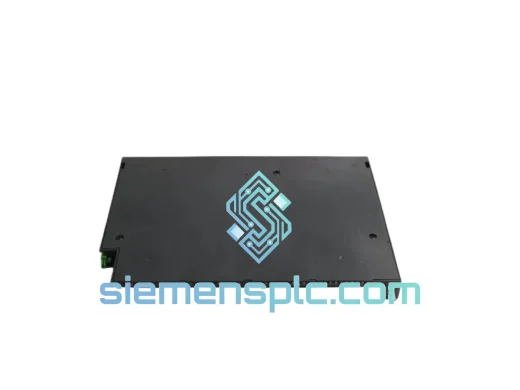
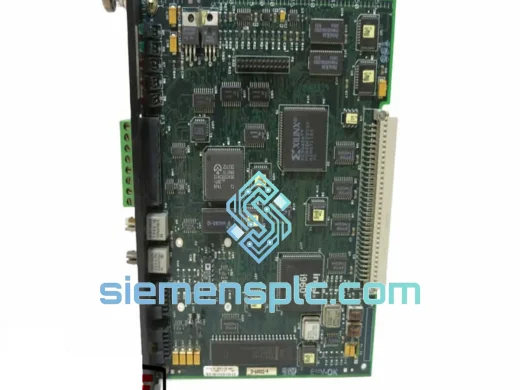
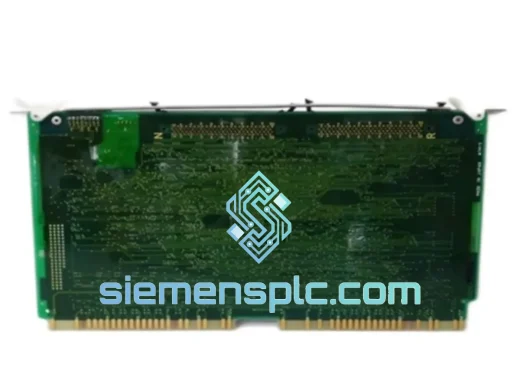
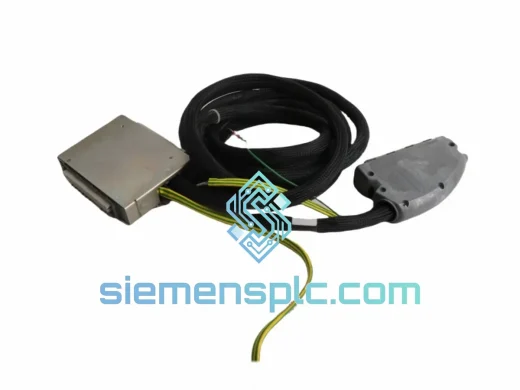
Siemens T8191 Safety Controller Module – Trusted TMR Series
Trusted Series
Origin DE
Safety Controller Module
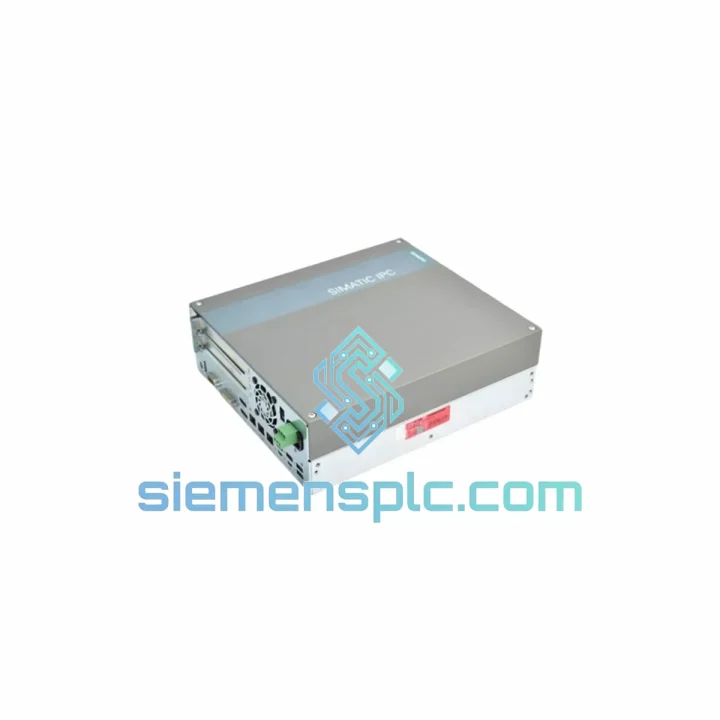
Request verified availability, condition, replacement risk review, packing options and courier lead time for 6BK1000-6TR00-0AA0.
Click Request Quote and the part number is inserted into the inquiry form automatically.
Core fields for model confirmation and RFQ routing. Detailed product narrative remains below.
Every hour your PCS 7 system sits offline, the losses compound — lost throughput, idle crews, contractual penalties. The Siemens PC627B (6BK1000-6TR00-0AA0) is the exact OS server hardware your SIMATIC PCS 7 installation demands, and we stock it in Xiamen ready for same-day dispatch. No waiting on factory lead times. No chasing distributors. One call, one shipment, back online.
This is not a generic listing. The PC627B is the dedicated operator station server platform for PCS 7 V8.x/V9.x architectures — it runs WinCC, manages historian data, handles alarm management, and serves as the human-machine interface backbone for your entire process loop. When it fails, your operators are blind. We get it to you before the next shift change.
URGENT REQUIREMENT? Contact: [email protected] | WhatsApp: +86 18359268345
| Parameter | Specification |
|---|---|
| Manufacturer | Siemens AG |
| Part Number | PC627B |
| Order Number | 6BK1000-6TR00-0AA0 |
| Product Family | SIMATIC PCS 7 |
| Module Role | OS Server (Operator Station Server) |
| Compatible PCS 7 Version | V8.0 / V8.1 / V8.2 / V9.0 / V9.1 |
| Communication Interface | Industrial Ethernet (IE), PROFIBUS DP/PA, OPC UA |
| Operating Voltage | 24 V DC nominal |
| Operating Temperature | 0 °C to +60 °C |
| Protection Rating | IP20 |
| Certifications | CE, UL, ATEX (zone 2 with enclosure) |
| Weight | Approx. 200 g |
| Origin | Germany |
| Stock Status | Ready to Ship — Xiamen Warehouse |
Replacing the PC627B is not a plug-and-play swap. Fifteen minutes of preparation prevents three hours of re-commissioning. Here is what you need to know before you pull the old unit.
1. Export your WinCC project first. Before powering down, back up the WinCC Runtime database and the PCS 7 project from the SIMATIC Manager. If the OS server has failed mid-operation, attempt a cold backup from the redundant OS server if your system runs an H-configuration. Do not skip this — a missing historian archive means lost batch records.
2. Hardware revision matching. Check the label on the failed unit for the HW revision stamp (e.g., HW: 01, HW: 02). The replacement must match or be a confirmed upward-compatible revision. Mismatched revisions can cause driver conflicts with the CP 1623 or CP 1628 communication processors installed in the chassis.
3. License transfer. The PC627B runs WinCC and PCS 7 OS software licenses tied to the hardware dongle or Automation License Manager (ALM). Before decommissioning the old unit, transfer licenses via ALM to a temporary USB dongle. Failure to do this means your new unit boots into demo mode — 30-minute runtime limit, which will not survive a shift.
4. IP address and network identity. The OS server holds a fixed IP address and computer name that the AS (Automation Server / S7-400 CPU) communicates with. After installing the replacement, assign the identical IP and hostname before launching WinCC. If the computer name changes, you must re-download the OS configuration from the engineering station — a 45-minute process minimum.
5. Common fault indicators before ordering:
6. Post-installation checklist: Confirm OS redundancy switchover test passes, verify all tag connections in WinCC Explorer show green, and run a 15-minute soak test before handing back to operations.
Process plants are not server rooms. The PC627B is engineered to operate where standard commercial hardware fails within months. Siemens validates this platform against IEC 61131-2 environmental stress profiles.
Vibration resistance is rated to 10–58 Hz at 0.075 mm amplitude and 58–150 Hz at 1g, covering the resonance frequencies common in compressor halls and pump stations. The unit tolerates shock loads of 15g / 11 ms half-sine — the kind of mechanical impact that occurs when a nearby pump trips hard.
Thermal cycling is the silent killer of industrial electronics. The PC627B uses conformal-coated PCBs and industrial-grade capacitors rated for 0–60 °C continuous operation with humidity tolerance up to 95% RH non-condensing. In coastal chemical plants and offshore platforms where salt-laden air accelerates corrosion, this matters. Sealed backplane connectors resist oxidation that degrades commercial server edge connectors within a year.
EMC immunity is tested to EN 61000-6-2 (industrial immunity), covering conducted and radiated interference from variable frequency drives, welding equipment, and high-voltage switchgear — the exact noise sources present in every plant where PCS 7 is deployed. Your OS server will not reboot because a nearby VFD switched a 200 kW motor.
Our Xiamen warehouse operates Monday through Saturday with a 14:00 CST cutoff for same-day dispatch.
Day 0 — Order confirmed before 14:00 CST: Unit pulled from shelf, inspected, photographed, packed in anti-static foam with desiccant. Commercial invoice and packing list generated. DHL or FedEx Express label printed.
Day 1 — Airfreight departure: Shipment departs Xiamen Gaoqi International Airport on the evening freight flight. For European destinations, routing is typically via Hong Kong or Shanghai hub. For North America, direct Pacific routing via FedEx Memphis hub.
Day 2–4 — Customs clearance and delivery: DHL Express and FedEx International Priority both include customs brokerage. We pre-classify the PC627B under HS code 8537.10 and provide a detailed commercial invoice to minimize customs hold risk. Delivery to most EU, US, and Southeast Asian destinations within 2–4 business days from dispatch.
For orders requiring export documentation — EUR.1 movement certificate, certificate of origin, or end-user declaration for dual-use compliance — advise at time of order and we prepare documentation same day. We have shipped to 60+ countries including Germany, USA, India, Saudi Arabia, Australia, and Brazil. All shipments include full tracking and cargo insurance.
Ready to place an order or need a compatibility check before committing?
Email: [email protected]
WhatsApp: +86 18359268345
Web: siemensplc.com
© 2026 siemensplc.com. All rights reserved.
We check the full part number, brand, series and visible nameplate information before quotation.
Sales confirms stock path, condition option, quantity and realistic lead time for export dispatch.
DHL, FedEx, UPS or buyer courier arrangements can be reviewed with packing requirements.
Similar brand or category products for fast comparison and multi-item RFQ lists.