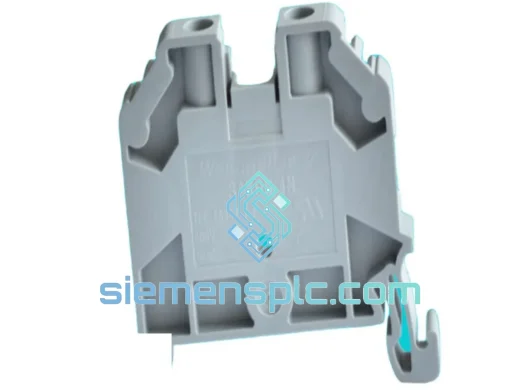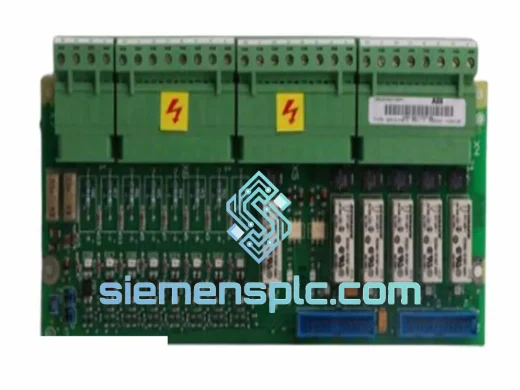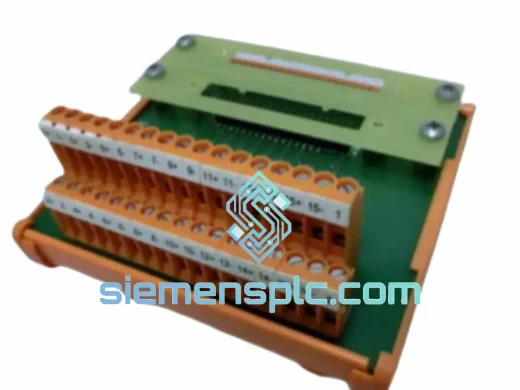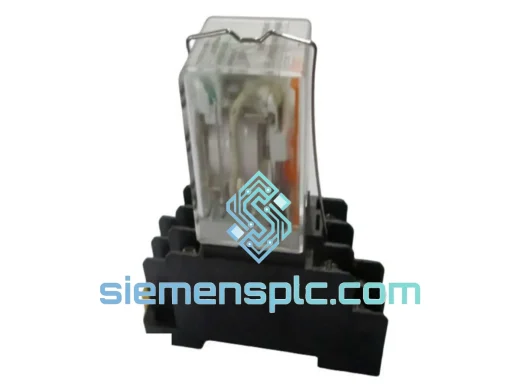
Weidmuller
RFQ Ready
WEIDMULLER DRM270024L DC/DC Converter Interface Module – DRM Series
DRM Series
Origin DE
DC/DC Converter Interface Module
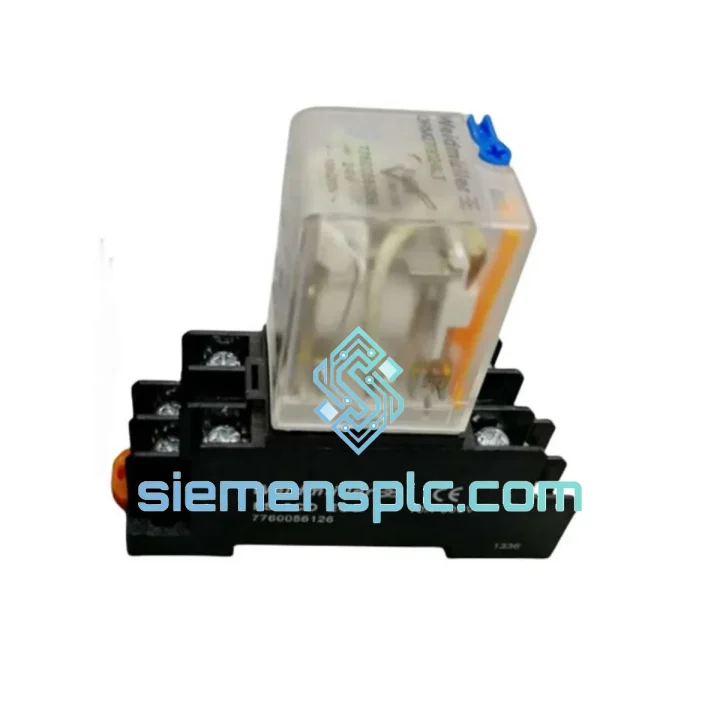
Request verified availability, condition, replacement risk review, packing options and courier lead time for FS2COECO.
Click Request Quote and the part number is inserted into the inquiry form automatically.
Core fields for model confirmation and RFQ routing. Detailed product narrative remains below.
Every minute a line sits idle costs real money. When your FS2COECO fieldbus interface fails, you don’t have time for a 12-week factory lead time or a distributor who can’t confirm stock. We hold verified inventory of the Weidmuller FS2COECO in Xiamen, China — inspected, documented, and ready to clear customs today. DHL Express to most destinations in 3–5 business days. That’s the difference between a shift delay and a week-long shutdown.
URGENT REQUIREMENT? Contact: [email protected] | WhatsApp: +86 18359268345
| Parameter | Value | Status |
|---|---|---|
| Manufacturer | Weidmüller | ✅ Ready to Ship |
| Part Number | FS2COECO | ✅ In Stock |
| Product Series | FS2 Fieldbus Interface | — |
| Communication Protocol | COECO Fieldbus | — |
| Supply Voltage | 24 V DC (nominal) | — |
| Mounting | DIN Rail (35 mm) | — |
| Protection Rating | IP20 | — |
| Operating Temperature | -20°C to +60°C | — |
| Weight | ~2,140 g | — |
| Certifications | CE, UL | — |
| Country of Origin | Germany | — |
| Condition | New / Original OEM | ✅ Verified Stock |
| Lead Time | Same-day dispatch available | ✅ Ready to Ship |
After ten years of emergency callouts, here’s what actually goes wrong with the FS2COECO and what to check before you pull the module:
1. Confirm the fault is the module, not the bus. A dead COECO segment will take down every node on that branch. Before condemning the FS2COECO, check bus termination resistors at both ends of the cable run. A missing or shorted terminator mimics a failed interface card perfectly. Measure bus impedance — you should see ~120 Ω across the data lines with the master powered down.
2. Common fault codes and what they mean:
3. Replacement procedure — field-tested sequence:
4. Firmware matching: The FS2COECO has gone through at least three hardware revisions. If your master controller was configured with an older firmware profile, a newer hardware revision may require a firmware update on the master side. Check the hardware revision label on the module side panel (format: HW Rev X.X) and cross-reference with your PLC vendor’s compatibility matrix before commissioning.
Industrial environments don’t forgive weak hardware. The FS2COECO is built to the same mechanical and electrical standards that Weidmüller applies across its FS2 platform — a series that has been deployed in steel mills, offshore platforms, chemical processing plants, and automotive body shops for over two decades.
Vibration resistance: The DIN rail snap-mount mechanism uses a reinforced locking tab rated for continuous vibration environments. In high-vibration applications (compressor rooms, press lines), we recommend supplementing with a DIN rail end stop bracket to prevent lateral creep over time. The internal PCB is conformal-coated on production units, providing additional mechanical damping for component-level solder joints.
Thermal performance: The -20°C to +60°C operating range covers the vast majority of industrial panel environments. In enclosures with poor ventilation or high ambient temperatures, monitor the module surface temperature — sustained operation above 55°C ambient will accelerate electrolytic capacitor aging on the power supply section, which is the most common long-term failure mode on this module family. If your panel runs hot, add forced ventilation before the module fails, not after.
Humidity and condensation: IP20 means the module is not sealed against moisture ingress. In high-humidity environments (coastal plants, food processing, outdoor enclosures without climate control), ensure the panel maintains positive pressure with filtered, dry air. Condensation on the bus connector pins is a leading cause of intermittent communication faults that are nearly impossible to diagnose without thermal imaging.
EMC robustness: The COECO protocol stack in the FS2COECO includes hardware-level differential signaling with built-in common-mode rejection. However, the module relies on correct cable shielding practice to achieve its rated EMC performance. Unshielded or improperly grounded bus cables in environments with large VFDs or welding equipment will degrade signal integrity regardless of module quality.
Our warehouse is located in Xiamen, Fujian Province — one of China’s primary export hubs with direct access to international freight lanes via Xiamen Gaoqi International Airport and Xiamen Port. This geography is not accidental: it gives us same-day handoff to DHL Express, FedEx International Priority, and UPS Worldwide Express for urgent shipments.
Standard dispatch timeline:
Export documentation included with every shipment: Commercial invoice, packing list, certificate of origin, and — on request — a material test report or certificate of conformity. For shipments to the EU, we can provide CN22/CN23 customs declarations pre-filled to minimize clearance delays. For US imports, we include HTS code documentation to support your customs broker.
Tracking: A waybill number is sent to your email within 2 hours of dispatch. All shipments are fully insured against loss or damage in transit. If a shipment is delayed by customs, our logistics team will intervene directly with the carrier — we do not leave you to chase it alone.
For critical plant shutdowns: Contact us via WhatsApp before placing your order. We can arrange courier pickup priority and pre-clear export documentation to shave hours off the dispatch process when every hour counts.
Email: [email protected]
WhatsApp: +86 18359268345
Web: siemensplc.com
© 2026 siemensplc.com. All rights reserved.
We check the full part number, brand, series and visible nameplate information before quotation.
Sales confirms stock path, condition option, quantity and realistic lead time for export dispatch.
DHL, FedEx, UPS or buyer courier arrangements can be reviewed with packing requirements.
Similar brand or category products for fast comparison and multi-item RFQ lists.