Yokogawa
RFQ Ready
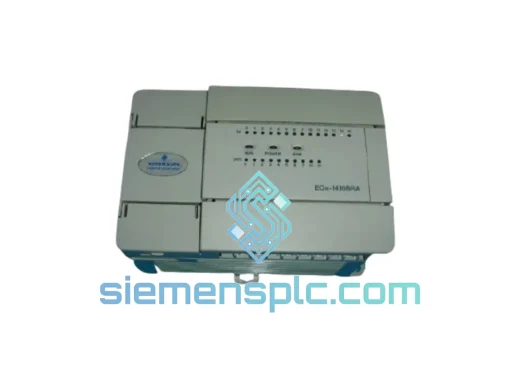
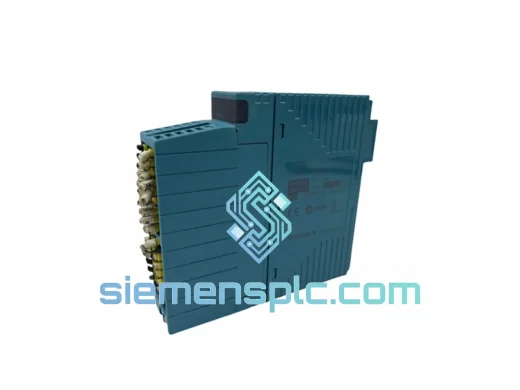
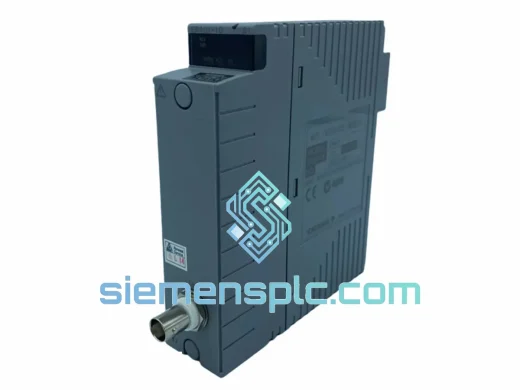
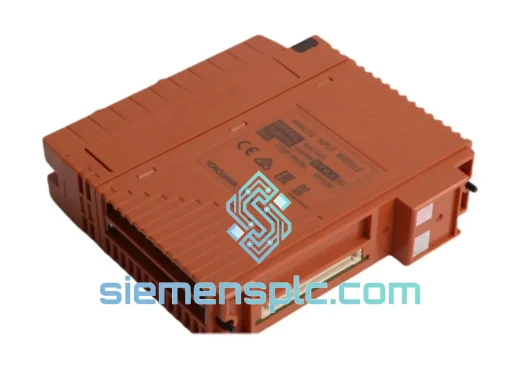
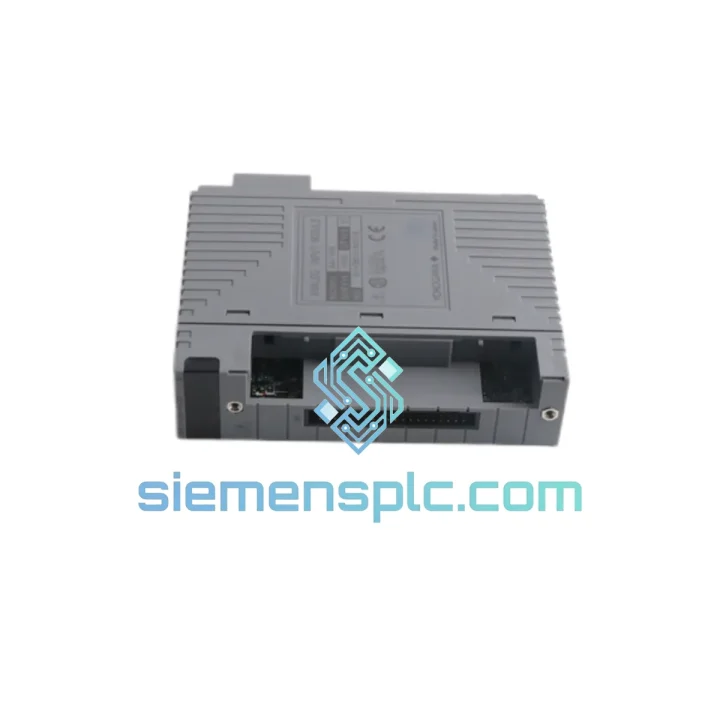
Yokogawa SAI143-H63/PRP S3 DCS Analog Input Module
CENTUM VP
Origin JP
DCS Analog Input Module
Request verified availability, condition, replacement risk review, packing options and courier lead time for AAI135-H00.
Click Request Quote and the part number is inserted into the inquiry form automatically.
Core fields for model confirmation and RFQ routing. Detailed product narrative remains below.
Every minute your CENTUM VP or CS 3000 system sits in fault with a dead analog input card, you’re burning money. Lost throughput, idle operators, and a plant manager breathing down your neck — that’s the reality when an AAI135-H00 S1 fails mid-campaign. We stock this module in Xiamen and ship globally via DHL/FedEx Express. Most orders clear customs and land on your bench within 3–5 business days. No waiting 6 weeks for OEM lead times. No explaining to procurement why you need an emergency PO. Just a tested, original YOKOGAWA module in your hands, fast.
URGENT REQUIREMENT? Contact: [email protected] | WhatsApp: +86 18359268345
| Parameter | Specification |
|---|---|
| Manufacturer | YOKOGAWA Electric Corporation |
| Full Part Number | AAI135-H00 S1 |
| Module Series | CENTUM VP / CS 3000 I/O |
| Module Type | Analog Input (AI) |
| Input Channels | 16 ch single-ended / 8 ch differential |
| Signal Range | 4–20 mA DC; 1–5 V DC optional |
| A/D Resolution | 16-bit |
| Accuracy | ±0.1% of full scale |
| Isolation | Channel-to-channel & channel-to-bus |
| Communication Bus | YOKOGAWA ESB (Enhanced Signal Bus) |
| Compatible I/O Nests | ANB10D, ANB11D, ANB40D |
| Power Supply | Backplane-fed (no external PSU) |
| Operating Temperature | 0°C to 55°C |
| Weight | ~320 g |
| Certifications | CE, UL, FM (IS variants available) |
| Origin | Japan |
| Stock Status | ✅ Ready to Ship — Xiamen Warehouse |
The AAI135-H00 S1 fails in predictable ways. Here’s what I’ve seen in the field and how to handle each scenario without wasting time:
Fault Code IOM-E01 / IOM-E02 (Module Not Recognized): Nine times out of ten this is a seating issue or a corrupted module ID. Pull the card, clean the backplane connector with IPA, reseat firmly, and power-cycle the I/O nest. If the fault persists after reseating, the module’s internal EEPROM has likely failed — replacement is the only fix.
All Channels Reading 0 mA or Pegged at 20 mA: Check the ESB cable continuity first. A damaged ribbon or loose latch on the ANB nest will kill all 16 channels simultaneously. If the bus checks out, the A/D converter IC on the module has failed — common after lightning-induced surges on field wiring. Replace the module and add surge suppressors on the field terminal block.
Intermittent Channel Dropouts (1–3 channels): Usually caused by vibration-induced micro-fractures on the PCB solder joints, especially in compressor rooms. Swap the module. Do not attempt reflow soldering on a safety-critical DCS card.
Replacement Procedure — Step by Step:
Firmware Note: The S1 suffix denotes Software Revision 1. If your system runs a later CENTUM VP version (R6.x+), confirm firmware compatibility with YOKOGAWA’s compatibility matrix. In most cases S1 hardware runs without issue, but the Engineering Environment may flag a revision mismatch warning — this is cosmetic and does not affect function.
The AAI135-H00 S1 was not designed for a climate-controlled server room. It was built for the realities of process plant environments — and it shows.
The module’s conformal-coated PCB resists condensation and airborne chemical contaminants common in petrochemical and fertilizer plants. Operating humidity tolerance extends to 95% RH non-condensing, which covers the worst monsoon-season cabinet conditions in Southeast Asian facilities. The backplane connector uses gold-plated contacts rated for 500+ insertion cycles, meaning repeated hot-maintenance swaps won’t degrade signal integrity.
Vibration resistance meets IEC 60068-2-6 standards — tested at 10–150 Hz, 1g acceleration. In compressor skid installations where the entire cabinet vibrates continuously, the AAI135 holds its calibration where cheaper third-party cards drift within months. Thermal cycling performance is equally solid: the module is rated for 0–55°C continuous operation, and field data from refinery installations in the Middle East shows stable operation at ambient cabinet temperatures reaching 50°C during summer shutdowns.
The channel-to-channel isolation architecture means a field wiring fault — even a direct short to 24 VDC — on one channel will not cascade to adjacent channels. This is not a given on all analog input cards, and it matters enormously when you’re troubleshooting a fault at 2 AM and can’t afford to lose the entire module to a single bad transmitter.
Our warehouse is located in Xiamen, Fujian Province — one of China’s primary export hubs with direct access to DHL, FedEx, and UPS international gateways. Here’s exactly how your order moves:
Day 0 (Order Confirmed): Payment cleared before 3:00 PM CST triggers same-day pick, test, and pack. Each module is powered on, channel-verified against a calibrated reference, and packed in anti-static foam with a humidity indicator card. Export documentation (commercial invoice, packing list, COO) is prepared simultaneously.
Day 1: Shipment handed to DHL Express or FedEx International Priority at Xiamen Gaoqi International Airport cargo terminal. Tracking number issued to you within 2 hours of handoff.
Days 2–5: Transit time varies by destination — Europe and North America typically 3–4 business days; Southeast Asia 1–2 days; Middle East and South America 4–5 days. We declare accurate HS codes (8537.10) and commercial values to prevent customs holds. For destinations with known clearance delays (Brazil, India, Russia), we advise on documentation requirements upfront.
Emergency Same-Day Dispatch: For confirmed critical shutdowns, contact us via WhatsApp before 1:00 PM CST. We will prioritize your order ahead of the queue and confirm dispatch within the same business day.
All shipments are fully insured. In the rare event of transit damage, we initiate a replacement shipment immediately — no waiting for the insurance claim to settle on your end.
📧 Email: [email protected]
💬 WhatsApp: +86 18359268345
🌐 Web: siemensplc.com
© 2026. All rights reserved.
We check the full part number, brand, series and visible nameplate information before quotation.
Sales confirms stock path, condition option, quantity and realistic lead time for export dispatch.
DHL, FedEx, UPS or buyer courier arrangements can be reviewed with packing requirements.
Similar brand or category products for fast comparison and multi-item RFQ lists.