Yokogawa
RFQ Ready
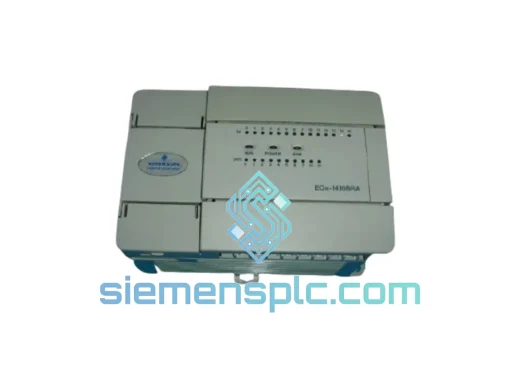
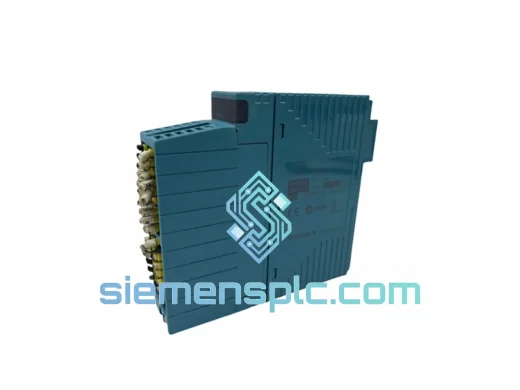
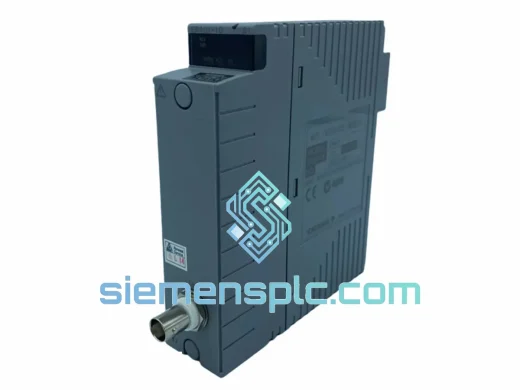
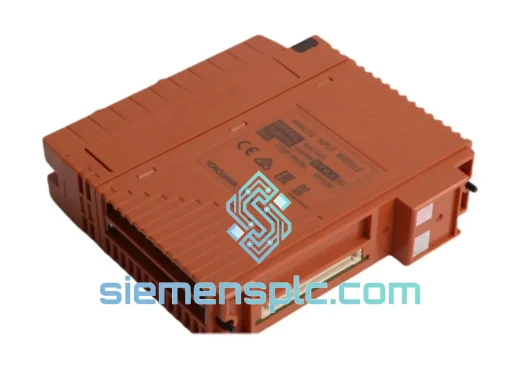
Yokogawa SAI143-H63/PRP S3 DCS Analog Input Module
CENTUM VP
Origin JP
DCS Analog Input Module
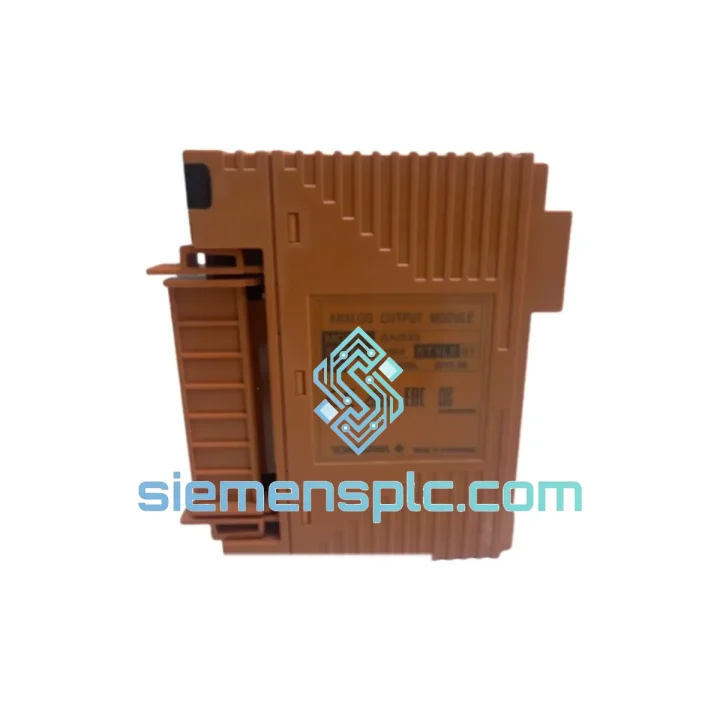
Request verified availability, condition, replacement risk review, packing options and courier lead time for SAI533-H33.
Click Request Quote and the part number is inserted into the inquiry form automatically.
Core fields for model confirmation and RFQ routing. Detailed product narrative remains below.
It’s 02:30. Your field control station has dropped an I/O module fault. The HIS is screaming. The shift supervisor is standing behind you. You’ve already confirmed it’s the SAI533-H33 S1 slot — IOM-E01 or IOM-E03 in the alarm log, module LED dark, no channel response. Your onsite spare is gone. The OEM channel wants 6–10 weeks and a purchase order that takes three days to approve.
We’ve been here before. That’s exactly why we stock the Yokogawa SAI533-H33 S1 analog input signal conditioning module in our Xiamen warehouse, ready to ship today. Not in two weeks. Not pending availability. Today. DHL Express or FedEx International Priority puts this card at your plant gate in 2–5 business days, whether you’re in Rotterdam, Jubail, Houston, or Jurong Island. Every hour your process sits in manual or shutdown is money leaving the building — we exist to stop that clock.
URGENT REQUIREMENT? Contact: [email protected] | WhatsApp: +86 18359268345
| Parameter | Specification |
|---|---|
| Part Number | SAI533-H33 S1 |
| Manufacturer | Yokogawa Electric Corporation |
| Compatible Platforms | CENTUM VP FCS, CS 3000 FCS |
| Module Function | Analog Input Signal Conditioning |
| Accepted Input Signals | 4–20 mA DC, Thermocouple (B/E/J/K/R/S/T), RTD Pt100 / Pt1000 |
| A/D Resolution | 16-bit |
| Internal Bus | Vnet/IP backplane (no external wiring) |
| Power Source | I/O nest backplane — no external PSU |
| Operating Temperature | 0 °C to +55 °C |
| Humidity Range | 5 % to 95 % RH, non-condensing |
| EMC Certification | CE, IEC 61000-4 series |
| Country of Origin | Japan |
| Availability | ✅ In Stock — Ready to Ship from Xiamen |
Field experience with CENTUM VP and CS 3000 systems reveals the same failure patterns and the same mistakes during replacement. Work through this sequence before you pull the card — and follow it precisely when you do.
Step 1 — Isolate the fault to the module, not the nest. Pull up the FCS alarm log on the HIS. IOM-E01 (I/O module communication lost) and IOM-E03 (module hardware fault) are your green light to replace the SAI533-H33 S1. If you’re seeing IOM-E05 (nest power supply fault), the ANB10D or ANB11D backplane is the problem — a new module will not resolve it. Check the nest power LED first. Saves you a wasted swap.
Step 2 — Manage the process before you touch the hardware. In a redundant FCS pair, online replacement is supported — the standby FCS holds the process while you extract the faulty card. In a simplex FCS, there is no fallback. Place every control loop fed by the affected I/O nest into manual mode via the HIS operator console before extraction. Document which tags you’ve moved to manual. A missed loop in auto mode during a module pull will cause a process upset that’s harder to explain than the original fault.
Step 3 — Slot addressing is automatic, but position matters. The SAI533-H33 S1 does not use DIP switches or rotary encoders for slot addressing — the I/O nest backplane assigns the slot number based on physical position. Insert the replacement module into the exact same slot position as the failed unit. If the card goes into the wrong slot, the FCS will detect a configuration mismatch and flag an IOM error on the new slot, not the original one. Confusing to diagnose at 03:00.
Step 4 — Firmware revision check before insertion. Read the firmware revision label on the replacement module. Cross-reference against Yokogawa Technical Information document TI 33J01B10-01EN for your FCS software revision. CENTUM VP R4.x and R5.x have specific minimum module firmware requirements. A module with firmware below the minimum will communicate intermittently — you’ll see sporadic IOM-E01 alarms that clear and return, which looks like a cabling or backplane issue and wastes hours of troubleshooting time.
Step 5 — Partial download after insertion. Once the module is seated and the FCS has recognized it (module LED solid green), open the FCS Builder on the Engineering Workstation. Navigate to the I/O module definition for the affected nest and slot. Execute a partial download targeting that nest only. This pushes the channel configuration — signal type, range, engineering units, alarm setpoints — from the project database to the new module. Without this step, the module runs on factory defaults. Your 4–20 mA channels will appear functional, but TC and RTD channels will report raw counts or incorrect engineering units until the download is applied.
Step 6 — Loop verification before returning to auto. Use the CENTUM VP Tuning Panel to inject a known test value on each channel and confirm the PV reading on the HIS matches expected engineering units. Check high and low alarm trip points. Only after verification passes should you return loops to auto mode. This 10-minute check prevents the next callout.
The SAI533-H33 S1 is not designed for a climate-controlled server room. It is designed for the I/O nest inside a field control station cabinet that may be sitting 30 meters from a crude distillation column, a compressor train, or a chemical reactor. Yokogawa validates this module against IEC 60068-series environmental stress protocols — the same standards used for military and aerospace electronics qualification.
Vibration immunity is tested to IEC 60068-2-6 (sinusoidal sweep, 10–150 Hz) and IEC 60068-2-64 (broadband random vibration), covering the mechanical profiles generated by reciprocating compressors, centrifugal pumps, and structural resonance in steel-framed process buildings. The module’s PCB assembly uses conformal coating across all exposed copper surfaces, providing a chemical barrier against hydrogen sulfide, ammonia, chlorine, and other corrosive process gases that migrate into control room enclosures through cable penetrations.
Thermal performance is validated across the full 0–55 °C operating band with humidity cycling to 95 % RH. The onboard analog power regulation maintains stable ±15 V rails independent of backplane supply fluctuations — critical because analog input accuracy is directly coupled to supply rail stability. When a plant-wide load event causes backplane voltage to sag momentarily, the SAI533’s internal regulation absorbs that transient before it reaches the A/D converter stage.
EMC immunity is certified to IEC 61000-4-2 (4 kV ESD contact discharge), IEC 61000-4-4 (2 kV EFT burst), and IEC 61000-4-5 (2 kV surge). These are the transient levels generated when a nearby variable frequency drive switches, when a motor starter opens under load, or when a lightning strike couples into the plant earthing system. The module continues operating through these events without requiring a reset, a re-download, or any operator intervention.
Our Xiamen warehouse runs same-business-day dispatch for all in-stock items confirmed before 15:00 CST. The sequence from your order to your receiving dock is straightforward and tracked at every step.
0–2 hours: Order acknowledgment, export documentation generation. Commercial invoice, packing list, and HS Code 8537.10 export declaration are prepared. Certificate of Conformance and third-party inspection reports are available on request and prepared in parallel — they do not delay dispatch.
2–4 hours: Anti-static bag, foam-lined inner box, double-wall outer carton. Each shipment is photographed before sealing — package condition at dispatch is documented and available if a carrier damage claim is needed. Gross weight and volumetric dimensions are logged for accurate freight billing with no surprises on delivery.
4–6 hours: DHL Express or FedEx International Priority carrier collection. Tracking number transmitted to your email within 30 minutes of pickup scan. For critical-path shipments, FedEx First Overnight (US) and DHL 9:00 (EU) services are available — contact us before ordering to arrange.
Typical transit from Xiamen: Southeast Asia 1–2 days | Middle East 2–3 days | Europe 3–4 days | North America 3–5 days | South America / Africa 4–6 days. All shipments include full customs documentation. Destinations requiring import licenses or end-user certificates for industrial automation equipment — contact us before ordering. We handle this documentation regularly across 40+ countries.
📧 Email: [email protected]
💬 WhatsApp: +86 18359268345
🌐 Web: siemensplc.com
© 2026 siemensplc.com. All rights reserved.
We check the full part number, brand, series and visible nameplate information before quotation.
Sales confirms stock path, condition option, quantity and realistic lead time for export dispatch.
DHL, FedEx, UPS or buyer courier arrangements can be reviewed with packing requirements.
Similar brand or category products for fast comparison and multi-item RFQ lists.