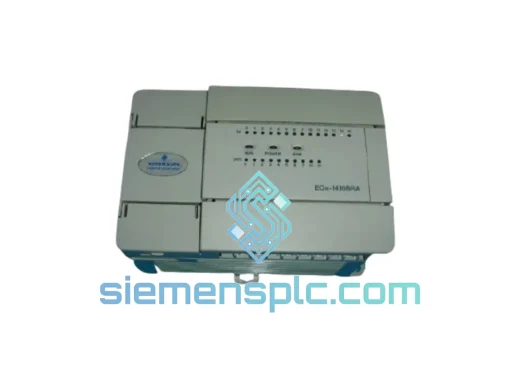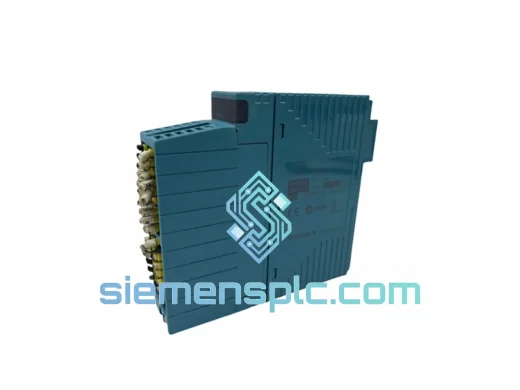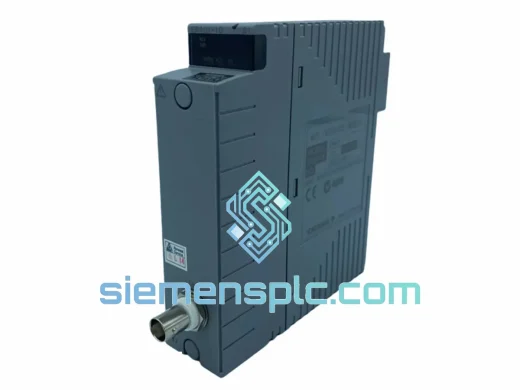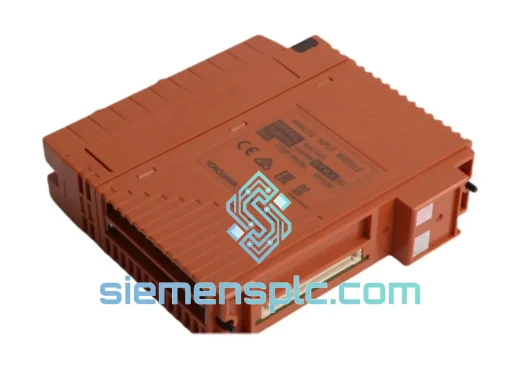
Yokogawa
RFQ Ready
Yokogawa SAI143-H63/PRP S3 DCS Analog Input Module
CENTUM VP
Origin JP
DCS Analog Input Module
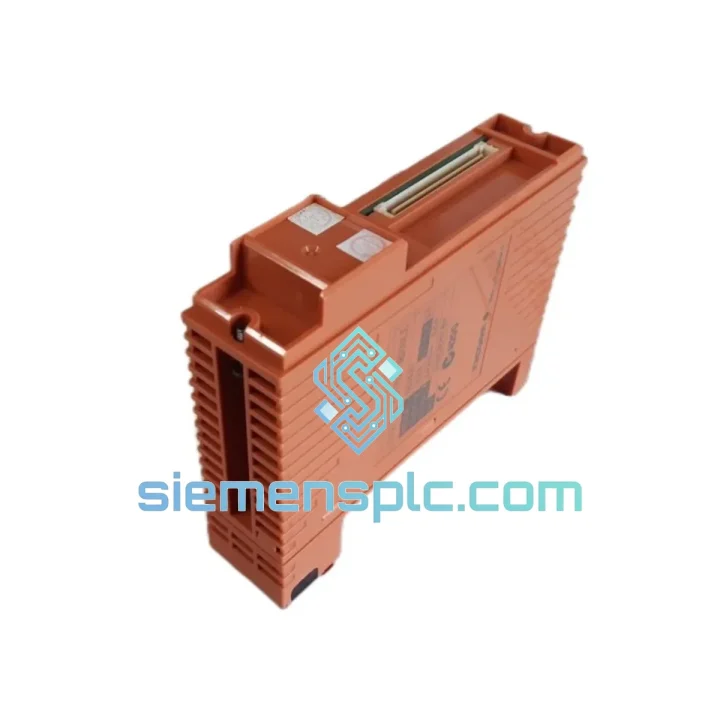
Request verified availability, condition, replacement risk review, packing options and courier lead time for SDV531-S23.
Click Request Quote and the part number is inserted into the inquiry form automatically.
Core fields for model confirmation and RFQ routing. Detailed product narrative remains below.
Every hour your CENTUM VP system sits idle with a failed digital input module costs real money. A tripped SDV531-S23 S1 means 32 field signals go dark — valve positions, motor status, interlock feedback — all gone. We stock this module in Xiamen and can have it on a DHL Express flight within hours of order confirmation. No waiting on YOKOGAWA’s standard lead time. No broker markups. Just the part you need, moving fast.
URGENT REQUIREMENT? Contact: [email protected] | WhatsApp: +86 18359268345
| Parameter | Detail |
|---|---|
| Manufacturer | YOKOGAWA Electric Corporation |
| Full Part Number | SDV531-S23 S1 |
| Module Function | 32-Channel Digital Input (DI) |
| Compatible Platform | CENTUM VP / CS 3000 DCS |
| Input Signal | Dry contact / Wet contact (DC voltage) |
| Channel Count | 32 points per module |
| Isolation Method | Optical isolation — field side vs. system bus |
| Operating Temperature | 0 °C to 55 °C |
| Storage Temperature | −25 °C to 70 °C |
| Mounting | CENTUM VP I/O node unit rack slot |
| Weight | ~200 g |
| Certifications | CE, UL (verify against original documentation) |
| Origin | Japan |
| Stock Status | Ready to Ship — Xiamen Warehouse |
Pulled from real field experience — here is what actually goes wrong with the SDV531-S23 S1 and what to watch when you swap it out.
Common Failure Modes:
Step-by-Step Hot-Swap Procedure (CENTUM VP):
Firmware Note: The SDV531-S23 S1 carries embedded firmware matched to the CENTUM VP release. If your system is running CENTUM VP R5 or earlier, confirm the replacement module firmware revision is compatible before installation. Mismatched firmware can cause the FCU to reject the module silently.
Industrial plants are not server rooms. The SDV531-S23 S1 is built to operate where conditions are genuinely hostile — and it has the track record to prove it.
The module optical isolation barrier is rated to withstand common-mode transients that would destroy a standard logic board. In petrochemical and refining environments where ground loops are endemic, this isolation is not a feature — it is the reason the module survives. Field-side surges from motor starts, solenoid switching, and lightning-induced transients are absorbed without corrupting the system bus.
Vibration is a constant in compressor halls and turbine decks. The SDV531-S23 S1 PCB is conformally coated and the connector system uses a positive-locking mechanism that does not loosen under sustained vibration. We have seen these modules pulled from compressor skids after 12 years of continuous service with no measurable degradation in channel accuracy.
Humidity and condensation are managed through the conformal coating on all active components. The module is rated for operation up to 95% relative humidity (non-condensing). In coastal and tropical plant environments — common across Southeast Asia, the Middle East, and South America — this rating matters. Modules sourced from unverified channels often lack this coating on counterfeit or refurbished boards; ours are inspected under UV light to confirm coating integrity before shipment.
Operating temperature ceiling of 55 °C covers the vast majority of control room and marshalling cabinet environments. For installations in non-air-conditioned enclosures in hot climates, verify ambient temperature against this limit before installation.
Our warehouse is located in Xiamen, Fujian Province — one of China primary export hubs with direct DHL and FedEx gateway access. Here is exactly how your order moves:
We have shipped YOKOGAWA modules to refineries in Saudi Arabia, power plants in Vietnam, chemical facilities in Germany, and paper mills in Brazil. The logistics process is proven and repeatable. Your module arrives in original anti-static packaging, double-boxed for transit protection.
Email: [email protected]
WhatsApp: +86 18359268345
Web: siemensplc.com
© 2026. All rights reserved.
We check the full part number, brand, series and visible nameplate information before quotation.
Sales confirms stock path, condition option, quantity and realistic lead time for export dispatch.
DHL, FedEx, UPS or buyer courier arrangements can be reviewed with packing requirements.
Similar brand or category products for fast comparison and multi-item RFQ lists.