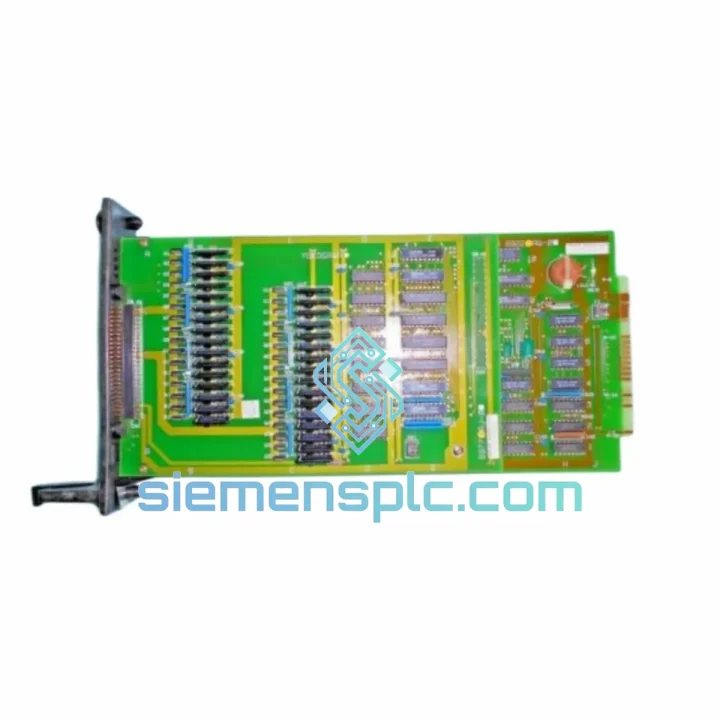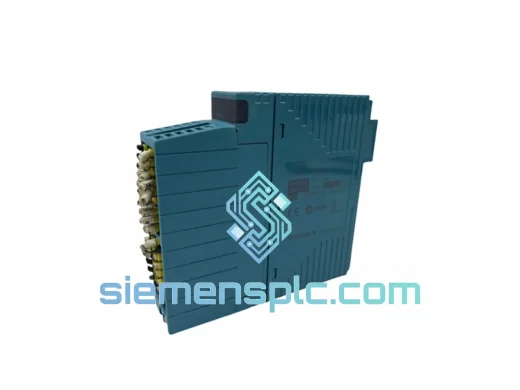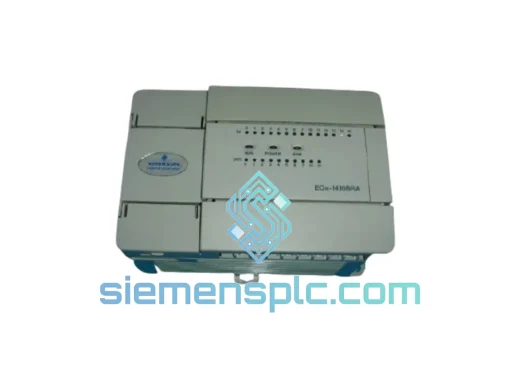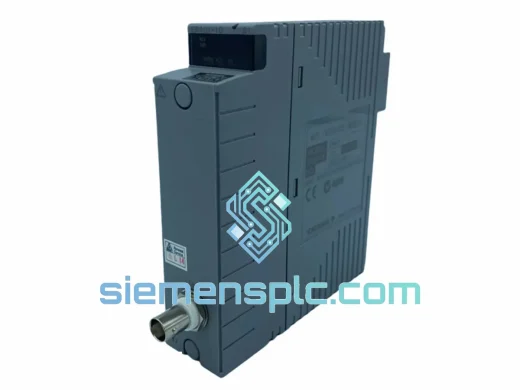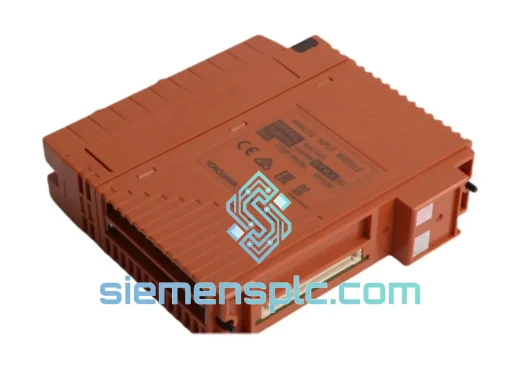
YOKOGAWA ST5*A DCS I/O Module
Request verified availability, condition, replacement risk review, packing options and courier lead time for ST5*A.
Click Request Quote and the part number is inserted into the inquiry form automatically.
- Reply by email: [email protected]
- WhatsApp / Tel: +86 18359268345
- Mon-Sat 9:00-18:00 GMT+8
Key Product Information
Core fields for model confirmation and RFQ routing. Detailed product narrative remains below.
- Brand
- Yokogawa
- Primary Part Number
- ST5*A
- Product Type
- DCS I/O Module
- Product Family
- Other series
- Manufacturer
- YOKOGAWA Electric Corporation
- Country of Origin
- JP
- Catalog Category
- I/O Modules
- Operating Temp.
- 0°C to 55°C
- Humidity
- 5% to 95% RH (non-condensing)
YOKOGAWA ST5*A Down? Every Minute of Downtime Costs You Money — We Ship Today
A failed ST5*A Multipoint Status I/O Card doesn’t just trip an alarm — it can freeze an entire field control station, blind your operators to dozens of discrete signals simultaneously, and push your process into a forced shutdown. In refinery, chemical, or power generation environments, that translates directly into lost production revenue measured in thousands per hour. We stock the YOKOGAWA ST5*A and ship same-day from Xiamen via DHL Express or FedEx International Priority. Your replacement card can be on-site within 24–72 hours, anywhere in the world.
URGENT REQUIREMENT? Contact: [email protected] | WhatsApp: +86 18359268345
Quick Technical Datasheet
| Parameter | Specification |
|---|---|
| Manufacturer | YOKOGAWA Electric Corporation |
| Part Number | ST5*A |
| Module Type | Multipoint Status I/O Card |
| Platform | YOKOGAWA CENTUM CS / CS 3000 / VP |
| Signal Type | Discrete / Digital Status (multi-channel) |
| Mounting | Rack-mount, CENTUM I/O nest compatible |
| Operating Temperature | 0°C to 55°C |
| Humidity | 5% to 95% RH (non-condensing) |
| Weight | Approx. 500 g |
| Condition | New / Surplus New |
| Availability | ✅ Ready to Ship — Xiamen Stock |
Troubleshooting & Replacement Tips
Swapping an ST5*A under pressure is not the time to learn on the job. Here’s what experienced field engineers know before they pull the card:
Common Failure Signatures:
- All channels showing “BAD” status simultaneously — classic sign of card-level failure rather than field wiring. Check the module’s LED indicators first: a solid red FAIL LED with no channel activity confirms the card itself, not the terminal board.
- Intermittent channel dropouts on specific I/O points — often caused by connector oxidation at the I/O nest backplane. Before condemning the card, reseat it firmly and inspect the gold-finger contacts for corrosion or mechanical damage.
- FCS (Field Control Station) generating IOM hardware alarm — the CENTUM system logs this as an I/O module fault. Cross-reference the alarm tag with the slot address in your FCS configuration to isolate which physical slot is reporting.
- Spurious status changes on discrete inputs — if the card is still partially functional but generating noise, suspect internal ADC degradation or power rail instability on the card. Measure the backplane supply voltage at the nest; anything below spec will cause erratic behavior before full failure.
Replacement Procedure — Key Steps:
- 1. Confirm slot address before removal. In CENTUM VP/CS 3000, the IOM address is defined in the FCS hardware configuration (HIS → FCS → IOM). Note the exact node, unit, and slot number. The replacement card must go back into the identical slot — CENTUM does not support automatic re-addressing across different slot positions without an engineering change.
- 2. Check for hot-swap capability. The ST5*A supports online replacement in CENTUM systems with redundant FCS configurations. In simplex FCS setups, you will need to place the FCS in maintenance mode before extraction to avoid a process trip. Confirm your FCS redundancy status before touching the card.
- 3. Verify firmware revision compatibility. CENTUM VP systems with later software revisions may require a minimum card firmware version. Check the existing card’s label for the firmware suffix (the asterisk in ST5*A denotes a revision placeholder — confirm the exact suffix against your system’s compatibility matrix in the YOKOGAWA IM documentation).
- 4. Terminal board stays in place. The ST5*A separates from its terminal board (TB) without disturbing field wiring. Do not disconnect field cables during the swap — the TB remains mounted. Only the card module is extracted and replaced.
- 5. Post-replacement verification. After insertion, monitor the card’s FAIL LED — it should extinguish within 30 seconds as the FCS recognizes and initializes the module. Confirm all channel statuses return to expected values in the HIS operator display before releasing the loop to automatic control.
Reliability in Harsh Conditions
Process plants don’t offer climate-controlled server rooms. The ST5*A is engineered to operate continuously in environments that would destroy consumer-grade electronics. YOKOGAWA designs CENTUM I/O cards to withstand sustained vibration from rotating machinery — compressors, pumps, and turbines generate constant mechanical stress on rack-mounted hardware, and the ST5*A’s PCB layout and component selection account for this. Conformal coating on the board protects against humidity ingress in coastal refineries and tropical chemical plants where ambient moisture regularly challenges unprotected electronics.
Thermal cycling is another silent killer of I/O cards. In facilities where ambient temperatures swing between cold winter shutdowns and summer process heat, solder joint fatigue accumulates over years of operation. The ST5*A’s industrial-grade component selection — rated to 55°C continuous — provides margin above typical control room temperatures, extending service life in demanding installations. Electromagnetic interference from variable frequency drives, large motor starters, and high-voltage switchgear is managed through the card’s internal filtering and the CENTUM system’s inherent noise rejection architecture, keeping your discrete status signals clean even in electrically noisy environments.
Global Express Logistics
Our warehouse is located in Xiamen, Fujian Province — one of China’s primary export hubs with direct access to international freight lanes. When you confirm your order, we move immediately:
- Same-day dispatch for orders confirmed before 15:00 CST. The card is pulled from stock, inspected, ESD-bagged, and packed in a rigid outer carton with foam cushioning before courier collection.
- DHL Express Worldwide — typical transit: 1–3 business days to Southeast Asia and Middle East; 2–4 days to Europe; 3–5 days to the Americas. Real-time tracking provided at dispatch.
- FedEx International Priority — available as an alternative carrier for destinations where FedEx has stronger network coverage or where your facility has an existing FedEx account for billing.
- Export documentation included as standard: commercial invoice, packing list, and certificate of origin. HS code classification for customs clearance is handled by our logistics team — no delays at your border because of missing paperwork.
- Bulk and urgent orders — for multiple units or time-critical shipments, contact us directly. We can arrange charter courier services and provide a dedicated logistics coordinator for high-value emergency procurement.
Contact Information
📧 Email: [email protected]
📱 WhatsApp: +86 18359268345
🌐 Web: siemensplc.com
© 2026 siemensplc.com. All rights reserved.
Send This Part Number to Sales
Confirmation Process
We check the full part number, brand, series and visible nameplate information before quotation.
Sales confirms stock path, condition option, quantity and realistic lead time for export dispatch.
DHL, FedEx, UPS or buyer courier arrangements can be reviewed with packing requirements.