ABB
In Stock OK
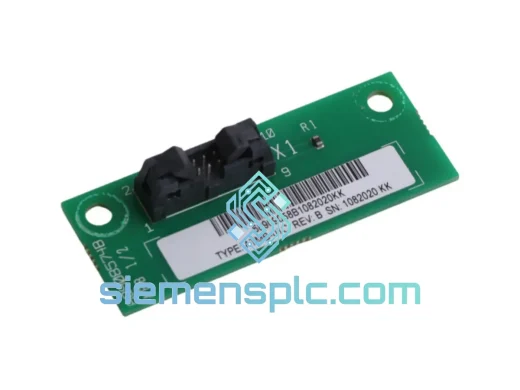
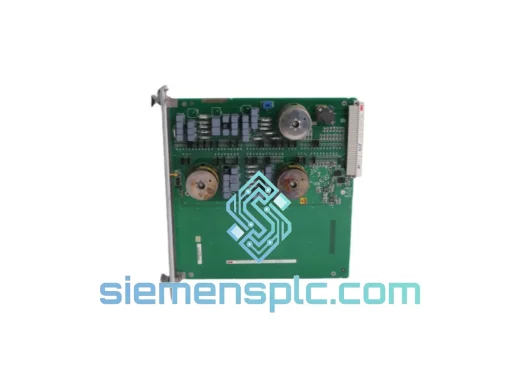
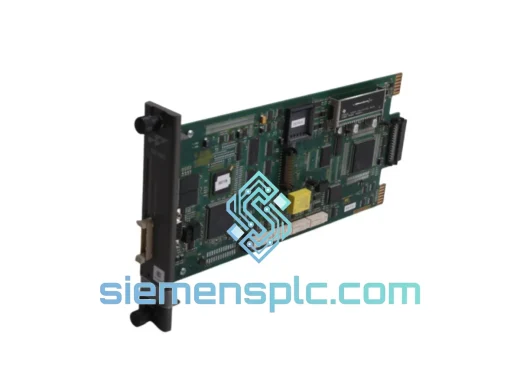
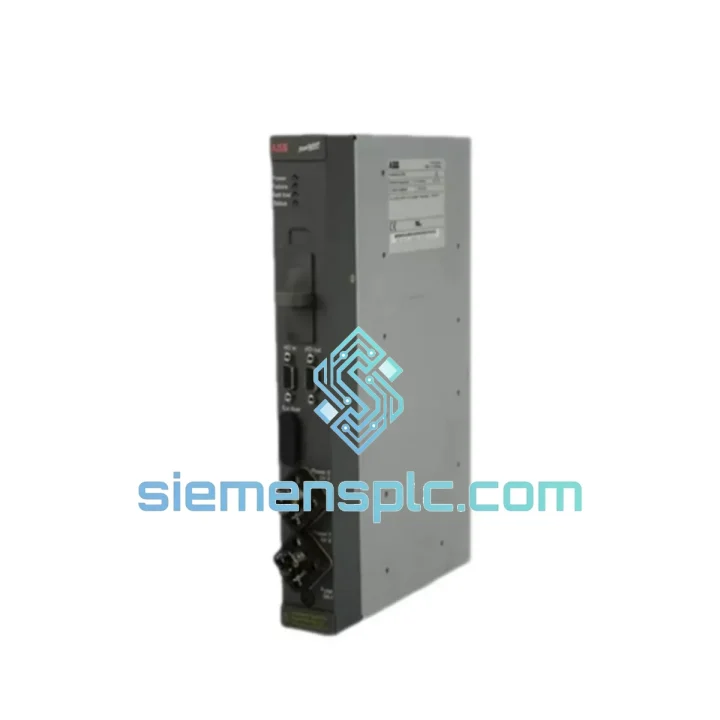
ABB DLM02 AC500 Link Module
Request verified availability, condition, replacement risk review, packing options and courier lead time for DLM02.
BrandABB
Part NumberDLM02
ConditionAvailability Check
Lead TimeRFQ Confirmation
DocumentsDatasheet / photos by RFQ
ShippingExport packing available
Auto-filled RFQ
DLM02
Click Request Quote and the part number is inserted into the inquiry form automatically.
- Reply by email: [email protected]
- WhatsApp / Tel: +86 18359268345
- Mon-Sat 9:00-18:00 GMT+8
Procurement Data
Key Product Information
Core fields for model confirmation and RFQ routing. Detailed product narrative remains below.
- Brand
- ABB
- Primary Part Number
- DLM02
- Product Type
- PLC Link Module
- Series / Family
- AC500
- Manufacturer
- ABB
- Country of Origin
- SE
- Catalog Category
- PLCs & Controllers
- Operating Temp.
- -25°C to +70°C
Model confirmed for inquiry
DLM02
Send quantity, destination and urgency. The RFQ form keeps this part number attached.
Request Quote
Product Overview
ABB DLM02 AC500 Link Module: Stop the Clock on Your Downtime
Every minute your line is down, you’re bleeding money. The ABB DLM02 is the dedicated link module that keeps your AC500 rack talking — and when it fails, you don’t have time to wait three weeks for a factory order. We stock the DLM02 in Xiamen, inspected and ready to pull from the shelf. One call, one shipment, line back up. That’s the only metric that matters right now.
The DLM02 handles the internal communication backbone between the AC500 CPU and its expansion I/O modules. When this module goes down, your CPU goes blind — no I/O reads, no outputs, no process control. Fault codes F0010, F0011, or a solid red BUS LED are your first indicators. Don’t waste time swapping CPUs. Pull the DLM02 first.
⚡ URGENT REQUIREMENT? Contact: [email protected] | WhatsApp: +86 18359268345
Quick Technical Datasheet
| Parameter | Specification |
|---|---|
| Part Number | DLM02 |
| Manufacturer | ABB |
| Series | AC500 |
| Module Function | Internal Link / Rack Communication Module |
| Mounting | AC500 Terminal Base (TB521 / TB541 / TB561) |
| Operating Temperature | -25°C to +70°C |
| Protection Rating | IP20 |
| Certifications | CE, UL, IEC 61131-2, RoHS |
| Condition | New, Genuine OEM |
| Stock Status | ✅ Ready to Ship – Xiamen Warehouse |
| Lead Time | Ships within 24 hours of payment confirmation |
| Origin | Germany |
Troubleshooting & Replacement Tips
Fault Indicators That Point to the DLM02:
- BUS LED solid red or flashing red: Internal link failure. The CPU has lost communication with one or more expansion modules. First suspect: DLM02 or its terminal base seating.
- Fault code F0010 / F0011: AC500 internal bus error. Before replacing the CPU, reseat the DLM02. If the fault clears on power cycle but returns within minutes, the module is failing intermittently — replace it.
- Partial I/O loss: If only modules on one side of the rack go offline, the DLM02 is the bridge. Check the module’s position and terminal base contacts first.
- CPU RUN but no outputs: Classic DLM02 failure signature in multi-rack configurations. The CPU is executing the program but can’t push outputs through the dead link layer.
Step-by-Step Replacement Procedure:
- Power down the rack. Do not hot-swap the DLM02 — it is not designed for live insertion. Confirm all outputs are in safe state before cutting power.
- Document the slot position. The DLM02 must be reinstalled in the same slot. Photograph the rack layout before removal.
- Release the terminal base latch and slide the module out. Inspect the connector pins on both the module and the terminal base for corrosion or mechanical damage.
- Seat the new DLM02 firmly until the latch clicks. A partial seat is the #1 cause of repeat faults after replacement.
- Power up and observe the BUS LED. It should cycle through green flash → solid green within 10–15 seconds. If it stays red, check terminal base integrity and CPU firmware version compatibility.
- Firmware note: The DLM02 does not carry user-configurable firmware, but your AC500 CPU firmware must be ≥V2.4.0 for full compatibility with later DLM02 hardware revisions. Confirm your CPU firmware version in PS501 Control Builder before ordering if you are running an older system.
- No DIP switches or address configuration required. The DLM02 is auto-addressed by the AC500 CPU at startup. No manual node ID assignment needed.
Reliability in Harsh Conditions
Industrial environments don’t care about your maintenance schedule. The ABB AC500 platform — and the DLM02 specifically — is engineered to operate where standard commercial electronics fail within months.
The DLM02 is rated for continuous operation from -25°C to +70°C, covering everything from unheated outdoor enclosures in northern climates to furnace-adjacent control panels in steel mills. The module’s conformal-coated PCB resists condensation and airborne contaminants — a critical factor in food processing, chemical plants, and coastal installations where humidity and salt air accelerate corrosion on unprotected boards.
Vibration resistance meets IEC 60068-2-6 test specifications, making the DLM02 suitable for installation on or near rotating machinery, compressors, and press lines where mechanical shock is a daily reality. The terminal base mounting system provides positive mechanical retention — the module won’t work loose from vibration cycles that would dislodge a standard DIN-rail device.
EMC immunity is built to IEC 61000-4 series standards. In environments with variable-frequency drives, large motor starters, and high-current switching, the DLM02 maintains signal integrity on the internal bus without requiring additional shielding or filtering beyond standard AC500 installation practices.
Mean time between failures (MTBF) for the AC500 module family exceeds 200,000 hours under rated conditions. When a DLM02 does fail, it is almost always due to a specific root cause: power surge, physical damage, or terminal base contact degradation — not random wear-out. Replacing the module and addressing the root cause restores full system reliability.
Global Express Logistics
Our Xiamen warehouse operates on a 24-hour dispatch cycle. Here’s exactly what happens after you confirm your order:
- Hour 0–2: Order confirmed, payment verified. Your DLM02 is pulled from shelf stock and staged for packing. We do not batch orders — yours moves immediately.
- Hour 2–6: Module packed in anti-static ESD bag, placed in double-wall carton with foam cushioning. Commercial invoice, packing list, and HS code documentation (8537.10) generated and attached.
- Hour 6–24: Shipment handed to DHL Express or FedEx International Priority — whichever has the next available flight to your destination. Tracking number sent to your email.
- Day 1–3 (most destinations): DHL Express and FedEx IP typically deliver to major industrial hubs in Southeast Asia, the Middle East, and Europe within 2–3 business days from Xiamen. North America: 3–5 business days. Remote locations: add 1–2 days.
- Customs clearance: We pre-classify all shipments with the correct HS code and provide accurate commercial documentation to minimize customs holds. For destinations with import restrictions on industrial electronics, contact us before ordering — we have experience navigating complex customs environments.
For genuine emergencies — line down, production stopped — contact us directly on WhatsApp. We can arrange same-day courier pickup for orders confirmed before 14:00 CST.
Contact Information
📧 Email: [email protected]
📱 WhatsApp: +86 18359268345
🌐 Web: siemensplc.com
© 2026 siemensplc.com. All rights reserved.
Ready to quote
[email protected]
Send This Part Number to Sales
RFQ workflow
Quality workflow ->
Confirmation Process
01Model confirmation
We check the full part number, brand, series and visible nameplate information before quotation.
02Availability reply
Sales confirms stock path, condition option, quantity and realistic lead time for export dispatch.
03Packing & courier
DHL, FedEx, UPS or buyer courier arrangements can be reviewed with packing requirements.
Continue sourcing
Browse full catalog ->
Related Automation Parts
Similar brand or category products for fast comparison and multi-item RFQ lists.
ABB
RFQ Ready
ABB 1SVR427075R0000 CP-A CM PLC CPU Module – AC500 Compact Series
AC500
Origin SE
PLC CPU Module