ABB
In Stock OK
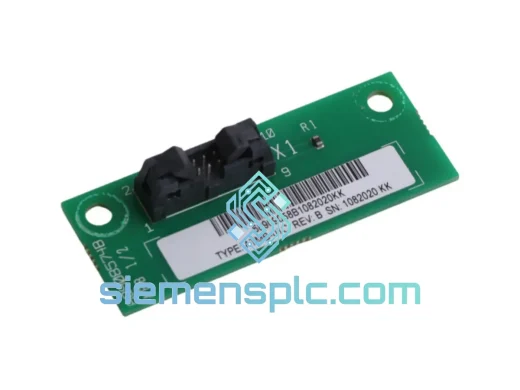
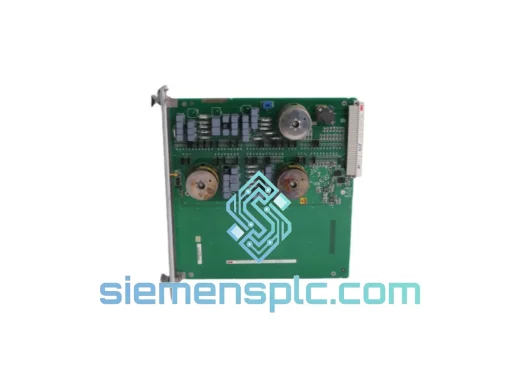
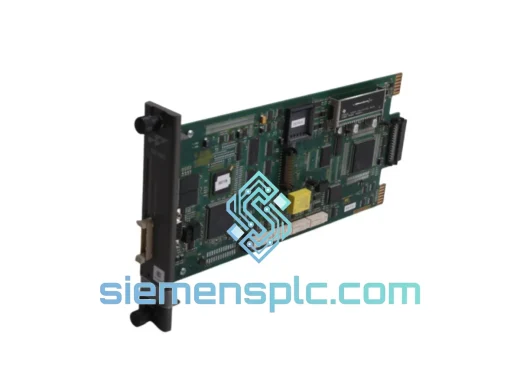
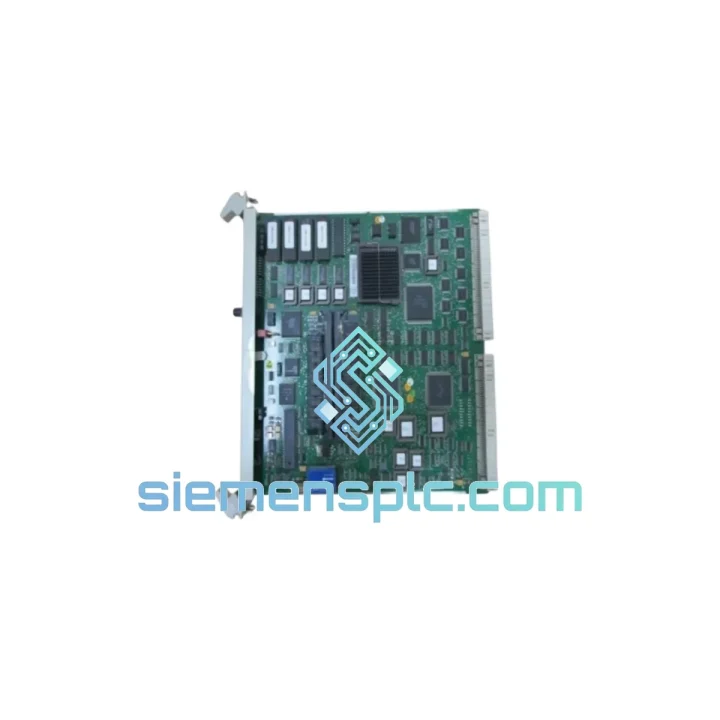
ABB PM510V16 3BSE008358R1 AC500 CPU Module
Request verified availability, condition, replacement risk review, packing options and courier lead time for PM510V16 3BSE008358R1.
BrandABB
Part NumberPM510V16 3BSE008358R1
ConditionAvailability Check
Lead TimeRFQ Confirmation
DocumentsDatasheet / photos by RFQ
ShippingExport packing available
Auto-filled RFQ
PM510V16 3BSE008358R1
Click Request Quote and the part number is inserted into the inquiry form automatically.
- Reply by email: [email protected]
- WhatsApp / Tel: +86 18359268345
- Mon-Sat 9:00-18:00 GMT+8
Procurement Data
Key Product Information
Core fields for model confirmation and RFQ routing. Detailed product narrative remains below.
- Brand
- ABB
- Primary Part Number
- PM510V16 3BSE008358R1
- Product Type
- PLC CPU Module
- Series / Family
- AC500
- Country of Origin
- SE
- Catalog Category
- PLCs & Controllers
- Operating Temp.
- 0 °C to +60 °C
Model confirmed for inquiry
PM510V16 3BSE008358R1
Send quantity, destination and urgency. The RFQ form keeps this part number attached.
Request Quote
Product Overview
ABB PM510V16 (3BSE008358R1) — Stop the Clock on Your Downtime
Every minute your line is down, you’re bleeding money. The ABB PM510V16 (catalog ref: 3BSE008358R1) is the CPU backbone of the AC500 mid-range PLC platform — and when it fails, nothing moves. We stock it. We ship it fast. From Xiamen to your plant floor, typically within 24–72 hours via DHL Express or FedEx International Priority.
This is not a generic listing. This is a field-sourced, power-on tested, 100% original ABB unit — pulled from verified surplus or authorized distribution channels — ready to drop into your TB5xx backplane and restore production.
URGENT REQUIREMENT? Contact: [email protected] | WhatsApp: +86 18359268345
Quick Technical Datasheet
| Parameter | Specification | Status |
|---|---|---|
| Brand | ABB | — |
| Part Number | PM510V16 | — |
| Catalog / Order No. | 3BSE008358R1 | — |
| Series | AC500 (V1) | — |
| Module Function | CPU / Central Processing Unit | — |
| Program Memory | 512 KB Flash | — |
| Data Memory | 512 KB SRAM | — |
| Onboard Ports | 1× RS-232, 1× RS-485 | — |
| Ethernet | Via CM5xx communication module | — |
| Fieldbus Support | PROFIBUS DP, CANopen, DeviceNet (via CM) | — |
| Supply Voltage | 24 V DC (via TB5xx backplane) | — |
| Operating Temperature | 0 °C to +60 °C | — |
| Storage Temperature | −25 °C to +70 °C | — |
| Protection Class | IP20 | — |
| Mounting | DIN Rail via TB511 / TB521 / TB541 / TB561 backplane | — |
| Programming Standard | IEC 61131-3 (ABB Automation Builder / CoDeSys 2.3) | — |
| Dimensions (W×H×D) | ~72 × 130 × 80 mm | — |
| Weight | ~300 g | — |
| Origin | Germany | — |
| Stock Status | ✅ Ready to Ship — Xiamen Warehouse | |
Troubleshooting & Replacement Tips
Swapping a PM510V16 in the field is not plug-and-play if you skip the checklist. Here’s what ten years of emergency callouts have taught:
1. Backup the project first — always. Before you pull the dead CPU, connect a laptop running ABB Automation Builder and attempt an online upload. Even a partial project backup beats starting from scratch. If the CPU is completely unresponsive, check if the SD card slot holds a project backup — the PM510V16 supports SD-card project storage, and that card may be your lifeline.
2. Check the RUN/STOP/RESET rotary switch. New units ship with the switch in STOP. Operators sometimes panic and cycle power repeatedly, which can corrupt the internal flash. Set the switch to STOP before inserting the module, download your project, then switch to RUN.
3. Firmware version matters. The PM510V16 runs firmware tied to the Automation Builder version used to compile the project. If your replacement unit has a different firmware revision, you may see a “CPU firmware mismatch” error on first download. Use the ABB Firmware Upgrade Tool (FUT) to align firmware before going live. Mismatched firmware is the #1 cause of failed hot-swap attempts on AC500 V1 platforms.
4. Backplane slot addressing. The PM510V16 does not use DIP switches for slot addressing — the AC500 platform uses automatic slot detection via the TB5xx backplane bus. However, if you’re replacing a CPU in a multi-rack configuration with CM modules, verify that the CM module addresses (set via rotary switches on the CM itself) have not shifted. A CM address conflict will prevent the new CPU from establishing fieldbus communication.
5. Common fault codes to know:
- ERR LED solid red: Hardware fault or corrupted firmware. Attempt firmware re-flash via SD card boot mode.
- ERR LED blinking (1 Hz): Configuration mismatch — I/O module count or type differs from stored configuration. Check SM module seating and verify hardware configuration in Automation Builder.
- RUN LED off, no ERR: CPU in STOP mode. Check rotary switch position and program download status.
- No LED activity at all: Power supply issue — verify 24 V DC at TB5xx backplane terminals before condemning the CPU.
- COM LED off after replacement: RS-485 port address conflict. Check node address settings in the project’s hardware configuration.
6. Retain the SD card from the failed unit. The card may contain the last-saved project and data logs. Even if the CPU is dead, the card is readable on any standard SD reader.
Reliability in Harsh Conditions
The AC500 platform was engineered for environments that would kill consumer-grade electronics. The PM510V16 carries a conformal coating on its PCB, providing resistance against condensation and airborne contaminants common in food processing, chemical plants, and coastal installations. Vibration tolerance meets IEC 60068-2-6 (sinusoidal, 10–57 Hz, 0.075 mm amplitude; 57–150 Hz, 1 g), making it suitable for installation near compressors, presses, and conveyor drives without additional shock mounts.
Thermal management is passive — no fans, no moving parts. The module dissipates heat through its aluminum housing and relies on panel airflow. In enclosures with poor ventilation, ambient temperatures above 50 °C will trigger thermal derating. If your panel runs hot, add a cabinet cooler before blaming the CPU. Units we ship have been stored in climate-controlled conditions and show no electrolytic capacitor aging — a common failure mode in modules pulled from long-idle machines.
EMC compliance covers EN 61000-4-2 (ESD), EN 61000-4-4 (EFT/Burst), and EN 61000-4-5 (Surge), which means the module can survive the electrical noise environment of a typical industrial switchgear room without additional filtering — provided your 24 V DC supply is properly decoupled.
Global Express Logistics
Our dispatch hub is in Xiamen, Fujian, China — one of the most connected export ports in Asia, with daily DHL Express and FedEx International Priority flights to Europe, North America, Southeast Asia, and the Middle East.
Standard process after order confirmation:
- Day 0 (order confirmed before 14:00 CST): Unit pulled from shelf, power-on tested, packed in anti-static foam with original ABB documentation where available.
- Day 0–1: Export customs declaration filed. HS Code 8537.10 (programmable controllers). Commercial invoice and packing list prepared for your customs broker.
- Day 1–2: DHL Express or FedEx pickup. Tracking number sent to your email within 2 hours of handover.
- Day 2–5: Delivery to most destinations in Europe and North America. Southeast Asia typically 1–3 days. Middle East and Africa 3–6 days.
For extreme emergencies — line-down situations where every hour counts — contact us via WhatsApp for same-day dispatch coordination. We have handled shipments to Germany, Australia, and Brazil with door-to-door transit under 72 hours. We can also arrange import duty pre-payment (DDP terms) on request to eliminate customs clearance delays on your end.
Contact Information
📧 Email: [email protected]
📱 WhatsApp: +86 18359268345
🌐 Web: siemensplc.com
© 2026 siemensplc.com. All rights reserved.
Ready to quote
[email protected]
Send This Part Number to Sales
RFQ workflow
Quality workflow ->
Confirmation Process
01Model confirmation
We check the full part number, brand, series and visible nameplate information before quotation.
02Availability reply
Sales confirms stock path, condition option, quantity and realistic lead time for export dispatch.
03Packing & courier
DHL, FedEx, UPS or buyer courier arrangements can be reviewed with packing requirements.
Continue sourcing
Browse full catalog ->
Related Automation Parts
Similar brand or category products for fast comparison and multi-item RFQ lists.
ABB
RFQ Ready
ABB 1SVR427075R0000 CP-A CM PLC CPU Module – AC500 Compact Series
AC500
Origin SE
PLC CPU Module