Siemens PLC sourcing desk · Multi-brand automation spares [email protected] +86 18359268345
ABB In Stock OK

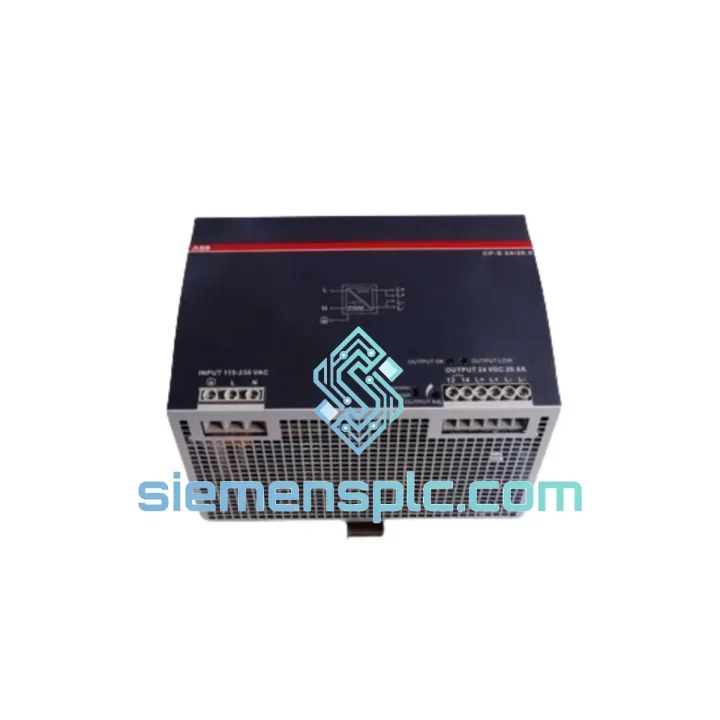
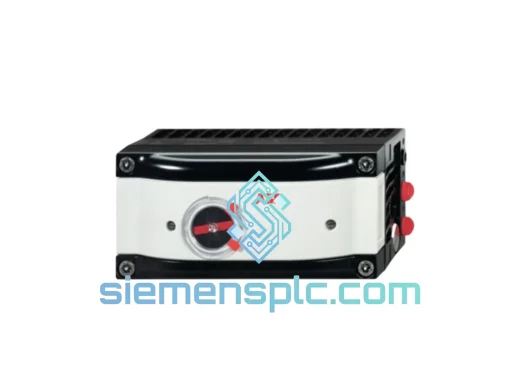
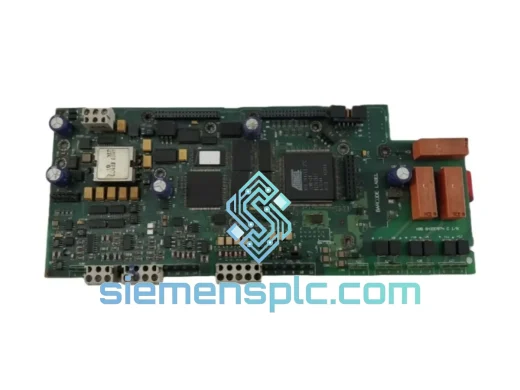
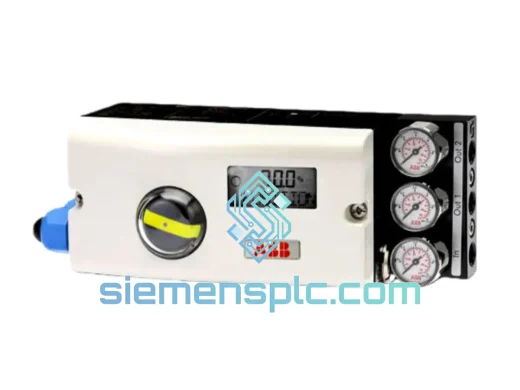
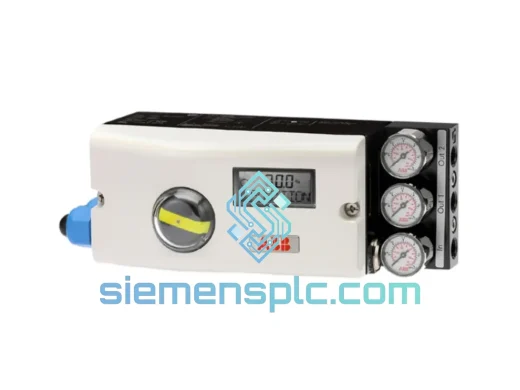
ABB VPM810 Valve Position Module

Request verified availability, condition, replacement risk review, packing options and courier lead time for VPM810.

Exact partVPM810 RFQ auto-fillPart number attached Export packingDHL / FedEx / UPS Sales replyEmail or WhatsApp
BrandABB Part NumberVPM810 ConditionAvailability Check Lead TimeRFQ Confirmation DocumentsDatasheet / photos by RFQ ShippingExport packing available
Auto-filled RFQ VPM810

Click Request Quote and the part number is inserted into the inquiry form automatically.

Procurement Data

Key Product Information

Core fields for model confirmation and RFQ routing. Detailed product narrative remains below.

Brand
ABB
Primary Part Number
VPM810
Product Type
Valve Position Module
Series / Family
AC500
Manufacturer
ABB
Country of Origin
SE
Catalog Category
Valves & Positioners
Model confirmed for inquiry VPM810 Send quantity, destination and urgency. The RFQ form keeps this part number attached.
Request Quote
Product Overview

ABB VPM810 — Stop the Bleed: Get Your Process Loop Back Online Before the Next Shift

Your actuator has gone blind. The CPU is throwing open-loop faults. The shift supervisor is on the radio. You already know the VPM810 is the culprit — you’ve seen this failure mode before. Every minute that valve position feedback is missing, your control system is flying without instruments. The question isn’t what failed. The question is how fast can you get a replacement on-site.

We stock the ABB VPM810 in Xiamen. Not on order. Not inbound. On the shelf, tested, packed, and ready to hand to DHL today. If your inquiry lands before 5 PM CST, it ships same day. That’s the only promise that matters when your line is down.

URGENT REQUIREMENT? Contact: [email protected] | WhatsApp: +86 18359268345

Quick Technical Datasheet

Parameter Value
Part Number VPM810
Manufacturer ABB
Series AC500
Module Function Valve Position Module — analog feedback interface for smart actuators
Backplane Interface AC500 S500 I/O bus (direct slot mounting, no adapter required)
Signal Type 4–20 mA / 0–10 V position feedback (actuator-dependent)
Addressing Auto-addressing via AC500 backplane — no manual DIP switch required on base module
Compatible CPUs PM554, PM564, PM572, PM581, PM582, PM591, PM592 and derivatives
Engineering Tool ABB Automation Builder (Codesys-based)
Operating Temp -25 °C to +60 °C
Protection Rating IP20 (module), IP65 with appropriate enclosure
Weight 700 g
Origin China (Xiamen stocking point)
Stock Status ✔ Ready to Ship

Troubleshooting & Replacement Tips

Most common failure signatures for the VPM810:

  • Fault code 0x8090 / Module not recognized: The CPU cannot enumerate the module on the I/O bus. Before assuming hardware failure, reseat the module firmly — the S500 bus connector is a known intermittent contact point after years of thermal cycling. If the fault persists after reseating, swap the module. The CPU will auto-detect the replacement on next power cycle.
  • Valve position stuck at 0% or 100%: This is almost never the actuator. The VPM810’s analog input conditioning circuit degrades under sustained moisture ingress. Check the module’s terminal block for corrosion. If the signal reads rail-to-rail with a known-good actuator connected, the module’s ADC front-end has failed — replace the VPM810.
  • Intermittent position feedback causing loop oscillation: Thermal fatigue on the internal signal processing board. Typically appears after 5–8 years of service in high-ambient-temperature enclosures. The oscillation worsens as the enclosure heats up through the day shift. Replace the module; do not attempt to tune the PID around a failing sensor.
  • Automation Builder shows module in “Unknown” state after firmware update: Firmware mismatch between the CPU and the VPM810’s embedded firmware. Downgrade the CPU firmware to the previously stable version, or source a VPM810 with matching firmware revision. Check the label on the module housing for the FW revision string before ordering.

Step-by-step hot-swap procedure (AC500 S500 I/O):

  1. Confirm the AC500 CPU supports hot-swap for this slot — check the project configuration in Automation Builder. If hot-swap is not enabled, schedule a controlled shutdown.
  2. Document the current slot address and I/O mapping from the Automation Builder project before touching hardware.
  3. Disconnect field wiring from the VPM810 terminal block. Label each wire — do not rely on memory or photos alone.
  4. Release the module locking tab and extract the VPM810 from the backplane slot.
  5. Insert the replacement VPM810 into the same slot. The AC500 backplane auto-assigns the slot address — no DIP switch configuration needed on the module itself.
  6. Reconnect field wiring per your documented mapping. Verify terminal torque (typically 0.5–0.6 Nm for AC500 terminal blocks).
  7. Power cycle the CPU or trigger a module re-scan from Automation Builder. The new VPM810 should enumerate within 10 seconds.
  8. Force the valve to 0% and 100% from the SCADA/HMI and verify the position feedback matches actuator travel. Adjust the actuator’s mechanical feedback linkage if there is a span error — this is a field calibration issue, not a module defect.

Reliability in Harsh Conditions

The VPM810 was not designed for a climate-controlled server room. It was designed for the kind of environments where engineers wear hard hats and the ambient temperature at the panel door is 45 °C before the sun hits it.

ABB’s AC500 S500 I/O series undergoes IEC 61131-2 compliance testing, which includes vibration testing at 10–57 Hz with 0.075 mm displacement amplitude and 57–150 Hz at 1 g — the kind of mechanical stress found on compressor skids and offshore platforms. The VPM810’s PCB uses conformal coating on production variants, providing resistance to condensation and airborne contaminants including H₂S traces common in oil and gas environments.

Thermal shock resistance is validated across the full -25 °C to +60 °C operating range, meaning the module survives the overnight cold-start conditions in northern climates as well as the sustained heat of tropical process plants. The backplane connector is rated for a minimum of 100 insertion cycles — relevant when you’re doing repeated module swaps during a fault-finding campaign.

Units we ship have been stored in controlled-humidity warehousing (RH < 60%) with anti-static packaging. We do not ship modules that have been exposed to uncontrolled storage conditions. If a unit shows any sign of connector oxidation or label damage during our pre-ship inspection, it does not leave the warehouse.

Global Express Logistics

Our stocking location is Xiamen, Fujian — one of China’s primary export hubs with direct DHL Express and FedEx International Priority lanes to every major industrial region globally.

  • Same-day dispatch: Orders confirmed before 17:00 CST ship the same business day via DHL Express or FedEx IP, depending on destination routing.
  • Transit times (typical): Southeast Asia 1–2 days | Middle East 2–3 days | Europe 3–4 days | North America 3–5 days | South America / Africa 4–6 days.
  • Export documentation: Commercial invoice, packing list, and certificate of origin issued with every shipment. HS code 8537.10 applied for customs clearance. We handle EEI filing for US-bound shipments automatically.
  • Tracking: AWB number provided within 2 hours of dispatch. Real-time tracking link sent directly to your procurement contact.
  • Emergency freight: For critical shutdowns requiring overnight delivery, we can arrange DHL Express 9:00 or 12:00 delivery options to most European and North American destinations. Contact us directly to confirm availability and surcharge.

We have shipped to refineries in Saudi Arabia, automotive plants in Germany, water treatment facilities in Australia, and mining operations in Chile. The logistics process is the same every time: fast, documented, and traceable end-to-end.

Contact Information

Email: [email protected]
WhatsApp: +86 18359268345
Web: siemensplc.com
© 2026 siemensplc.com. All rights reserved.

Ready to quote

Send This Part Number to Sales

[email protected]
RFQ workflow

Confirmation Process

Quality workflow ->
01Model confirmation

We check the full part number, brand, series and visible nameplate information before quotation.

02Availability reply

Sales confirms stock path, condition option, quantity and realistic lead time for export dispatch.

03Packing & courier

DHL, FedEx, UPS or buyer courier arrangements can be reviewed with packing requirements.