ABB
In Stock OK
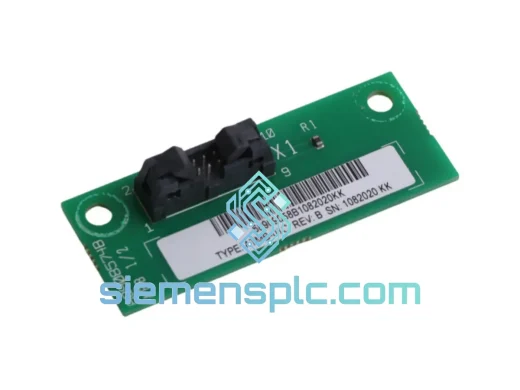
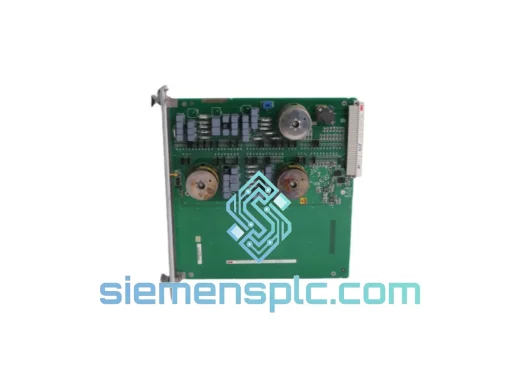
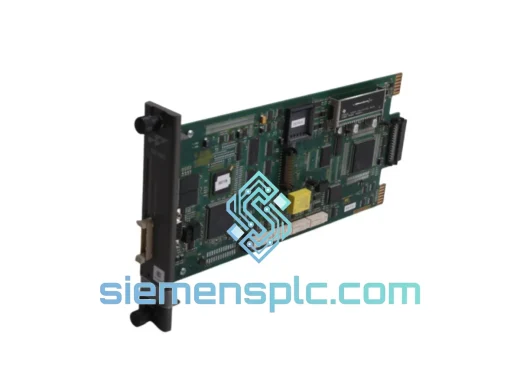
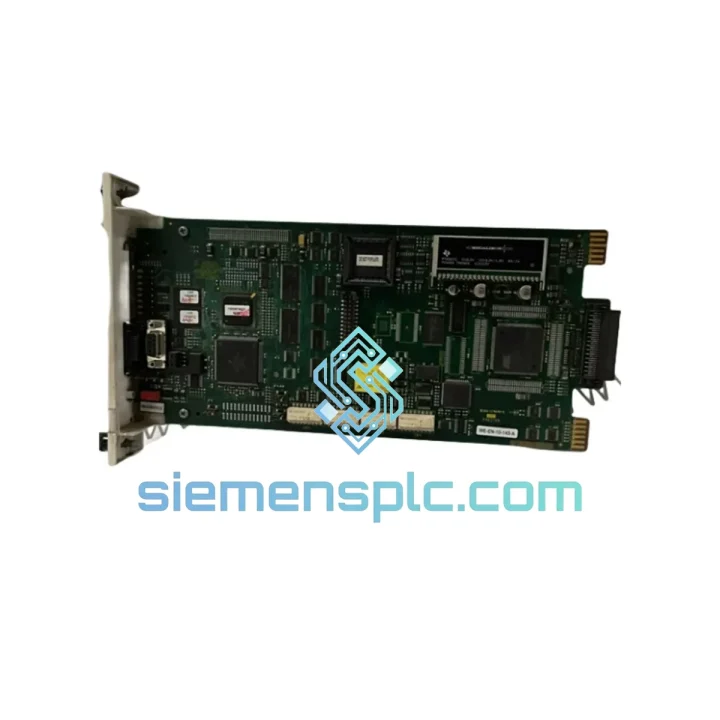
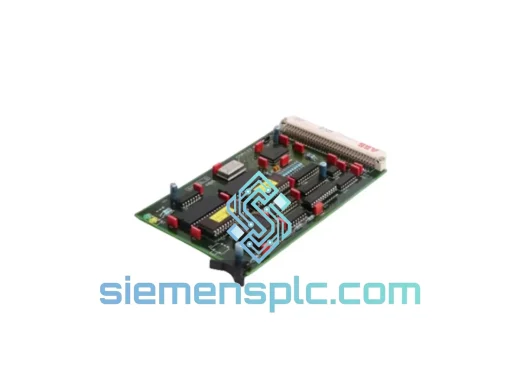
ABB SPBRC400 SPBRC4000000 PLC CPU Module
Request verified availability, condition, replacement risk review, packing options and courier lead time for SPBRC400 SPBRC4000000.
BrandABB
Part NumberSPBRC400 SPBRC4000000
ConditionAvailability Check
Lead TimeRFQ Confirmation
DocumentsDatasheet / photos by RFQ
ShippingExport packing available
Auto-filled RFQ
SPBRC400 SPBRC4000000
Click Request Quote and the part number is inserted into the inquiry form automatically.
- Reply by email: [email protected]
- WhatsApp / Tel: +86 18359268345
- Mon-Sat 9:00-18:00 GMT+8
Procurement Data
Key Product Information
Core fields for model confirmation and RFQ routing. Detailed product narrative remains below.
- Brand
- ABB
- Primary Part Number
- SPBRC400 SPBRC4000000
- Product Type
- PLC CPU Module
- Series / Family
- AC500
- Country of Origin
- SE
- Catalog Category
- PLCs & Controllers
- Operating Temp.
- 0 °C to +60 °C
Model confirmed for inquiry
SPBRC400 SPBRC4000000
Send quantity, destination and urgency. The RFQ form keeps this part number attached.
Request Quote
Product Overview
ABB SPBRC400 SPBRC4000000 — Stop the Bleed: AC500 CPU Back Online Before the Next Shift
Your AC500 rack just threw a CPU fault. The HMI is frozen. The line is down. Every minute you spend waiting for a controller is money walking out the door — and your maintenance team knows it. The ABB SPBRC400 (order code SPBRC4000000) is on our shelf in Xiamen right now. We’ve shipped this exact module to plants in Germany, Malaysia, Saudi Arabia, and Brazil on 24-hour notice. We can do the same for you.
This is not a catalog listing. This is a field-ready replacement unit, inspected, anti-static packed, and staged for DHL Express or FedEx International Priority the moment your purchase order clears. If your production schedule cannot absorb a 4-week OEM lead time, you already know what to do.
URGENT REQUIREMENT? Contact: [email protected] | WhatsApp: +86 18359268345
Quick Technical Datasheet
| Parameter | Value |
|---|---|
| Part Number | SPBRC400 |
| Order Code | SPBRC4000000 |
| Brand | ABB |
| Series | AC500 PLC |
| Module Type | CPU / Controller Module with Expanded Memory |
| Programming Standard | IEC 61131-3 (LD, FBD, ST, IL, SFC) |
| Communication Interfaces | CS31, Modbus RTU/TCP, PROFIBUS DP, Ethernet (config-dependent) |
| Supply Voltage | 24 V DC via AC500 system bus |
| Operating Temperature | 0 °C to +60 °C |
| Mounting | DIN rail, AC500 terminal base |
| Weight | ~300 g |
| Certifications | CE, UL |
| Country of Origin | Germany |
| Stock Status | ✅ Ready to Ship — Xiamen, China |
Troubleshooting & Replacement Tips
Common failure signatures for the SPBRC400:
- ERR LED solid red on CPU: Typically indicates a corrupted user program or failed internal RAM. Before condemning the CPU, attempt a cold restart with the RUN/STOP switch held in STOP for 10 seconds. If the ERR LED persists after a clean power cycle, the CPU is the likely culprit.
- SF (System Fault) LED flashing: Often triggered by a firmware mismatch between the CPU and an I/O expansion module. Pull the I/O bus connector and power up the CPU standalone — if SF clears, the fault is in the I/O chain, not the CPU itself.
- CPU not recognized by Control Builder Plus: Check the Ethernet port link LED. A dead port on the CPU board is a known wear-out failure mode after 5–7 years in high-humidity environments. Swap the CPU before chasing network infrastructure.
- Watchdog timeout faults (WD_TIMEOUT in diagnostic log): Can indicate CPU overload from an oversized program or a failing processor. Log the scan cycle time via the diagnostic buffer before replacement — if scan time was spiking to 3× the setpoint, the CPU hardware is degrading.
Step-by-step hot-swap procedure (AC500 CPU replacement):
- Place the PLC in STOP mode via Control Builder Plus or the physical RUN/STOP switch. Confirm all outputs are de-energized and safe to interrupt.
- Export and save the current project from Control Builder Plus — including the hardware configuration (.cfg) file. Store on a USB drive physically attached to the panel door.
- Note the rotary address switch setting on the existing CPU (if used for CS31 node addressing). The SPBRC400 uses a two-digit rotary switch on the front face. Photograph it before removal.
- Power down the AC500 rack. Disconnect the 24 V DC supply to the CPU terminal base.
- Release the CPU module by pressing the top and bottom locking tabs simultaneously and sliding the module forward off the terminal base. Do not pull by the communication connectors.
- Install the replacement SPBRC400 onto the same terminal base. Confirm the module clicks fully into the locking tabs — a partial seat will cause intermittent bus faults.
- Set the rotary address switches on the new CPU to match the photographed settings from step 3.
- Restore 24 V DC power. The CPU will boot to STOP mode with no user program loaded.
- Connect via Control Builder Plus, download the saved project, and perform a full hardware configuration download. Verify the I/O module list matches the physical rack.
- Check firmware version on the new CPU (Menu → PLC → Properties in Control Builder Plus). If the firmware version differs from the previous unit by more than one minor revision, update firmware before going to RUN — mismatched firmware can cause subtle timing differences in motion or PID loops.
- Switch to RUN mode. Monitor the first 15 minutes of operation for any SF or ERR indications. Log the scan cycle time and compare to pre-failure baseline.
Configuration checklist before RUN:
- ☐ Rotary address switches match original unit
- ☐ Firmware version verified and updated if required
- ☐ Hardware configuration downloaded and I/O modules all showing green in Control Builder Plus
- ☐ Retentive data (RETAIN variables) restored from backup if applicable
- ☐ Communication parameters (IP address, baud rate, node ID) confirmed in project settings
- ☐ First scan outputs verified against expected state before releasing to production
Reliability in Harsh Conditions
The SPBRC400 was not designed for a climate-controlled server room. ABB engineered the AC500 platform for the environments where automation actually lives — cement plant control rooms with 45 °C ambient and dust ingress, offshore platform panels with salt-laden air and constant vibration, and chemical plant cabinets where humidity swings from 20% to 95% RH between seasons.
The CPU board uses conformal coating on the PCB to resist moisture and corrosive atmospheres. The terminal base connector system is rated for thousands of mating cycles, meaning repeated module swaps during maintenance windows do not degrade the electrical interface. Vibration resistance meets IEC 60068-2-6 (sinusoidal, 5–150 Hz, 1 g), and shock resistance meets IEC 60068-2-27 — the same standards applied to railway and heavy machinery applications.
EMC performance is certified to EN 61000-6-2 (industrial immunity) and EN 61000-6-4 (industrial emissions), which means the CPU will not lose its program or generate spurious outputs when a large VFD starts up on the same panel bus — a failure mode that plagues cheaper controller platforms. The wide operating temperature range (0 °C to +60 °C without derating) means no forced cooling is required in standard industrial enclosures, eliminating a common maintenance point.
Units supplied by siemensplc.com are stored in a temperature and humidity-controlled warehouse in Xiamen. Each unit is individually bagged in anti-static packaging with desiccant, and outer cartons are foam-lined for transit shock absorption. We do not ship loose modules in bubble wrap.
Global Express Logistics
Our dispatch hub is in Xiamen, Fujian — one of China’s primary export ports with direct DHL Express and FedEx International Priority service to over 220 countries and territories. Here is what the logistics chain looks like from your purchase order to your panel door:
- Order confirmed before 14:00 CST: Same-day dispatch to DHL/FedEx sort facility.
- DHL Express Worldwide: 1–3 business days to Europe, Middle East, Southeast Asia. 2–4 business days to North America, South America, Africa.
- FedEx International Priority: Comparable transit times; preferred for US-bound shipments requiring FDA/CBP pre-clearance documentation.
- Export documentation: Commercial invoice, packing list, and certificate of origin issued same day. HS code 8537.10 declared for customs. FORM E (ASEAN), EUR.1 (EU), and other preferential origin certificates available on request.
- Tracking: AWB number sent via email within 2 hours of dispatch. Real-time tracking link provided.
- Customs clearance support: We pre-declare accurate HS codes and provide detailed product descriptions to minimize customs hold risk. For shipments to countries with import licensing requirements for automation equipment, contact us in advance.
For plant shutdowns, scheduled maintenance windows, or emergency breakdowns where every hour counts, contact us directly on WhatsApp for real-time stock confirmation and dispatch scheduling before placing the order.
Contact Information
📧 Email: [email protected]
💬 WhatsApp: +86 18359268345
🌐 Web: siemensplc.com
© 2026 siemensplc.com. All rights reserved.
Ready to quote
[email protected]
Send This Part Number to Sales
RFQ workflow
Quality workflow ->
Confirmation Process
01Model confirmation
We check the full part number, brand, series and visible nameplate information before quotation.
02Availability reply
Sales confirms stock path, condition option, quantity and realistic lead time for export dispatch.
03Packing & courier
DHL, FedEx, UPS or buyer courier arrangements can be reviewed with packing requirements.
Continue sourcing
Browse full catalog ->
Related Automation Parts
Similar brand or category products for fast comparison and multi-item RFQ lists.
ABB
RFQ Ready
ABB 1SVR427075R0000 CP-A CM PLC CPU Module – AC500 Compact Series
AC500
Origin SE
PLC CPU Module