GE
RFQ Ready
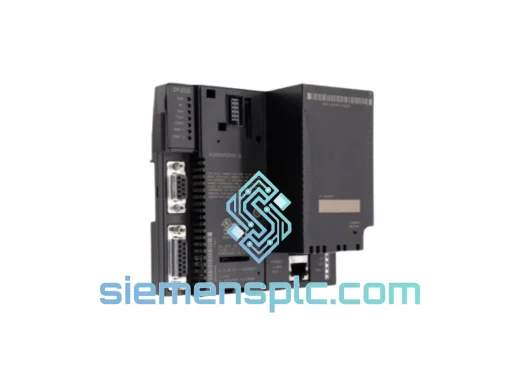
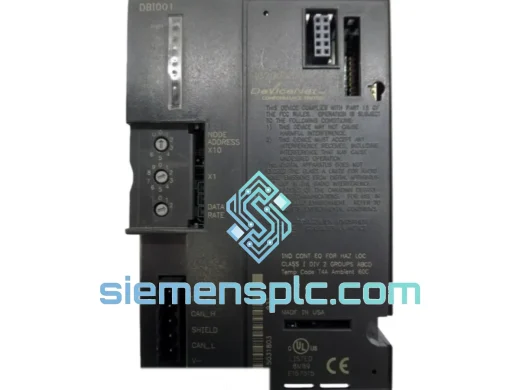
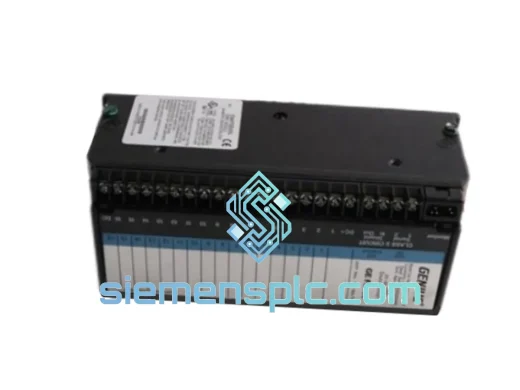
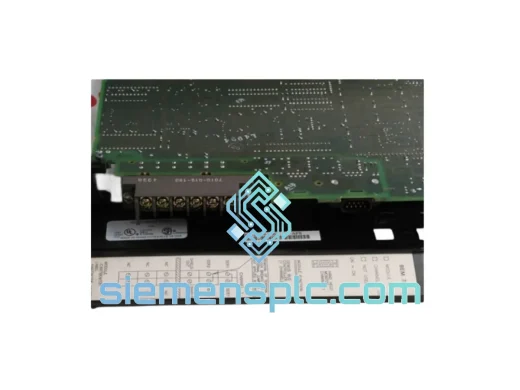
GE IC750-P5-G5-S5-HI-A1-R-E PLC Communication Module
VersaMax
Origin US
PLC Communication Module
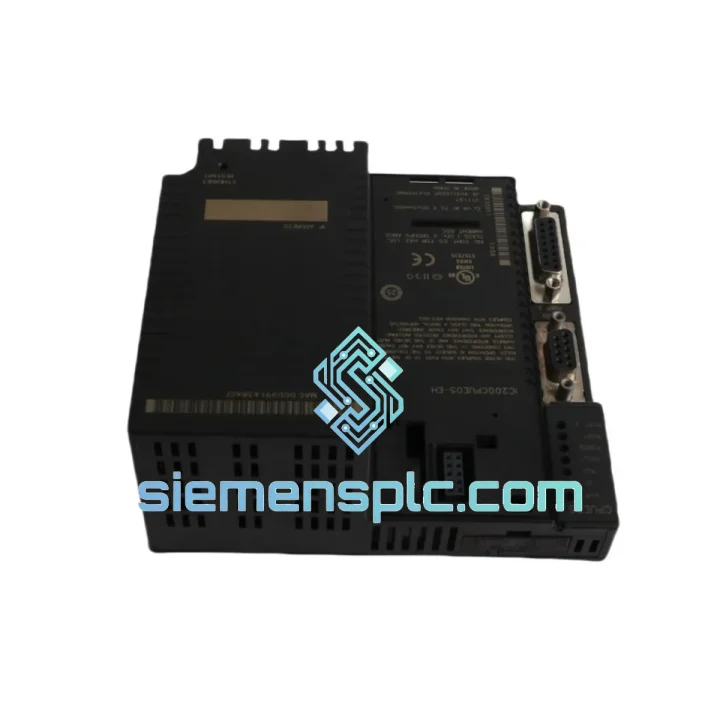
Request verified availability, condition, replacement risk review, packing options and courier lead time for IC200CPUE05-EH.
Click Request Quote and the part number is inserted into the inquiry form automatically.
Core fields for model confirmation and RFQ routing. Detailed product narrative remains below.
Every minute your line is down, you’re bleeding money. A failed CPU module shouldn’t cost you a shift, a batch, or a contract. The GE IC200CPUE05-EH is on our shelf right now — inspected, tested, and ready to leave Xiamen within 24 hours of your confirmed order. We’ve handled enough emergency callouts to know that the difference between a 4-hour fix and a 3-day nightmare is whether your replacement part is in stock. This one is.
URGENT REQUIREMENT? Contact: [email protected] | WhatsApp: +86 18359268345
| Part Number | IC200CPUE05-EH |
| Brand | GE (General Electric Automation) |
| Series / Platform | VersaMax Micro |
| Module Type | Ethernet CPU Controller |
| Program Memory | 14 KB logic / 32 KB total |
| Data Memory | 16 KB |
| Ethernet Port | 1 × RJ-45, 10/100 Mbps auto-negotiation |
| Supported Protocols | Modbus TCP/IP (Server/Client), SRTP, EGD |
| Serial Port | 1 × RS-232 (programming / HMI) |
| Max I/O Points | 2,048 discrete / 128 analog (with expansion) |
| Scan Time | ~0.6 ms/K boolean instructions |
| Supply Voltage | 24 VDC (via VersaMax power supply) |
| Operating Temperature | 0°C to +60°C |
| Storage Temperature | -40°C to +85°C |
| Humidity | 5% to 95% non-condensing |
| Certifications | CE, UL, cUL |
| Country of Origin | USA |
| Stock Status | ✔ Ready to Ship — Xiamen Warehouse |
Swapping an IC200CPUE05-EH in the field is straightforward if you know the traps. Here’s what ten years of emergency callouts have taught us:
1. IP Address Conflict After Swap
The replacement unit ships with a factory-default IP of 192.168.0.100. If your network already has a device at that address, the CPU will fail to communicate and you’ll see a solid red LAN fault LED. Before powering up, connect a laptop directly via crossover cable, open Proficy Machine Edition, use the “Set IP Address” utility under the Target menu, and assign the correct static IP before connecting to the plant network. Do not skip this step — it’s the #1 cause of “the new CPU doesn’t work” calls.
2. Firmware Revision Mismatch
The -EH hardware suffix indicates enhanced EMC filtering. Functionally it runs the same firmware as the base IC200CPUE05, but confirm your Proficy Machine Edition version is 5.0 or later. Older PME versions (pre-4.5) will fail to connect via Ethernet and may corrupt the program download. Check the firmware version in the CPU’s hardware configuration properties before going online.
3. Program Backup Before You Pull the Old CPU
If the original CPU is still partially functional (faulted but not dead), upload the program via RS-232 serial first. Ethernet may be unreliable on a faulted unit. Use the RS-232 port with a standard null-modem cable at 19,200 baud. This takes 3 minutes and saves you from re-entering a program from a paper printout at 2 AM.
4. EGD Exchange Configuration
If your system uses Ethernet Global Data (EGD) for peer-to-peer CPU communication, the exchange IDs and producer/consumer relationships are stored in the hardware configuration, not the ladder logic. After swapping the CPU, you must download the full hardware configuration — not just the program — or the EGD exchanges will not initialize and peer CPUs will report a loss-of-producer fault.
5. Common Fault Codes
6. Rack Addressing
The VersaMax Micro uses fixed slot addressing — there are no DIP switches or rotary dials on the CPU itself. I/O module addresses are determined by physical slot position on the backplane. Ensure your hardware configuration in PME matches the physical rack layout exactly, or you will get I/O reference mismatches on first scan.
The IC200CPUE05-EH was not designed for a climate-controlled server room. It was built for the floor — and it shows. The operating temperature range of 0°C to +60°C covers the majority of industrial enclosure environments, including poorly ventilated panels in foundries, outdoor pump stations in summer heat, and cold-storage facility control rooms. The storage rating of -40°C to +85°C means a unit sitting in an unheated spare-parts cabinet through a northern winter will power up without issue when you need it.
Vibration compliance to IEC 60068-2-6 means the module has been tested against sinusoidal vibration across the 10–150 Hz frequency range at accelerations up to 1g. In practice, this covers conveyor-mounted panels, compressor rooms, and press-line control cabinets where resonance is a real concern. The conformal-coated PCB on the -EH variant provides additional protection against condensation and airborne contaminants — relevant in food processing, chemical handling, and coastal installations where humidity cycles are aggressive.
The DIN-rail snap-mount mechanism uses a positive-locking retention clip that does not loosen under vibration. We’ve seen original units pulled from machines after 15+ years of continuous operation with no mechanical degradation to the housing or connector pins. When you install a replacement, torque the I/O module connectors to spec and verify the backplane bus connector is fully seated — a partial connection is the most common cause of intermittent I/O faults in high-vibration environments.
Our warehouse is located in Xiamen, Fujian Province — one of China’s primary export hubs with direct access to international freight lanes via Xiamen Gaoqi International Airport and Xiamen Port. This geography is not accidental. It gives us same-day handoff to DHL Express and FedEx International Priority for orders confirmed before 14:00 CST.
Typical transit times from Xiamen:
Every shipment includes full tracking from pickup to delivery, commercial invoice, packing list, and certificate of conformance. For regulated industries (nuclear, aerospace, rail), we can provide additional documentation including incoming inspection records and firmware verification reports. Customs HS code for this module is 8537.10 — we pre-fill all export documentation to minimize clearance delays at destination. For urgent orders, we can arrange Saturday pickup with DHL on request.
Anti-static inner bag, foam-lined outer box, and fragile labeling are standard. For air freight, we comply with IATA packaging guidelines. The unit will arrive in the same condition it left our shelf.
Email: [email protected]
WhatsApp: +86 18359268345
Web: siemensplc.com
© 2026 siemensplc.com. All rights reserved.
We check the full part number, brand, series and visible nameplate information before quotation.
Sales confirms stock path, condition option, quantity and realistic lead time for export dispatch.
DHL, FedEx, UPS or buyer courier arrangements can be reviewed with packing requirements.
Similar brand or category products for fast comparison and multi-item RFQ lists.