Teledyne Dalsa
RFQ Ready
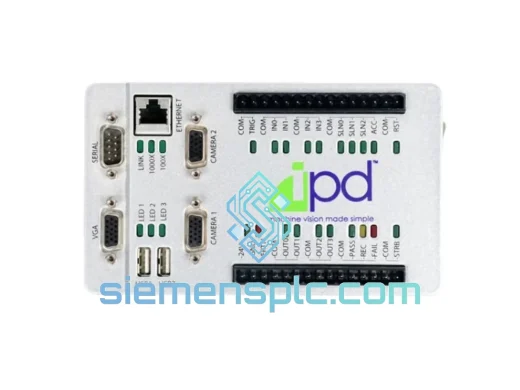
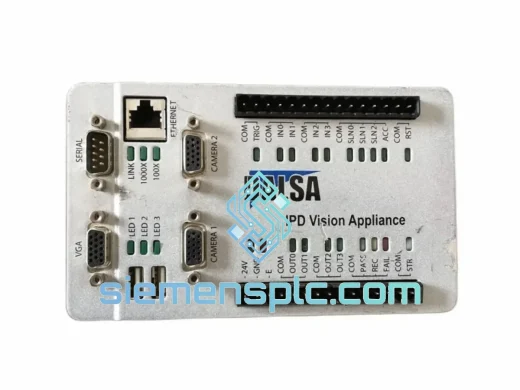
Teledyne DALSA VA2-03-C11-1 Machine Vision Camera
Origin Not specified
Machine Vision Camera
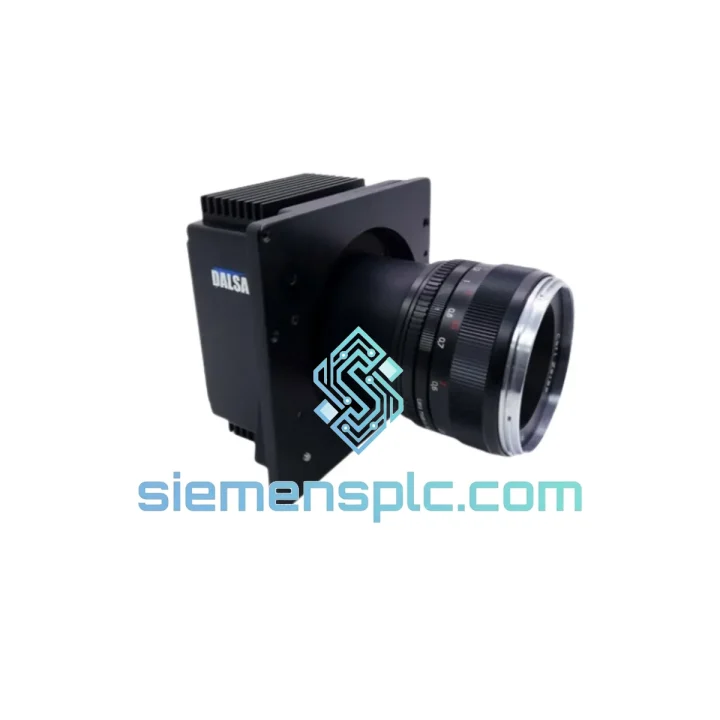
Request verified availability, condition, replacement risk review, packing options and courier lead time for PC-30-04K80-00.
Click Request Quote and the part number is inserted into the inquiry form automatically.
Core fields for model confirmation and RFQ routing. Detailed product narrative remains below.
Your inspection line just stopped. The Teledyne Dalsa PC-30-04K80-00 threw a fault, the frame grabber lost sync, or the camera simply won’t initialize after a power event. You’ve already burned 30 minutes on diagnostics. The production manager is calling. You need a replacement unit — not in two weeks, not after a distributor quote cycle. Now.
We stock the PC-30-04K80-00 in Xiamen and ship via DHL Express or FedEx International Priority within the same business day on confirmed orders. Most destinations in Southeast Asia receive within 48 hours. Europe and North America within 72–96 hours. No minimum order. No bureaucratic RFQ process. One email or WhatsApp message and we move.
URGENT REQUIREMENT? Contact: [email protected] | WhatsApp: +86 18359268345
| Parameter | Specification |
|---|---|
| Part Number | PC-30-04K80-00 |
| Manufacturer | Teledyne Dalsa |
| Series | Piranha (PC-30) |
| Sensor Type | CCD Line Scan |
| Resolution | 4096 pixels (4K) |
| Max Line Rate | 80,000 lines/second (80 kHz) |
| Pixel Size | 10 µm × 10 µm |
| Interface | Camera Link (Base / Medium / Full) |
| Bit Depth | 8-bit / 10-bit / 12-bit selectable |
| Power Input | +12 V DC via Camera Link connector |
| Operating Temperature | 0°C to +50°C |
| Dimensions | 60 × 60 × 80 mm (approx.) |
| Weight | ~100 g |
| Compliance | CE, RoHS |
| Origin | Canada (Teledyne Dalsa, Waterloo) |
| Stock Status | ✅ Ready to Ship — Xiamen Warehouse |
After handling dozens of Piranha PC-30 field swaps, these are the failure modes and swap pitfalls that actually bite engineers on-site:
1. Camera Link sync loss / no image after power event
The PC-30-04K80-00 uses an internal FPGA that can enter a locked state after a voltage spike or brownout. Before condemning the camera, cycle power with the Camera Link cable disconnected, wait 10 seconds, then reconnect. If the frame grabber still reports no valid CC1 trigger acknowledgment, the FPGA is likely corrupted — the unit needs replacement, not firmware reflash (field firmware update is not supported on this revision without Dalsa factory tools).
2. Bit depth mismatch after swap
The PC-30-04K80-00 stores its output bit depth setting in non-volatile internal registers, not in the frame grabber profile. When you drop in a replacement unit, the new camera defaults to 8-bit output. If your vision software expects 10-bit or 12-bit, you will get a washed-out or clipped image immediately. Use Dalsa’s Sapera LT CamExpert to re-apply the bit depth setting before running production. Document the register values from the old camera before removal if it still powers on.
3. Line rate configuration — don’t trust the frame grabber default
The 80 kHz maximum line rate is hardware-limited by the CCD charge transfer speed. Running the CC1 trigger above this rate causes partial-line artifacts that look like horizontal banding. Confirm your frame grabber’s trigger frequency matches the encoder-derived line rate in your application. A common mistake during swap is the frame grabber profile reverting to a default 10 kHz — verify in CamExpert before sign-off.
4. Camera Link cable integrity check
The PC-30 series is sensitive to marginal Camera Link cables, especially at Full configuration (80-bit). If the replacement camera shows intermittent pixel errors or dropped lines, swap the MDR-26 cable before assuming the new unit is faulty. Test with a known-good 1 m cable first. Cable faults account for roughly 30% of apparent camera failures in field conditions.
5. Grounding and ESD on installation
The CCD sensor in the PC-30-04K80-00 is ESD-sensitive to ±500 V HBM. In environments with conveyor belts, pneumatic actuators, or ungrounded metal frames, always bond the camera housing to machine ground before connecting the Camera Link cable. Failure to do so is the leading cause of premature CCD degradation in high-throughput web inspection lines.
6. Firmware revision matching
If your system uses Dalsa’s Sapera Processing SDK with camera-specific calibration files (.ccf), confirm the firmware revision of the replacement unit matches the original. Revision mismatches can cause flat-field correction offsets. Check the firmware string via CamExpert → Camera Information tab immediately after installation.
The Piranha PC-30 platform was not designed for a climate-controlled lab — it was built for the factory floor. The aluminum alloy housing dissipates heat passively, keeping the CCD junction temperature stable even in enclosures where ambient air reaches 45°C. The Camera Link connector uses a positive-latch MDR-26 interface that resists vibration-induced disconnection, a critical detail in press lines and web-handling machinery where 5–50 Hz mechanical vibration is constant.
The internal CCD is hermetically sealed against particulate ingress. In paper mill and textile environments where airborne fiber and dust are unavoidable, the PC-30-04K80-00 consistently outperforms area-scan alternatives because the sealed sensor cavity prevents the gradual image degradation caused by dust accumulation on the sensor surface. The optical window is the only serviceable surface — clean it with IPA and a lint-free swab during scheduled maintenance, not compressed air.
In high-humidity coastal and tropical installations (relative humidity up to 80% non-condensing), the unit’s conformal-coated PCB prevents corrosion on solder joints and connector pins. We have supplied PC-30-04K80-00 units to food processing facilities in Southeast Asia where daily washdown cycles create persistent moisture — the cameras have run continuously for 18+ months without humidity-related failures when properly mounted with the connector facing downward.
Our Xiamen warehouse is 40 minutes from Xiamen Gaoqi International Airport (XMN), a major DHL and FedEx gateway hub for South China. This geography is deliberate — it means your replacement unit moves from our shelf to an international flight within hours of order confirmation, not days.
Standard dispatch process: Order confirmed before 15:00 CST → same-day packing and export documentation → DHL/FedEx pickup at 17:00–18:00 CST → airside at XMN by 20:00 → first available international departure. For most Asian destinations, this means delivery the following business day. For Europe (Frankfurt, Amsterdam, London), delivery is typically 2–3 business days. For North America (Los Angeles, Chicago, New York), 3–4 business days.
We prepare all export documentation in-house: commercial invoice, packing list, HS code classification (8525.89 for CCD cameras), and EAR99 export classification confirmation for US-bound shipments. ESD-safe anti-static bags, foam-lined inner carton, and double-wall outer carton are standard — the unit arrives in the same condition it left our warehouse regardless of how the courier handles it in transit.
For customers in regions with complex customs environments (India, Brazil, Indonesia), we provide pre-shipment documentation review and can adjust declared values and descriptions to align with local import regulations. Contact us before ordering if your site has specific customs requirements.
Email: [email protected]
WhatsApp: +86 18359268345
Web: siemensplc.com
© 2026 siemensplc.com. All rights reserved.
We check the full part number, brand, series and visible nameplate information before quotation.
Sales confirms stock path, condition option, quantity and realistic lead time for export dispatch.
DHL, FedEx, UPS or buyer courier arrangements can be reviewed with packing requirements.
Similar brand or category products for fast comparison and multi-item RFQ lists.