Bently Nevada
RFQ Ready
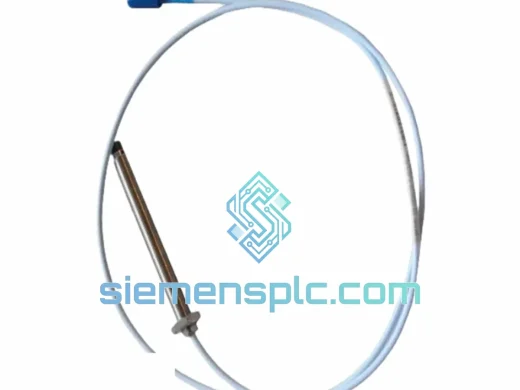
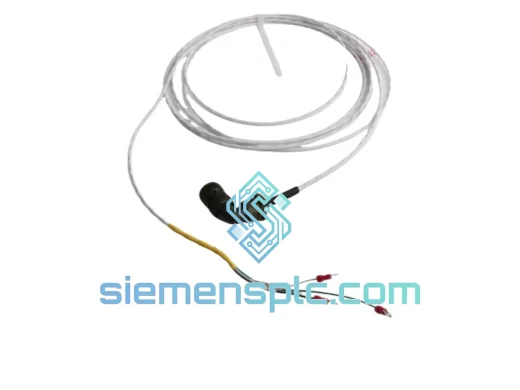
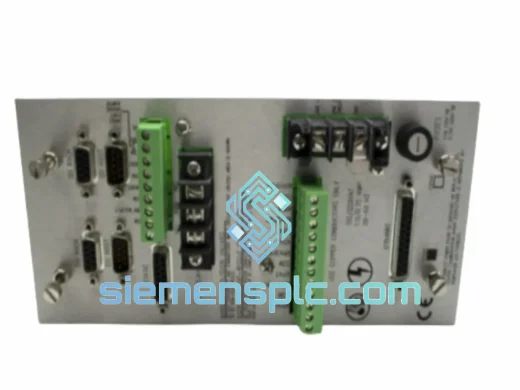
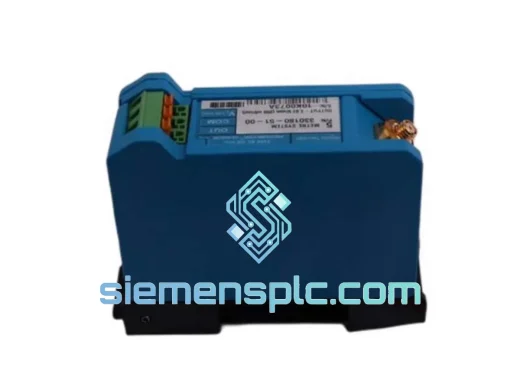
Bently Nevada 991-25-50-01-00 Thrust Transmitter – 3500 Series
3500 Series
Origin US
Thrust Transmitter
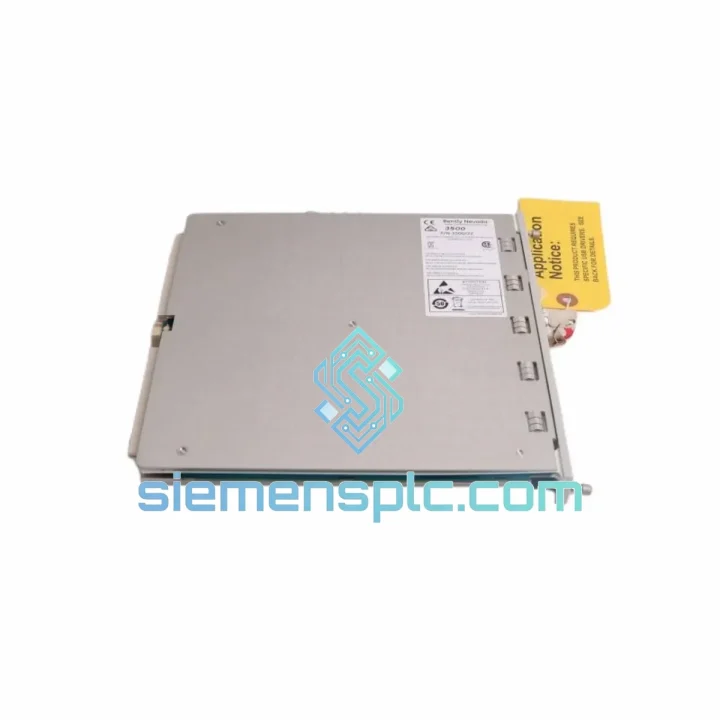
Request verified availability, condition, replacement risk review, packing options and courier lead time for 3500/42M.
Click Request Quote and the part number is inserted into the inquiry form automatically.
Core fields for model confirmation and RFQ routing. Detailed product narrative remains below.
Every hour your compressor train or steam turbine sits idle, the losses compound — lost throughput, contractual penalties, maintenance crew overtime, and the pressure from operations management that never lets up. The Bently Nevada 3500/42M 176449-02GB is the exact module that stands between you and a prolonged outage. We stock it in Xiamen, we ship it today, and it drops straight into your existing 3500 rack without a rack changeout. That is the only thing that matters right now.
URGENT REQUIREMENT? Contact: [email protected] | WhatsApp: +86 18359268345
| Parameter | Specification | Status |
|---|---|---|
| Manufacturer | Bently Nevada (Baker Hughes) | ✔ Ready to Ship |
| Full Part Number | 3500/42M — 176449-02GB | ✔ Ready to Ship |
| Series | 3500 Machinery Protection System | — |
| Monitor Type | Dual-Channel Proximitor / Seismic | — |
| Input Channels | 2 (independently configurable per channel) | — |
| Proximity Input Bias | –24 VDC (Bently Nevada standard) | — |
| Seismic Input Types | ICP Velocity, Passive Velocity, Accelerometer | — |
| Analog Output | 4–20 mA per channel + buffered transducer output | — |
| Rack Compatibility | 3500/05, 3500/15, 3500/20 racks | — |
| Communication | Modbus RTU / TCP via rack gateway module | — |
| Backplane Power | 24 VDC via rack backplane | — |
| Operating Temperature | –20 °C to +65 °C | — |
| Certifications | CE, FM, CSA, ATEX (zone per suffix) | — |
| Weight | ~500 g (module only) | — |
| Origin | USA | — |
| Shipping Origin | Xiamen, China | ✔ Ready to Ship |
After ten years of pulling failed cards out of 3500 racks in the field — gas turbine enclosures at 45 °C, offshore control rooms with salt-laden air, petrochemical sites where the DCS alarm printer never stops — here is what actually goes wrong with the 3500/42M and how to handle the swap without creating a second problem.
Fault Code OK Relay Drop — the most common call-out. When the OK LED goes red and the relay de-energizes, the instinct is to blame the probe or the cable. Nine times out of ten it is not the probe. Pull the module first. Inspect the backplane connector pins on the rear of the card for bent contacts or corrosion. A single bent pin on the –24 VDC supply rail will cause an intermittent OK fault that chases you for weeks if you do not catch it at the connector level.
Suffix verification before you install. The -02GB suffix encodes the I/O configuration and approval markings. Swapping a -01 for a -02GB into the same terminal board will cause a configuration mismatch alarm in Rack Configuration Software (RCS). Confirm the suffix on the label of the failed module before you order the replacement. If the label is unreadable, pull the RCS configuration file — the module type and suffix are stored there.
Firmware compatibility check. The 3500/42M runs embedded firmware that must match the RCS version used to configure the rack. If you are replacing a module that has been in service for several years, the replacement unit may ship with a newer firmware revision. Before you slot it in, connect a laptop with RCS, read the firmware version from the new module, and compare it against the rack’s existing configuration file. A firmware mismatch will not prevent the module from powering up, but it will generate a configuration not OK fault and the channel outputs will be held at the fault state. Upgrade or downgrade firmware via RCS before going live.
Hot-swap procedure — do it right. The 3500 rack supports hot-swap, but that does not mean pull-and-slam. Inhibit the channel alarms in the DCS before you extract the module — otherwise the OK relay drop will trip the machinery protection logic and you will have an unplanned shutdown on top of a maintenance event. Sequence: (1) inhibit alarms at DCS, (2) inhibit at RCS if online, (3) extract module slowly — the backplane connector is a 96-pin DIN, not a PCIe slot, it needs a straight pull, (4) insert replacement, (5) verify OK LED green within 30 seconds, (6) re-enable alarms in reverse order.
Channel configuration after swap. The 3500/42M does not store configuration locally on the module. All setpoints, full-scale ranges, alarm thresholds, and transducer types are held in the rack’s non-volatile memory and downloaded to the module at power-up. This means a blank replacement module will pick up the existing configuration automatically — provided the rack power is maintained during the swap. If the rack was de-energized, you must re-download the configuration from RCS after the module is seated.
Seismic channel sensitivity mismatch. If you are replacing a module that was configured for a 100 mV/g accelerometer and the replacement is being used with a 10 mV/g sensor, the full-scale range in RCS must be updated before the channel goes live. Running with a mismatched sensitivity setting will produce readings that are off by a factor of 10 — enough to either mask a real fault or generate continuous false alarms. Verify transducer sensitivity against the RCS channel configuration on every seismic channel after a module swap.
4–20 mA output loop check. After the module is live and alarms are re-enabled, do a quick loop check on the analog outputs to the DCS. Inject a known vibration level using a calibrator or verify against a running machine at a known steady-state condition. A wiring error on the terminal board during reassembly is easy to miss and will cause the DCS historian to log incorrect vibration data — which becomes a problem six months later when someone pulls a trend for a root cause analysis.
The 3500/42M was not designed for a climate-controlled server room. It was designed for the inside of a turbine enclosure where ambient temperature swings 40 degrees between a cold start and full load, where the vibration from the machine itself is conducted through the rack frame, and where the control room may be in a tropical coastal environment with 95% relative humidity year-round.
The module’s conformal-coated PCB resists moisture ingress and condensation — a critical feature in offshore and coastal installations where salt-laden air accelerates corrosion on unprotected boards. The operating temperature range of –20 °C to +65 °C covers everything from a Siberian gas field winter startup to a Middle Eastern summer inside an unventilated skid enclosure. The 96-pin DIN backplane connector uses gold-plated contacts rated for a minimum of 500 insertion cycles, which matters when you are doing annual preventive maintenance and pulling cards for inspection.
Vibration immunity is built into the mechanical design. The module is secured to the rack by a front-panel locking lever that prevents the card from backing out of the backplane connector under sustained vibration — a failure mode that has caused more than a few unexplained OK faults on poorly maintained racks. If your rack is installed on a skid that sees significant mechanical vibration, check the locking levers on all modules during every PM cycle.
ATEX and FM approvals (suffix-dependent) allow installation in Zone 2 / Division 2 hazardous areas, covering the majority of petrochemical and offshore applications where the control room is classified. Verify the approval suffix on your replacement module matches the area classification of your installation before energizing.
Our warehouse is in Xiamen, Fujian — one of China’s primary export hubs with direct access to international freight lanes via Xiamen Gaoqi International Airport and Xiamen Port. This geography is not accidental. It puts us within 24–48 hours air freight transit time of most major industrial hubs in Southeast Asia, the Middle East, and Europe, and within 36–72 hours of North America and Australia.
Standard export process for urgent orders: order confirmed before 14:00 CST ships same business day. Export documentation — commercial invoice, packing list, and certificate of origin — is prepared in parallel with packing. ESD-safe anti-static packaging with humidity indicator card is standard on all electronic modules. The outer carton is double-walled and labeled with fragile and orientation markings for carrier handling.
Carrier options: DHL Express (typical transit 2–4 business days to Europe and Middle East, 3–5 days to North America), FedEx International Priority (comparable transit, preferred for US Customs clearance speed), and UPS Worldwide Express. For destinations with complex import regulations — India, Brazil, Saudi Arabia — we prepare the HS code documentation (HS 8537.10 for this module type) and can provide a proforma invoice in the format required by your customs broker.
Tracking is provided at shipment. For critical outage situations, we can coordinate directly with your site logistics team or freight forwarder to arrange airport pickup or bonded warehouse delivery. Contact us before placing the order if your site has specific import requirements — it is faster to resolve them before the shipment leaves Xiamen than after it arrives at your port of entry.
Email: [email protected]
WhatsApp: +86 18359268345
Web: siemensplc.com
© 2026 siemensplc.com. All rights reserved.
We check the full part number, brand, series and visible nameplate information before quotation.
Sales confirms stock path, condition option, quantity and realistic lead time for export dispatch.
DHL, FedEx, UPS or buyer courier arrangements can be reviewed with packing requirements.
Similar brand or category products for fast comparison and multi-item RFQ lists.