BOSCH Rexroth
RFQ Ready
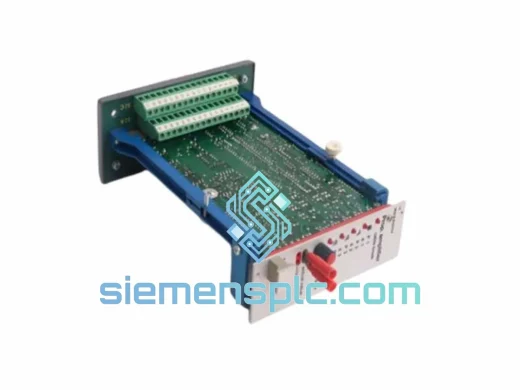
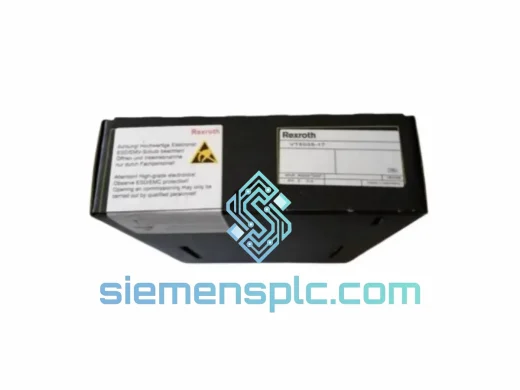
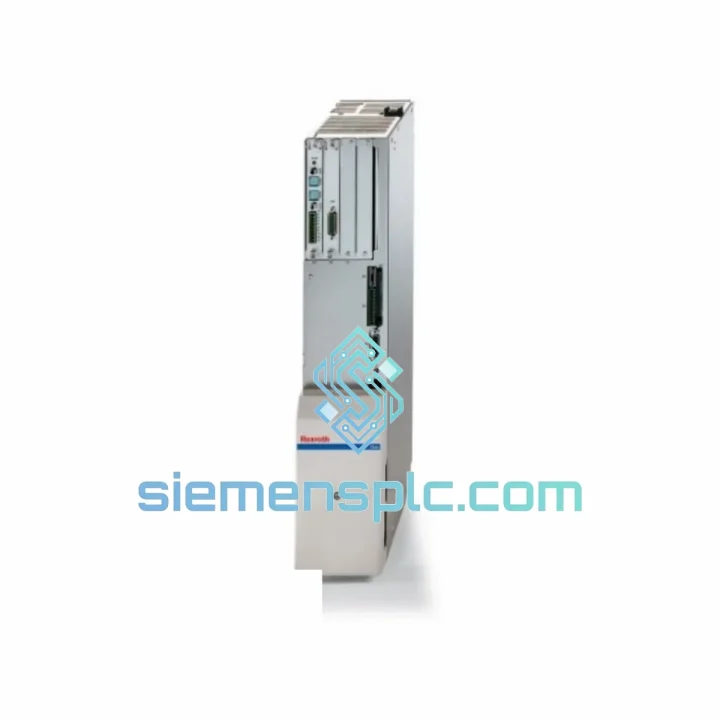
Rexroth VT5035-17 Proportional Amplifier Card – VT5035 Series
VT5035 Series
Origin DE
Proportional Amplifier Card
Request verified availability, condition, replacement risk review, packing options and courier lead time for 2-W100N-HT20-01-FW.
Click Request Quote and the part number is inserted into the inquiry form automatically.
Core fields for model confirmation and RFQ routing. Detailed product narrative remains below.
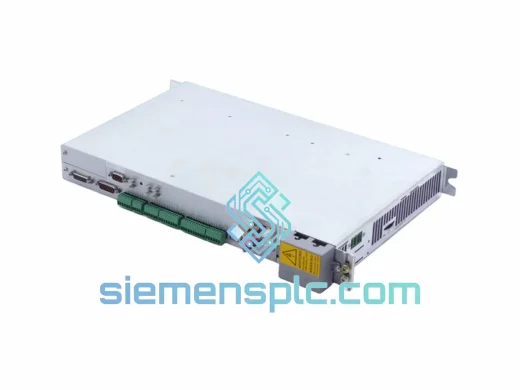
The axis is faulted. The line is cold. Your shift supervisor is already on the phone. You’ve isolated the fault to the Bosch Rexroth HDS03.2-W100N-HT20-01-FW — a 100A DIAX04-platform servo drive that runs everything from CNC spindle axes to heavy-duty press gantries. We have this exact unit physically on the shelf in Xiamen. Not inbound. Not on order. On the shelf, tested, and ready to pack the moment you confirm.
Every hour of unplanned downtime on a servo-driven machine costs between $5,000 and $50,000 depending on your process. A three-day wait for a factory-sourced spare is not a plan — it’s a loss. Our model is simple: you identify the failed part, we ship it the same day, and your maintenance team has a replacement in hand before the OEM even processes your RFQ.
⚡ URGENT REQUIREMENT? Contact: [email protected] | WhatsApp: +86 18359268345
| Parameter | Specification |
|---|---|
| Part Number | HDS03.2-W100N-HT20-01-FW |
| Brand | Bosch Rexroth |
| Platform | DIAX04 (Digital AC Servo Drive, 4th generation) |
| Series Designation | HDS03.2 — High-Dynamic Servo, 3rd size, 2nd revision |
| Continuous Output Current | 100 A (W100N rating) |
| Power Module Code | HT20 — High-Torque, 20 kW power section |
| Firmware Suffix | FW — Standard firmware, broad motor compatibility |
| Control Type | Digital field-oriented vector control (FOC) |
| Feedback Interfaces | Resolver, EnDat 2.1, Hiperface DSL |
| Motion Bus | SERCOS II (fiber optic ring) / ±10 V analog |
| DC Bus Supply | Via Rexroth HVR / HVE / HVD power supply unit |
| Cooling Method | Integrated forced-air fan, internal airflow |
| Enclosure Rating | IP20 — panel/cabinet mount |
| Operating Temperature | 0 °C to +40 °C (derated above 40 °C) |
| Country of Origin | Germany |
| Condition | 100% Original Bosch Rexroth — OEM unit |
| Stock Status | ✅ Ready to Ship — Xiamen, China |
Ten years of field calls on DIAX04 hardware teaches you where these drives actually fail — and more importantly, where they don’t. Before you commit to a swap, run through this checklist. It will save you from replacing a healthy drive or, worse, killing a new one by missing an upstream fault.
Fault Code Breakdown — What the Display Is Actually Telling You:
Replacement Procedure — Configuration Steps That Cannot Be Skipped:
The HDS03.2 platform was not designed for a temperature-controlled electrical room. It was designed for the machine tool floor — where coolant mist, metal dust, vibration, and thermal cycling are daily realities. Bosch Rexroth engineered the DIAX04 drive family to operate continuously in environments that would destroy standard industrial electronics within months.
The HT20 power section uses industrial-grade IGBT modules with junction temperature ratings that allow sustained 100A output even in cabinets with marginal ventilation. Thermal derating curves are conservative — the drive will reduce output current before tripping on overtemperature, giving the machine time to complete a controlled stop rather than a hard fault. The internal forced-air cooling system is rated for 40,000+ hours MTBF under continuous rated-load conditions.
Vibration and shock resistance is validated to IEC 60068-2-6 (sinusoidal vibration) and IEC 60068-2-64 (random vibration), covering the mechanical profiles of press lines, stamping machines, and transfer lines where floor-transmitted vibration is constant. The control board PCB carries conformal coating on all signal-level components, providing protection against condensation, humidity, and airborne contamination in foundry and coastal environments where relative humidity regularly exceeds 85%.
EMC compliance to EN 61800-3 Category C2 ensures the drive operates without injecting switching noise into the facility’s power infrastructure — critical in plants where servo drives share distribution panels with precision measurement equipment, vision systems, or sensitive process instrumentation. The internal EMC filter handles high-frequency IGBT switching transients before they reach the mains supply.
Every unit dispatched from our Xiamen facility undergoes physical inspection: connector integrity, label authenticity verification, and visual inspection of the power section and control board. ESD-sensitive assemblies are handled under anti-static protocols throughout the inspection and packing process. Units ship in double-wall corrugated cartons with foam-in-place cushioning engineered for the drop and compression forces of international air freight handling.
Unplanned downtime does not accommodate sea freight schedules. Our Xiamen export operation is built around a single operational priority: your part leaves China on the same day you confirm the order.
Dispatch cutoff and timeline:
Estimated transit times from Xiamen (XMN):
Export documentation included as standard: Commercial invoice, packing list, certificate of origin. HS Code 8537.10 (servo drives / programmable controllers). Additional documentation — FORM E (ASEAN FTA), EUR.1 (EU preferential tariff), or destination-specific customs declarations — provided on request at no additional charge. All shipments are fully insured. If customs clearance issues arise at the destination, our export team provides documentation support within the same business day.
Email: [email protected]
WhatsApp: +86 18359268345
Web: siemensplc.com
© 2026 siemensplc.com. All rights reserved.
We check the full part number, brand, series and visible nameplate information before quotation.
Sales confirms stock path, condition option, quantity and realistic lead time for export dispatch.
DHL, FedEx, UPS or buyer courier arrangements can be reviewed with packing requirements.
Similar brand or category products for fast comparison and multi-item RFQ lists.