GE Fanuc
RFQ Ready
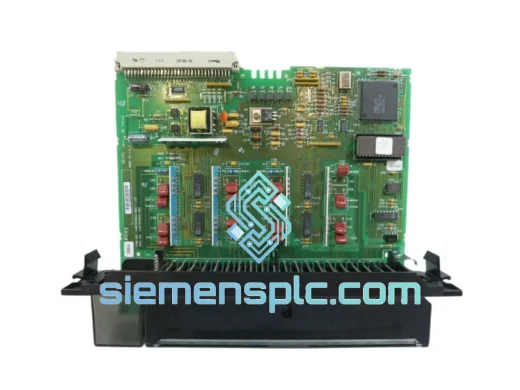
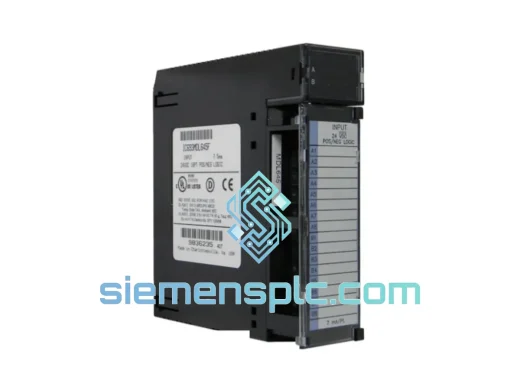
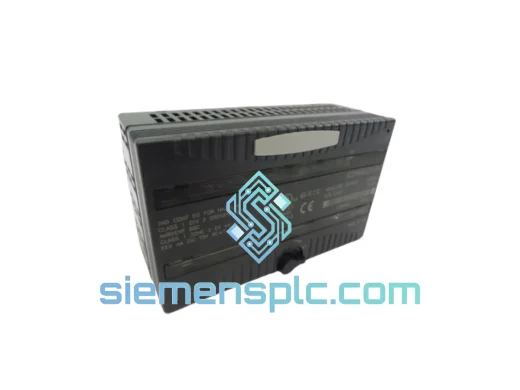
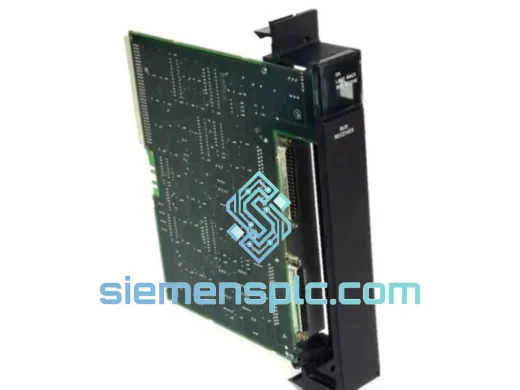
GE Fanuc IC697BEM711 Bus Receiver Module – Series 90-70
Fanuc
Origin US
Bus Receiver Module
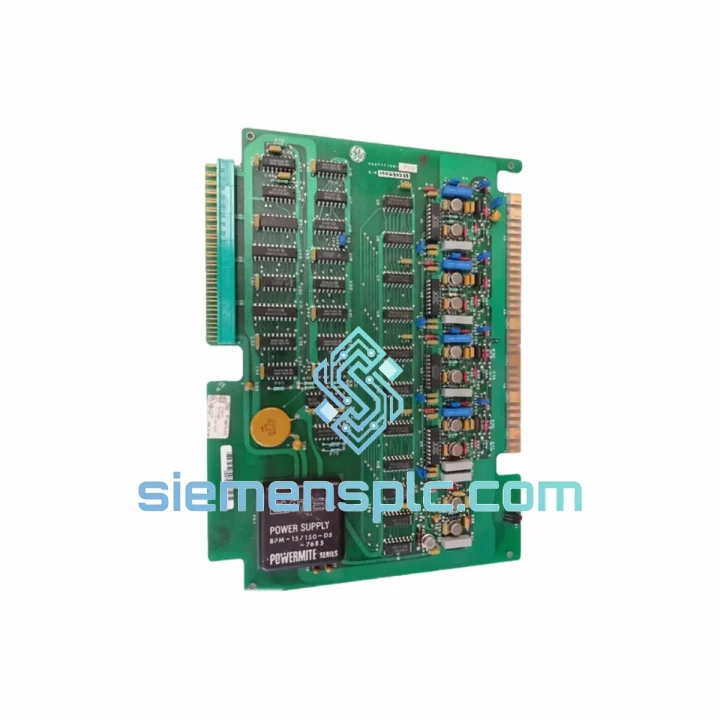
Request verified availability, condition, replacement risk review, packing options and courier lead time for IC600-FP941K.
Click Request Quote and the part number is inserted into the inquiry form automatically.
Core fields for model confirmation and RFQ routing. Detailed product narrative remains below.
Your Series Six rack just threw a fault. The IC600-FP941K analog output module is dead, your 4–20 mA loops are flat, and the process is standing still. You don’t need a datasheet lecture — you need the part on a plane tonight. We stock the GE Fanuc IC600-FP941K in Xiamen and ship same-day via DHL Express and FedEx International Priority. Most destinations in Asia receive within 24–48 hours; Europe and North America within 2–4 business days. One call or email is all it takes to get your line moving again.
URGENT REQUIREMENT? Contact: [email protected] | WhatsApp: +86 18359268345
| Parameter | Specification | Status |
|---|---|---|
| Part Number | IC600-FP941K | ✅ Ready to Ship |
| Manufacturer | GE Fanuc Automation | — |
| Platform | Series Six PLC | — |
| Module Function | Analog Output | — |
| Output Channels | 4 channels | — |
| Output Signal Range | 4–20 mA / 0–10 VDC (configurable) | — |
| Resolution | 12-bit DAC | — |
| Power Source | Series Six backplane (rack-powered) | — |
| Operating Temperature | 0°C to 60°C | — |
| Relative Humidity | 5% to 95% non-condensing | — |
| Form Factor | Standard IC600 single-slot module | — |
| Weight | 330 g | — |
| Compliance | CE, UL (per original GE documentation) | — |
| Ship From | Xiamen, China | ✅ Same-Day Dispatch Available |
After ten years of pulling failed analog output cards out of Series Six racks in the field, here’s what actually matters when you’re swapping an IC600-FP941K under pressure:
Step 1 — Confirm the fault before you pull the card. A flat 4–20 mA output is not always a dead module. Check the CPU fault table first. Fault code 0x0041 (Analog Output Fault) points directly at the module, but 0x0030 (Rack Communication Fault) means the backplane connector or the rack itself is the culprit. Don’t swap the module and discover the rack slot is corroded.
Step 2 — Power down the rack completely. The Series Six backplane does not support hot-swap. Attempting to pull the IC600-FP941K under power risks corrupting the CPU’s I/O table and can damage the backplane bus driver. Shut down the CPU, confirm the power LED is off, then remove the module.
Step 3 — Check the DIP switch configuration on the replacement card. The IC600-FP941K uses onboard DIP switches (SW1) to select output mode: current (4–20 mA) or voltage (0–10 VDC) per channel. Before inserting the new module, match the switch positions to your original card or your system drawing. A mismatch will not generate a fault — it will simply output the wrong signal type and confuse your field instruments silently.
Step 4 — Slot addressing is automatic. The Series Six assigns I/O addresses by physical rack and slot position. There is no manual address configuration on the IC600-FP941K itself. Insert the replacement into the same slot, power up, and the CPU will recognize it immediately — provided the I/O configuration in Logicmaster 6 matches the module type. If you’ve lost the original configuration file, the CPU will log a Module Mismatch fault. You’ll need to re-enter the analog output block in the I/O configuration table.
Step 5 — Calibration after replacement. The IC600-FP941K stores calibration offsets internally. A new or refurbished module will use factory defaults. If your process requires tight loop accuracy (±0.1% or better), perform a field calibration using a precision current source/meter before returning the loop to automatic mode. For most applications, factory calibration is within ±0.5% and acceptable for immediate restart.
Common fault codes to know:
The IC600-FP941K was engineered for continuous industrial duty, not office environments. GE Fanuc designed the Series Six platform for petrochemical plants, steel mills, and power generation facilities where ambient conditions are unforgiving. The module’s conformal-coated PCB resists moisture ingress and corrosive atmospheres — a critical feature in coastal plants and chemical processing areas where humidity regularly exceeds 80%. The backplane connector uses gold-plated contacts rated for thousands of insertion cycles, maintaining reliable signal integrity even after years of thermal cycling.
Vibration resistance meets IEC 68-2-6 standards, making the IC600-FP941K suitable for installation near rotating machinery, compressors, and pump skids without additional isolation. The operating temperature range of 0°C to 60°C covers the vast majority of industrial control room and panel enclosure environments. Units sourced through our Xiamen warehouse are individually inspected: we verify connector integrity, check for capacitor swelling (a common failure mode in aged analog cards), and bench-test each output channel before dispatch. You receive a module that has been confirmed functional — not one pulled from a shelf and assumed good.
Our dispatch hub is located in Xiamen, Fujian Province — one of China’s primary export ports with direct access to DHL, FedEx, and UPS international gateways. When you confirm your order before 14:00 CST, we process same-day. Here’s what the logistics chain looks like in practice:
All shipments include a commercial invoice, packing list, and certificate of conformance. We declare accurate customs values and HS codes to prevent clearance delays. Tracking numbers are provided within 2 hours of dispatch. For critical shutdowns requiring guaranteed next-flight-out service, contact us directly — we can arrange courier pickup for time-critical situations.
📧 Email: [email protected]
📱 WhatsApp: +86 18359268345
🌐 Web: siemensplc.com
© 2026 siemensplc.com. All rights reserved.
We check the full part number, brand, series and visible nameplate information before quotation.
Sales confirms stock path, condition option, quantity and realistic lead time for export dispatch.
DHL, FedEx, UPS or buyer courier arrangements can be reviewed with packing requirements.
Similar brand or category products for fast comparison and multi-item RFQ lists.