Molex
RFQ Ready
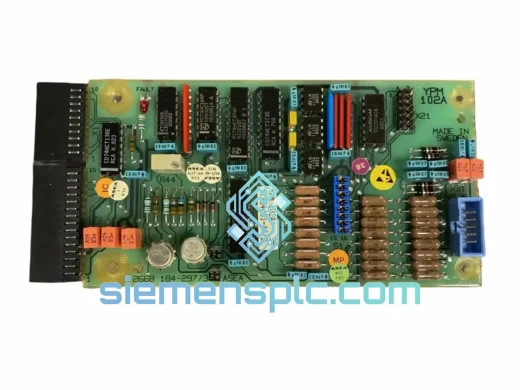
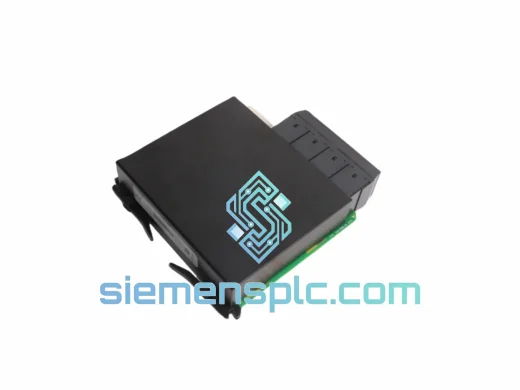
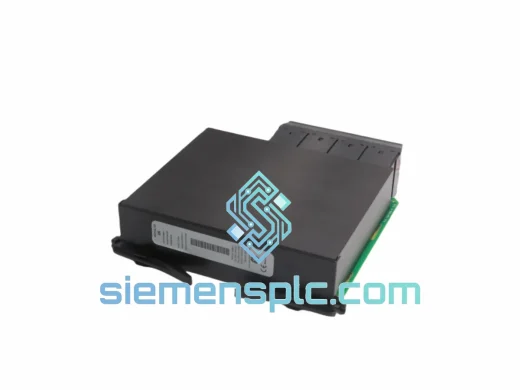
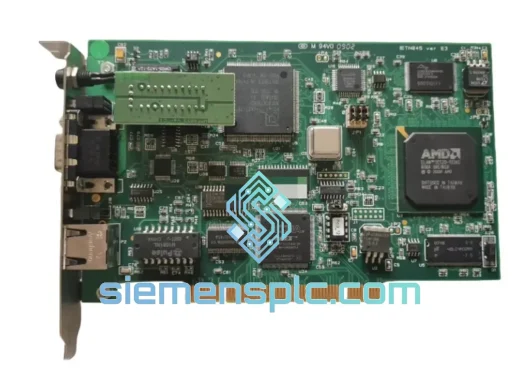
Molex PCU-DPIO Digital I/O Module – PCU Series
PCU Series
Origin China (Xiamen distribution)
PLC I/O Module
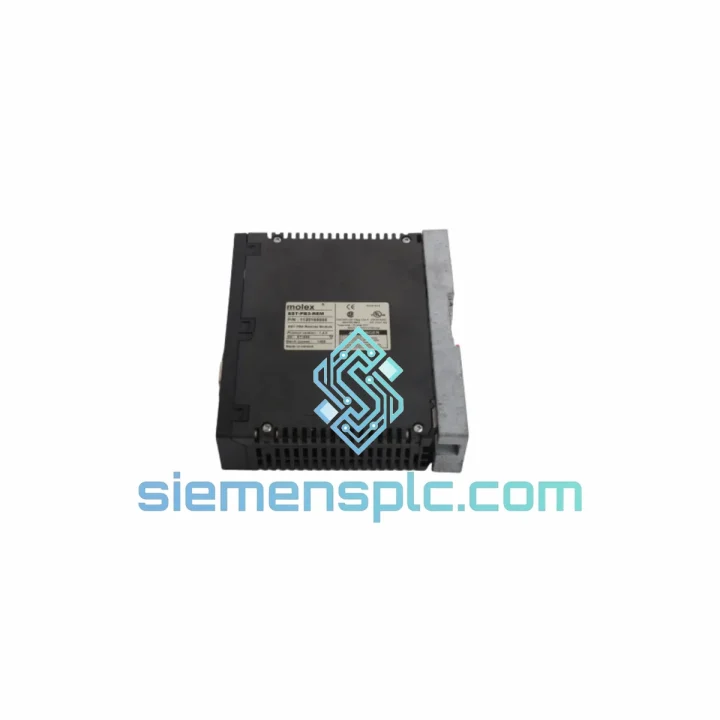
Request verified availability, condition, replacement risk review, packing options and courier lead time for SST-PB3-REM.
Click Request Quote and the part number is inserted into the inquiry form automatically.
Core fields for model confirmation and RFQ routing. Detailed product narrative remains below.
Every hour your PROFIBUS DP network sits idle costs real money. A failed SST-PB3-REM remote I/O node can cascade into a full line stoppage — conveyors locked, actuators blind, operators standing around. We stock the MOLEX SST-PB3-REM specifically because it fails in the field and procurement lead times from standard channels can stretch to weeks. Ours ships same day. That’s the difference between a 4-hour fix and a 4-week nightmare.
We’ve handled enough emergency callouts to know: when this module goes down, you don’t have time for a distributor’s backorder queue. Contact us now and we’ll confirm stock, generate a proforma, and hand it to DHL before your shift ends.
URGENT REQUIREMENT? Contact: [email protected] | WhatsApp: +86 18359268345
| Parameter | Specification | Status |
|---|---|---|
| Part Number | SST-PB3-REM | ✔ Ready to Ship |
| Manufacturer | MOLEX (formerly Woodhead / SST) | — |
| Series | SST-PB3 | — |
| Module Function | PROFIBUS DP Remote I/O Expansion Node | — |
| Fieldbus Protocol | PROFIBUS DP (EN 50170 / IEC 61158) | — |
| Baud Rate | 9.6 kbps – 12 Mbps (auto-detect) | — |
| PROFIBUS Address Range | 0 – 125 (rotary switch configurable) | — |
| Supply Voltage | 24 VDC ±10% | — |
| Power Consumption | Typically <5 W | — |
| Operating Temperature | 0°C to +55°C | — |
| Storage Temperature | -25°C to +85°C | — |
| Relative Humidity | 5% – 95% non-condensing | — |
| Protection Rating | IP20 | — |
| Mounting | DIN Rail EN 60715 TS35 | — |
| Connector | PROFIBUS DB9 / terminal block | — |
| Weight | 268 g | — |
| Certifications | CE, UL | — |
| Origin | China (Xiamen stocked) | ✔ In Stock |
After handling dozens of SST-PB3-REM failures across automotive and process plants, here’s what actually matters when you’re on-site with a dead node:
Common Failure Signatures
Replacement Procedure (Field-Tested)
No firmware flashing required. The SST-PB3-REM is a hardware-configured module — address switches and GSD file handle all parameterization. No laptop needed on the module itself.
The SST-PB3-REM was not designed for a climate-controlled server room. It was built for the plant floor — and it shows in the design choices. The module’s conformal-coated PCB resists condensation and airborne contaminants common in food processing and chemical environments. The DIN rail latch mechanism maintains positive retention under the vibration loads typical of compressor rooms and press lines, where resonance frequencies can loosen poorly designed clips within months.
Thermal cycling is where many third-party alternatives fail. The SST-PB3-REM’s component selection accounts for the daily temperature swings in unheated outdoor enclosures — cold starts at 0°C in winter, afternoon peaks pushing 50°C inside a sun-exposed cabinet. The module’s operating range is not a marketing figure; it reflects the actual derating curves of the onboard power regulation and bus transceiver circuitry.
In high-EMI environments — near VFDs, large contactors, or welding equipment — the PROFIBUS DP physical layer on this module maintains signal integrity through proper common-mode rejection on the RS-485 transceiver. Pair it with a correctly terminated cable and a shielded DB9 connector, and you will not see spurious communication errors from electrical noise.
Every unit we ship has been visually inspected for housing integrity, label authenticity, and connector pin condition. ESD-safe anti-static packaging is standard — not optional — because a single electrostatic discharge event during handling can create a latent failure that only shows up three months into production.
Our warehouse is located in Xiamen, Fujian — one of China’s primary export hubs with direct access to international freight lanes. When you place an order before 15:00 CST, the unit is picked, inspected, packed, and handed to the carrier the same day. No exceptions, no excuses.
Shipping options we use:
Export documentation provided with every shipment: Commercial invoice, packing list, certificate of origin (if required), and HS code 8537.10 declaration. For customers requiring FORM E (ASEAN) or EUR.1 certificates, advise at time of order.
Customs clearance delays are the most common cause of extended lead times on international industrial parts. We pre-classify all shipments correctly and provide accurate declared values to avoid holds. If your customs broker needs additional documentation, we respond within 2 hours during business hours.
For customers in the EU, we can ship DDP (Delivered Duty Paid) on request — you receive the module at your door with all import duties and VAT pre-settled. No surprise charges, no clearance delays on your end.
Ready to order or need a stock confirmation before raising a PO? Reach us directly:
© 2026 siemensplc.com. All rights reserved.
We check the full part number, brand, series and visible nameplate information before quotation.
Sales confirms stock path, condition option, quantity and realistic lead time for export dispatch.
DHL, FedEx, UPS or buyer courier arrangements can be reviewed with packing requirements.
Similar brand or category products for fast comparison and multi-item RFQ lists.