GE
RFQ Ready
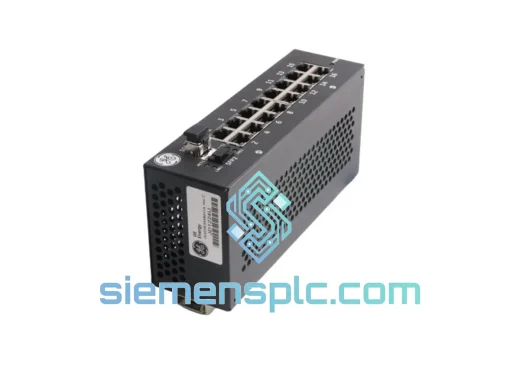
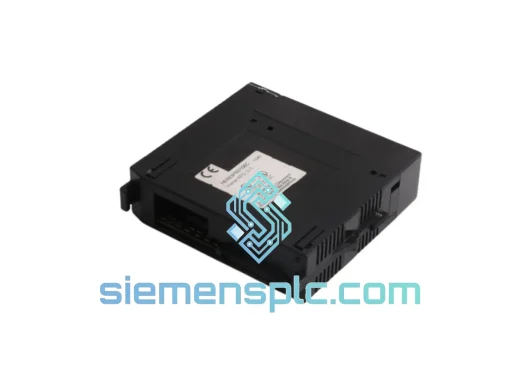
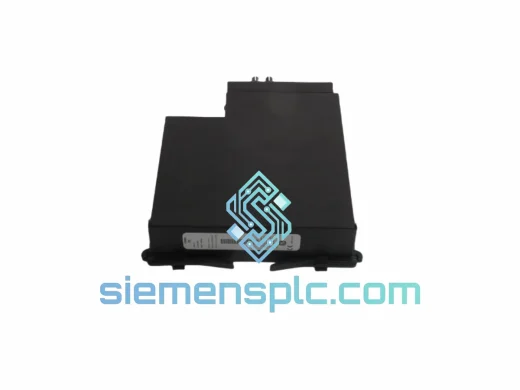
GE UR7BH Communication Module
GE UR7BH Multilin UR Series
Origin US
Communication Module
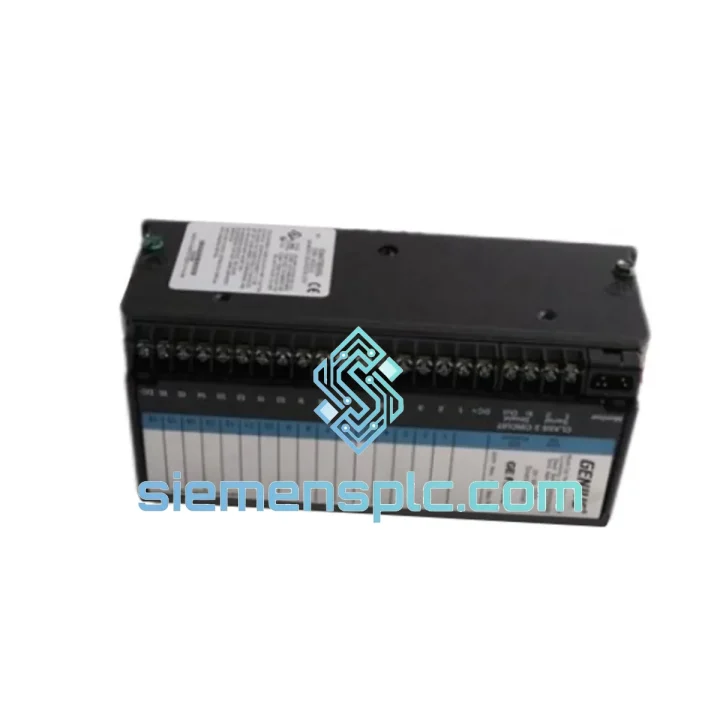
Request verified availability, condition, replacement risk review, packing options and courier lead time for UR 7HH UR7HH.
Click Request Quote and the part number is inserted into the inquiry form automatically.
Core fields for model confirmation and RFQ routing. Detailed product narrative remains below.
Every minute a protection relay scheme is offline, your substation is exposed. Busbar differential down. Line current differential compromised. Your operations team is watching the clock and your maintenance budget is bleeding. The GE UR7HH inter-relay communications module is the single component standing between you and full scheme restoration — and we have it on the shelf, tested, and ready to dispatch within hours.
We stock the UR7HH specifically because it is one of the most failure-prone modules in aging UR Series installations. Fiber transceivers degrade. Backplane connectors oxidize. Firmware mismatches after a CPU swap leave the comms module in a fault loop. We have seen every failure mode. We ship the fix.
URGENT REQUIREMENT? Contact: [email protected] | WhatsApp: +86 18359268345
| Parameter | Specification | Status |
|---|---|---|
| Part Number | UR7HH / UR 7HH | ✅ Ready to Ship |
| Platform | GE UR Series (Universal Relay) | — |
| Module Function | Inter-Relay Communications (Peer-to-Peer) | — |
| Communication Protocols | IEC 61850 GOOSE, Direct UR-to-UR Fiber | — |
| Physical Interface | Fiber-optic, ST connector, multimode 62.5/125 µm | — |
| Latency | Sub-cycle deterministic (<1 power cycle) | — |
| Chassis Compatibility | C30, C60, C70, D60, F35, F60, L30, L60, L90, M60, N60, T35, T60 | — |
| Backplane Interface | UR Series internal backplane bus | — |
| Operating Temperature | -20°C to +60°C | — |
| Storage Temperature | -40°C to +85°C | — |
| Humidity | 5%–95% non-condensing | — |
| Power Source | UR chassis backplane (no external PSU required) | — |
| Compliance | IEC 61850, IEEE C37.90, CE, UL | — |
| Country of Origin | USA / Canada (GE Grid Solutions) | — |
| Warranty | 12 months, manufacturing defects | — |
Fault Code Reference — What You’re Likely Seeing Right Now
Before you pull the module, confirm the fault is in the UR7HH and not upstream. In EnerVista UR Setup, navigate to Actual Values → Communications → Inter-Relay. If you see CHANNEL FAIL or COMM FAIL on the direct channel, and the fiber link LED on the UR7HH faceplate is dark or flashing amber, the module itself is the culprit. A solid red LED with no fiber activity after a CPU swap almost always means firmware mismatch — the CPU has updated but the comms module is running an incompatible build.
Step-by-Step Replacement Procedure
Common Post-Replacement Issues
Substations are not server rooms. The UR7HH is built to operate in environments that would destroy consumer-grade electronics within weeks. GE designed the UR Series module platform to withstand continuous vibration from nearby switchgear and transformer magnetostriction — the module PCB uses conformal coating and through-hole component anchoring specifically to resist mechanical fatigue over decades of service.
Thermal cycling is the other primary aging mechanism in substation hardware. The UR7HH’s operating range of -20°C to +60°C covers the full spectrum from unheated outdoor switchgear buildings in northern climates to tropical substations without air conditioning. The fiber-optic transceiver components are rated for this range without derating — a specification that many third-party replacement modules quietly fail to meet.
Humidity and condensation are managed through the conformal coating applied to all UR module PCBs at the factory. This coating prevents dendritic growth on signal traces — the failure mode responsible for intermittent COMM FAIL faults that appear and disappear with ambient humidity changes. If you are seeing intermittent channel faults that correlate with weather or HVAC cycles, the coating on your existing module has likely failed. Replacement is the only reliable fix.
All UR7HH modules we ship are inspected for coating integrity, connector condition, and label authenticity before dispatch. We do not ship modules with visible coating damage, corroded connectors, or missing GE traceability labels.
Our warehouse is located in Xiamen, Fujian Province, China — one of the most logistics-connected cities in Asia, with direct access to DHL, FedEx, and UPS international express networks. For urgent replacement orders, we dispatch same-day for orders confirmed before 14:00 CST.
Typical Transit Times from Xiamen:
All shipments include full tracking from pickup to delivery. We provide the AWB number within 2 hours of dispatch. For critical outage situations, we can arrange Saturday pickup with DHL and FedEx at no additional lead time — contact us directly to confirm availability.
Export documentation is prepared in-house: commercial invoice, packing list, and certificate of origin are included with every shipment. For customers requiring specific customs documentation (e.g., Form E for ASEAN preferential tariff, or EUR.1 for EU trade agreements), advise us at order placement and we will coordinate accordingly.
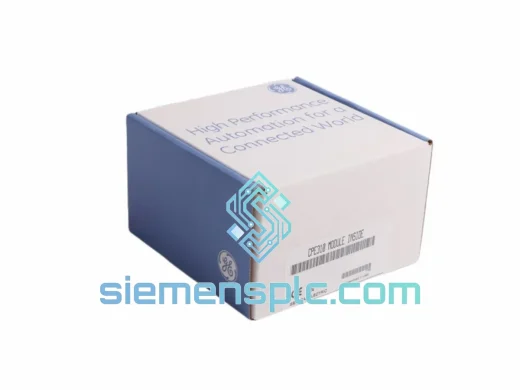
All modules are packed in ESD-safe anti-static bags, placed in foam-lined rigid cartons, and outer-boxed with double-wall corrugated material rated for air freight handling. We have had zero transit damage claims in the past 24 months of international shipments.
For urgent replacement inquiries, stock confirmation, or technical pre-sales questions:
Email: [email protected]
WhatsApp: +86 18359268345
Web: siemensplc.com
© 2026 siemensplc.com. All rights reserved.
We check the full part number, brand, series and visible nameplate information before quotation.
Sales confirms stock path, condition option, quantity and realistic lead time for export dispatch.
DHL, FedEx, UPS or buyer courier arrangements can be reviewed with packing requirements.
Similar brand or category products for fast comparison and multi-item RFQ lists.