
ABB
In Stock OK
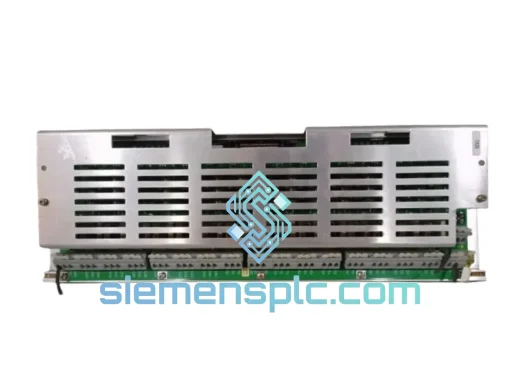
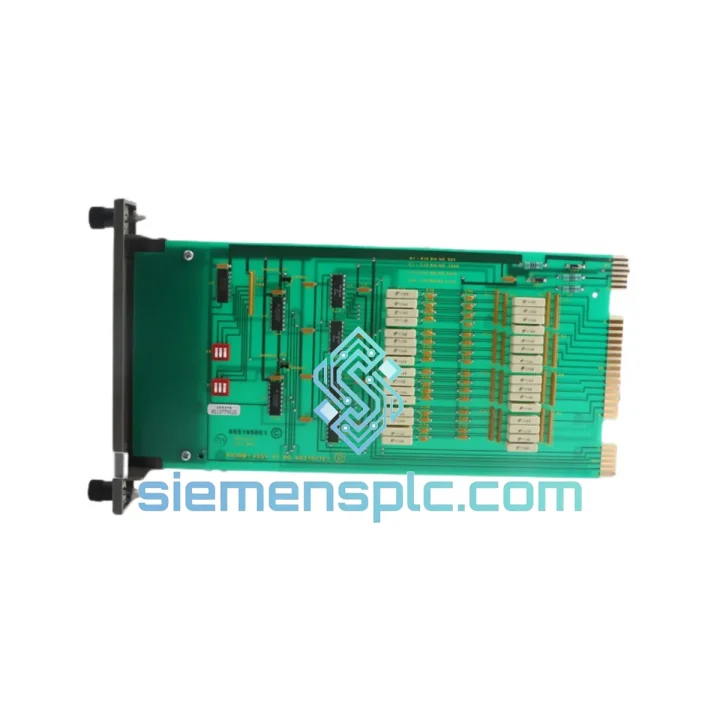
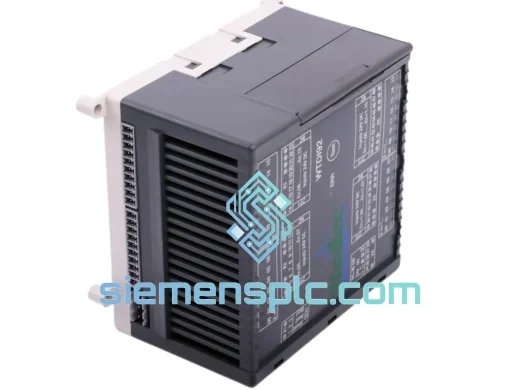
ABB IMASM01 Analog Input Slave Module
Request verified availability, condition, replacement risk review, packing options and courier lead time for IMASM01.
BrandABB
Part NumberIMASM01
ConditionAvailability Check
Lead TimeRFQ Confirmation
DocumentsDatasheet / photos by RFQ
ShippingExport packing available
Auto-filled RFQ
IMASM01
Click Request Quote and the part number is inserted into the inquiry form automatically.
- Reply by email: [email protected]
- WhatsApp / Tel: +86 18359268345
- Mon-Sat 9:00-18:00 GMT+8
Procurement Data
Key Product Information
Core fields for model confirmation and RFQ routing. Detailed product narrative remains below.
- Brand
- ABB
- Primary Part Number
- IMASM01
- Product Type
- DCS Analog Input Module
- Series / Family
- Advant
- Manufacturer
- ABB
- Country of Origin
- SE
- Catalog Category
- I/O Modules
- Operating Temp.
- 0°C to +55°C
Model confirmed for inquiry
IMASM01
Send quantity, destination and urgency. The RFQ form keeps this part number attached.
Request Quote
Product Overview
ABB IMASM01 Down? Every Minute of Blind Process Control Costs You Money — Ship Today
Your Advant Master I/O rack just threw a fault. The IMASM01 analog input slave is dead. Upstream transmitters are live, but the controller sees nothing — no temperature, no pressure, no flow. The process is running blind. You have two choices: wait weeks for an OEM quote, or call us and have a verified, original ABB IMASM01 on a DHL flight out of Xiamen within 24 hours. We stock this module specifically because plants like yours cannot afford to wait.
The ABB IMASM01 is the analog signal backbone of the Advant Master distributed I/O subsystem. It acquires 4–20 mA and voltage signals from field transmitters, conditions them, and feeds clean digital values to the master controller over the internal I/O bus. When it fails — and after 15+ years of continuous operation in a hot, humid cabinet, it will — the entire loop goes dark. No redundancy, no fallback. Just a stopped line and a very unhappy plant manager.
We have seen this failure mode dozens of times across refineries in the Middle East, paper mills in Scandinavia, and chemical plants across Southeast Asia. The IMASM01 fails in predictable ways: bus communication errors (typically logged as I/O slave timeout faults on the master), channel-level signal drift on aging input circuits, and complete power-on failure after a surge event. In every case, the fix is the same — swap the module, re-address if needed, verify channel mapping, and restore the loop. We will walk you through it.
⚡ URGENT REQUIREMENT? Contact: [email protected] | WhatsApp: +86 18359268345
Quick Technical Datasheet
| Parameter | Specification |
|---|---|
| Part Number | IMASM01 |
| Manufacturer | ABB |
| Series | Advant OCS / Advant Master |
| Module Function | Analog Input Slave — I/O Bus Node |
| Signal Types | 4–20 mA current loop; 0–10 V voltage input |
| Bus Interface | Advant Master internal I/O bus (slave node) |
| Mounting | Advant Master I/O rack / DIN rail cabinet |
| Operating Temperature | 0°C to +55°C |
| Power Supply | Via I/O backplane bus |
| Weight | ~240 g |
| Origin | Germany |
| Stock Status | ✅ READY TO SHIP — Xiamen Warehouse |
Troubleshooting & Replacement Tips
Step 1 — Confirm the fault before pulling the module. On the Advant Master controller, check the system log for I/O slave timeout errors referencing the IMASM01 node address. A single timeout can be a bus glitch; persistent faults across multiple scan cycles confirm module failure. Also check the module’s LED status: a solid red fault LED with no green bus activity light is a dead giveaway.
Step 2 — Note the node address before removal. The IMASM01 uses a rotary DIP switch or address plug on the module face to set its I/O bus node address. Photograph it before you pull the card. If you install the replacement with the wrong address, the master controller will not recognize it and you will spend an hour wondering why the new module is also faulting.
Step 3 — Power down the I/O rack segment. The IMASM01 does not support hot-swap in all Advant Master configurations. Unless your system documentation explicitly confirms live insertion for your rack revision, isolate the rack segment before swapping. A live pull on an unsupported rack can corrupt the bus and take down adjacent healthy modules.
Step 4 — Seat the replacement firmly. Advant Master I/O modules use a card-edge connector. Partial seating causes intermittent bus errors that are extremely difficult to diagnose. Push until you feel the connector fully engage, then secure the retention latch.
Step 5 — Verify channel mapping after power-up. After the replacement module comes online, cross-check each analog input channel against your loop drawings. Confirm that engineering unit scaling (4 mA = 0%, 20 mA = 100%) is intact in the controller configuration. If the master was configured for the specific module serial number, you may need to re-acknowledge the new module in the engineering tool.
Common fault codes to watch:
- I/O Slave Timeout: Module not responding on bus — check address switch, seating, and bus termination.
- Channel Out of Range: Input signal outside 4–20 mA window — check field wiring and transmitter before blaming the module.
- Module Hardware Fault: Internal self-test failure — module requires replacement, not reset.
- Bus Parity Error: Intermittent — check cable shielding and bus terminator resistor at end of I/O chain.
Reliability in Harsh Conditions
The IMASM01 was engineered for continuous duty in environments that would destroy consumer-grade electronics within weeks. ABB designed the Advant Master I/O series to operate in the same cabinets as high-voltage switchgear, next to diesel generators, and inside process buildings where ambient temperatures swing 40°C between day and night shifts.
The module’s conformal-coated PCB resists condensation and airborne contaminants — sulfur compounds in refineries, chlorine vapors in chemical plants, paper dust in pulp mills. The card-edge connector is gold-plated to resist oxidation in humid tropical environments. Vibration isolation is built into the rack mounting system, protecting the module from the mechanical noise of rotating machinery on the same structural frame.
Our replacement stock is stored in climate-controlled conditions and inspected before shipment. Every module is powered on and verified for bus communication before it leaves our warehouse. We do not ship modules that have not passed a functional check — because we know what happens when a replacement fails on arrival at a site that is already in emergency shutdown.
Global Express Logistics
Our warehouse is located in Xiamen, China — one of the most logistics-efficient export hubs in Asia, with direct DHL and FedEx international gateway access. When you confirm an order before 3:00 PM CST, the module ships the same day. No exceptions, no excuses.
Typical transit times from Xiamen:
- Southeast Asia (Singapore, Thailand, Malaysia, Indonesia): 2–3 business days via DHL Express
- Middle East (UAE, Saudi Arabia, Qatar, Kuwait): 3–4 business days via FedEx International Priority
- Europe (Germany, Netherlands, UK, France): 3–5 business days via DHL Express Worldwide
- North America (USA, Canada): 4–5 business days via FedEx International Priority
- Australia & New Zealand: 3–4 business days via DHL Express
We prepare full export documentation: commercial invoice, packing list, certificate of origin, and HS code declaration. For sites requiring customs pre-clearance or import permits, we coordinate with your local freight forwarder. We have shipped to over 40 countries and understand the documentation requirements for industrial automation hardware in regulated markets.
All shipments are tracked end-to-end. You receive the AWB number within 2 hours of dispatch. If a shipment is delayed at customs, we engage directly with the carrier — you should not have to chase a package while your plant is down.
Contact Information
📧 Email: [email protected]
💬 WhatsApp: +86 18359268345
🌐 Web: siemensplc.com
© 2026 siemensplc.com. All rights reserved.
Ready to quote
[email protected]
Send This Part Number to Sales
RFQ workflow
Quality workflow ->
Confirmation Process
01Model confirmation
We check the full part number, brand, series and visible nameplate information before quotation.
02Availability reply
Sales confirms stock path, condition option, quantity and realistic lead time for export dispatch.
03Packing & courier
DHL, FedEx, UPS or buyer courier arrangements can be reviewed with packing requirements.
Continue sourcing
Browse full catalog ->
Related Automation Parts
Similar brand or category products for fast comparison and multi-item RFQ lists.
ABB
RFQ Ready
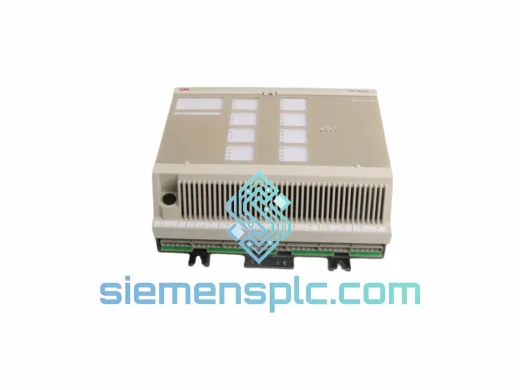
ABB DSAX452 Analog I/O Module – Advant Controller 450 Series
Advant
Origin SE
Analog I/O Module
ABB
RFQ Ready
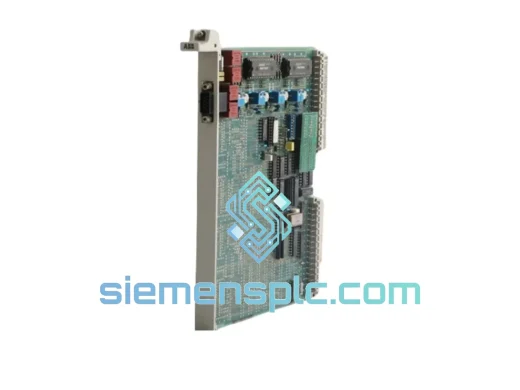
ABB GJR5143200R0001 35EK91 Analog Output Module – AC31 Advant Series
Advant
Origin SE
Analog Output Module
ABB
RFQ Ready
ABB 07DI92 GJR5252400R4101 Digital Input Module
Advant
Origin SE
PLC Digital Input Module