ABB
RFQ Ready
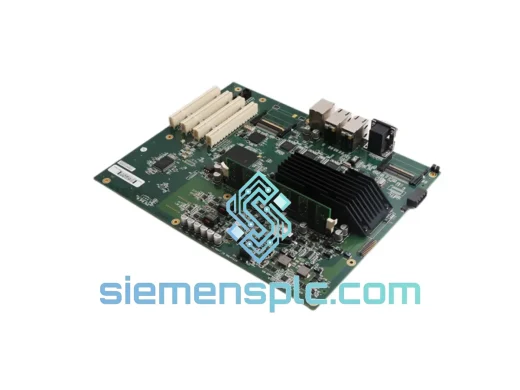
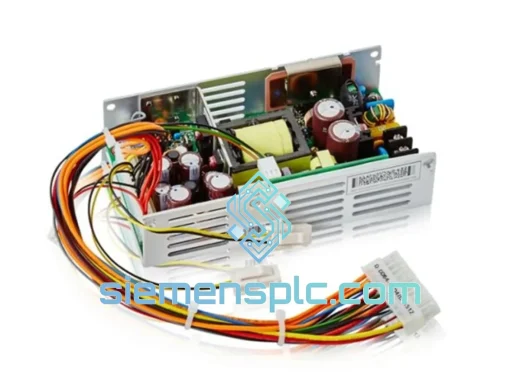
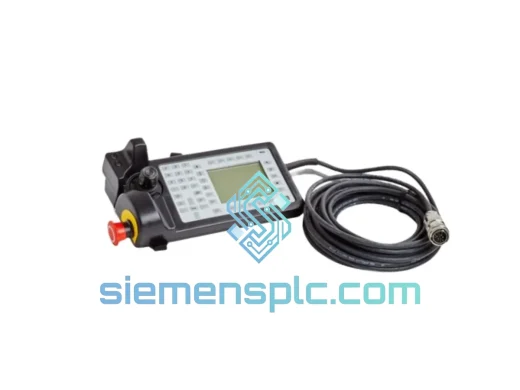
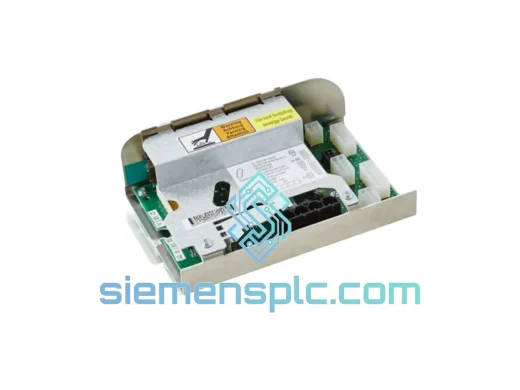
ABB DSQC662 3HAC026254-001 Power Distribution Board – IRC5 Series
IRC5
Origin SE
Power Distribution Board
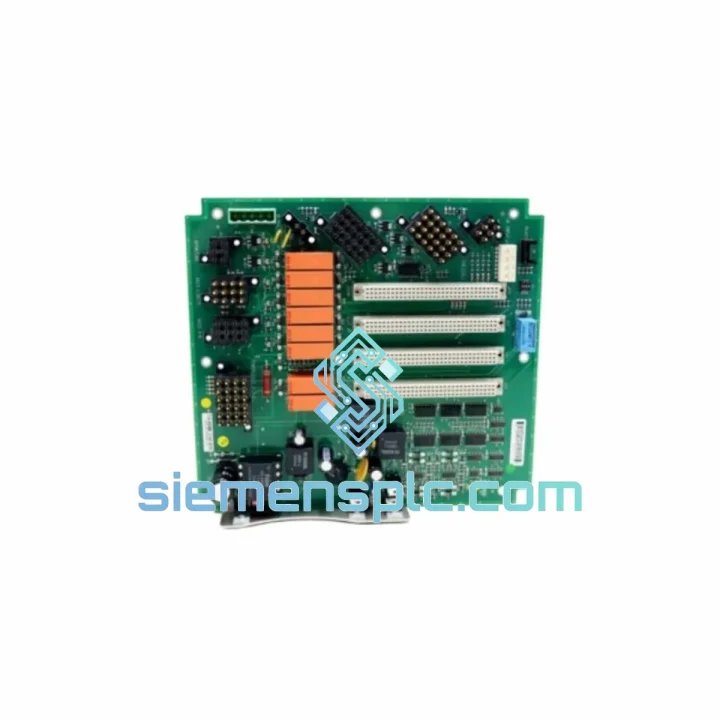
Request verified availability, condition, replacement risk review, packing options and courier lead time for MCOB-01.
Click Request Quote and the part number is inserted into the inquiry form automatically.
Core fields for model confirmation and RFQ routing. Detailed product narrative remains below.
Every minute an IRC5 controller sits dead on the floor, your production line is bleeding money. The ABB MCOB-01 (P/N 3HNE00010-1) Main Controller Board is the nerve center of the IRC5 cabinet — when it fails, nothing moves. We stock it. We ship it today. From our Xiamen warehouse via DHL Express, your replacement board can be on-site within 24–72 hours, anywhere in the world. That is the difference between a shift delay and a week-long shutdown.
URGENT REQUIREMENT? Contact: [email protected] | WhatsApp: +86 18359268345
| Parameter | Value |
|---|---|
| Manufacturer | ABB |
| Part Number | MCOB-01 / 3HNE00010-1 |
| Module Type | Main Controller Board (MCOB) |
| Target Platform | ABB IRC5 Robot Controller (single & dual cabinet) |
| Compatible Robot Series | IRB 1600, IRB 2400, IRB 4400, IRB 6600, IRB 7600 |
| Form Factor | PCB Module |
| Weight | 490 g |
| Operating Temperature | 0 °C to +55 °C |
| Storage Temperature | -25 °C to +70 °C |
| Humidity | 5–95% RH, non-condensing |
| Bus Interface | IRC5 internal backplane (proprietary ABB) |
| RobotWare Compatibility | Per IRC5 hardware generation — confirm revision before ordering |
| Condition | 100% Original New / Tested Surplus |
| Warranty | 12 months (new original) |
| Stock Status | ✔ Ready to Ship – Xiamen Warehouse |
| Lead Time | Ships within 1 business day of order confirmation |
| Origin | Germany (ABB manufacturing) |
The MCOB-01 is the most failure-prone board in the IRC5 cabinet after a power surge or sustained high-ambient-temperature operation. Here is what field experience tells you before you pull the old board:
Common Fault Codes That Point to MCOB-01 Failure:
Step-by-Step Replacement Procedure:
Configuration Note on Firmware: The MCOB-01 does not carry RobotWare firmware internally — firmware resides on the system’s CompactFlash card. However, the MCOB’s bootloader version must be compatible with the installed RobotWare release. If you are running RobotWare 5.14 or later, confirm the replacement board’s bootloader version with us before ordering.
ABB designed the IRC5 for deployment in automotive body shops, foundry environments, and food-grade facilities — none of which are gentle on electronics. The MCOB-01 reflects that design philosophy.
The board’s conformal coating protects copper traces from condensation and airborne contaminants common in paint booths and casting areas. Vibration resistance is validated to IEC 60068-2-6 standards, covering the continuous low-frequency vibration generated by heavy stamping presses and conveyor systems running adjacent to robot cells. Thermal cycling tolerance — the board’s ability to survive repeated heat-up and cool-down cycles during shift changes — is tested to IEC 60068-2-14, which matters in facilities that power down controllers overnight.
Electrostatic discharge protection on signal lines meets IEC 61000-4-2 Level 3, which is relevant in dry-climate facilities where operators frequently touch the FlexPendant after walking across synthetic flooring. The onboard power regulation circuitry is designed to tolerate input voltage fluctuations of ±10% without triggering false fault conditions — a real-world requirement in facilities where welding equipment shares the same power distribution panel as the robot controllers.
Every board we ship has been stored in climate-controlled, ESD-safe racking. Long-term storage in uncontrolled environments degrades electrolytic capacitors on the board’s power section — a failure mode that shows up 6–12 months after installation, not immediately. Our storage protocol prevents that.
Our dispatch warehouse is located in Xiamen, Fujian, China — one of China’s primary export hubs with direct DHL Express and FedEx International Priority lanes to every major industrial region.
Typical transit times from Xiamen:
All shipments include a commercial invoice, packing list, and certificate of origin. For customers requiring DDP (Delivered Duty Paid) terms, we handle customs clearance and import duties on your behalf — you receive the board at your dock with zero customs paperwork. ESD-safe inner packaging and foam-lined outer cartons are standard on every shipment. Tracking numbers are issued within 2 hours of dispatch.
For orders placed before 14:00 CST, same-day dispatch is available on confirmed in-stock units. Contact us to confirm stock status before placing a time-critical order.
Email: [email protected]
WhatsApp: +86 18359268345
Web: siemensplc.com
© 2026 siemensplc.com. All rights reserved.
We check the full part number, brand, series and visible nameplate information before quotation.
Sales confirms stock path, condition option, quantity and realistic lead time for export dispatch.
DHL, FedEx, UPS or buyer courier arrangements can be reviewed with packing requirements.
Similar brand or category products for fast comparison and multi-item RFQ lists.