ABB
In Stock OK
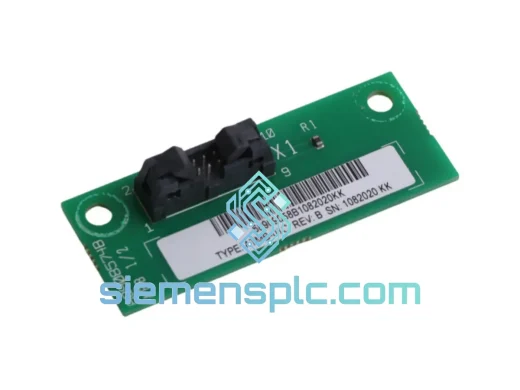
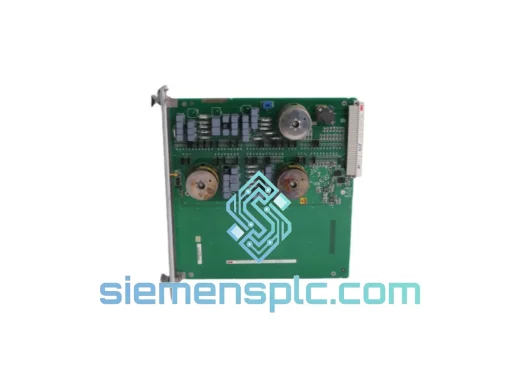
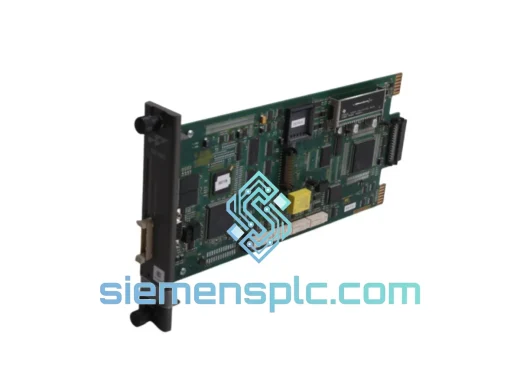
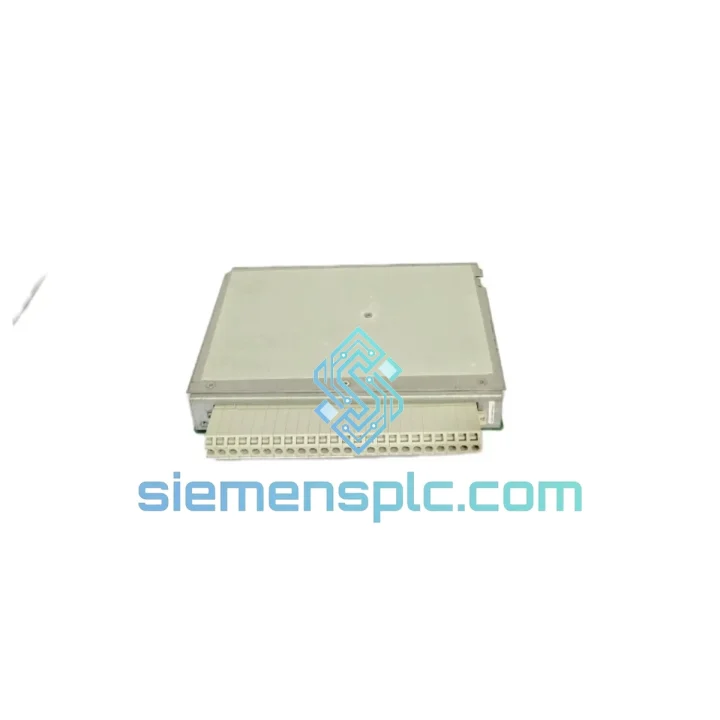
ABB 1KHW001381R0001 E5TX PLC Module
Request verified availability, condition, replacement risk review, packing options and courier lead time for 1KHW001381R0001 E5TX.
BrandABB
Part Number1KHW001381R0001 E5TX
ConditionAvailability Check
Lead TimeRFQ Confirmation
DocumentsDatasheet / photos by RFQ
ShippingExport packing available
Auto-filled RFQ
1KHW001381R0001 E5TX
Click Request Quote and the part number is inserted into the inquiry form automatically.
- Reply by email: [email protected]
- WhatsApp / Tel: +86 18359268345
- Mon-Sat 9:00-18:00 GMT+8
Procurement Data
Key Product Information
Core fields for model confirmation and RFQ routing. Detailed product narrative remains below.
- Brand
- ABB
- Primary Part Number
- 1KHW001381R0001 E5TX
- Product Type
- PLC Module
- Series / Family
- AC500
- Manufacturer
- ABB
- Country of Origin
- SE
- Catalog Category
- PLCs & Controllers
- Operating Temp.
- -25 °C to +60 °C
Model confirmed for inquiry
1KHW001381R0001 E5TX
Send quantity, destination and urgency. The RFQ form keeps this part number attached.
Request Quote
Product Overview
ABB 1KHW001381R0001 E5TX – Cut Downtime Now, Module Ships Today
Every hour your line sits idle costs real money. When an AC500 expansion slot goes dark and your CPU throws a rack fault, you don’t have time to chase a distributor’s lead-time quote. The ABB 1KHW001381R0001 E5TX sitting in our Xiamen warehouse can be on a DHL Express flight tonight. We’ve handled enough emergency callouts to know that the difference between a 6-hour fix and a 3-day nightmare is almost always parts availability. This listing exists for exactly that scenario.
The E5TX is ABB’s compact terminal-base expansion module within the AC500 platform, bridging the CPU backplane to field-side I/O terminal blocks. It is not a passive connector — it carries the internal bus signals, handles module addressing, and must be seated correctly for the CPU to enumerate the rack. A failed or intermittent E5TX will produce misleading diagnostics: the CPU may report the downstream I/O module as missing, or throw a configuration mismatch error even when the I/O module itself is perfectly healthy. Misdiagnosis wastes hours. Know what you’re replacing before you pull anything.
URGENT REQUIREMENT? Contact: [email protected] | WhatsApp: +86 18359268345
Quick Technical Datasheet
| Manufacturer | ABB |
| Full Part Number | 1KHW001381R0001 |
| Model Designation | E5TX |
| Platform / Series | AC500 |
| Module Function | Expansion Terminal Base / Backplane Bus Extension |
| Compatible CPUs | PM554, PM564, PM572, PM581, PM582, PM583, PM585, PM591, PM592 |
| Bus Interface | AC500 internal K-Bus (proprietary backplane) |
| Max Modules per Rack | Up to 10 I/O modules per CPU (system-dependent) |
| Operating Temperature | -25 °C to +60 °C |
| Storage Temperature | -40 °C to +85 °C |
| Relative Humidity | 5–95%, non-condensing |
| Protection Class | IP20 (panel-mounted) |
| Weight | approx. 360 g |
| Certifications | CE, UL, IEC 61131-2, RoHS compliant |
| Country of Origin | Germany |
| Stock Status | ✔ Ready to Ship – Xiamen, China |
Troubleshooting & Replacement Tips
Before you pull the module, confirm the fault is actually the E5TX and not a downstream I/O card or a loose bus connector. Here’s the field-tested sequence:
Step 1 – Read the CPU diagnostic buffer first. In Automation Builder, go to Online → PLC Browser → Diagnostic Buffer. Look for error codes in the 0x8xxx range. Code 0x8301 (module missing) or 0x8302 (configuration mismatch) on a slot that was previously stable points squarely at the terminal base or its bus connection, not the I/O module itself.
Step 2 – Check the K-Bus LED on the CPU. A solid red K-Bus LED with no other faults means the backplane communication chain is broken at some point. Systematically remove I/O modules one at a time from the right side of the rack inward. When the K-Bus LED clears, the last module you removed (or its terminal base) is the culprit.
Step 3 – Inspect the bus connector pins. The E5TX mates to the CPU or adjacent terminal base via a 10-pin bus connector on the left side. Bent pins, corrosion from condensation, or mechanical damage from a hard knock are the most common physical failure modes. Use a magnifier — a single bent pin will kill the entire downstream rack segment.
Step 4 – Address configuration before swapping. The AC500 system uses automatic module addressing based on slot position — there are no DIP switches on the E5TX itself. However, your Automation Builder project stores the expected module type per slot. If you are replacing a failed E5TX that was paired with a specific I/O module (e.g., DC532, AI523), ensure the replacement E5TX is seated in the identical slot position. Do not renumber slots in software unless you intend to do a full rack reconfiguration download.
Step 5 – Firmware considerations. The E5TX terminal base itself carries no user-upgradeable firmware. However, if your CPU firmware is below version 2.4.x, certain rack enumeration behaviors differ. After replacing the terminal base, perform a cold restart (power cycle, not warm restart) and allow the CPU a full 30-second boot cycle before connecting Automation Builder. A warm restart after a hardware change can leave stale module data in the CPU’s internal table and produce phantom faults.
Step 6 – Verify with a forced I/O test. Once the rack enumerates cleanly, use the Force Table in Automation Builder to toggle a digital output on the first I/O module downstream of the new E5TX. Confirm physical output response. This takes 90 seconds and eliminates any doubt before you hand the line back to operations.
Common fault codes associated with E5TX failure:
- 0x8301 – Module not present at configured slot
- 0x8302 – Module type mismatch (wrong module in slot)
- 0x8310 – K-Bus communication error (backplane fault)
- 0x8320 – Module hardware fault (internal module error, can be terminal base)
Reliability in Harsh Conditions
The AC500 platform was engineered for environments where consumer-grade electronics simply fail. The E5TX terminal base reflects that design philosophy throughout its construction. The housing uses a glass-fiber reinforced polycarbonate that resists UV degradation and maintains dimensional stability across the full -25 °C to +60 °C operating range — relevant in outdoor switchgear cabinets in summer or unheated pump stations in winter.
Vibration resistance meets IEC 60068-2-6 (sinusoidal, 10–57 Hz, 0.075 mm amplitude; 57–150 Hz, 1g). In practice, this covers most compressor rooms, press lines, and mobile equipment installations without additional shock mounts. The bus connector interface uses a positive-locking mechanism — the module clicks into place and requires deliberate release to remove, preventing vibration-induced partial disconnection, which is one of the most insidious intermittent fault sources in industrial racks.
Conformal coating on the PCB (standard on AC500 components) provides protection against humidity and airborne contaminants including light oil mist and dust. This is not a sealed module — it is IP20 — but the coating means that a cabinet that occasionally sees condensation or a light spray of coolant mist will not immediately destroy the electronics. For genuinely wet or washdown environments, the module must be housed in an appropriately rated enclosure.
EMC performance meets EN 61000-6-2 (industrial immunity) and EN 61000-6-4 (industrial emissions). The backplane bus is internally shielded against radiated interference, which matters in installations near large VFDs, welding equipment, or high-current bus bars. We have shipped this module to steel mills, offshore platforms, and chemical plants — environments that would destroy lesser hardware within months.
Global Express Logistics
Our dispatch hub is in Xiamen, Fujian — one of China’s primary export ports with direct DHL and FedEx gateway connections. Here is exactly what happens after you confirm your order:
Same-day cutoff: 15:00 CST. Orders confirmed with payment before 15:00 Xiamen time ship the same business day. Orders after cutoff ship the following morning. We do not batch shipments — each order gets its own waybill and tracking number.
Packaging: The E5TX is wrapped in anti-static ESD foam, placed in a rigid cardboard inner box, and packed in a double-wall outer carton with corner protection. The module will not shift in transit. We have shipped to every continent and have not had a transit damage claim on properly packaged modules.
Carrier options and transit times:
- DHL Express Worldwide – 2–4 business days to Europe, North America, Southeast Asia; 3–5 days to Middle East, South America, Africa
- FedEx International Priority – 2–3 business days to US/Canada; 3–5 days to other regions
- SF International Express – 3–5 business days, competitive rates for Southeast Asia and Australia
- Sea freight / air freight consolidation – available for bulk orders of 5+ units; contact us for quote
Export documentation provided with every shipment: commercial invoice (with declared value and HS code 8537.10), packing list, and certificate of origin on request. For customers requiring FORM E (ASEAN-China FTA) or EUR.1 certificates, advise at time of order. We handle customs paperwork — you focus on getting your line running.
Tracking: Waybill number sent via email within 2 hours of dispatch. Real-time tracking available on DHL/FedEx portals. For urgent shipments, WhatsApp us the waybill and we will monitor it with you.
Contact Information
📧 Email: [email protected]
📱 WhatsApp: +86 18359268345
🌐 Web: siemensplc.com
© 2026 siemensplc.com. All rights reserved.
Ready to quote
[email protected]
Send This Part Number to Sales
RFQ workflow
Quality workflow ->
Confirmation Process
01Model confirmation
We check the full part number, brand, series and visible nameplate information before quotation.
02Availability reply
Sales confirms stock path, condition option, quantity and realistic lead time for export dispatch.
03Packing & courier
DHL, FedEx, UPS or buyer courier arrangements can be reviewed with packing requirements.
Continue sourcing
Browse full catalog ->
Related Automation Parts
Similar brand or category products for fast comparison and multi-item RFQ lists.
ABB
RFQ Ready
ABB 1SVR427075R0000 CP-A CM PLC CPU Module – AC500 Compact Series
AC500
Origin SE
PLC CPU Module