ABB
In Stock OK
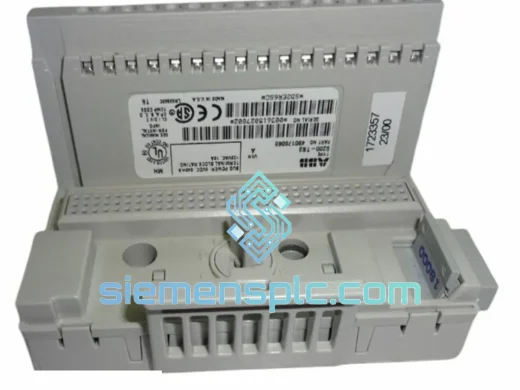
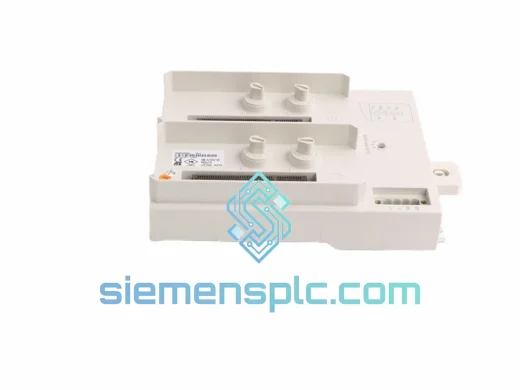
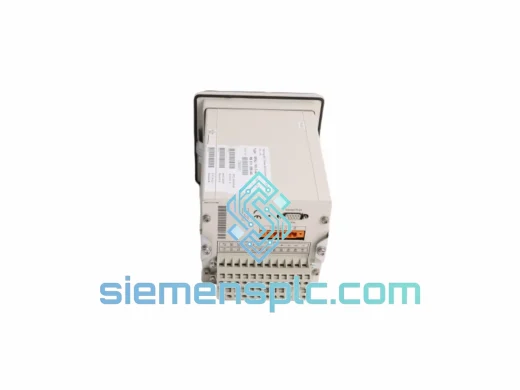
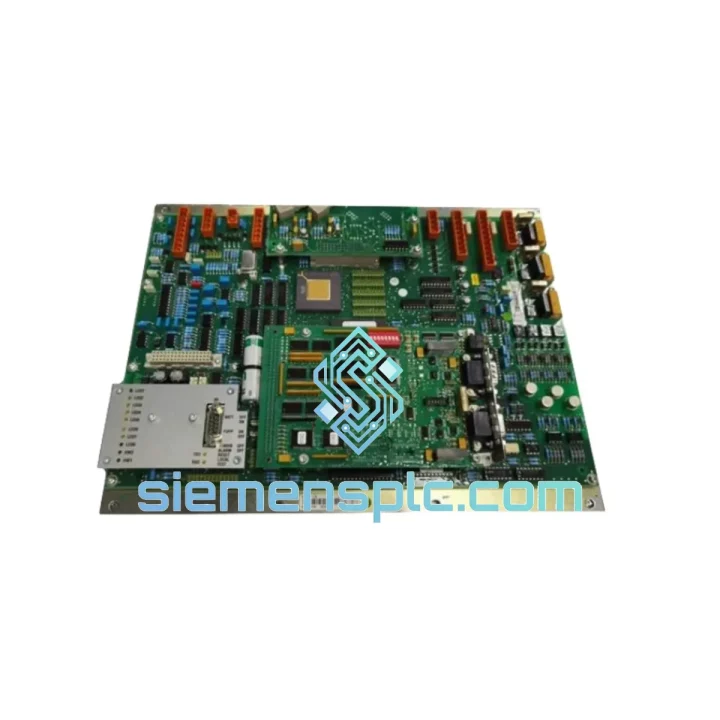
ABB 1MRK000614-ABr00 Protection Relay Module
Request verified availability, condition, replacement risk review, packing options and courier lead time for 1MRK000614-ABr00.
BrandABB
Part Number1MRK000614-ABr00
ConditionAvailability Check
Lead TimeRFQ Confirmation
DocumentsDatasheet / photos by RFQ
ShippingExport packing available
Auto-filled RFQ
1MRK000614-ABr00
Click Request Quote and the part number is inserted into the inquiry form automatically.
- Reply by email: [email protected]
- WhatsApp / Tel: +86 18359268345
- Mon-Sat 9:00-18:00 GMT+8
Procurement Data
Key Product Information
Core fields for model confirmation and RFQ routing. Detailed product narrative remains below.
- Brand
- ABB
- Primary Part Number
- 1MRK000614-ABr00
- Product Type
- Protection Relay Module
- Product Family
- Other series
- Manufacturer
- ABB Ltd.
- Country of Origin
- SE
- Catalog Category
- Relays & Protection
- Operating Temp.
- -25°C to +55°C
- Humidity
- 5–95% RH, non-condensing
- Compliance
- IEC 60255, IEC 61850, RoHS
Model confirmed for inquiry
1MRK000614-ABr00
Send quantity, destination and urgency. The RFQ form keeps this part number attached.
Request Quote
Product Overview
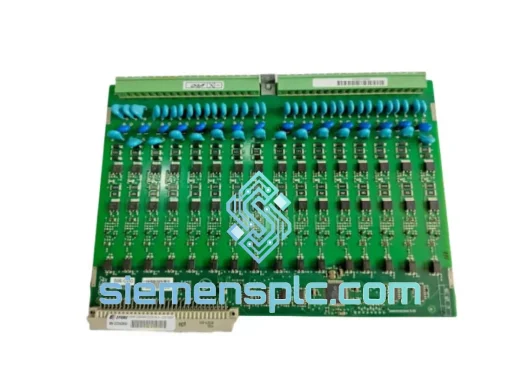
ABB 1MRK000614-ABr00 REC 670 PCB Module — Stop the Clock on Your Downtime
Every minute a protection relay is offline, your substation or plant is exposed — unprotected busbars, unmonitored feeders, and a maintenance team under pressure. The ABB 1MRK000614-ABr00 PCB board is the core processing card of the REC 670 IED platform. When it fails, the entire relay goes dark. We stock this module in Xiamen and ship globally within 24 hours of order confirmation. No waiting on ABB lead times. No weeks-long procurement cycles. You call, we ship.
URGENT REQUIREMENT? Contact: [email protected] | WhatsApp: +86 18359268345
Quick Technical Datasheet
| Parameter | Value |
|---|---|
| Part Number | 1MRK000614-ABr00 |
| Manufacturer | ABB Ltd. |
| Series / Platform | REC 670 (Relion® 670 Series) |
| Module Type | PCB Board — Main Processing Card |
| Revision | ABr00 |
| Form Factor | Plug-in card, 19″ rack-mount chassis |
| Communication | IEC 61850 / GOOSE / LON / DNP3 |
| Operating Voltage | 24–250 V DC / 100–240 V AC (chassis-dependent) |
| Operating Temperature | -25°C to +55°C |
| Humidity | 5–95% RH, non-condensing |
| Compliance | IEC 60255, IEC 61850, RoHS |
| Weight (unit) | ~1,570 g |
| Origin | Sweden / ABB Global Manufacturing |
| Stock Status | ✅ Ready to Ship — Xiamen Warehouse |
| Lead Time | Ships within 24 hrs of payment confirmation |
Troubleshooting & Replacement Tips
The REC 670 platform is robust, but the 1MRK000614-ABr00 board sits at the heart of the relay’s logic engine. When it fails, symptoms are rarely subtle. Here’s what field engineers typically encounter and what to watch for during swap-out:
Common Failure Indicators:
- HMI blank / relay unresponsive: The board handles the main CPU functions. A dead screen with no LED activity on the front panel almost always points here first.
- Persistent FAIL or BLOCKED status: If the relay is stuck in BLOCKED state after a power cycle and PCM 600 cannot establish communication, the processing card is the prime suspect — rule out power supply first.
- IEC 61850 GOOSE subscription loss: Intermittent GOOSE dropouts that correlate with board temperature spikes indicate capacitor aging on the PCB. Replacement is the only fix.
- Configuration upload failure via PCM 600: If the relay accepts connection but fails mid-upload with a checksum error, the flash memory on the board may be corrupted.
Replacement Procedure — Key Steps:
- 1. Export configuration first. Before pulling the old board, connect via PCM 600 and export the full IED configuration (.pcm file). If the board is already dead, retrieve the backup from your SCADA/NCC archive. Never assume the new board retains the old config — it ships blank.
- 2. De-energize and isolate. Follow your site’s LOTO procedure. The REC 670 chassis must be fully de-energized. Auxiliary power, binary inputs, and CT/VT circuits must all be isolated before card removal.
- 3. Note the slot position. The 1MRK000614-ABr00 occupies a fixed slot in the REC 670 chassis. Photograph the card layout before removal. Incorrect re-insertion into an adjacent slot will cause the relay to fail self-check.
- 4. Firmware matching is critical. The replacement board must run the same firmware version as the rest of the relay platform. Check the existing firmware version in PCM 600 (IED Manager → IED Properties → Firmware). If the new board ships with a different firmware, use PCM 600’s firmware download function to align it before uploading the configuration.
- 5. No DIP switches on this card. Unlike some older ABB relay modules, the 1MRK000614-ABr00 does not use physical DIP switches for addressing. Node addressing is handled entirely through PCM 600 during configuration upload. Do not attempt to set addresses manually.
- 6. Upload configuration and run self-test. After seating the new board and restoring power, upload the saved .pcm configuration. Allow the relay to complete its full self-test sequence (typically 60–90 seconds). Verify all function blocks show green in PCM 600 before re-energizing the protected circuit.
- 7. Verify GOOSE subscriptions. After configuration upload, manually verify that all GOOSE subscriptions are active and that the relay is receiving expected datasets from peer IEDs. A missed subscription will not trigger an alarm in all configurations.
Reliability in Harsh Conditions
The REC 670 platform was designed for substations — not server rooms. The 1MRK000614-ABr00 board is built to operate in environments that would kill consumer-grade electronics within weeks.
ABB subjects the REC 670 series to IEC 60068 environmental testing: thermal cycling from -40°C to +70°C, vibration testing per IEC 60255-21 (Class 2), and humidity endurance at 95% RH. The PCB uses conformal coating on critical sections to resist moisture ingress in coastal and high-humidity industrial environments. The board’s power regulation circuitry is rated for wide-range auxiliary voltage input, meaning it tolerates the voltage fluctuations common in older substation DC systems without flinching.
Units we supply are stored in climate-controlled conditions in our Xiamen facility. Each board is individually sealed in anti-static ESD bags with desiccant packs and shipped in double-wall corrugated cartons with foam-in-place cushioning. The packaging is designed to survive the handling realities of international air freight — not just the ideal scenario.
Global Express Logistics
Our Xiamen warehouse is positioned for fast access to major international air freight hubs. When you confirm an order, here’s exactly what happens:
- Day 0 (Order Confirmation): Payment confirmed, unit pulled from stock, ESD packaging completed, export documentation prepared — commercial invoice, packing list, and certificate of origin.
- Day 1 (Dispatch): Shipment handed to DHL Express or FedEx International Priority. Tracking number sent to your email within 2 hours of pickup scan.
- Day 2–4 (Delivery): Most destinations in Southeast Asia, the Middle East, and Europe receive delivery within 2–4 business days from Xiamen. North America typically 3–5 business days. Remote locations may vary.
We handle all export formalities. HS code classification, customs value declaration, and any required certificates are prepared by our logistics team. For customers in countries with import restrictions on electronic components, we advise on documentation requirements before shipment — no surprises at customs.
For orders requiring same-day dispatch, contact us before 14:00 CST. We will confirm stock availability and cut-off feasibility in real time.
Contact Information
📧 Email: [email protected]
📱 WhatsApp: +86 18359268345
🌐 Web: siemensplc.com
© 2026 siemensplc.com. All rights reserved.
Ready to quote
[email protected]
Send This Part Number to Sales
RFQ workflow
Quality workflow ->
Confirmation Process
01Model confirmation
We check the full part number, brand, series and visible nameplate information before quotation.
02Availability reply
Sales confirms stock path, condition option, quantity and realistic lead time for export dispatch.
03Packing & courier
DHL, FedEx, UPS or buyer courier arrangements can be reviewed with packing requirements.
Continue sourcing
Browse full catalog ->
Related Automation Parts
Similar brand or category products for fast comparison and multi-item RFQ lists.