ABB
In Stock OK
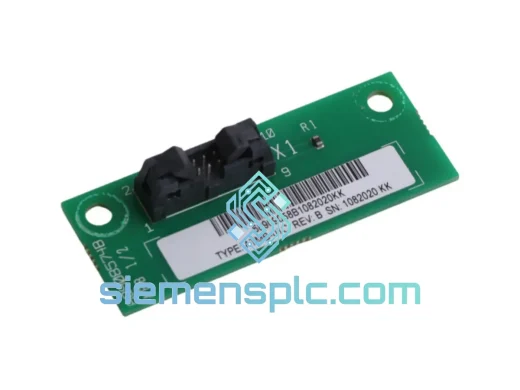
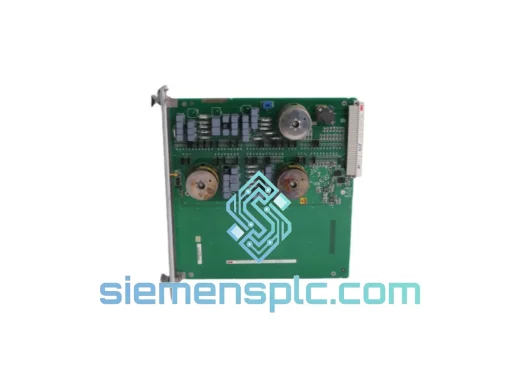
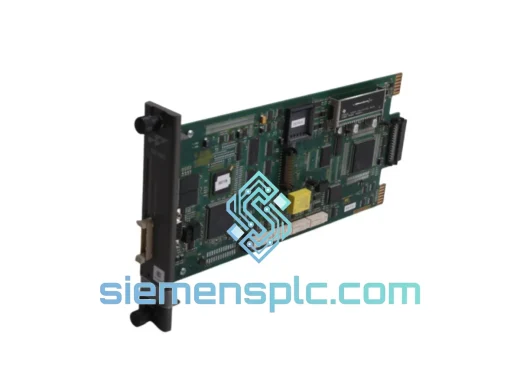
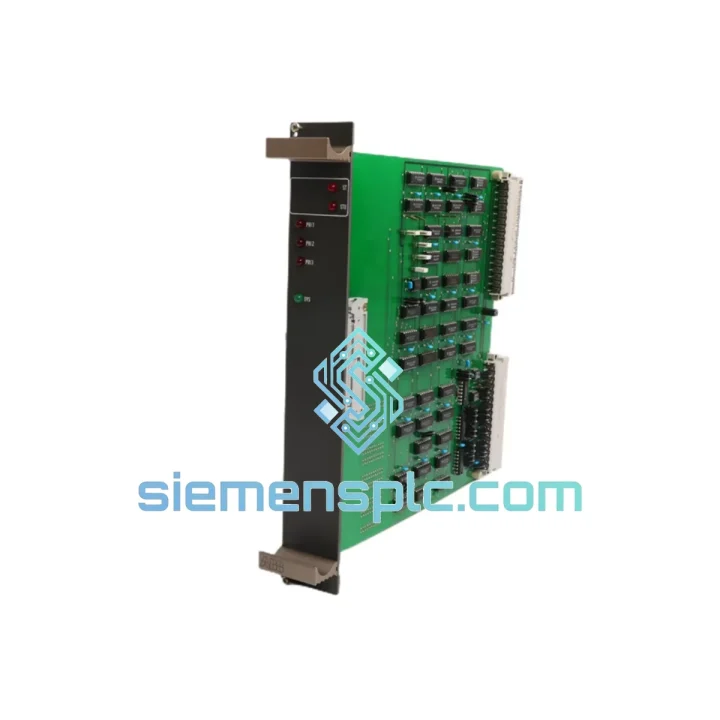
ABB 88VU01B-E GJR2326500R1011 Coupling Module
Request verified availability, condition, replacement risk review, packing options and courier lead time for 88VU01B-E.
BrandABB
Part Number88VU01B-E
ConditionAvailability Check
Lead TimeRFQ Confirmation
DocumentsDatasheet / photos by RFQ
ShippingExport packing available
Auto-filled RFQ
88VU01B-E
Click Request Quote and the part number is inserted into the inquiry form automatically.
- Reply by email: [email protected]
- WhatsApp / Tel: +86 18359268345
- Mon-Sat 9:00-18:00 GMT+8
Procurement Data
Key Product Information
Core fields for model confirmation and RFQ routing. Detailed product narrative remains below.
- Brand
- ABB
- Primary Part Number
- 88VU01B-E
- Product Type
- PLC Coupling Module
- Series / Family
- AC500
- Manufacturer
- ABB
- Country of Origin
- SE
- Model Function
- CPU-to-I/O Expansion Coupling Module
- Catalog Category
- PLCs & Controllers
- Operating Temp.
- -25 °C to +60 °C
Model confirmed for inquiry
88VU01B-E
Send quantity, destination and urgency. The RFQ form keeps this part number attached.
Request Quote
Product Overview
ABB 88VU01B-E GJR2326500R1011 — Stop the Bleed: Get Your AC500 Back Online Before the Next Shift
Your AC500 rack just lost its coupling link. The CPU is alive, the I/O modules are powered, but process data has stopped moving. Every minute that conveyor sits idle, every batch that misses its window, every SLA breach that stacks up — that’s real money leaving the building. The ABB 88VU01B-E (GJR2326500R1011) is the exact module that bridges your CPU backplane to the expansion I/O rack, and we have it on the shelf right now in Xiamen, ready to clear customs and land on your bench within 48–72 hours via DHL or FedEx Express.
This is not a generic listing. We stock this specific coupling module because AC500 installations are everywhere — water treatment, automotive stamping lines, port crane systems, pharmaceutical batch reactors — and when this module fails, there is no workaround. You either have the spare or you wait weeks for factory lead time. We exist to eliminate that wait.
URGENT REQUIREMENT? Contact: [email protected] | WhatsApp: +86 18359268345
Quick Technical Datasheet
| Parameter | Value |
|---|---|
| Part Number | 88VU01B-E |
| Catalog / Order No. | GJR2326500R1011 |
| Manufacturer | ABB |
| Series | AC500 PLC |
| Function | CPU-to-I/O Expansion Coupling Module |
| Communication Interface | Internal AC500 backplane bus |
| Mounting | Slot-mount on AC500 expansion rack |
| Operating Temperature | -25 °C to +60 °C |
| Weight | 760 g |
| Origin | Germany |
| Condition | New / Surplus New |
| Availability | ✔ Ready to Ship — Xiamen Stock |
Troubleshooting & Replacement Tips
Before you pull the module, confirm the fault is actually the coupler and not a backplane power issue. Check the CPU diagnostic buffer — error codes 0x8090 (I/O bus communication error) and 0x8091 (expansion rack timeout) are the two signatures that point directly at a failed 88VU01B-E. If you’re seeing intermittent rack dropouts rather than a hard fault, check the rack connector seating first; corrosion on the backplane pins can mimic a dead coupler.
Replacement procedure (field-tested sequence):
1. Put the CPU into STOP mode and acknowledge all pending alarms in your SCADA/HMI before touching hardware. Do not hot-swap this module — the AC500 backplane is not designed for live coupling replacement.
2. Power down the expansion rack (not necessarily the entire panel, but the rack segment housing the coupler). Verify with a multimeter that the 24 VDC rail on the rack is dead before proceeding.
3. Note the DIP switch or rotary address setting on the old module before removal. The 88VU01B-E uses a rack address selector to identify itself on the internal bus. Photograph it. Replicate it exactly on the new unit — mismatch here causes the CPU to see a “foreign” rack and refuse to initialize I/O.
4. Slide the old module out, seat the new one firmly until the locking tab clicks. Restore rack power.
5. Cycle the CPU from STOP to RUN. Watch the diagnostic buffer for the first 30 seconds. A clean startup shows no new 0x809x entries. If the CPU still logs bus errors, the issue is upstream — check the CPU’s own backplane connector or the rack’s internal bus ribbon.
6. Firmware note: if your AC500 CPU is running firmware below V2.4, there is a known compatibility advisory for certain coupler hardware revisions. Verify the firmware version in the CPU properties tab of Automation Builder before declaring the replacement complete. An update may be required.
Reliability in Harsh Conditions
The AC500 platform — and this coupling module specifically — was engineered for environments that would destroy consumer-grade electronics in weeks. The 88VU01B-E carries a conformal coating on its PCB that resists condensation and airborne contaminants common in food processing and chemical plants. Its operating range of -25 °C to +60 °C covers everything from unheated outdoor enclosures in northern climates to the radiant heat zones inside steel mill control rooms.
Vibration resistance meets IEC 60068-2-6 test profiles — the same standard applied to railway and heavy machinery control equipment. The backplane connector is rated for hundreds of insertion cycles without measurable contact degradation, which matters when your maintenance team is swapping modules during quarterly shutdowns. EMC immunity is certified to EN 61000-6-2, the industrial immunity standard, meaning the module holds its data integrity even when large motor drives or welding equipment are switching nearby. This is not marketing language — these are the test conditions ABB publishes in the AC500 hardware documentation, and they reflect why this platform is trusted in power generation and offshore applications where a communication dropout is never acceptable.
Global Express Logistics
Our warehouse is located in Xiamen, Fujian — one of China’s primary export hubs with direct daily freight connections to DHL, FedEx, and UPS international gateways. Here is what the fulfillment timeline looks like from the moment you confirm your order:
Day 0 (Order Confirmed): Module pulled from shelf, inspected, photographed, packed in anti-static bag with foam-lined outer carton. Commercial invoice and packing list prepared with accurate HS code (8537.10) for customs clearance.
Day 1: Shipment collected by DHL Express or FedEx International Priority. Tracking number issued to you within 2 hours of pickup.
Days 2–3: Delivery to most destinations in Europe, Southeast Asia, the Middle East, and North America. Australia and South America typically add one transit day.
Customs: We declare accurately and provide all documentation required for industrial component imports. For customers in the EU, we can provide EUR.1 movement certificates where applicable. For customers in countries with import duty exemptions on industrial automation components, we advise on the correct commodity classification upfront.
If your situation is genuinely critical — plant down, production stopped — contact us on WhatsApp directly. We have arranged same-day dispatch for emergency orders placed before 14:00 CST on business days.
Contact Information
Email: [email protected]
WhatsApp: +86 18359268345
Web: siemensplc.com
© 2026 siemensplc.com. All rights reserved.
Ready to quote
[email protected]
Send This Part Number to Sales
RFQ workflow
Quality workflow ->
Confirmation Process
01Model confirmation
We check the full part number, brand, series and visible nameplate information before quotation.
02Availability reply
Sales confirms stock path, condition option, quantity and realistic lead time for export dispatch.
03Packing & courier
DHL, FedEx, UPS or buyer courier arrangements can be reviewed with packing requirements.
Continue sourcing
Browse full catalog ->
Related Automation Parts
Similar brand or category products for fast comparison and multi-item RFQ lists.
ABB
RFQ Ready
ABB 1SVR427075R0000 CP-A CM PLC CPU Module – AC500 Compact Series
AC500
Origin SE
PLC CPU Module