ABB
In Stock OK
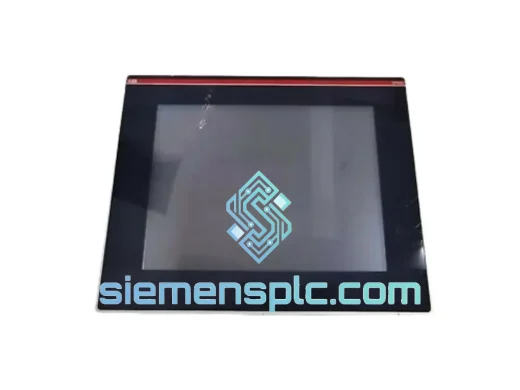
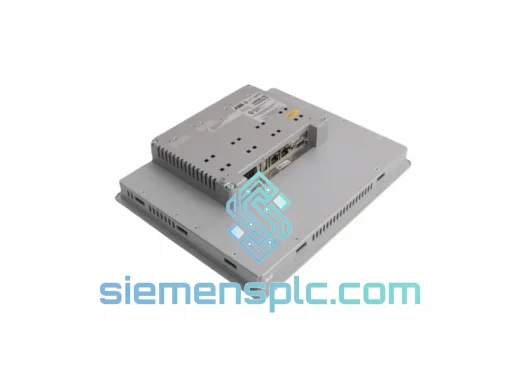
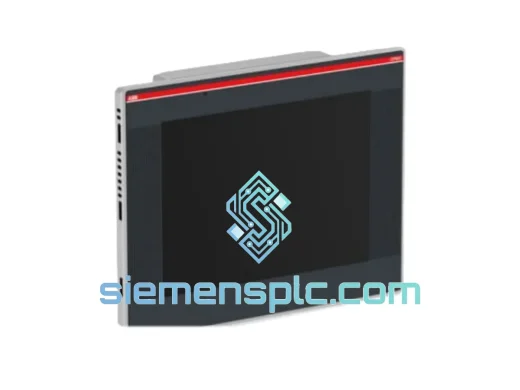
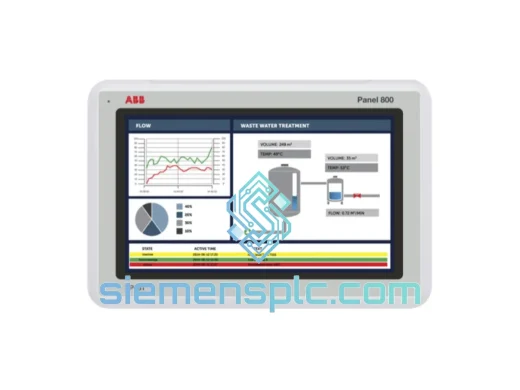
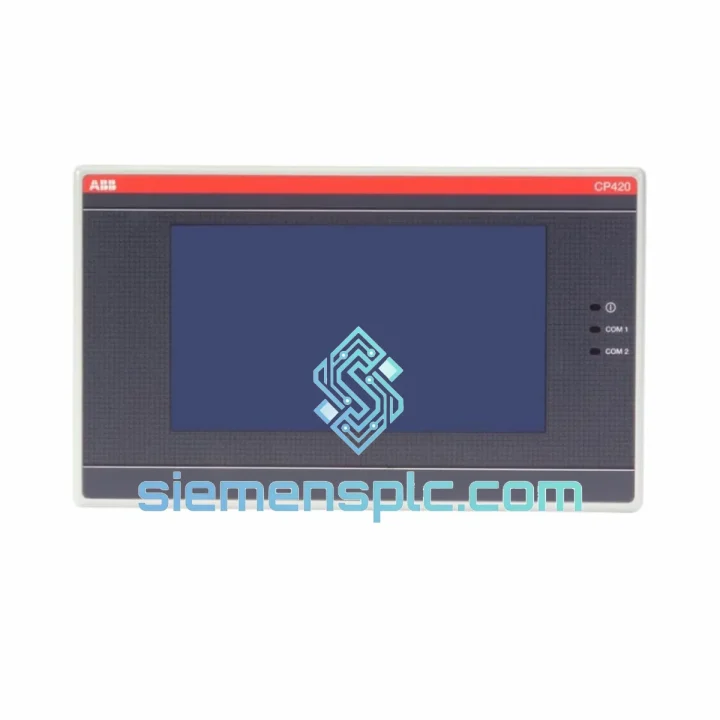
ABB CP420B 1SBP260182R1001 HMI Operator Panel
Request verified availability, condition, replacement risk review, packing options and courier lead time for CP420B 1SBP260182R1001.
BrandABB
Part NumberCP420B 1SBP260182R1001
ConditionAvailability Check
Lead TimeRFQ Confirmation
DocumentsDatasheet / photos by RFQ
ShippingExport packing available
Auto-filled RFQ
CP420B 1SBP260182R1001
Click Request Quote and the part number is inserted into the inquiry form automatically.
- Reply by email: [email protected]
- WhatsApp / Tel: +86 18359268345
- Mon-Sat 9:00-18:00 GMT+8
Procurement Data
Key Product Information
Core fields for model confirmation and RFQ routing. Detailed product narrative remains below.
- Brand
- ABB
- Primary Part Number
- CP420B 1SBP260182R1001
- Product Type
- HMI Operator Panel
- Series / Family
- AC500
- Country of Origin
- SE
- Catalog Category
- HMI Panels
- Operating Temp.
- 0 °C to +55 °C
Model confirmed for inquiry
CP420B 1SBP260182R1001
Send quantity, destination and urgency. The RFQ form keeps this part number attached.
Request Quote
Product Overview
ABB CP420B 1SBP260182R1001: Cut Downtime Short — Shelf Stock, Ships Today
Your AC500 line is down. The CP420B panel is dark — no display, no keypad response, operators standing around a dead cabinet. Every hour you wait on a standard distributor lead time is money walking out the door. We carry the ABB CP420B (part number 1SBP260182R1001) in verified stock at our Xiamen warehouse. Order confirmed before 14:00 CST and it moves today — DHL or FedEx, tracked, documented, and packed for air freight. No negotiation, no back-order promises, no grey-market risk.
This unit is 100% original ABB manufacture. Intact holographic seals, traceable batch labeling, and a functional power-on check before it leaves the building. If your maintenance team is prepping the cabinet right now, this is the fastest path from fault to running.
URGENT REQUIREMENT? Contact: [email protected] | WhatsApp: +86 18359268345
Quick Technical Datasheet
| Parameter | Specification |
|---|---|
| Brand | ABB Ltd. |
| Model | CP420B |
| Part Number | 1SBP260182R1001 |
| Platform | AC500 PLC Series (V2 / V3) |
| Device Function | Coupled Operator Control Panel / HMI |
| Display | Backlit LCD with integrated membrane keypad |
| Bus Interface | AC500 internal expansion bus — direct CPU coupling, no external wiring |
| Compatible CPUs | PM554, PM564, PM573, PM583, PM592 |
| Front IP Rating | IP65 (panel-mount face) |
| Operating Temperature | 0 °C to +55 °C |
| Storage Temperature | −25 °C to +70 °C |
| Power Source | AC500 CPU backplane — no separate PSU required |
| Unit Weight | ~1,200 g |
| Certifications | CE, UL, cUL, RoHS |
| Programming Environment | ABB Automation Builder 2.x+ |
| Country of Origin | Germany |
| Availability | ✅ Ready to Ship — Xiamen Warehouse |
Troubleshooting & Replacement Tips
The CP420B fails in predictable ways. Knowing the pattern saves you from chasing the wrong fault.
Fault signatures that point directly at the CP420B:
- Black display, CPU LED green: The PLC is running fine. The backlight driver or LCD controller inside the panel has failed — not a CPU or program issue. Swap the panel, not the CPU.
- Keypad dead, program continues: Membrane contact layer delamination. Common after 5+ years in high-humidity or high-cycle environments. The panel is receiving power but cannot register key presses.
- “CP communication error” in CPU diagnostic buffer: Two causes — internal bus connector oxidation (clean and reseat first) or firmware version mismatch between the panel and CPU (check before ordering a replacement).
- Display freezes during temperature swings: Thermal stress on solder joints in the display driver board. Worsens progressively above 45 °C ambient. Intermittent at first, then permanent.
Replacement procedure — field-tested sequence:
- Back up the project first. Connect Automation Builder online to the CPU and export the current project file. The CP420B stores no independent logic — all screen definitions live in the project. Confirm the exported version matches your last known-good backup before touching hardware.
- De-energize the rack. The CP420B draws power from the CPU backplane — there is no separate panel power switch. Isolate via the main cabinet breaker. Wait 30 seconds for capacitor discharge before opening the cabinet.
- Remove the panel. Release the four rear mounting clips from inside the cabinet door cutout. Slide the panel forward through the front face. Disconnect the flat-ribbon bus cable from the CPU — note the orientation tab before pulling. Photograph the cable routing if this is your first time on this cabinet model.
- Check firmware compatibility before installing the replacement. This step is skipped by 80% of technicians and causes 80% of post-swap commissioning failures. Verify the replacement CP420B firmware version against the CPU firmware. A mismatch (e.g., CPU on FW 3.4.x, panel on FW 2.x) triggers a “Panel version incompatible” fault on startup. Use ABB Automation Builder’s firmware update tool to flash the panel to the correct version before mounting it.
- No DIP switch addressing required. Unlike S500 I/O modules, the CP420B does not use address switches. The AC500 CPU auto-addresses the panel on first connection — no manual node ID assignment, no jumper configuration.
- Install and power up. Seat the bus cable firmly — connector seating is the single most common commissioning error. Mount the panel, restore power. The CPU detects the new panel within one scan cycle. If the project was previously downloaded, screen definitions load automatically. “Panel not found” after 10 seconds means the bus cable is not fully seated — reseat before assuming a hardware fault.
- Verify and document. Navigate all configured screen pages, test every function key mapping, confirm alarm acknowledgment behavior. Log the replacement with the new unit’s serial number and date in your maintenance record.
Reliability in Harsh Conditions
The CP420B was built for the conditions that exist in real industrial cabinets — not for a climate-controlled server room. ABB validated this panel against the environments where AC500 systems actually run: food processing lines with washdown cycles, outdoor substations with temperature swings from −20 °C winter cold-starts to +50 °C summer cabinet interiors, and drive cabinets where VFD switching generates continuous EMC noise.
The IP65-rated front face keeps water jets and airborne particulate out of the membrane keypad and display bezel — the operator-side surfaces that take the most abuse. The internal PCB assembly carries conformal coating to resist condensation-driven corrosion, a failure mode that accelerates in coastal plants and facilities with poor cabinet sealing.
Vibration endurance is validated to IEC 60068-2-6 across the 5–150 Hz range at 1g acceleration. The panel maintains electrical continuity and display integrity when mounted near compressors, presses, or conveyor drive cabinets where structural vibration is a constant background condition. Solder joint integrity under vibration is where cheaper panels fail first — ABB’s manufacturing process addresses this with wave-soldered through-hole connections on the bus interface board.
Thermal cycling endurance per IEC 60068-2-14 (−25 °C to +70 °C) ensures the connector interfaces and solder joints survive the cold-start/hot-run cycles typical of unheated factory buildings and outdoor enclosures in northern climates. The LCD backlight is rated at 50,000+ hours MTBF at 25 °C — in high-cycle applications, the membrane keypad contact layer typically reaches end-of-life first, making keypad failure the more common field complaint in older units.
EMC compliance to EN 61000 series standards ensures the panel does not introduce noise onto the AC500 internal bus in environments with variable-frequency drives, high-current contactors, and switching power supplies — exactly the conditions where communication-layer faults appear on lesser panels.
Global Express Logistics
Our warehouse operates from Xiamen, Fujian Province — a primary Chinese export hub with direct daily access to DHL Express, FedEx International Priority, and UPS Worldwide Express departures from Xiamen Gaoqi International Airport. This is not a consolidation point. Parts ship from the same city they are stored in, with no intermediate transfer delays.
Estimated transit times from Xiamen:
- Southeast Asia (Singapore, Thailand, Malaysia, Vietnam): 2–3 business days — DHL Express
- Middle East (UAE, Saudi Arabia, Qatar, Kuwait): 3–4 business days — FedEx International Priority
- Europe (Germany, Netherlands, UK, Poland, France): 4–5 business days — DHL Express Worldwide
- North America (USA, Canada): 4–6 business days — FedEx International Priority
- Australia & New Zealand: 3–5 business days — DHL Express
- South America (Brazil, Chile, Colombia): 5–7 business days — FedEx or UPS
Every shipment includes a commercial invoice, packing list, and certificate of origin for customs clearance. EU customers receive HS code documentation (HS 8537.10) to facilitate import processing. For customers requiring pre-clearance coordination, we work directly with your freight forwarder — provide their contact at order confirmation.
Orders confirmed before 14:00 CST (UTC+8) are dispatched same day. Orders confirmed after cutoff are escalated to next-morning priority dispatch. A tracking number is issued within 2 hours of carrier handoff — no follow-up required on your end.
Packaging: ESD-safe anti-static bag, foam-cushioned insert, double-wall corrugated export carton rated for air freight handling. The CP420B LCD assembly is impact-sensitive — packaging is not an afterthought here.
Contact Information
Email: [email protected]
WhatsApp: +86 18359268345
Web: siemensplc.com
© 2026. All rights reserved.
Ready to quote
[email protected]
Send This Part Number to Sales
RFQ workflow
Quality workflow ->
Confirmation Process
01Model confirmation
We check the full part number, brand, series and visible nameplate information before quotation.
02Availability reply
Sales confirms stock path, condition option, quantity and realistic lead time for export dispatch.
03Packing & courier
DHL, FedEx, UPS or buyer courier arrangements can be reviewed with packing requirements.
Continue sourcing
Browse full catalog ->
Related Automation Parts
Similar brand or category products for fast comparison and multi-item RFQ lists.