ABB
RFQ Ready
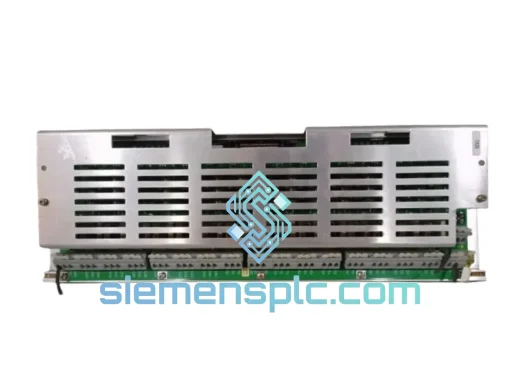
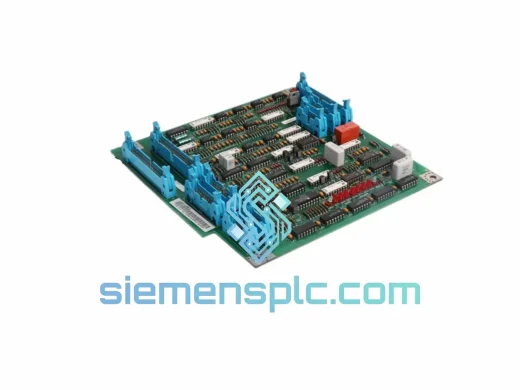
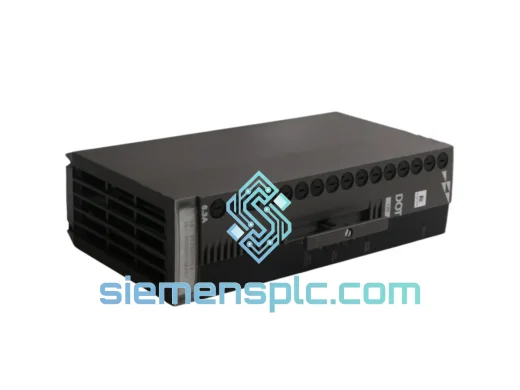
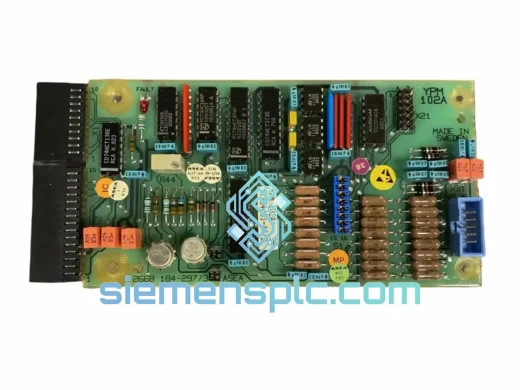
ABB YPM102A YT204001-AA Analog Output Module – AC 800M S800 I/O
S800
Origin SE
Analog Output Module
Request verified availability, condition, replacement risk review, packing options and courier lead time for IC697BEM731.
Click Request Quote and the part number is inserted into the inquiry form automatically.
Core fields for model confirmation and RFQ routing. Detailed product narrative remains below.
Your Series 90-70 remote I/O segment just went silent. The bus controller is gone — and with it, every field signal in that rack. Interlocks are blind, operators are on manual override, and your maintenance window is already burning. The IC697BEM731 is not a module you can improvise around. It is the token-passing master for the entire remote rack. Without it, there is no bus, no I/O, no process. We stock it. We ship it today.
URGENT REQUIREMENT? Contact: [email protected] | WhatsApp: +86 18359268345
| Parameter | Specification |
|---|---|
| Part Number | IC697BEM731 |
| Manufacturer | ABB (formerly GE Fanuc / GE Intelligent Platforms) |
| Series | Series 90-70 Remote I/O |
| Module Function | Remote I/O Bus Controller — Token-Passing Master |
| Bus Protocol | Series 90-70 Remote I/O Token-Passing Bus |
| Rack Slot | Single-slot, Series 90-70 Remote I/O Expansion Rack |
| Power Source | Rack backplane (no external wiring required) |
| Operating Temperature | 0 °C to +60 °C |
| Humidity | 5% to 95% RH, non-condensing |
| Weight | ~500 g |
| Certifications | UL Listed, CE Marked |
| Availability | ✔ Ready to Ship — Xiamen Stock |
Fault Symptom Recognition
Before pulling the module, confirm the fault is actually the IC697BEM731 and not a cabling or power issue. Typical indicators of a failed bus controller: the CPU rack’s I/O fault table shows a “Remote I/O Bus Fault” or “BEM Failure” entry; the BEM’s RUN LED is off or flashing red; all I/O modules in the remote rack show faulted status simultaneously; swapping to a known-good rack power supply does not clear the fault.
Pre-Swap Checklist
Replacement Procedure
Common Fault Codes
The Series 90-70 platform was engineered for environments that would destroy consumer-grade electronics. The IC697BEM731 carries that same industrial DNA. Its conformal-coated PCB resists moisture ingress in high-humidity environments — paper mills, coastal facilities, and outdoor enclosures where condensation is a daily reality. The module’s bus interface circuitry is designed to tolerate the electrical noise generated by large motor drives, welding equipment, and high-current switching loads that share the same plant floor.
Mechanical vibration is another reality in manufacturing. The IC697BEM731’s backplane connector and component mounting are rated for the continuous low-frequency vibration typical of compressor rooms, press lines, and rotating machinery installations. Thermal cycling — the daily expansion and contraction that fatigues solder joints over years of operation — is addressed through the module’s industrial-grade component selection and PCB construction standards.
Every unit we ship has been visually inspected for physical damage, connector pin integrity, and label authenticity. Where bench test equipment is available, modules are powered up and checked for basic bus communication response before dispatch. We do not ship modules with bent pins, cracked housings, or evidence of prior repair attempts without full disclosure.
Our warehouse is located in Xiamen, China — a major international logistics hub with direct DHL and FedEx service to over 220 countries and territories. When you confirm an order, the clock starts immediately.
Every hour your line is down has a cost. We have shipped emergency replacement modules to petrochemical plants in the Middle East, automotive assembly lines in Eastern Europe, and power stations in Southeast Asia — all within 24 hours of inquiry. Speed is not a marketing claim here. It is the only thing that matters when production is stopped.
Email: [email protected]
WhatsApp: +86 18359268345
Web: siemensplc.com
© 2026. All rights reserved.
We check the full part number, brand, series and visible nameplate information before quotation.
Sales confirms stock path, condition option, quantity and realistic lead time for export dispatch.
DHL, FedEx, UPS or buyer courier arrangements can be reviewed with packing requirements.
Similar brand or category products for fast comparison and multi-item RFQ lists.