ABB
In Stock OK
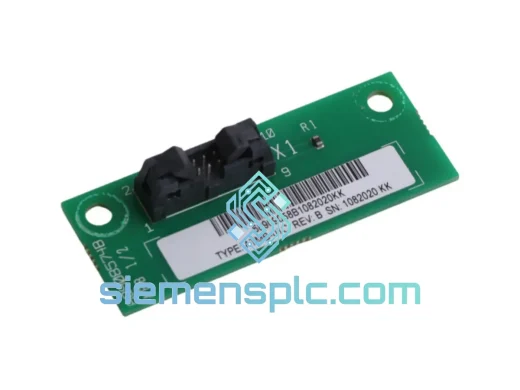
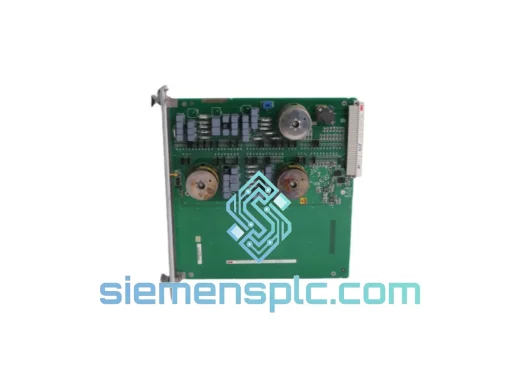
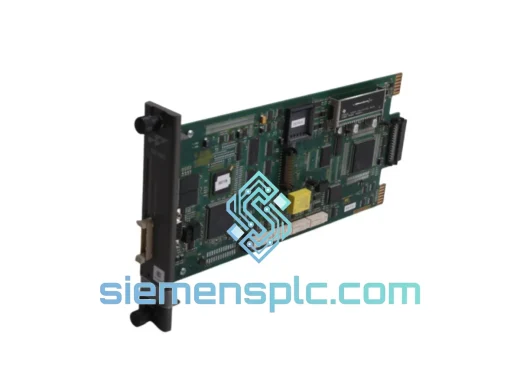
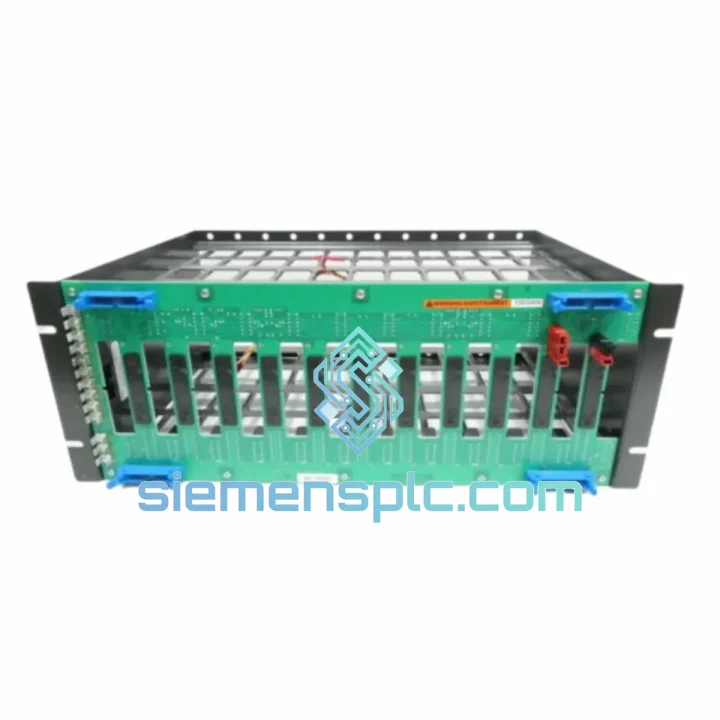
ABB IEMMU11 PLC Mounting Unit
Request verified availability, condition, replacement risk review, packing options and courier lead time for IEMMU11.
BrandABB
Part NumberIEMMU11
ConditionAvailability Check
Lead TimeRFQ Confirmation
DocumentsDatasheet / photos by RFQ
ShippingExport packing available
Auto-filled RFQ
IEMMU11
Click Request Quote and the part number is inserted into the inquiry form automatically.
- Reply by email: [email protected]
- WhatsApp / Tel: +86 18359268345
- Mon-Sat 9:00-18:00 GMT+8
Procurement Data
Key Product Information
Core fields for model confirmation and RFQ routing. Detailed product narrative remains below.
- Brand
- ABB
- Primary Part Number
- IEMMU11
- Product Type
- PLC Mounting Accessory
- Series / Family
- AC500
- Manufacturer
- ABB
- Country of Origin
- SE
- Model Function
- Module Mounting Unit – Rear Panel Installation
- Catalog Category
- PLCs & Controllers
- Operating Temp.
- –25 °C to +70 °C
Model confirmed for inquiry
IEMMU11
Send quantity, destination and urgency. The RFQ form keeps this part number attached.
Request Quote
Product Overview
ABB IEMMU11 – Stop the Clock on Your Downtime. Ship Today.
Every minute your AC500 rack sits unmounted is money bleeding out of your operation. A missing or failed IEMMU11 rear-mount unit shouldn’t be the reason your line stays cold. We stock the ABB IEMMU11 in Xiamen, verified OEM, ready to pull and ship the same day you call. No waiting on distributor lead times. No back-order excuses. Just the part, in your hands, fast.
URGENT REQUIREMENT? Contact: [email protected] | WhatsApp: +86 18359268345
Quick Technical Datasheet
| Parameter | Value |
|---|---|
| Part Number | IEMMU11 |
| Manufacturer | ABB |
| Platform | AC500 PLC Series |
| Function | Module Mounting Unit – Rear Panel Installation |
| Mounting Style | Rear-mount, DIN rail compatible |
| Compatible Modules | AC500 I/O modules, communication modules |
| Locking Mechanism | Snap-lock + screw retention |
| Operating Temperature | –25 °C to +70 °C |
| Storage Temperature | –40 °C to +85 °C |
| Protection Rating | IP20 (cabinet-dependent) |
| Standards | IEC 61131-2, CE, UL, RoHS |
| Configuration Required | None – purely mechanical |
| Stock Status | ✔ Ready to Ship – Xiamen Warehouse |
Troubleshooting & Replacement Tips
The IEMMU11 is a passive mechanical component — it carries no firmware, no node address, and no bus logic. That said, a botched swap can still cost you hours. Here’s what actually matters in the field:
Step 1 – De-energize and isolate. Cut 24 VDC supply to the affected rack segment. Do not hot-swap mounting hardware. The AC500 backplane bus connector is not rated for live insertion on the mechanical carrier side.
Step 2 – Document module slot order before removal. Photograph the rack. AC500 I/O modules are auto-addressed by physical slot position on the backplane. If you reinstall modules in the wrong sequence after remounting, the CPU will throw configuration mismatch faults (typically error code 0x8200 or segment fault on the FBP interface). The PLC does not care that you swapped a mechanical part — it cares about slot topology.
Step 3 – Inspect the backplane bus connector. When pulling the old IEMMU11, check the bus connector pins on adjacent modules for bent contacts or oxidation. This is the most common hidden fault after a mounting unit failure caused by vibration fatigue — the mechanical failure often masks an intermittent bus fault that will resurface if not addressed.
Step 4 – Seat the new IEMMU11 fully. The snap-lock must click positively. A partially seated unit will allow the module to rock under vibration, causing intermittent I/O faults that are notoriously difficult to trace. Torque the retention screws to ABB’s specified value (refer to AC500 system manual, section on mechanical installation).
Step 5 – Reinstall modules in original slot order. Power up. On first scan, the AC500 CPU will re-enumerate the backplane. If slot addresses match the stored configuration, the system will resume without a download. If you get a hardware configuration mismatch alarm, use PS501 Control Builder Plus to re-sync the hardware configuration — do not force-clear the alarm without understanding the root cause.
Common fault codes associated with mounting issues:
- 0x8200 / Hardware Config Mismatch – Module in wrong slot after remount
- FBP Segment Fault – Damaged backplane bus connector, often exposed during IEMMU11 swap
- Intermittent I/O Loss – Incomplete snap-lock seating; module rocking under vibration
- CPU Stops Scanning – Rare, but can occur if bus termination is disturbed during remount on end-of-rack positions
Reliability in Harsh Conditions
The IEMMU11 is not a lab component. It was designed for the same environments where AC500 PLCs earn their reputation — cement plants, offshore platforms, automotive stamping lines, and municipal water treatment facilities. The mechanical design addresses three primary failure vectors that destroy lesser mounting hardware:
Vibration: The dual-retention system — snap-lock plus screw fixation — is validated against IEC 60068-2-6 sinusoidal vibration profiles. In high-cycle machinery environments (presses, compressors, conveyors), single-retention mounting units work loose over time. The IEMMU11’s two-point retention keeps the module seated through millions of machine cycles without re-torquing.
Thermal cycling: Control cabinets in process plants routinely see 40 °C swings between startup and shutdown. The IEMMU11’s glass-fiber reinforced polymer construction maintains dimensional stability across the full –25 °C to +70 °C operating range, preventing the micro-movement that causes fretting corrosion on backplane contacts in thermally stressed installations.
Humidity and condensation: In coastal, tropical, or washdown-adjacent environments, the IP20 module-level protection combined with the IEMMU11’s sealed mounting interface prevents moisture ingress at the module-to-carrier junction. Pair with a properly sealed cabinet (IP54 or better) for full environmental protection in humid conditions.
Units in our stock are stored in climate-controlled conditions and inspected for mechanical integrity, label legibility, and packaging condition before dispatch. We do not ship units with damaged retention tabs or compromised bus connector interfaces — those go to scrap, not to your plant.
Global Express Logistics
Our dispatch hub is in Xiamen, China — one of the most connected export ports in Asia, with daily DHL Express and FedEx International Priority consolidations. Here’s how your order moves:
- Order confirmed before 14:00 CST → Same-day pick, pack, and handover to carrier
- DHL Express Worldwide → Europe: 3–5 business days | North America: 3–4 business days | Southeast Asia: 1–2 business days
- FedEx International Priority → Available on request for time-critical shipments with guaranteed delivery windows
- Export documentation → Commercial invoice, packing list, and HS code declaration prepared for customs clearance. We handle CN22/CN23 and full EX1 export declarations where required.
- Tracking → AWB number provided within 2 hours of carrier pickup. Real-time tracking link sent to your email.
- Duties and taxes → DAP (Delivered At Place) by default. DDP available for EU and select markets — ask at time of order.
For plant shutdowns, scheduled maintenance windows, or emergency breakdowns, contact us directly on WhatsApp for a real-time stock confirmation and shipping commitment before you place the order. We don’t quote lead times we can’t keep.
Contact Information
Email: [email protected]
WhatsApp: +86 18359268345
Web: siemensplc.com
© 2026
Ready to quote
[email protected]
Send This Part Number to Sales
RFQ workflow
Quality workflow ->
Confirmation Process
01Model confirmation
We check the full part number, brand, series and visible nameplate information before quotation.
02Availability reply
Sales confirms stock path, condition option, quantity and realistic lead time for export dispatch.
03Packing & courier
DHL, FedEx, UPS or buyer courier arrangements can be reviewed with packing requirements.
Continue sourcing
Browse full catalog ->
Related Automation Parts
Similar brand or category products for fast comparison and multi-item RFQ lists.
ABB
RFQ Ready
ABB 1SVR427075R0000 CP-A CM PLC CPU Module – AC500 Compact Series
AC500
Origin SE
PLC CPU Module