ABB
RFQ Ready
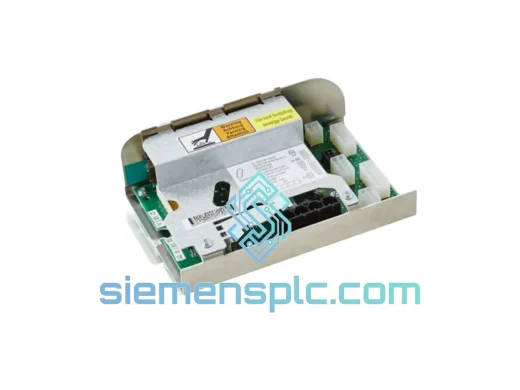
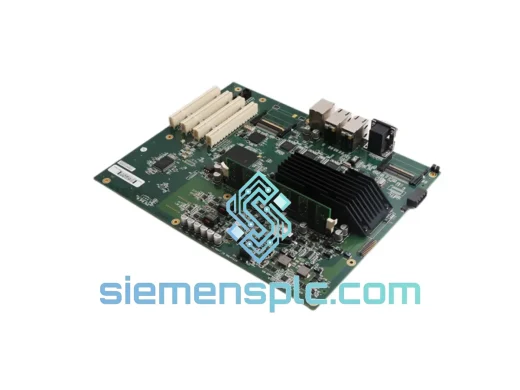
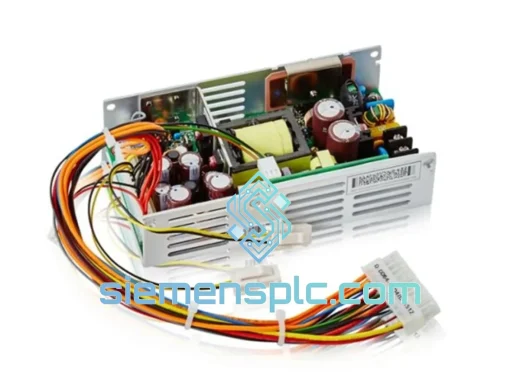
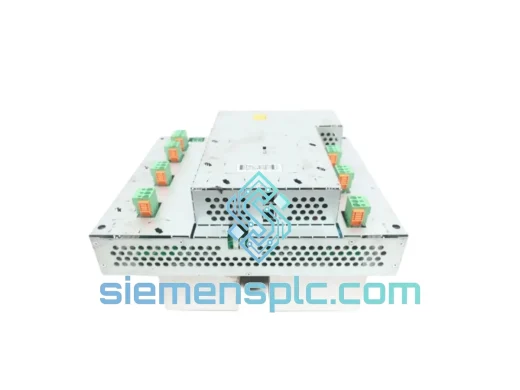
ABB IRB66003HAC14139-1 AC Servo Motor – IRB 6600 Series
IRB 6600 Series
Origin SE
AC Servo Motor
Request verified availability, condition, replacement risk review, packing options and courier lead time for NSB202-601D.
Click Request Quote and the part number is inserted into the inquiry form automatically.
Core fields for model confirmation and RFQ routing. Detailed product narrative remains below.
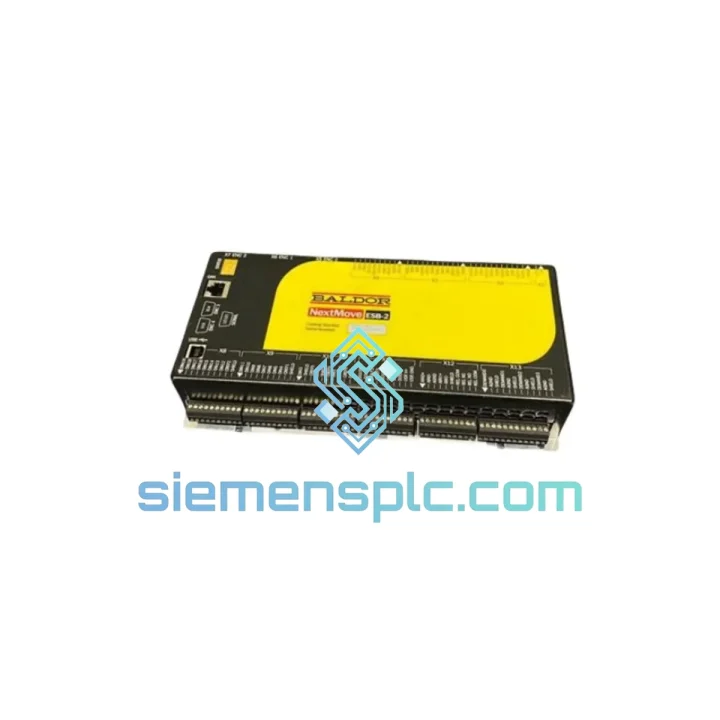
Your line is down. Every hour costs real money — idle labor, missed shipments, contractual penalties. The ABB NSB202-601D NextMove multi-axis motion controller is the single point of failure you cannot afford to wait weeks for. We stock it. We test it. We ship it the same day you call. From our Xiamen warehouse to your plant floor via DHL Express or FedEx International Priority — most destinations in Southeast Asia, Europe, and North America receive within 3–5 business days. No broker delays. No customs surprises. Just a verified, functional unit in your hands fast enough to matter.
This is not a catalog listing. This is a field-ready replacement sourced from traceable supply channels, power-on tested before it leaves our facility, and backed by a 90-day DOA warranty. If you are reading this at 2 AM because your production manager just called — you are in the right place.
URGENT REQUIREMENT? Contact: [email protected] | WhatsApp: +86 18359268345
| Parameter | Specification |
|---|---|
| Part Number / SKU | NSB202-601D |
| Manufacturer | ABB Ltd. |
| Series / Platform | NextMove Series |
| Module Type | Multi-Axis Motion Controller |
| Coordinated Axes | Up to 2 (expandable via CANopen network) |
| Control Output | High-speed Pulse/Direction (P&D) + Analog ±10 V |
| Communication | CANopen, RS-232, RS-485, optional EtherCAT |
| Programming Environment | ABB Mint WorkBench (IEC 61131-3 compatible) |
| Servo Cycle Time | ≤ 1 ms deterministic |
| Supply Voltage | 24 V DC (±10%) |
| Power Consumption | ≤ 15 W typical |
| Operating Temperature | 0 °C to +55 °C |
| Storage Temperature | −25 °C to +70 °C |
| Humidity | 5–95% RH, non-condensing |
| Protection Rating | IP20 (panel-mount, DIN-rail) |
| Weight | ~400 g |
| Certifications | CE, UL |
| Country of Origin | Germany |
| Availability | ✅ Ready to Ship — Xiamen Stock |
Ten years of field calls teach you that most NSB202-601D failures fall into three buckets. Know them before you pull the module.
1. CANopen Node Address Conflict (most common call we get)
The NSB202-601D stores its CANopen node ID in non-volatile memory. When you drop in a replacement unit, it ships with a factory default node ID — typically 1. If your network already has a node at ID 1, the bus will lock up the moment you power on. Before connecting the replacement to the live CANopen network: power it up in isolation, connect via RS-232 to Mint WorkBench, and set the node ID to match your original configuration. Check your original unit’s Mint program or network topology diagram for the correct value. Only then connect to the CANopen bus.
2. Firmware Version Mismatch
The NSB202-601D firmware version must be compatible with your Mint WorkBench version and your existing Mint application program. A mismatch typically manifests as the controller refusing to accept the downloaded program or throwing a FIRMWARE_INCOMPATIBLE fault on startup. Before ordering, note the firmware revision printed on the label of your failed unit (format: Vx.xx). Request a unit with matching or compatible firmware from us — we can verify against ABB’s compatibility matrix. If you receive a unit with a different firmware, use Mint WorkBench’s firmware update utility to flash the correct version before commissioning.
3. Encoder Feedback Loss / ENCFAULT on Axis 0 or Axis 1
After swapping the controller, if you immediately see an encoder fault on one or both axes, the issue is almost never the new controller — it is the encoder cable connector at the NSB202-601D end. The D-sub encoder connectors on these units are notorious for developing intermittent contact after years of vibration. Reseat all encoder connectors firmly. If the fault persists, swap encoder cables one at a time to isolate the axis. Confirm encoder supply voltage (typically 5 V) is present at the drive end before condemning the new module.
4. Replacement Checklist (field-tested sequence)
Common Fault Codes Reference:
AXISERROR 1 — Axis following error exceeded. Check encoder feedback and servo drive enable signal.COMMERROR — CANopen communication timeout. Verify node ID, baud rate, and termination resistors at both ends of the bus.DRIVEFAULT — Drive reported a fault via CANopen. Check the servo drive’s own fault log before assuming the controller is at fault.SOFTLIMIT — Axis reached software travel limit. Reset position reference after homing.POWERFAULT — 24 V supply undervoltage. Measure supply at the controller terminal, not at the panel input — voltage drop across long cable runs is a common culprit.The NextMove platform was not designed for climate-controlled server rooms. It was built for the factory floor — and the NSB202-601D reflects that lineage. The unit operates across a 0–55 °C ambient range without derating, making it suitable for non-air-conditioned production halls in tropical climates. The conformal-coated PCB resists humidity ingress in environments up to 95% RH non-condensing — critical for coastal manufacturing facilities and food processing plants where condensation is a daily reality.
Vibration resistance meets IEC 60068-2-6 test profiles, covering the 5–150 Hz frequency range that encompasses most industrial machinery resonance bands. The DIN-rail mounting system provides mechanical isolation from panel vibration, and the connector locking mechanisms prevent cable creep under sustained vibration — a failure mode that accounts for a disproportionate share of intermittent faults in motion control systems.
Thermal management is passive — no fans, no filters to clog, no rotating components to fail. Mean time between failures (MTBF) for the NextMove platform exceeds 100,000 hours under rated conditions. In practice, units installed in the early 2010s are still running in production today. When one does fail, it is almost always a connector or a power supply issue — not the controller itself. Which is why having a verified spare on the shelf, or a supplier who can ship one overnight, is the only rational risk mitigation strategy.
Our dispatch hub is in Xiamen, China — one of the country’s primary export ports with direct DHL and FedEx gateway access. Here is exactly what happens after you confirm your order:
Day 0 (Order Confirmed): Unit is pulled from bonded warehouse stock, power-on tested, photographed, and packed in anti-static foam with double-wall carton. Commercial invoice, packing list, and certificate of origin are prepared simultaneously. Export customs declaration is filed electronically.
Day 1 (Shipment Dispatched): DHL Express or FedEx International Priority pickup from our facility. Tracking number sent to your email and WhatsApp within 2 hours of handover. For urgent shipments, we can arrange same-day pickup cutoff if order is confirmed before 14:00 CST.
Transit Times (typical, not guaranteed):
Customs & Import Compliance: We provide a complete export documentation package — HS code declaration (8537.10 for programmable controllers), accurate declared value, and country of origin certificate. For EU imports, we can provide the CE declaration of conformity to support customs clearance. We have shipped to over 40 countries without a single customs seizure. If your country requires an import license for industrial electronics, notify us at order time and we will coordinate accordingly.
Emergency Protocol: If your plant is down and every hour counts, call or WhatsApp us directly at +86 18359268345. We will confirm stock availability in real time, provide a proforma invoice within 30 minutes, and initiate packing immediately upon payment confirmation. We have turned around emergency shipments in under 4 hours from first contact to carrier handover.
📧 Email: [email protected]
💬 WhatsApp: +86 18359268345
🌐 Web: siemensplc.com
© 2026 siemensplc.com. All rights reserved.
We check the full part number, brand, series and visible nameplate information before quotation.
Sales confirms stock path, condition option, quantity and realistic lead time for export dispatch.
DHL, FedEx, UPS or buyer courier arrangements can be reviewed with packing requirements.
Similar brand or category products for fast comparison and multi-item RFQ lists.