ABB
RFQ Ready
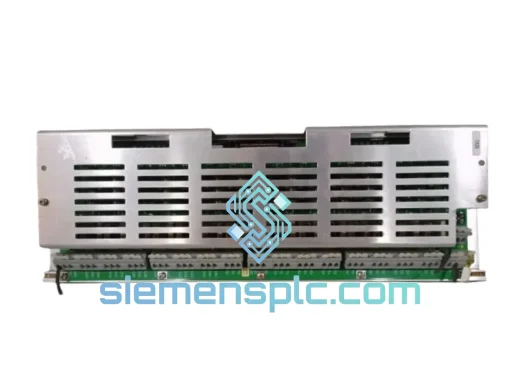
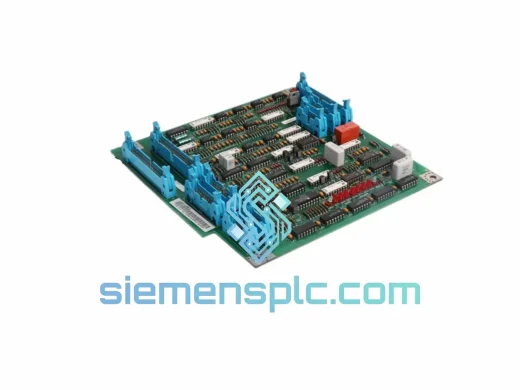
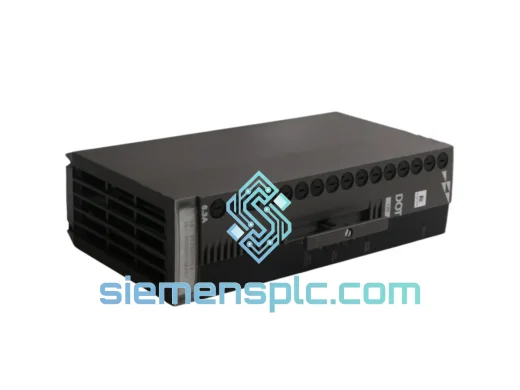
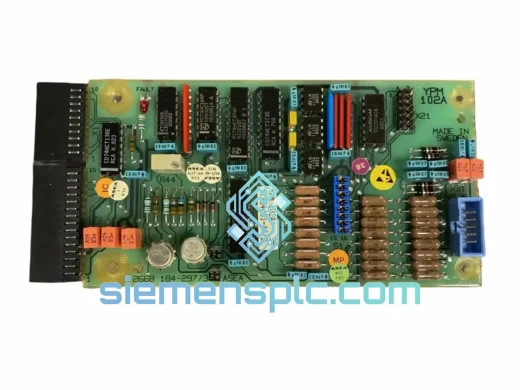
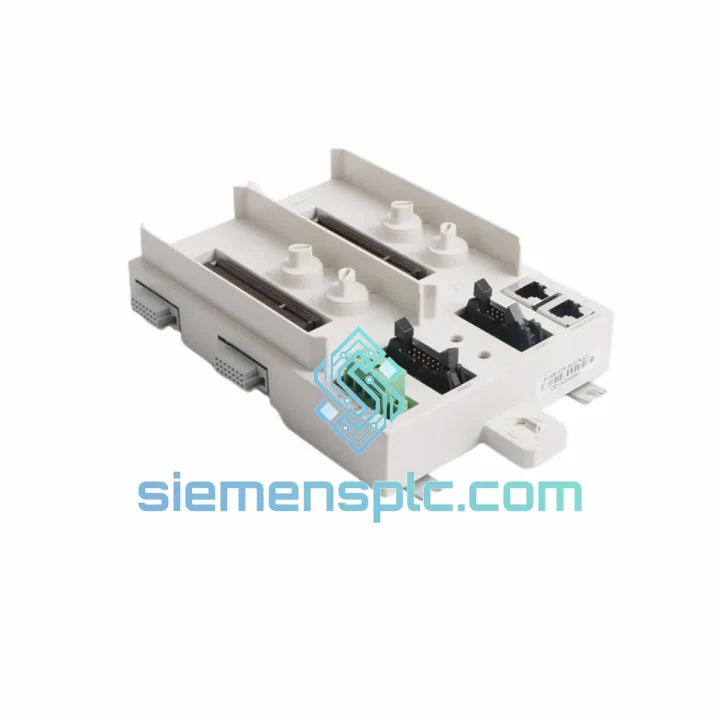
ABB YPM102A YT204001-AA Analog Output Module – AC 800M S800 I/O
S800
Origin SE
Analog Output Module
Request verified availability, condition, replacement risk review, packing options and courier lead time for P-HB-IOR-8000N200.
Click Request Quote and the part number is inserted into the inquiry form automatically.
Core fields for model confirmation and RFQ routing. Detailed product narrative remains below.
Every minute your process line is down, you’re bleeding money. A failed or damaged mounting base on your Harmony IOR 8000 node is not a “schedule it for next week” problem — it’s a right-now emergency. The ABB P-HB-IOR-8000N200 is the mechanical backbone of your remote I/O station. Without it seated correctly, your entire I/O cluster goes dark. We stock this unit in Xiamen and ship globally via DHL and FedEx. From the moment you confirm your order, our team moves fast — because we know what’s at stake on your end.
URGENT REQUIREMENT? Contact: [email protected] | WhatsApp: +86 18359268345
| Parameter | Value |
|---|---|
| Manufacturer | ABB |
| Full Part Number | P-HB-IOR-8000N200 |
| Product Series | Harmony IOR 8000 |
| Function | Mounting Base for Remote I/O Modules |
| Compatible Modules | Harmony IOR 8000 series analog & digital I/O cards |
| Mounting Method | DIN rail / panel mount |
| Weight | 440 g |
| Condition | New / Surplus New |
| Country of Origin | China (ABB-manufactured) |
| Stock Status | ✅ Ready to Ship — Xiamen Warehouse |
| Lead Time | Ships within 1–2 business days of payment confirmation |
Swapping a P-HB-IOR-8000N200 in the field is straightforward if you follow the sequence. Cut corners here and you’ll spend another two hours chasing a ghost fault.
Step 1 — De-energize and isolate. Before touching the base, confirm the remote I/O node is fully de-energized. Do not rely on software inhibit alone — physically verify at the field junction box. The Harmony IOR 8000 backplane carries 24 VDC bus power; a live swap risks corrupting the communication module’s firmware buffer.
Step 2 — Document your module slot assignments. Photograph the existing module layout before removal. The IOR 8000 base uses positional addressing — each slot maps to a fixed channel offset in the System 800xA configuration. If you reinstall modules in the wrong order, the controller will throw a “Module Mismatch” fault (typically displayed as IOR_CFG_ERR or SLOT_ID_FAIL in the 800xA event log).
Step 3 — Check the DIP switch / rotary address setting. The P-HB-IOR-8000N200 base itself does not carry an address switch, but the communication head module mounted to it does. Before removing the old base, note the rotary address dial position on the communication module. After transferring the comm head to the new base, verify the address matches your network topology map. A mismatched node address will cause the controller to see a “ghost” node and generate continuous IOR_COMM_LOSS alarms.
Step 4 — Inspect the backplane connector. The most common failure mode on the P-HB-IOR-8000N200 is not electrical — it’s mechanical. Vibration in compressor rooms and pump skids causes micro-fretting on the gold-plated backplane pins. Before installing the new base, inspect the mating connector on the I/O modules for bent or oxidized pins. Clean with isopropyl alcohol (99%) and a lint-free swab. Do not use contact spray — it leaves residue that accelerates corrosion in humid environments.
Step 5 — Firmware compatibility check. If your System 800xA is running a firmware revision below 6.0.3, verify that the replacement base is compatible with your installed I/O module firmware. ABB issued a compatibility advisory (ref: 3BSE078862) for certain early IOR 8000 base revisions. Check the revision label on the base housing — revision “R2” and above are universally compatible with 800xA 5.1 SP3 and later.
Common fault codes to watch after replacement:
The P-HB-IOR-8000N200 is not a data-center component. It was designed from the ground up for the kind of environments that destroy lesser hardware — and it shows in the construction details.
The base housing uses a glass-fiber reinforced thermoplastic rated to IEC 60068-2-6 vibration standards, capable of withstanding 2g sinusoidal vibration across the 10–150 Hz range. In compressor stations and rotating machinery skids, this matters. Cheaper third-party bases develop hairline cracks in the housing after 18–24 months of continuous vibration exposure, leading to intermittent backplane contact faults that are notoriously difficult to diagnose.
Thermal performance is rated for continuous operation from -20°C to +70°C ambient, with short-term excursions to +85°C. The backplane connector is rated for 500 insertion cycles — relevant for sites that perform frequent module swaps during scheduled maintenance windows. The gold-plated contact surfaces resist oxidation in coastal and high-humidity environments (up to 95% RH non-condensing per IEC 60068-2-78).
For installations in Zone 2 hazardous areas or ATEX-classified environments, confirm the specific certification variant required for your site. The standard P-HB-IOR-8000N200 is suitable for general industrial use; ATEX-rated variants carry a separate suffix designation — contact us to confirm the correct part for your classification.
Our warehouse is located in Xiamen, Fujian — one of China’s primary export hubs with direct access to international freight lanes. When you place an urgent order, here’s exactly what happens:
We do not use postal services or economy freight for industrial components. Every shipment is tracked, insured, and handled by a named courier with a guaranteed delivery window.
📧 Email: [email protected]
📱 WhatsApp: +86 18359268345
🌐 Web: siemensplc.com
© 2026 siemensplc.com. All rights reserved.
We check the full part number, brand, series and visible nameplate information before quotation.
Sales confirms stock path, condition option, quantity and realistic lead time for export dispatch.
DHL, FedEx, UPS or buyer courier arrangements can be reviewed with packing requirements.
Similar brand or category products for fast comparison and multi-item RFQ lists.