ABB
In Stock OK
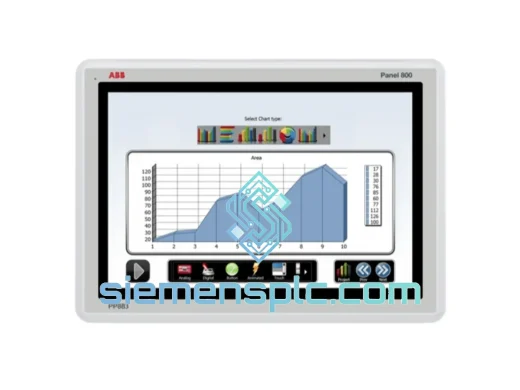
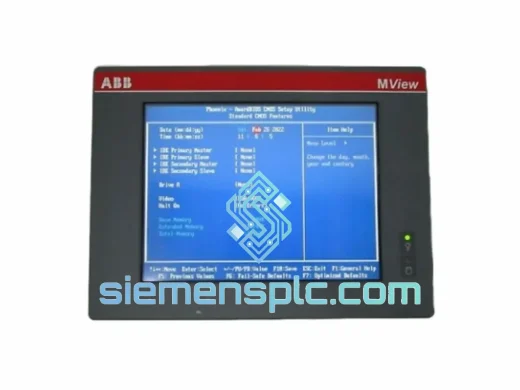
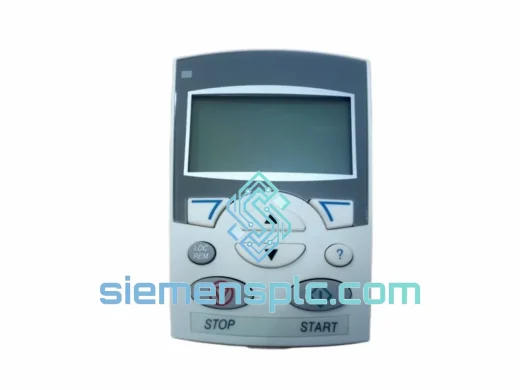
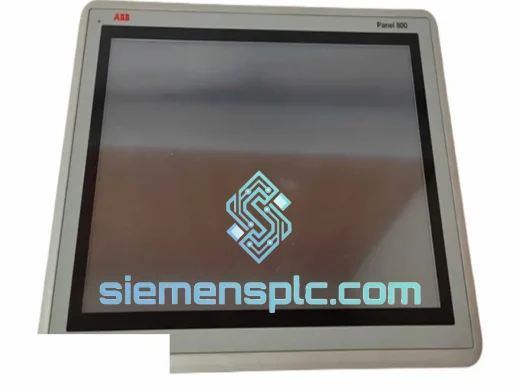
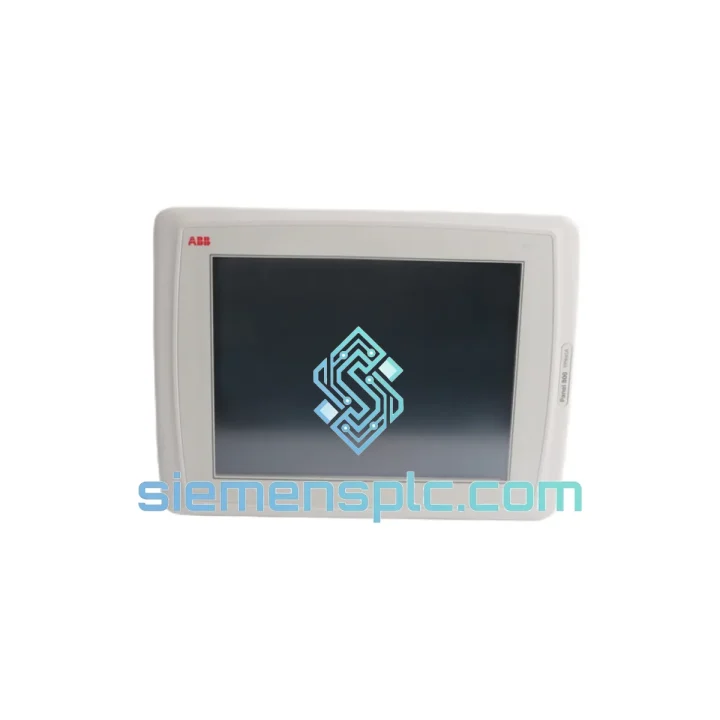
ABB PP845A 3BSE042235R2 HMI Operator Panel
Request verified availability, condition, replacement risk review, packing options and courier lead time for PP845A 3BSE042235R2.
BrandABB
Part NumberPP845A 3BSE042235R2
ConditionAvailability Check
Lead TimeRFQ Confirmation
DocumentsDatasheet / photos by RFQ
ShippingExport packing available
Auto-filled RFQ
PP845A 3BSE042235R2
Click Request Quote and the part number is inserted into the inquiry form automatically.
- Reply by email: [email protected]
- WhatsApp / Tel: +86 18359268345
- Mon-Sat 9:00-18:00 GMT+8
Procurement Data
Key Product Information
Core fields for model confirmation and RFQ routing. Detailed product narrative remains below.
- Brand
- ABB
- Primary Part Number
- PP845A 3BSE042235R2
- Product Type
- HMI Operator Panel
- Series / Family
- System 800xA
- Manufacturer
- ABB Ltd.
- Country of Origin
- SE
- Catalog Category
- HMI Panels
- Humidity
- 5–95 % RH non-condensing
Model confirmed for inquiry
PP845A 3BSE042235R2
Send quantity, destination and urgency. The RFQ form keeps this part number attached.
Request Quote
Product Overview
ABB PP845A 3BSE042235R2 — Stop the Clock on Your Downtime. Ship Today.
Your AC 800M-based control system is dark. The PP845A operator panel is the single point of failure between your operators and the process. Every minute without a functioning HMI is a minute of blind operation, manual workarounds, and mounting production loss. We stock the ABB PP845A (order code 3BSE042235R2) in Xiamen — verified, powered-on tested, and ready to clear customs today. No lead-time negotiation. No factory backorder queue. One call, one shipment, one solution.
⚡ URGENT REQUIREMENT? Contact: [email protected] | WhatsApp: +86 18359268345
Quick Technical Datasheet
| Manufacturer | ABB Ltd. |
| Part Number | PP845A |
| Order Code | 3BSE042235R2 |
| Series | System 800xA / AC 800M Operator Panel |
| Display | 15″ TFT Color LCD, 1024 × 768 (XGA) |
| Touchscreen | Resistive single-touch |
| CPU | Intel Celeron (embedded, fanless) |
| OS | Windows XP Embedded / Windows Embedded Standard |
| Interfaces | 2 × Ethernet RJ-45 (10/100), 2 × USB 2.0, 1 × RS-232 |
| Power Input | 24 V DC nominal (18–30 V DC range) |
| Power Draw | ≤ 60 W typical |
| Front IP Rating | IP65 (rear: IP20) |
| Operating Temp | 0 °C to +55 °C |
| Storage Temp | −25 °C to +70 °C |
| Humidity | 5–95 % RH non-condensing |
| Weight | ~2.04 kg |
| Mounting | Panel cut-out, flush mount |
| Certifications | CE, UL, cUL, ATEX Zone 2 |
| Compatible Controllers | AC 800M (PM851/856/860/861/864/866), AC 800PEC |
| Compatible Software | ABB 800xA HMI v5.1–6.1, Operate IT, Control Builder M |
| Stock Status | ✅ READY TO SHIP — Xiamen Warehouse |
Troubleshooting & Replacement Tips
Fifteen years of field calls on 800xA systems teach you one thing: when the PP845A goes down, the failure mode is almost never random. Here are the patterns you will actually encounter and what to do about them.
Fault 1 — Black screen, 24 V DC present, no POST activity. Nine times out of ten this is a failed embedded power supply rail, not the backlight. Measure 5 V and 12 V at the internal DC-DC converter test points before condemning the display assembly. If rails are absent, the board is gone — order the replacement now.
Fault 2 — Panel boots to Windows desktop but 800xA HMI runtime fails to launch. Check the HMI runtime service in Windows Services (services.msc). If it is stopped and will not start, the most common cause is a corrupted HMI project cache in C:ABB800xAHMI. Clear the cache folder, restart the service, and allow the project to re-download from the OPC server. If the service throws a license error, the hardware-locked license key (USB dongle or software license tied to the MAC address) has not been transferred to the replacement unit — contact your ABB system integrator before swapping hardware.
Fault 3 — Touchscreen registers phantom touches or is unresponsive. Resistive touchscreens degrade under sustained UV exposure and chemical cleaning agents. Run the built-in touch calibration utility (Control Panel → Touch Panel) first. If calibration fails to hold across reboots, the resistive overlay is physically worn — the panel requires replacement, not repair.
Replacement Procedure — Step by Step:
- Document the existing panel’s IP address, subnet mask, gateway, and hostname before powering down. Photograph the network cable routing and label each port.
- Export the 800xA HMI project from the engineering workstation (Control Builder M → File → Export). Store the export on a network share, not on the panel itself.
- Note the Windows Embedded license key (sticker on the rear of the unit or retrievable via
slmgr /dlibefore shutdown). The replacement unit ships with its own license — this step is for your records. - Power down the panel via the Windows shutdown sequence. Do not hard-cut 24 V DC while the OS is running — this risks filesystem corruption on the CompactFlash storage.
- Remove the panel from the cutout. The PP845A uses a standard flush-mount clamp system — release the four corner clamps from the rear before pulling forward.
- Install the replacement unit. Assign the same IP address and hostname. Rejoin the 800xA domain if applicable.
- Import the HMI project from the engineering workstation. Verify all OPC connections are live and alarm lists populate correctly before handing back to operations.
- Perform a full touchscreen calibration and verify operator acknowledgment of alarms functions correctly under load.
Configuration Notes: The PP845A does not use DIP switches or hardware address selection — all network identity is software-configured via Windows Embedded. Firmware updates are delivered as ABB service packs applied through the engineering workstation, not flashed locally. Ensure the replacement unit’s 800xA HMI runtime version matches the controller’s Control Builder M version to avoid project incompatibility errors on first connection.
Reliability in Harsh Conditions
The PP845A was not designed for a climate-controlled server room. It was built for the floor — compressor stations in the Permian Basin, pulp mill control rooms in Scandinavia, chemical reactor buildings in the Middle East. The IP65 front seal keeps process dust, water spray, and cleaning agents out of the display assembly during routine panel washdowns. The fanless thermal architecture eliminates the single most common mechanical failure point in industrial HMI hardware: the cooling fan. No fan means no bearing wear, no filter maintenance, and no fan-failure alarm at 2 AM.
The operating temperature ceiling of 55 °C covers the vast majority of industrial panel enclosures, even in tropical climates without air conditioning. The wide 18–30 V DC input range absorbs the voltage sag that occurs during motor starts on shared 24 V DC bus systems — a scenario that kills lesser HMI hardware with monotonous regularity. Vibration tolerance meets IEC 60068-2-6 test Fc requirements, making the PP845A suitable for installation on skid-mounted equipment where structural vibration is continuous rather than incidental.
Units shipped from our Xiamen warehouse have been stored in climate-controlled conditions, inspected for physical damage, powered on for functional verification, and packed in anti-static ESD foam. We do not ship untested stock. If a unit fails within 90 days of delivery under normal operating conditions, we replace it — no argument, no lengthy RMA process.
Global Express Logistics
Downtime does not respect time zones. Our Xiamen warehouse operates on a same-business-day dispatch schedule for orders confirmed before 15:00 CST. Here is exactly what happens after you place an order:
- Hour 0–2: Order confirmed, unit pulled from stock, powered-on final check completed, serial number documented.
- Hour 2–4: ESD foam packaging, outer carton, commercial invoice, packing list, and certificate of origin prepared. Export classification confirmed (HS 8537.10).
- Hour 4–6: Shipment handed to DHL Express or FedEx International Priority. Tracking number issued to buyer via email and WhatsApp.
- Day 1–3: Delivery to most destinations in Southeast Asia, Northeast Asia, Middle East, and Europe. North America typically Day 2–4 depending on customs clearance speed.
We handle all export documentation. For destinations requiring an import license or specific customs declarations for industrial automation equipment, notify us at order placement and we will prepare the paperwork in advance. Expedited customs brokerage is available for critical-path shipments — ask about our door-to-door urgent delivery service when you contact us.
Contact Information
📧 Email: [email protected]
💬 WhatsApp: +86 18359268345
🌐 Web: siemensplc.com
© 2026 siemensplc.com. All rights reserved.
Ready to quote
[email protected]
Send This Part Number to Sales
RFQ workflow
Quality workflow ->
Confirmation Process
01Model confirmation
We check the full part number, brand, series and visible nameplate information before quotation.
02Availability reply
Sales confirms stock path, condition option, quantity and realistic lead time for export dispatch.
03Packing & courier
DHL, FedEx, UPS or buyer courier arrangements can be reviewed with packing requirements.
Continue sourcing
Browse full catalog ->
Related Automation Parts
Similar brand or category products for fast comparison and multi-item RFQ lists.