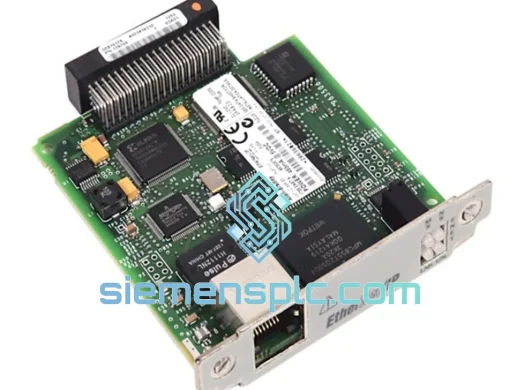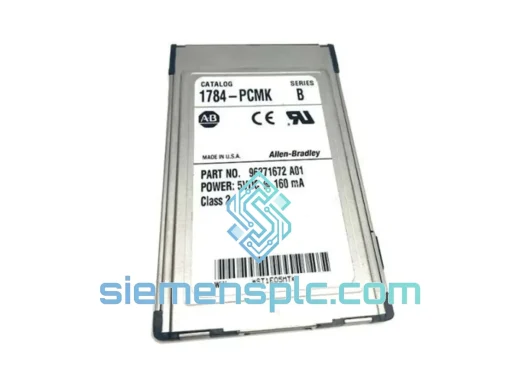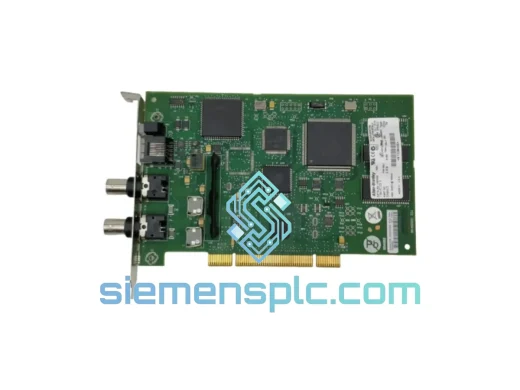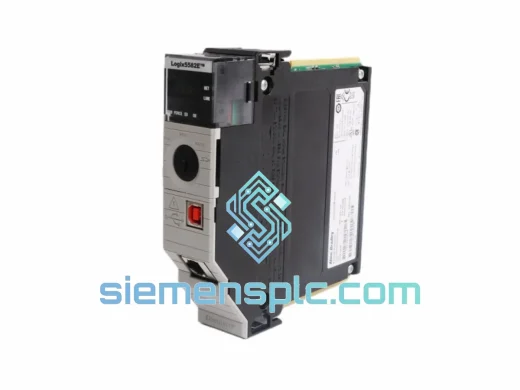
Allen-Bradley
RFQ Ready
Allen-Bradley 1756-L81E ControlLogix Controller
ControlLogix
Origin US
PLC Controller
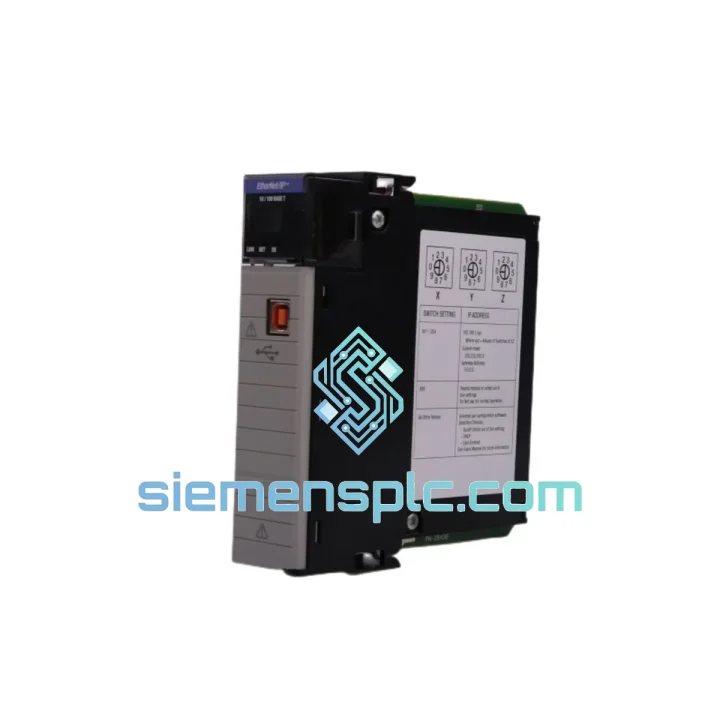
Request verified availability, condition, replacement risk review, packing options and courier lead time for 1756-EN2T.
Click Request Quote and the part number is inserted into the inquiry form automatically.
Core fields for model confirmation and RFQ routing. Detailed product narrative remains below.
A failed Allen-Bradley 1756-EN2T EtherNet/IP bridge module doesn’t just drop a network segment — it takes your entire ControlLogix rack offline. Production stops. Maintenance scrambles. Management calls. We’ve seen it hundreds of times. The 1756-EN2T is the communication backbone of countless ControlLogix installations, and when it fails, there is no workaround — you need the physical module, fast.
We stock the 1756-EN2T in Xiamen and ship globally via DHL Express and FedEx International Priority. Most orders clear customs and land on your dock within 3–5 business days. For plants in Southeast Asia, delivery can be as fast as 24–48 hours. While your competitors are still waiting on lead times, your line is back up.
⚡ URGENT REQUIREMENT? Contact: [email protected] | WhatsApp: +86 18359268345
| Parameter | Specification |
|---|---|
| Part Number | 1756-EN2T |
| Manufacturer | Allen-Bradley (Rockwell Automation) |
| Series | ControlLogix 1756 |
| Module Type | EtherNet/IP Bridge / Communication Module |
| Network Speed | 10/100 Mbps Fast Ethernet |
| Port Configuration | Single RJ-45 port |
| Protocol | EtherNet/IP (CIP), SNMP v1/v2c |
| Backplane Current | 1.0 A @ 5 VDC |
| Operating Temperature | 0°C to 60°C |
| Storage Temperature | -40°C to 85°C |
| Relative Humidity | 5% to 95% non-condensing |
| Chassis Compatibility | 1756-A4 / A7 / A10 / A13 / A17 |
| Firmware Update Tool | ControlFLASH / ControlFLASH Plus |
| Certifications | UL, CE, cUL |
| Form Factor | Single-slot ControlLogix module |
| Stock Status | ✅ Ready to Ship — Xiamen Warehouse |
The 1756-EN2T fails in predictable ways. Here’s what field experience tells us:
Common Failure Symptoms:
Replacement Procedure — Step by Step:
Configuration Note: Unlike some older AB modules, the 1756-EN2T does not use DIP switches for addressing. All network configuration is done via software. If you’re replacing a module in a DHCP environment, ensure your DHCP server has a static reservation for the MAC address of the new module, or reconfigure the reservation to the new MAC before powering up.
The 1756-EN2T was engineered for the realities of industrial plant floors — not climate-controlled server rooms. The module’s conformal-coated PCB provides a barrier against airborne contaminants including cutting fluid mist, hydraulic oil vapor, and conductive dust that are endemic to machining and heavy manufacturing environments.
Vibration resistance is validated to IEC 60068-2-6 standards, covering the frequency ranges generated by rotating machinery, compressors, and conveyor drives mounted in proximity to control panels. The backplane connector uses a high-retention-force design that maintains electrical continuity under sustained vibration loads that would cause intermittent contact in consumer-grade hardware.
Thermal performance is validated across the full 0°C to 60°C operating range with derating curves published for elevated ambient installations. The module’s internal power regulation is designed to handle the voltage fluctuations common in industrial power distribution — the 5 VDC backplane supply can vary ±5% without affecting module operation.
Humidity tolerance up to 95% non-condensing means the module survives the thermal cycling that occurs when plant HVAC systems cycle on and off in humid climates — a common cause of premature failure in lesser-specified hardware. For installations in consistently high-humidity environments (coastal plants, food processing with washdown), consider the 1756-EN2TXT extended-temperature variant with enhanced environmental sealing.
Our warehouse is located in Xiamen, Fujian Province, China — one of the most logistics-efficient export hubs in Asia, with direct DHL and FedEx gateway operations. This is not a drop-ship arrangement. Stock is physically on our shelves, inspected, and ready to pack.
Standard Express Timeline (DHL / FedEx IP):
Orders placed before 14:00 CST are packed and handed to the carrier the same day. You receive a tracking number within 2 hours of dispatch. All shipments include a commercial invoice, packing list, and certificate of origin for customs clearance. For orders requiring an ATA Carnet or specific HS code documentation, contact us in advance.
Bulk orders (5+ units) qualify for negotiated freight rates and dedicated account management. We can consolidate multi-line orders into a single shipment to reduce your per-unit logistics cost.
📧 Email: [email protected]
📱 WhatsApp: +86 18359268345
🌐 Web: siemensplc.com
© 2026 siemensplc.com. All rights reserved.
We check the full part number, brand, series and visible nameplate information before quotation.
Sales confirms stock path, condition option, quantity and realistic lead time for export dispatch.
DHL, FedEx, UPS or buyer courier arrangements can be reviewed with packing requirements.
Similar brand or category products for fast comparison and multi-item RFQ lists.