Allen-Bradley
RFQ Ready
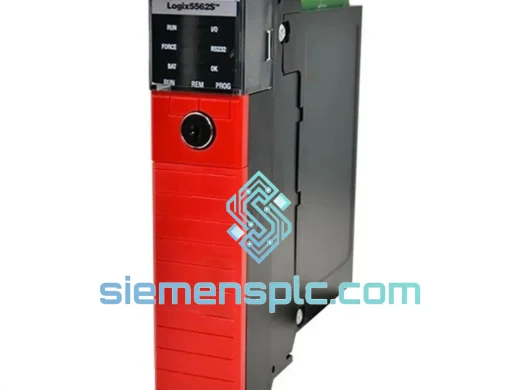
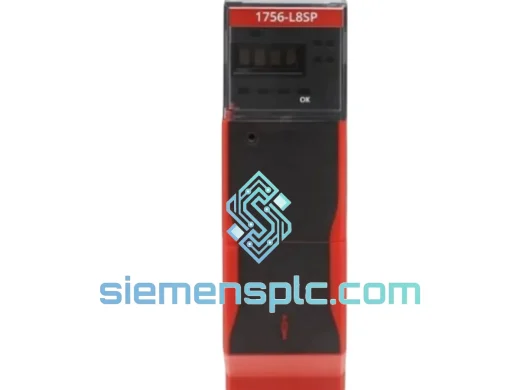
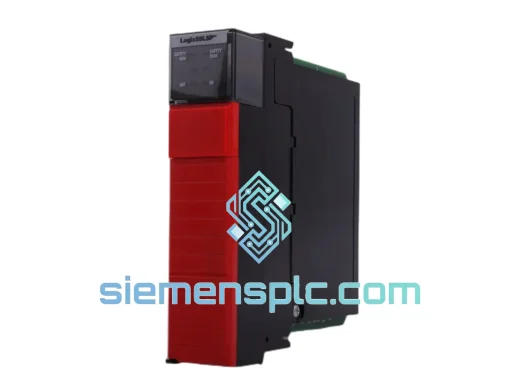
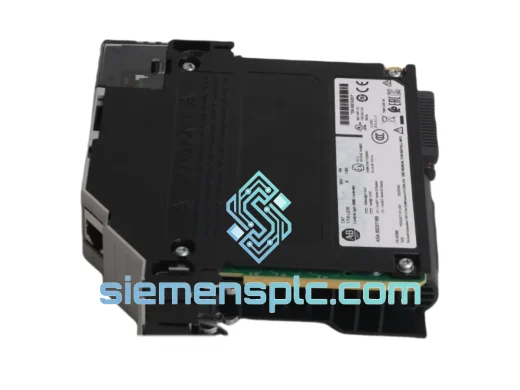
Allen-Bradley 1756-L83ES Safety PLC – ControlLogix 5580
ControlLogix
Origin US
Safety PLC Controller
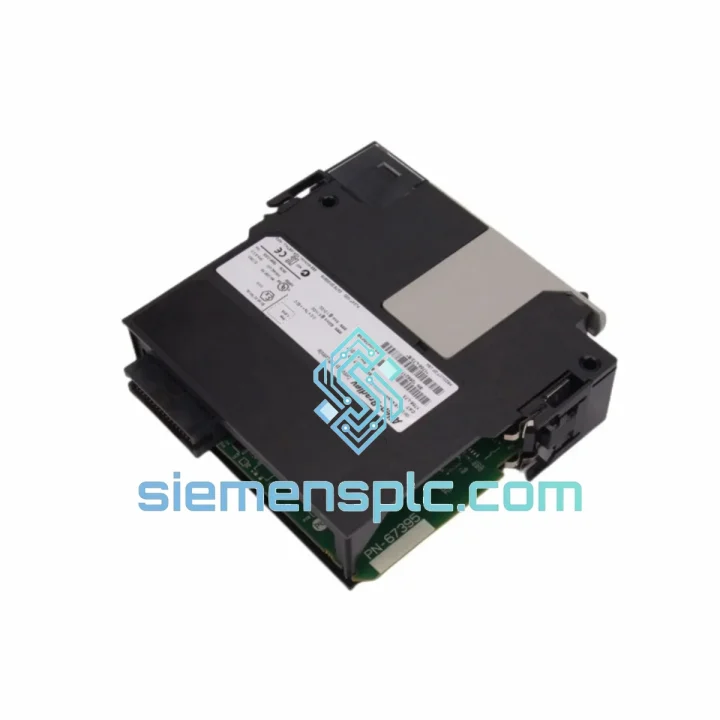
Request verified availability, condition, replacement risk review, packing options and courier lead time for 1756-L7SP.
Click Request Quote and the part number is inserted into the inquiry form automatically.
Core fields for model confirmation and RFQ routing. Detailed product narrative remains below.
A tripped 1756-L7SP doesn’t just take out a controller — it locks your entire safety instrumented system into a forced safe-state. Burners shut off. Compressors trip. Conveyor lines freeze. The 1oo2D architecture that makes this module so reliable in normal operation becomes your biggest bottleneck the moment the Safety Partner goes dark. Production managers are calling. The shift supervisor is standing behind you. You need a replacement module in your hands, not a lead-time quote.
We stock the 1756-L7SP in Xiamen. Same-day dispatch via DHL Express or FedEx International Priority. While your internal procurement cycle is still generating a purchase order number, your replacement is already being packed.
URGENT REQUIREMENT? Contact: [email protected] | WhatsApp: +86 18359268345
| Parameter | Specification | Availability |
|---|---|---|
| Catalog Number | 1756-L7SP | ✅ Ready to Ship |
| Platform | Allen-Bradley ControlLogix — L7 Generation | |
| Module Role | Safety Partner (paired with 1756-L7x primary controller) | |
| Safety Architecture | 1oo2D — Dual-chassis redundant safety execution | |
| Safety Integrity Level | SIL 3 per IEC 61508 / IEC 61511 | |
| Performance Level | PLe per ISO 13849-1 | |
| Safety Program Memory | 2 MB dedicated safety task memory | |
| Local I/O Capacity | Up to 128 safety I/O modules via 1756 backplane | |
| Supported Networks | EtherNet/IP (CIP Safety), ControlNet, DeviceNet | |
| Programming Software | Studio 5000 Logix Designer v21.00 or later | |
| Supported Languages | Ladder Diagram (LD), Function Block Diagram (FBD) | |
| Chassis Compatibility | 1756 ControlLogix — 4, 7, 10, 13, 17-slot variants | |
| Operating Temperature | 0 °C to +60 °C | |
| Storage Temperature | −40 °C to +85 °C | |
| Relative Humidity | 5% to 95% non-condensing | |
| Vibration | IEC 60068-2-6: 2 g, 10–500 Hz | |
| Shock | IEC 60068-2-27: 15 g, 11 ms half-sine | |
| Enclosure Rating | IP20 (panel-mount installation) | |
| Module Weight | Approx. 250 g | |
| Certifications | TÜV Rheinland, CE, UL, cUL, ATEX Zone 2 / Div. 2 | |
| Firmware Tool | ControlFLASH / ControlFLASH Plus | |
| Successor Model | 1756-L8SP (L8 generation) | |
| Country of Origin | United States |
Ten years of emergency callouts teach you that the 1756-L7SP fails in a narrow set of ways. Here’s what you’ll actually face on the floor and how to cut through it.
Fault Code 0x0004 — Safety Partner Backplane Communication Loss
This is the 2 AM call. The primary L7x controller loses backplane sync with the L7SP and the safety task immediately transitions to safe state. Before condemning the module, physically reseat it — vibration-induced connector fretting is responsible for roughly 30% of these faults. Inspect the backplane connector on both the module and the chassis slot for oxidation or bent pins. If reseating and a full power cycle don’t clear it, the L7SP’s internal backplane transceiver has failed. Order the replacement now; there is no field repair for this component.
Fault Code 0x0020 — Safety Task Watchdog Exceeded
On a freshly installed replacement module, this fault almost always traces to a firmware mismatch. The safety task watchdog fires because the new module’s firmware revision doesn’t match the compiled project. Pull the firmware revision from your existing project’s controller properties in Studio 5000 before you remove the failed unit. Use ControlFLASH to align the replacement module’s firmware to that exact revision before going online. Skipping this step is the single most common reason a replacement module fails to come up on the first attempt.
Fault Code 0x0204 — Safety Signature Mismatch
After a module swap, Studio 5000 will require you to verify the safety task signature. If the signature doesn’t match your validated project, the safety task will not run. This is by design — it’s the SIL 3 integrity check working correctly. Confirm you’re downloading from the correct, validated project file. If your safety signature was lost during the failure event, you’ll need to re-validate per your site’s functional safety management plan before returning to automatic mode.
Step-by-Step Replacement Procedure
Configuration Notes — No DIP Switches, But Don’t Skip Slot Verification
The 1756-L7SP uses no physical addressing switches. All node and slot configuration is handled in Studio 5000. However, a slot mismatch between the physical installation and the project configuration generates a Module Type Mismatch fault that prevents the safety task from loading. Double-check the slot number in your I/O tree before going online. It’s a five-second check that saves a 30-minute fault-chase.
The 1756-L7SP was built for environments that destroy ordinary electronics within a single maintenance cycle. Understanding what it can actually withstand helps you make the right call when your site conditions are pushing the limits.
The module’s PCB carries a full conformal coating — not a selective spray, but a complete protective layer across all exposed circuitry. In offshore platforms, coastal chemical plants, and humid tropical installations, uncoated boards oxidize at connector joints within 18 months. The conformal coating on the L7SP extends service life significantly in these environments, which is why you’ll find them running reliably in LNG terminals and petrochemical complexes where the air carries both moisture and corrosive process gases.
Vibration is the failure mode that catches engineers off guard. Large rotating equipment — centrifugal compressors, high-speed pumps, turbine-driven generators — generates broadband vibration that propagates through structural steel directly into panel-mounted controllers. The L7SP is rated to IEC 60068-2-6 at 2 g across 10 to 500 Hz. This covers the fundamental frequencies and harmonics generated by most industrial rotating machinery. The internal component mounting uses mechanically secured connectors and vibration-resistant solder joint profiles, not the friction-fit assemblies that loosen over time in high-vibration environments.
Thermal cycling is equally destructive to electronics. In non-climate-controlled switchrooms and outdoor enclosures, ambient temperatures swing from below freezing in winter to above 50 °C in summer. Each thermal cycle stresses solder joints and connector interfaces. The L7SP’s operating range of 0 °C to +60 °C and storage range of −40 °C to +85 °C provide genuine margin for these conditions. The internal power regulation maintains stable logic voltage across the full operating range without derating — a critical requirement for SIL 3 applications where voltage instability can trigger spurious trips.
Every unit we dispatch is inspected for physical integrity, firmware consistency, and power-on self-test completion. Modules are packed in anti-static bags with desiccant packs inside rigid foam-lined cartons. Your replacement arrives in the same condition it left our warehouse — not damaged in transit, not moisture-compromised from inadequate packaging.
Our inventory is physically warehoused in Xiamen, Fujian Province — a primary export gateway with direct DHL Express and FedEx International Priority hub access. This is not a broker arrangement or a drop-ship from a third-party supplier. The module on your order is on our shelf.
Orders confirmed before 14:00 CST ship the same business day. We prepare the full commercial documentation package as standard: commercial invoice, packing list, HS code classification (8537.10), and country of origin declaration. Customs delays caused by incomplete documentation are not a variable in our process.
| Destination Region | DHL Express | FedEx Intl. Priority |
|---|---|---|
| Southeast Asia (SG, MY, TH, ID, PH) | 1–2 business days | 1–2 business days |
| Middle East (AE, SA, QA, KW) | 2–3 business days | 2–3 business days |
| Europe (DE, NL, GB, FR, IT) | 3–4 business days | 3–4 business days |
| North America (US, CA, MX) | 3–5 business days | 3–4 business days |
| Australia / New Zealand | 3–4 business days | 3–5 business days |
| South America (BR, CL, CO, PE) | 4–6 business days | 4–6 business days |
| Africa (ZA, NG, EG) | 4–6 business days | 5–7 business days |
Every shipment is tracked end-to-end. If a carrier delay occurs, we notify you proactively — you don’t find out when the delivery window passes. For critical downtime situations, contact us directly via WhatsApp and we’ll escalate to DHL On-Demand Delivery or FedEx Priority Alert where available. For ATEX-certified installations or projects requiring specific export control documentation, advise us at order placement and we’ll coordinate the paperwork before dispatch.
📧 Email: [email protected]
💬 WhatsApp: +86 18359268345
🌐 Web: siemensplc.com
© 2026 siemensplc.com. All rights reserved.
We check the full part number, brand, series and visible nameplate information before quotation.
Sales confirms stock path, condition option, quantity and realistic lead time for export dispatch.
DHL, FedEx, UPS or buyer courier arrangements can be reviewed with packing requirements.
Similar brand or category products for fast comparison and multi-item RFQ lists.