Allen-Bradley
RFQ Ready
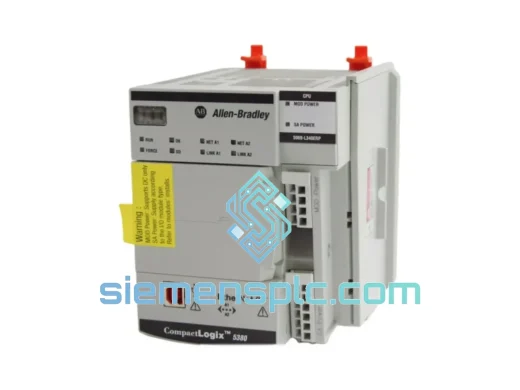
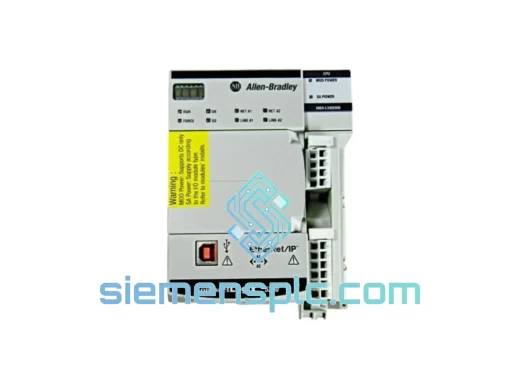
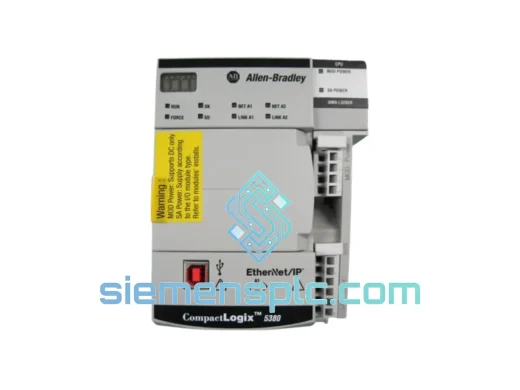
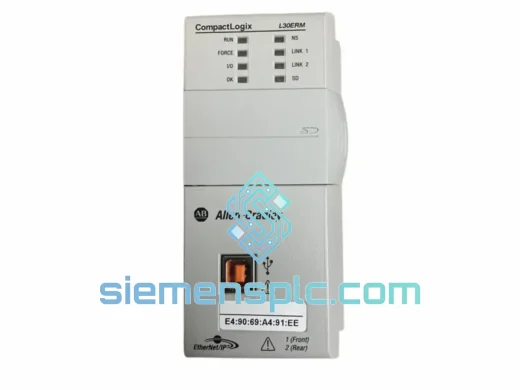
Allen-Bradley 1769-L30ERM PLC Motion Controller – CompactLogix 5370
CompactLogix
Origin US
PLC Motion Controller
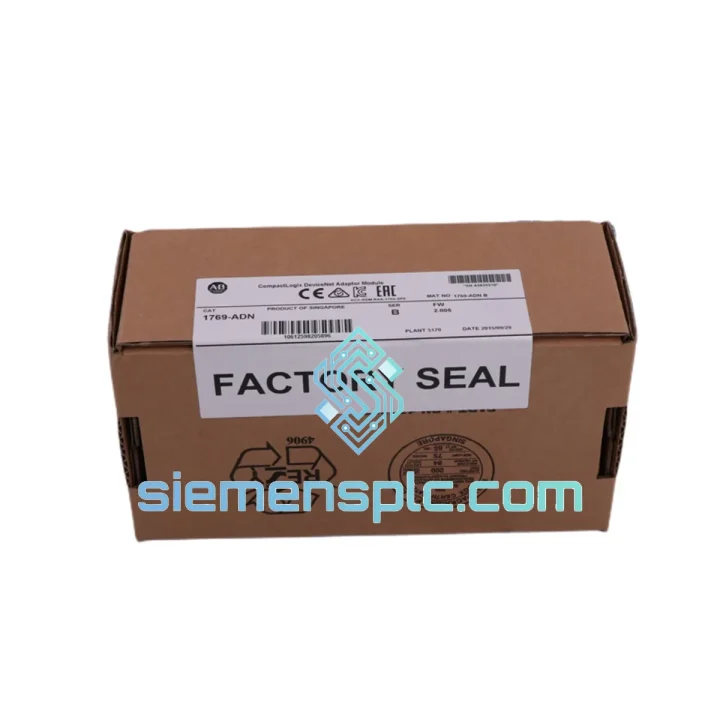
Request verified availability, condition, replacement risk review, packing options and courier lead time for 1769-ADN.
Click Request Quote and the part number is inserted into the inquiry form automatically.
Core fields for model confirmation and RFQ routing. Detailed product narrative remains below.
Your DeviceNet adaptor just dropped off the backplane. The NS LED is solid red. The CompactLogix is throwing a Major Fault on the I/O tree. Your line is stopped. You’ve already swapped the cable, checked the termination resistors, and power-cycled the rack twice — the module is dead. You need a 1769-ADN on your bench today, not in three weeks.
We stock the Allen-Bradley 1769-ADN specifically for production-down emergencies. Units are pre-inspected, node-address switches verified, and ready to pull from shelf the moment your order clears. DHL Express from Xiamen reaches most of Asia within 24–48 hours, Europe in 48–72 hours, and North America in 72–96 hours. That’s the difference between a shift of lost output and a full week of downtime waiting on a distributor’s lead time.
URGENT REQUIREMENT? Contact: [email protected] | WhatsApp: +86 18359268345
| Parameter | Specification | Notes |
|---|---|---|
| Part Number | 1769-ADN | ✅ Ready to Ship |
| Brand / Manufacturer | Allen-Bradley / Rockwell Automation | 100% Original |
| Series | 1769 Compact I/O | Single-slot module |
| Function | DeviceNet Slave Adaptor (Group 2 Only Slave) | Cannot act as master |
| DeviceNet Node Address | 0–63 | Rotary switch or RSNetWorx software |
| Baud Rate | 125 / 250 / 500 kbps | Auto-detect on power-up |
| Max I/O Data | 128 bytes IN / 128 bytes OUT | 256 bytes total per poll cycle |
| DeviceNet Supply | 24V DC from network | 40 mA draw |
| Backplane Supply | 5V DC | 100 mA draw |
| Operating Temp | 0°C to +60°C | Storage: −40°C to +85°C |
| Humidity | 5%–95% non-condensing | IEC 68-2-3 |
| Vibration / Shock | IEC 68-2-6 / IEC 68-2-27 | Panel & DIN rail mount |
| Certifications | UL, CE, C-Tick, ODVA Conformance | IEC 61158 compliant |
| Connector | 5-pin open-style DeviceNet | CAN_H, CAN_L, V+, V−, Shield |
| Weight | ~300 g | Single slot footprint |
| Stock Status | In Stock — Xiamen Warehouse | Same-day dispatch available |
Step 1 — Confirm the module is the fault source, not the network. Before pulling the 1769-ADN, check the NS (Network Status) LED. Solid red = bus-off condition or duplicate node address. Flashing red = communication timeout from the master scanner. If NS is flashing red and the module was previously working, check the DeviceNet master (1756-DNB or equivalent) for a “Device Failed” entry in RSNetWorx before condemning the adaptor — a broken termination resistor or a shorted drop cable can cause identical symptoms.
Step 2 — Record the node address before removal. The rotary switches on the 1769-ADN face are the physical node address. Photograph them or write down the value before you pull the module. Replacing with a new unit at the wrong node address will cause an immediate duplicate-node fault on the DeviceNet segment and the line will not restart.
Step 3 — Power down the rack before swapping. The 1769 backplane is not hot-swappable for communication modules. Remove the 1769 power supply or isolate the rack before extracting the 1769-ADN. Failure to do so risks corrupting the backplane configuration table in the CompactLogix controller.
Step 4 — Set node address switches on the replacement unit before installation. Match the rotary switches to the value recorded in Step 2. The 1769-ADN reads the switch position only at power-up — changing switches while powered has no effect until the next power cycle.
Step 5 — Baud rate. The 1769-ADN supports auto-baud detection. On a live network, it will lock to the existing baud rate within a few seconds of power-up. No manual baud rate configuration is required unless the network is completely unpowered during commissioning, in which case set the master scanner baud rate first, then power the adaptor.
Step 6 — RSNetWorx re-commissioning. After the replacement module is installed and powered, open RSNetWorx for DeviceNet and perform a network scan. The 1769-ADN will appear at its node address. Upload the existing device configuration from the master’s scanlist and download it to the new module. Verify the I/O size (bytes IN/OUT) matches the original configuration — a mismatch will cause the master to fault the device immediately.
Common fault codes to know:
The 1769-ADN was designed for the factory floor, not a server room. The PCB conformal coating protects against condensation during temperature cycling — a real-world concern in facilities where control panels are located near wash-down zones or outdoor enclosures that breathe with ambient temperature swings. The module meets IEC 68-2-6 vibration testing, which covers the continuous low-frequency vibration profile of conveyor drives, compressors, and press machinery mounted in the same panel.
The 5-pin DeviceNet connector uses a screw-clamp termination rated for repeated field wiring cycles without degradation — relevant in applications where the module is periodically disconnected for panel maintenance. The backplane edge connector is gold-plated to resist oxidation in humid environments, which is the most common cause of intermittent backplane communication faults in coastal or tropical installations.
Units in our inventory are stored in climate-controlled conditions at controlled humidity. Each unit is individually bagged with desiccant and inspected for connector pin condition before dispatch. We do not ship modules with bent or oxidized backplane pins — a detail that matters when you’re installing at 2 AM during a breakdown and don’t have time to troubleshoot a contact resistance issue.
Our dispatch warehouse is located in Xiamen, Fujian Province, China — a major export hub with direct DHL Express and FedEx International Priority service to over 220 countries. For production-down orders confirmed before 14:00 CST, same-day dispatch is available. Typical transit times from Xiamen:
Every shipment includes a commercial invoice with accurate HS code classification (8537.10 for PLC modules), EAR99 export classification confirmation, and a packing list with serial number. For customers in countries requiring import permits for industrial electronics, we can provide a proforma invoice and certificate of origin (China) in advance of shipment to accelerate customs clearance.
Tracking numbers are issued within 2 hours of dispatch and sent directly to the contact email provided at order. For shipments to facilities with restricted delivery windows, we coordinate with DHL/FedEx on delivery scheduling — contact us at the time of order to arrange.
📧 Email: [email protected]
📱 WhatsApp: +86 18359268345
🌐 Web: siemensplc.com
© 2026 siemensplc.com. All rights reserved.
We check the full part number, brand, series and visible nameplate information before quotation.
Sales confirms stock path, condition option, quantity and realistic lead time for export dispatch.
DHL, FedEx, UPS or buyer courier arrangements can be reviewed with packing requirements.
Similar brand or category products for fast comparison and multi-item RFQ lists.