Allen-Bradley
RFQ Ready
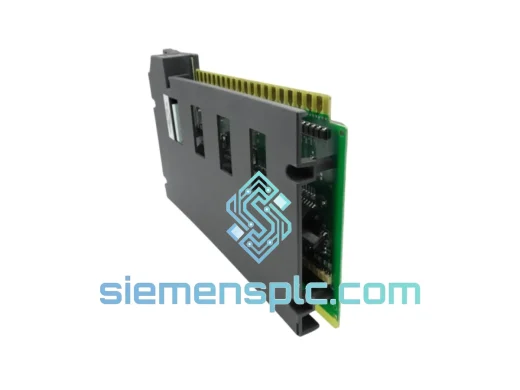
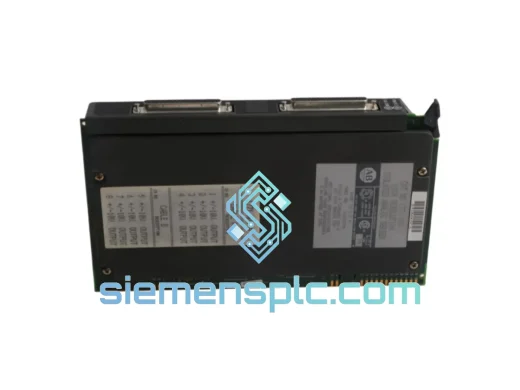
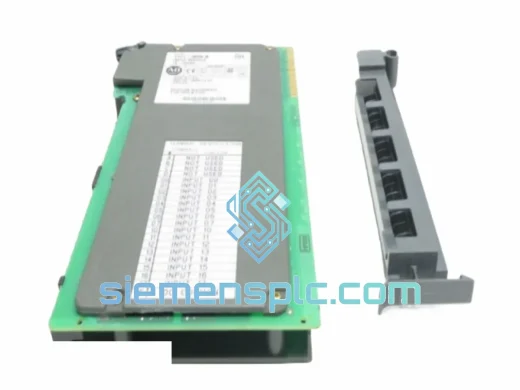
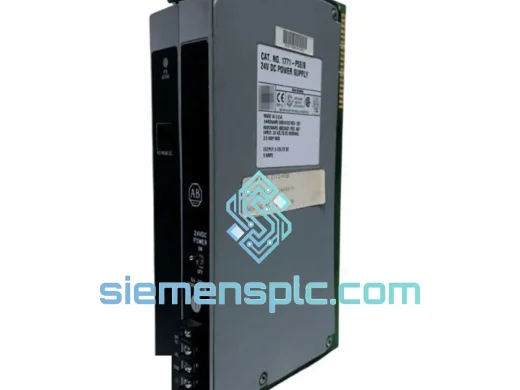
Allen-Bradley 1771-P5E Power Supply Interface Module – PLC-5
PLC-5
Origin US
Power Supply Interface Module
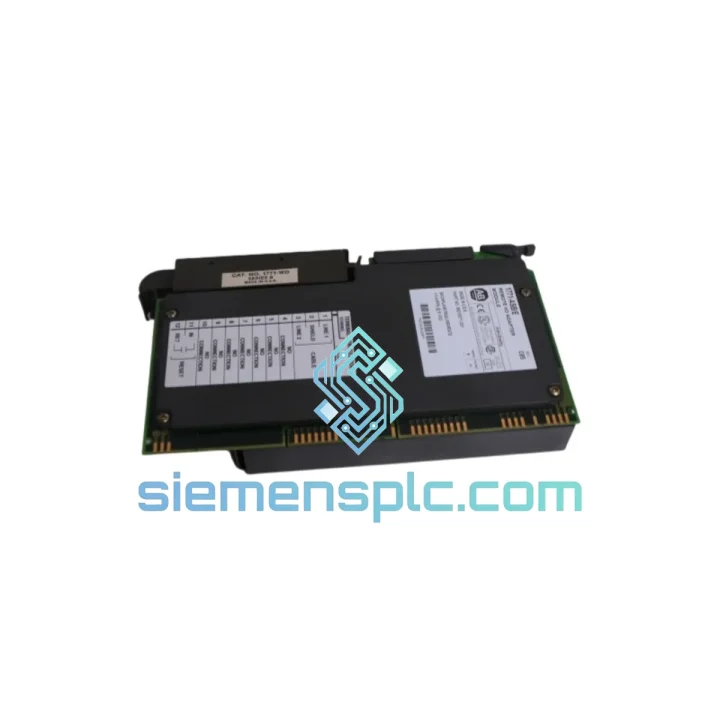
Request verified availability, condition, replacement risk review, packing options and courier lead time for 1771-ASB/E.
Click Request Quote and the part number is inserted into the inquiry form automatically.
Core fields for model confirmation and RFQ routing. Detailed product narrative remains below.
Every minute a PLC-5 RIO drop goes dark, your line hemorrhages money. A failed 1771-ASB/E adapter severs communication between your host scanner and the entire remote chassis — discrete outputs freeze, analog loops go open, and your operators are staring at a dead HMI. We stock the Allen-Bradley 1771-ASB/E in Xiamen and ship same-day via DHL Express or FedEx International Priority. From our warehouse shelf to your panel door in 24–72 hours, depending on destination. That is the only metric that matters when your line is down.
URGENT REQUIREMENT? Contact: [email protected] | WhatsApp: +86 18359268345
| Parameter | Specification |
|---|---|
| Catalog Number | 1771-ASB/E |
| Series Revision | E |
| Product Family | Allen-Bradley 1771 PLC-5 I/O Platform |
| Module Function | Remote I/O Adapter (Slave Node) |
| Communication Protocol | Allen-Bradley Remote I/O (RIO) – 57.6K / 115.2K / 230.4K baud |
| Chassis Compatibility | All 1771 I/O Chassis slot widths |
| Max Chassis per Drop | 2 (primary + complementary) |
| Max Cable Distance | 3,048 m (10,000 ft) @ 57.6K baud |
| Backplane Current Draw | 800 mA @ 5 VDC |
| Operating Temperature | 0 °C to +60 °C |
| Storage Temperature | −40 °C to +85 °C |
| Relative Humidity | 5% – 95% non-condensing |
| Agency Certifications | UL 508, CSA C22.2 No.142, CE |
| Weight | ~450 g |
| Stock Status | ✔ Ready to Ship – Xiamen Warehouse |
Swapping a 1771-ASB/E is not plug-and-play if you skip the configuration steps. Here is what 10 years of field calls have taught me:
1. Confirm the fault before you pull the module. On the 1771-ASB/E, check the four diagnostic LEDs on the faceplate. A solid red FAULT LED with the ACTIVE LED off almost always means the adapter lost its RIO token — check the cable termination resistors (82–150 Ω) at both ends of the trunk before condemning the module. A flashing FAULT LED during normal scan typically indicates a rack address conflict, not a hardware failure.
2. Record the DIP switch settings before removal. The 1771-ASB/E uses two banks of DIP switches to set the rack (drop) address and baud rate. Photograph both switch banks before you unseat the module. The replacement unit ships with all switches in the OFF position — if you forget to re-configure, the new adapter will come up at address 00 at 57.6K baud and your scanner will fault immediately with a rack address mismatch error (PLC-5 fault code F001 or equivalent).
3. Baud rate must match the scanner. The host 1771-SN or 1771-DCM scanner has its own baud rate DIP switches. Both ends of the RIO link must be set identically. Mismatched baud rates produce intermittent communication faults that look like cable noise — a classic time-waster on a night shift.
4. Series E vs. earlier revisions. The /E revision introduced improved EMI filtering and enhanced LED diagnostics. It is backward-compatible with earlier series in the same chassis, but if your system documentation references a /B or /C, verify with your PLC-5 firmware version. PLC-5 firmware below series C may not support all /E diagnostic features, though basic RIO communication remains unaffected.
5. Complementary chassis addressing. If you are running a primary and complementary chassis off a single 1771-ASB/E, the complementary chassis address is automatically assigned as the primary address + 1. Confirm this matches your scanner’s rack configuration table in RSLogix 5 before going online — a mismatch here causes the scanner to fault the entire drop, not just the complementary rack.
6. Backplane power budget. The 1771-ASB/E draws 800 mA at 5 VDC from the chassis backplane. After a replacement, verify the chassis power supply (1771-P4S or 1771-P7) is not already at its current limit with the existing I/O modules. An overloaded supply causes random module faults that are nearly impossible to trace without a current meter on the backplane bus.
Common fault codes associated with 1771-ASB/E failure:
The 1771 platform was engineered for the factory floor, not the server room. The 1771-ASB/E operates continuously from 0 °C to +60 °C — covering the thermal range of an unventilated outdoor enclosure in summer to a cold-start in a northern climate facility. Its conformal-coated PCB resists condensation and airborne contaminants common in food processing, chemical, and pulp-and-paper environments.
Vibration tolerance meets IEC 68-2-6 test profiles, making the module suitable for installation in chassis mounted directly on machine frames — conveyors, presses, and winders — where panel isolation is impractical. The backplane connector is a robust card-edge design with gold-plated contacts rated for hundreds of insertion cycles, which matters when you are doing repeated hot-swap testing during commissioning.
EMI immunity in the /E revision was specifically improved to handle the high-frequency switching noise generated by modern VFDs and servo drives sharing the same panel or cable tray. In field experience, the /E series shows significantly fewer nuisance faults in VFD-dense environments compared to /B and /C revisions — a meaningful difference when your line runs 24/7 and every spurious fault triggers a safety stop.
Every unit we ship from Xiamen is inspected for physical integrity, series revision verification, and functional power-on confirmation where applicable. Anti-static packaging with humidity indicator cards protects the module during international transit. You receive what the label says — no surprises on arrival.
Our Xiamen warehouse operates on a same-day dispatch model for orders confirmed before 15:00 CST. Here is how your 1771-ASB/E gets from our shelf to your panel:
For multi-line BOM requirements or pallet-volume orders, contact us directly. We consolidate shipments to reduce freight cost without sacrificing transit speed.
Email: [email protected]
WhatsApp: +86 18359268345
Web: siemensplc.com
© 2026 siemensplc.com. All rights reserved.
We check the full part number, brand, series and visible nameplate information before quotation.
Sales confirms stock path, condition option, quantity and realistic lead time for export dispatch.
DHL, FedEx, UPS or buyer courier arrangements can be reviewed with packing requirements.
Similar brand or category products for fast comparison and multi-item RFQ lists.