
Allen-Bradley
In Stock OK
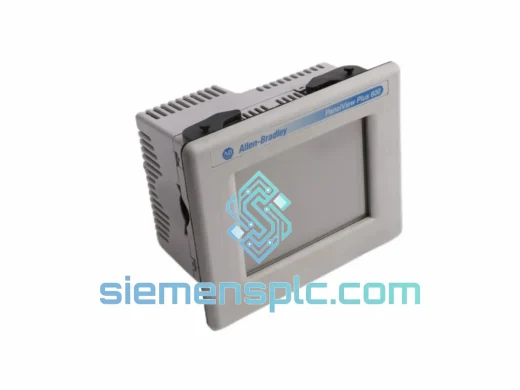
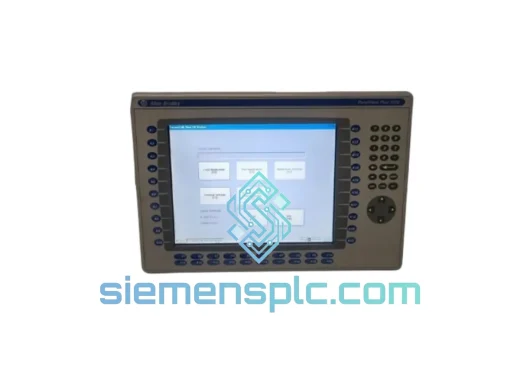
Allen-Bradley 2711-T10C8 HMI Touch Screen Terminal
Request verified availability, condition, replacement risk review, packing options and courier lead time for 2711-T10C8.
BrandAllen-Bradley
Part Number2711-T10C8
ConditionAvailability Check
Lead TimeRFQ Confirmation
DocumentsDatasheet / photos by RFQ
ShippingExport packing available
Auto-filled RFQ
2711-T10C8
Click Request Quote and the part number is inserted into the inquiry form automatically.
- Reply by email: [email protected]
- WhatsApp / Tel: +86 18359268345
- Mon-Sat 9:00-18:00 GMT+8
Procurement Data
Key Product Information
Core fields for model confirmation and RFQ routing. Detailed product narrative remains below.
- Brand
- Allen-Bradley
- Primary Part Number
- 2711-T10C8
- Product Type
- HMI Touch Screen Terminal
- Series / Family
- PanelView
- Country of Origin
- US
- Catalog Category
- HMI Panels
- Humidity
- 5–95% RH non-condensing
Model confirmed for inquiry
2711-T10C8
Send quantity, destination and urgency. The RFQ form keeps this part number attached.
Request Quote
Product Overview
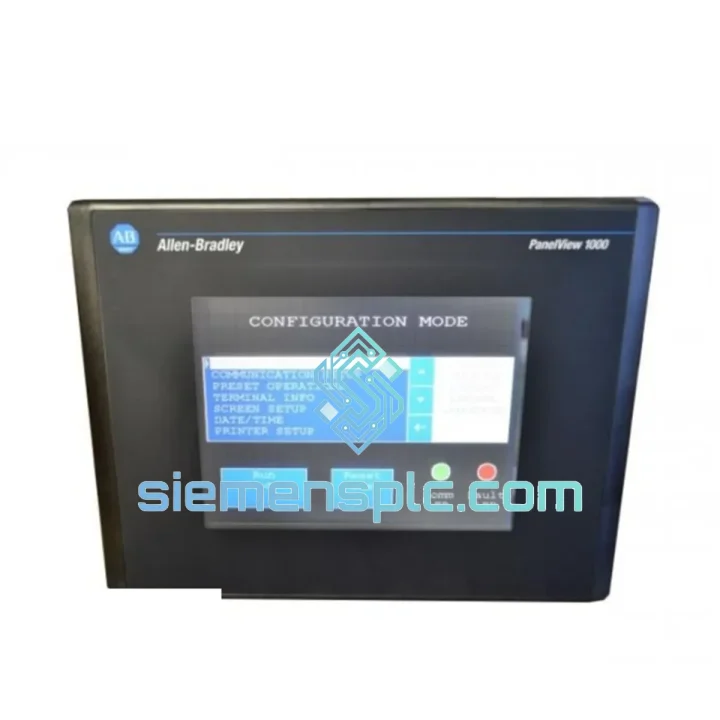
Allen-Bradley 2711-T10C8 PanelView 1000 – Stop the Clock on Your Downtime
Every minute your line is down, you’re bleeding money. A failed HMI terminal shouldn’t be the reason your production schedule collapses. The Allen-Bradley 2711-T10C8 is in stock at our Xiamen warehouse right now — inspected, tested, and ready to ship within 24 hours via DHL or FedEx Express. We’ve seen plants lose $15,000/hour waiting on parts stuck in a distributor’s backorder queue. That’s not happening on our watch.
URGENT REQUIREMENT? Contact: [email protected] | WhatsApp: +86 18359268345
Quick Technical Datasheet
| Part Number | 2711-T10C8 ✔ Ready to Ship |
| Brand | Allen-Bradley / Rockwell Automation |
| Series | PanelView 1000 |
| Display | 10.4″ Color TFT LCD, 640×480 VGA, 256 colors |
| Input | Resistive Touch Screen |
| Communication Ports | DH+, DH-485, RS-232 (DF1) |
| Power Input | 24 VDC nominal (18–32 VDC range), ~30 W |
| Operating Temp | 0 °C to 55 °C |
| Storage Temp | -40 °C to 70 °C |
| Humidity | 5–95% RH non-condensing |
| Enclosure Rating | NEMA 4/4X, 12, 13 (front face) |
| Mounting | Panel mount — cutout per drawing 2711-TD001 |
| Application Memory | 512 KB |
| Programming Software | PanelBuilder32 / PanelBuilder 1400e |
| Certifications | UL, CE, CSA |
| Weight | 3.6 kg |
| Origin | USA |
| Stock Status | ✔ In Stock — Ships within 24 hrs |
Troubleshooting & Replacement Tips
Swapping a 2711-T10C8 in the field is straightforward if you know the traps. Here’s what actually matters on-site:
1. Application File Transfer First
Before you pull the old terminal, back up the application file via the RS-232 programming port using PanelBuilder32. If the old unit is completely dead and you have no backup, check the SCADA historian or the PLC program comments — operators often store the .pba file on a shared drive. Don’t assume the replacement unit has the same firmware revision; mismatched firmware can cause communication faults on startup.
2. Node Address Verification
On DH-485 networks, the 2711-T10C8 holds a node address set via software (not DIP switches on this model). After replacement, confirm the node address in the terminal’s configuration menu matches the original — typically node 1 or 2 for HMI devices. A duplicate node address will cause intermittent communication dropouts that are notoriously hard to trace.
3. DH+ Termination Resistance
If your plant runs DH+, verify the termination resistors at both ends of the trunk cable (150 Ω). A new terminal at the end of the trunk without proper termination will introduce reflections and trigger sporadic E/S fault codes (Error 16#0001 or 16#0002 in the PLC’s I/O tree). Use a cable tester or oscilloscope to confirm signal integrity before closing the panel.
4. Common Fault Codes on the 2711-T10C8
- “No Communication” — Check baud rate match (DH-485 default: 19.2 kbps), cable pinout (RJ45 vs. mini-DIN), and node address conflict.
- “Tag Not Found” — Application file references a data file or tag that doesn’t exist in the current PLC program. Verify PLC program revision matches the HMI application.
- “Memory Full” — Application file exceeds 512 KB. Compress graphics or reduce alarm history buffer size in PanelBuilder32.
- Blank Screen on Power-Up — CCFL backlight failure (common after 8–10 years of continuous operation). Backlight kit available separately; replacement requires partial disassembly.
- Touch Calibration Drift — Resistive touch layers degrade over time. Recalibrate via the terminal’s configuration mode (hold touch screen on power-up). If drift persists after calibration, the touch overlay requires replacement.
5. ControlLogix Integration Note
The 2711-T10C8 does not natively support EtherNet/IP. For ControlLogix systems, you need a 1761-NET-AIC or 1770-KFD bridge module to connect DH-485 to the ControlLogix backplane. If your architecture has moved to Studio 5000 and EtherNet/IP, evaluate whether a PanelView Plus 6 or 7 terminal is a better long-term fit — but for an emergency drop-in replacement on an existing DH+/DH-485 network, the 2711-T10C8 is your fastest path back to production.
Reliability in Harsh Conditions
The PanelView 1000 platform was engineered for the plant floor, not the office. The 2711-T10C8 carries a NEMA 4/4X front-face rating, meaning it withstands directed water jets and dust ingress without additional sealing — critical in food processing, chemical, and washdown environments. The resistive touch panel operates reliably with heavy gloves, eliminating the capacitive-screen frustration common in cold-storage or chemical-handling applications.
Vibration tolerance meets IEC 68-2-6 standards, covering the continuous low-frequency vibration typical of compressor rooms, press lines, and mobile equipment installations. The operating temperature ceiling of 55 °C means the terminal survives in non-air-conditioned enclosures during summer peak loads — a scenario that kills consumer-grade displays within months.
Internal components are conformal-coated on production boards, providing a moisture barrier against condensation cycles common in coastal and high-humidity facilities. Units supplied by our team are inspected for corrosion on connector pins and PCB surfaces before dispatch — a step that catches the silent failures that only show up three months after installation.
Global Express Logistics
Our warehouse is located in Xiamen, Fujian Province — one of China’s primary export hubs with direct access to international freight lanes. Standard dispatch timeline from order confirmation to carrier pickup is under 24 hours for in-stock units.
Shipping options available:
- DHL Express Worldwide — 2–4 business days to Europe, North America, Southeast Asia, Middle East
- FedEx International Priority — 1–3 business days to USA, Canada, Mexico
- TNT / UPS Express — Available on request for specific destinations
- Air Freight (Forwarder) — For multi-unit orders requiring consolidated shipment
All shipments include a commercial invoice, packing list, and certificate of conformance. HS code documentation is prepared for customs clearance in the destination country. For orders to the EU, EORI number and CE declaration are included. For orders to the USA, we provide HTS code classification and country-of-origin documentation to support customs entry.
Tracking numbers are issued within 2 hours of carrier pickup and sent directly to your procurement contact. For emergency shipments, we can arrange same-day dispatch for orders confirmed before 14:00 CST.
Contact Information
Email: [email protected]
WhatsApp: +86 18359268345
Web: siemensplc.com
© 2026 siemensplc.com. All rights reserved.
Ready to quote
[email protected]
Send This Part Number to Sales
RFQ workflow
Quality workflow ->
Confirmation Process
01Model confirmation
We check the full part number, brand, series and visible nameplate information before quotation.
02Availability reply
Sales confirms stock path, condition option, quantity and realistic lead time for export dispatch.
03Packing & courier
DHL, FedEx, UPS or buyer courier arrangements can be reviewed with packing requirements.
Continue sourcing
Browse full catalog ->
Related Automation Parts
Similar brand or category products for fast comparison and multi-item RFQ lists.
Allen-Bradley
RFQ Ready
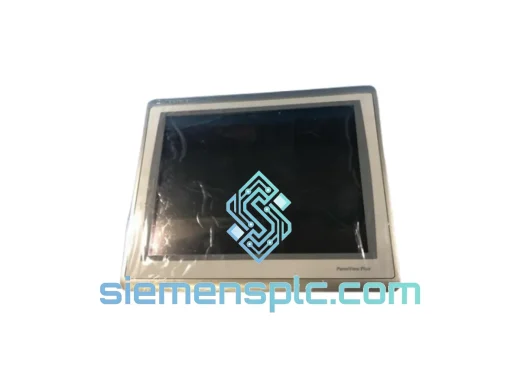
Allen-Bradley 2711P-T15C22D9P HMI Terminal
PanelView
Origin US
HMI Graphic Terminal
Allen-Bradley
RFQ Ready
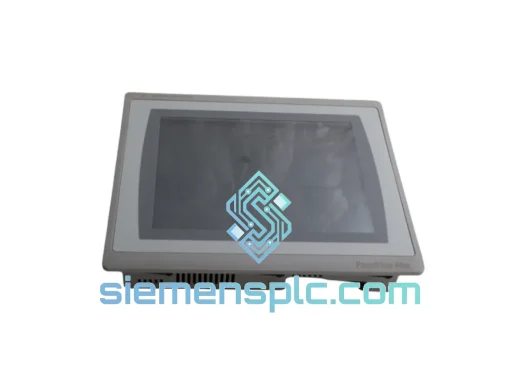
Allen-Bradley 2711P-T10C21D8S HMI Operator Terminal
PanelView
Origin US
HMI Operator Terminal
Allen-Bradley
RFQ Ready
Allen-Bradley 2711P-RN15S ControlNet Communication Module
PanelView
Origin US
PLC Communication Module