BANNER Engineering
RFQ Ready
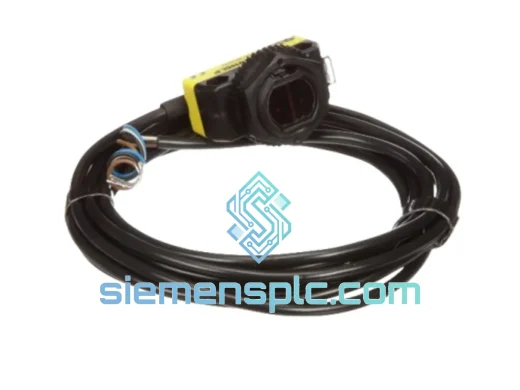
BANNER QS18VN6LP Photoelectric Sensor – QS18 MiniSight Series
QS18 MiniSight Series
Origin US
Photoelectric Sensor
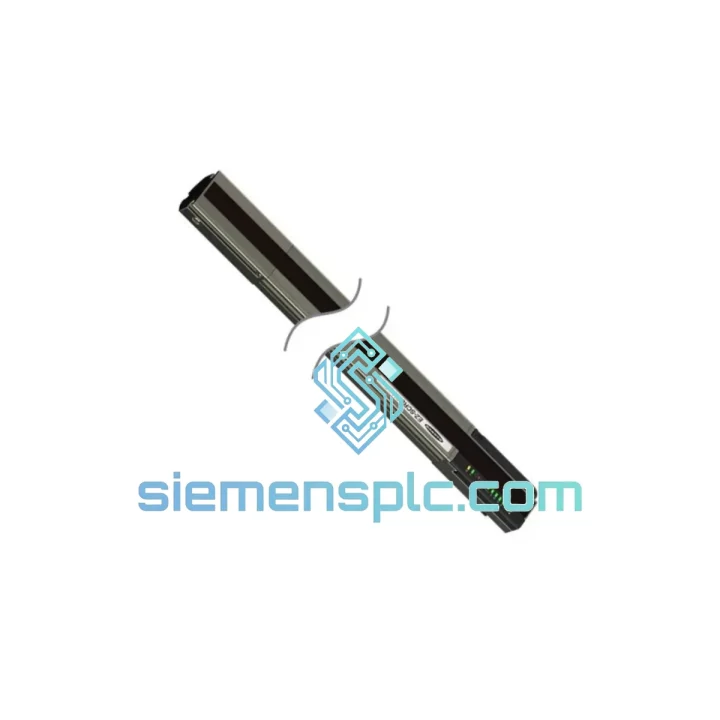
Request verified availability, condition, replacement risk review, packing options and courier lead time for SLPR14-270NP8.
Click Request Quote and the part number is inserted into the inquiry form automatically.
Core fields for model confirmation and RFQ routing. Detailed product narrative remains below.
You don’t have time for a procurement cycle. A failed Banner Engineering SLPR14-270NP8 safety light curtain receiver locks out your OSSD circuit, drops the safety relay, and idles your entire cell. Every hour that machine sits dark costs real money — in labor, in missed output, in customer commitments you can’t meet. We carry this unit in stock at our Xiamen warehouse. Order confirmed before 14:00 CST ships same day via DHL Express or FedEx International Priority. Most destinations in Europe, Southeast Asia, and North America receive the unit within 3–5 business days, cleared through customs.
This is not a grey-market substitute. Every SLPR14-270NP8 we ship is 100% original Banner Engineering, sourced through verified supply channels, inspected before dispatch, and packed to survive international freight. If you need confirmation of stock availability before raising a PO, message us directly on WhatsApp — we respond in real time during business hours.
URGENT REQUIREMENT? Contact: [email protected] | WhatsApp: +86 18359268345
| Parameter | Specification |
|---|---|
| Part Number | SLPR14-270NP8 |
| Manufacturer | Banner Engineering |
| Series | SLP — Safety Light Curtain |
| Unit Function | Receiver (pairs with SLPT14-270NP8 transmitter) |
| Protected Height | 270 mm |
| Resolution | 14 mm — finger detection per IEC 61496-2 |
| Safety Category | Type 4 / SIL 3 / PLe (IEC 61496, EN ISO 13849-1) |
| Supply Voltage | 24 V DC ±15% |
| Current Consumption | ≤ 150 mA (receiver only) |
| OSSD Response Time | ≤ 8 ms |
| Output Configuration | 2 × PNP OSSD, cross-monitored, short-circuit protected |
| Connector | M12, 8-pin male |
| Enclosure Rating | IP65 — aluminum extrusion housing |
| Operating Temperature | 0 °C to +55 °C |
| Certifications | CE, UL Listed, IEC 61496-1/2, EN ISO 13849-1 |
| Mating Transmitter | SLPT14-270NP8 |
| Weight | ~2.6 kg |
| Stock Status | ✔ Ready to Ship — Xiamen Warehouse |
Ten years of field calls on safety light curtains teaches you that most failures are not the receiver itself — they’re the conditions around it. Before you pull the SLPR14-270NP8 off the machine, work through these failure modes in order. You’ll save yourself a return trip.
OSSD outputs locked OFF, machine won’t restart after power cycle
First check: is the transmitter (SLPT14-270NP8) actually powered? A blown fuse on the transmitter supply rail kills the optical beam and the receiver reads it as a permanent obstruction. Both units must be on the same 24 V DC supply with adequate current capacity — a shared rail that sags under load causes intermittent OSSD lockouts that look like receiver faults. Confirm supply voltage at the M12 connector under load, not at the panel. If voltage is good, check optical alignment. On a 270 mm curtain, even 1.5° of angular misalignment at the mounting bracket is enough to suppress OSSD output. Use the alignment LED on the receiver housing — solid green means the beam path is clear. Amber or flashing red means the path is broken or marginal.
Intermittent OSSD trips correlated with machine vibration
This is a connector problem until proven otherwise. The M12 8-pin connector on the receiver cable works loose over thousands of machine cycles. A loose pin on the 0 V reference line causes the receiver’s internal logic to interpret a supply fault and drop OSSD — it looks exactly like a nuisance trip. Reseat the connector and torque to 0.6 N·m. Inspect the cable jacket at the strain relief point for micro-fractures; this is the highest-wear location on high-cycle press brake installations. If the cable shows any cracking or stiffness near the connector, replace the cable before the receiver — a new receiver on a damaged cable will fail the same way within weeks.
Safety relay won’t latch after installing replacement receiver
This catches engineers every time. When you swap in a new SLPR14-270NP8, the safety relay or safety PLC input may be configured for manual restart mode — meaning it requires a deliberate rising edge on the reset input before it will latch. If the reset button wiring delivers a sustained high signal rather than a pulse, the relay will not latch regardless of OSSD state. Check the relay’s reset input wiring diagram. The reset input needs a clean rising edge: open circuit → 24 V DC. If your reset button is wired normally-closed, you have the logic inverted. Fix the wiring, not the receiver.
Firmware behavior differences between old and replacement unit
Banner Engineering has revised SLP series firmware across production batches. Response time, OSSD pulse suppression behavior, and alignment indicator thresholds have all been adjusted in various revisions. After installing the SLPR14-270NP8 replacement, do not assume the new unit is electrically identical to the one it replaced. Perform a full functional safety validation: break the beam at multiple points along the 270 mm protected height, confirm OSSD drops within the specified ≤ 8 ms, and verify the safety relay responds correctly. Document the test results. If your machine’s safety validation is tied to a specific firmware version, contact Banner Engineering technical support to confirm compatibility before commissioning.
Post-installation alignment procedure
Mount the replacement receiver in the SMB-SLP bracket. Do not fully tighten the mounting hardware yet. Power up both transmitter and receiver. Hold the teach button on the receiver for 3 seconds — the unit enters alignment mode and the LED intensity indicates beam strength. Adjust the bracket angle in small increments until the LED shows maximum intensity (solid green, no flicker). Then tighten the mounting hardware to the specified torque. Re-check alignment after tightening — bracket flex during torquing can shift the optical axis by 0.5–1°, which is enough to cause marginal alignment on longer-range installations.
Pre-commissioning checklist:
The SLPR14-270NP8 housing is extruded aluminum — not because it looks industrial, but because aluminum extrusion provides the dimensional stability required to maintain optical axis alignment under sustained mechanical vibration. Plastic-housed safety curtains on press brake and stamping applications drift out of alignment as the housing flexes under vibration cycles. The SLP aluminum extrusion does not flex. The optical axis stays where you set it.
IP65 sealing is the minimum acceptable rating for machining cell environments. Coolant mist, fine metallic particulate, and cleaning solvents are the primary causes of premature optical receiver failure — they contaminate the lens assembly and degrade signal strength until OSSD trips become frequent and unpredictable. The SLPR14-270NP8 gasket sealing keeps the optical assembly isolated from the ambient environment. In particularly aggressive environments — high-pressure coolant systems, wash-down areas — additional lens cleaning intervals should be added to the PM schedule regardless of IP rating.
The operating range of 0 °C to +55 °C covers cold-start foundry floors in winter and poorly ventilated summer production halls without derating. The dual PNP OSSD outputs are internally cross-monitored: if one output develops a fault, the receiver detects the discrepancy and drives both outputs to the safe (OFF) state. This self-diagnostic architecture means the unit fails safe and visibly — the alignment LED changes state, giving the maintenance technician an immediate indication that the safety circuit has dropped for a reason, not a nuisance trip. Silent failures are not possible in this architecture.
Banner Engineering’s SLP series has accumulated field hours across automotive body shops, food processing lines, pharmaceutical packaging, and heavy fabrication — environments that span the full range of vibration, temperature, and contamination severity. The SLPR14-270NP8 is a proven platform. When you install a replacement unit, you are restoring a known architecture with a documented safety performance record, not introducing an unknown variable into your machine’s safety function.
Our warehouse operates out of Xiamen, Fujian Province — a primary export hub with direct access to DHL Express and FedEx International Priority air freight lanes. When your order is confirmed, the process is deterministic:
For critical downtime situations: contact us on WhatsApp before placing the order. We confirm stock availability in real time and can arrange same-day dispatch for orders received before 14:00 CST. Do not wait for a formal PO process if your line is down — a WhatsApp message gets you a confirmed ship date in minutes.
Email: [email protected]
WhatsApp: +86 18359268345
Web: siemensplc.com
© 2026 siemensplc.com. All rights reserved.
We check the full part number, brand, series and visible nameplate information before quotation.
Sales confirms stock path, condition option, quantity and realistic lead time for export dispatch.
DHL, FedEx, UPS or buyer courier arrangements can be reviewed with packing requirements.
Similar brand or category products for fast comparison and multi-item RFQ lists.