BOSCH Rexroth
RFQ Ready
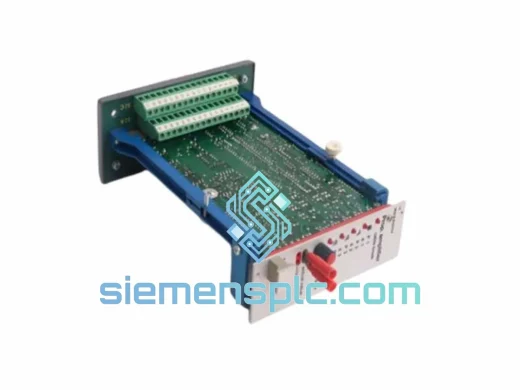
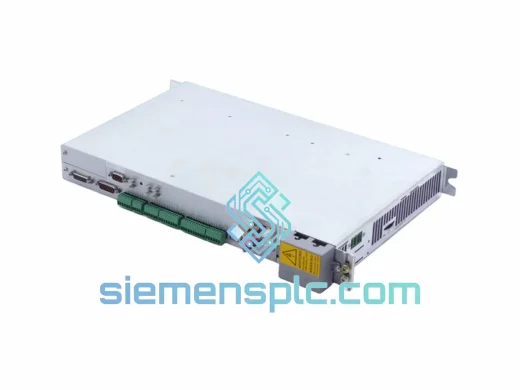
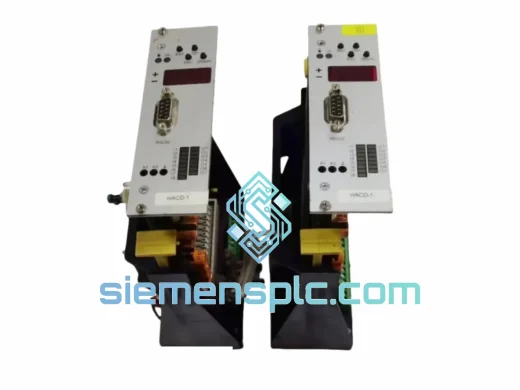
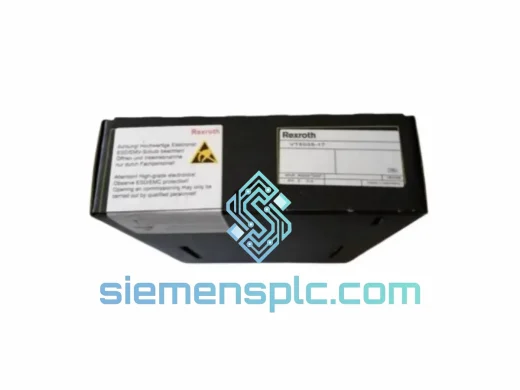
Rexroth VT5035-17 Proportional Amplifier Card – VT5035 Series
VT5035 Series
Origin DE
Proportional Amplifier Card
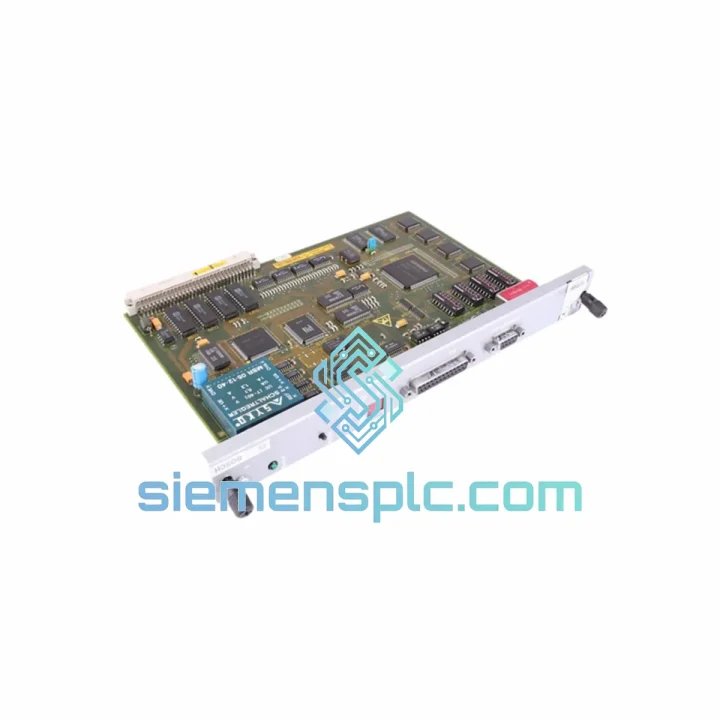
Request verified availability, condition, replacement risk review, packing options and courier lead time for BM-DP12.
Click Request Quote and the part number is inserted into the inquiry form automatically.
Core fields for model confirmation and RFQ routing. Detailed product narrative remains below.
Every minute your PROFIBUS network is down, the production floor is bleeding money. A failed BM-DP12 communication module doesn’t just drop one axis — it can take an entire Indramat drive segment offline, halting CNC spindles, servo loops, and coordinated motion simultaneously. We stock the BOSCH Rexroth BM-DP12 (P/N 1070075887-202) in Xiamen and ship same-day via DHL Express or FedEx International Priority. Your replacement is already packed. The only variable is when you place the order.
URGENT REQUIREMENT? Contact: [email protected] | WhatsApp: +86 18359268345
| Manufacturer | BOSCH Rexroth (Indramat) |
| Part Number | 1070075887-202 |
| Model | BM-DP12 |
| Module Function | PROFIBUS DP Communication Expansion |
| Fieldbus Standard | PROFIBUS DP — EN 50170 / IEC 61158 |
| Max Baud Rate | 12 Mbit/s (auto-negotiated) |
| Node Address | DIP switch configurable, 1–125 |
| Connector | DB9 female, standard PROFIBUS pinout |
| Compatible Drives | Indramat DDS, MDD, MKD, HDS, HMS series |
| Power Supply | Via host drive backplane — no external rail needed |
| Operating Temp | 0 °C to +55 °C |
| Storage Temp | −25 °C to +70 °C |
| Humidity | 5–95% RH, non-condensing |
| Revision vs -201 | Enhanced EMC filtering + extended temp ceiling |
| Country of Origin | Germany |
| Certifications | CE, UL (per host drive assembly) |
| Stock Status | ✔ Ready to Ship — Xiamen Warehouse |
Fault Symptom Recognition
Before pulling the module, confirm the fault is actually the BM-DP12 and not a cable or master configuration issue. On the drive HMI or diagnostic display, look for fault codes in the F8xxx range — specifically F8022 (PROFIBUS communication error) and F8025 (DP watchdog timeout). If the BF LED on the module is solid red and the SF LED is off, the module has lost bus contact. If both LEDs are off entirely, the module has lost backplane power or has an internal hardware failure — that’s your replacement trigger.
Pre-Swap Checklist
Post-Installation Verification
The BM-DP12 was engineered for the realities of the factory floor, not a climate-controlled server room. The -202 revision specifically addresses the failure modes that plagued earlier units in high-interference environments. The enhanced EMC filtering on the PROFIBUS interface suppresses conducted noise from variable-frequency drives and welding equipment sharing the same cabinet — a common source of intermittent F8022 faults that are notoriously difficult to diagnose without proper shielding.
Vibration resistance meets IEC 60068-2-6 test profiles, covering the 5–150 Hz sweep range typical of machine tool spindle harmonics and conveyor drive resonance. The module’s PCB is conformally coated to resist humidity ingress in foundry and food-processing environments where condensation cycles are unavoidable. Operating continuously at 55 °C ambient — the upper limit of most drive cabinet designs without forced cooling — the BM-DP12 maintains signal integrity without thermal derating of baud rate or diagnostic accuracy.
Industrial-grade capacitors and optocouplers on the PROFIBUS interface provide galvanic isolation between the fieldbus segment and the drive’s internal logic, protecting both the module and the PLC master from ground loop currents that are endemic in large steel-frame machine structures.
Our Xiamen warehouse operates on a same-day dispatch model for orders confirmed before 15:00 CST. The BM-DP12 ships in anti-static packaging inside a foam-lined carton with a humidity indicator card — standard for sensitive electronics crossing multiple climate zones.
Typical transit times from Xiamen:
Every shipment includes a commercial invoice, packing list, and HS code declaration (8537.10) for smooth customs clearance. For urgent plant-down situations, we can arrange airport-to-airport freight with same-day airline booking on request. DDP (Delivered Duty Paid) terms are available for select markets — contact us before ordering to confirm eligibility.
Tracking numbers are issued within 2 hours of dispatch and sent directly to your registered email. For time-critical shipments, our logistics team monitors the consignment through to delivery and proactively contacts the carrier if any delay is flagged.
Email: [email protected]
WhatsApp: +86 18359268345
Web: siemensplc.com
© 2026 siemensplc.com. All rights reserved.
We check the full part number, brand, series and visible nameplate information before quotation.
Sales confirms stock path, condition option, quantity and realistic lead time for export dispatch.
DHL, FedEx, UPS or buyer courier arrangements can be reviewed with packing requirements.
Similar brand or category products for fast comparison and multi-item RFQ lists.