BOSCH Rexroth
RFQ Ready
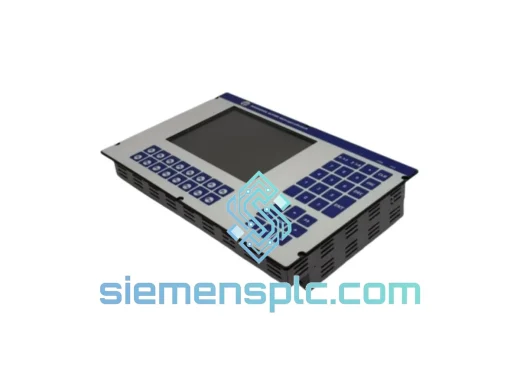
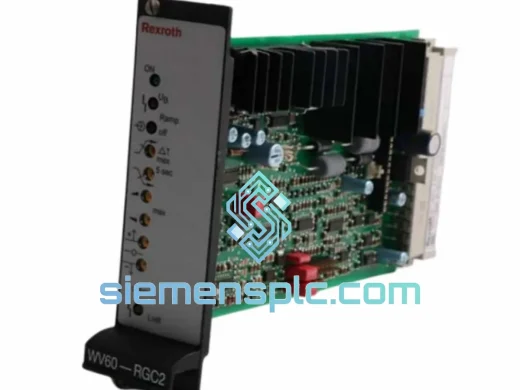
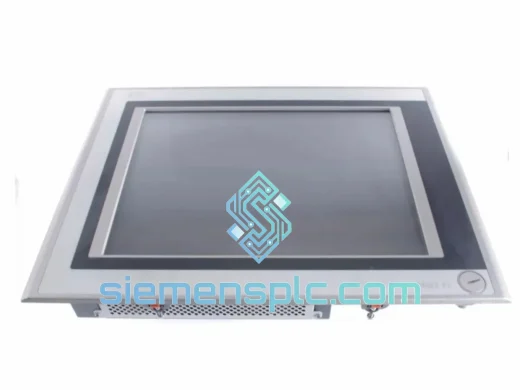
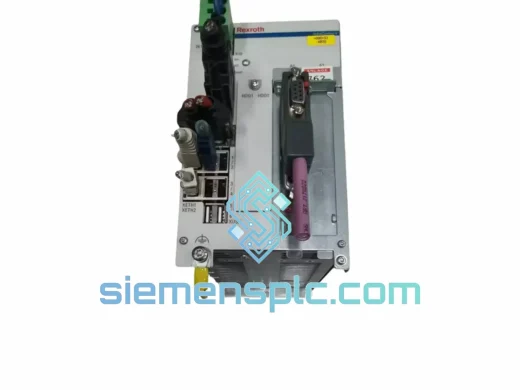
Bosch Rexroth VPB40.3D1L-1G0NN-D1D-DN-NN-FW R911171030 HMI Panel Controller – IndraControl V
Origin DE
HMI Panel Controller
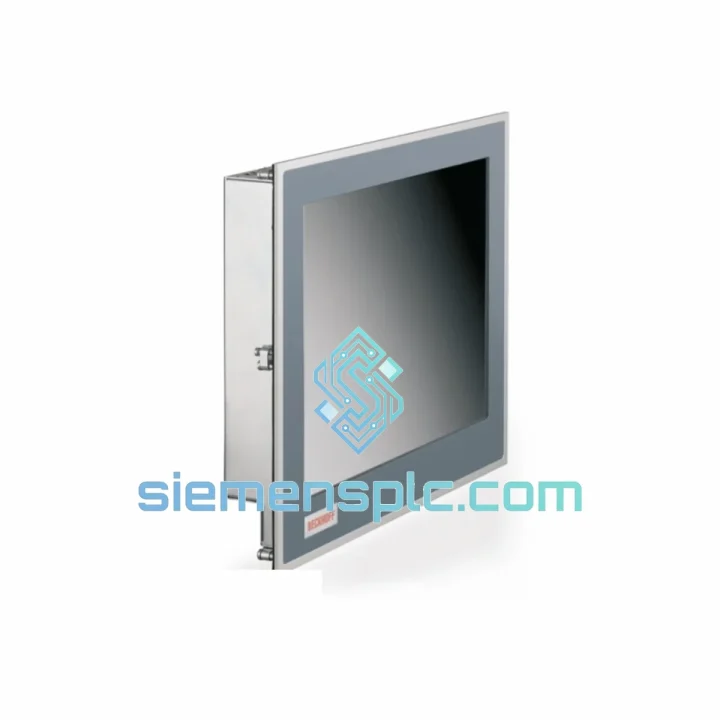
Request verified availability, condition, replacement risk review, packing options and courier lead time for CP6201-0001-0060.
Click Request Quote and the part number is inserted into the inquiry form automatically.
Core fields for model confirmation and RFQ routing. Detailed product narrative remains below.
Your press line is stopped. The IndraControl XM22 panel PC is dark. Maintenance is on the phone. You’ve already lost two hours of production and the shift supervisor is breathing down your neck. This is exactly the scenario the CP6201-0001-0060 was designed to survive — and exactly why we stock it ready to ship.
At siemensplc.com, we maintain verified inventory of the Bosch Rexroth CP6201-0001-0060 specifically for emergency replacement scenarios. No lead-time games, no “check back in 8 weeks.” If you’re reading this page, you probably need it now. We get it. Let’s move.
URGENT REQUIREMENT? Contact: [email protected] | WhatsApp: +86 18359268345
| Parameter | Specification |
|---|---|
| Part Number | CP6201-0001-0060 |
| Series / Platform | Bosch Rexroth IndraControl XM22 |
| Device Classification | Industrial Panel PC / HMI Controller |
| Processor Architecture | Intel® Atom™ / Core™ (platform-configured) |
| Operating System | Windows Embedded Standard / Windows 10 IoT |
| Supply Voltage | 24 V DC (±20%) |
| Power Consumption | ≤ 40 W typical |
| Communication Ports | Ethernet RJ45 ×2, USB 2.0/3.0, RS-232/RS-485 |
| Fieldbus Support | PROFINET, EtherCAT, SERCOS III, CANopen, PROFIBUS |
| Storage Medium | CFast / SSD (solid-state, vibration-resistant) |
| Operating Temperature | 0 °C to +55 °C |
| Storage Temperature | −20 °C to +70 °C |
| Relative Humidity | 5% – 95% non-condensing |
| Front Panel Protection | IP65 |
| Vibration Standard | IEC 60068-2-6 |
| Shock Standard | IEC 60068-2-27 |
| Certifications | CE, UL, cUL, RoHS |
| Country of Origin | Germany |
| Mounting | Panel cut-out / VESA compatible |
| Stock Status | ✅ Ready to Ship — Xiamen, China |
After ten years of field work on Rexroth IndraControl platforms, here are the failure patterns and replacement pitfalls that actually matter on the CP6201-0001-0060:
Most Common Failure Modes:
Replacement Configuration Checklist:
The CP6201-0001-0060 was not designed for a climate-controlled server room. It was built for the factory floor — and it shows in every design decision Bosch Rexroth made on the XM22 platform.
The fanless thermal architecture eliminates the single most common mechanical failure point in industrial computing. There are no rotating parts to seize, no fan bearings to wear out, no dust filters to clog. Passive heat dissipation through the machined aluminum housing means the unit keeps running in foundry environments where conventional PCs would fail within months.
The IP65-rated front panel is sealed against dust ingress and direct water jets — a real-world requirement in food processing, pharmaceutical, and automotive wash-down zones. The rear I/O area is protected by the control cabinet, but the operator-facing surface can take a direct hose-down without compromise.
Vibration compliance to IEC 60068-2-6 and shock compliance to IEC 60068-2-27 mean the unit has been validated against the mechanical stress profiles of press lines, stamping machines, and mobile equipment. The solid-state CFast storage eliminates the head-crash failure mode that plagued earlier HDD-based panel PCs in high-vibration applications.
Operating temperature range of 0 °C to +55 °C covers the vast majority of industrial environments without derating. In practice, units installed in properly ventilated cabinets routinely operate for years without intervention. The extended storage range of −20 °C to +70 °C means spare units can be stored in unheated warehouses without risk of damage.
Our warehouse is located in Xiamen, Fujian Province — one of China’s primary export hubs with direct access to international freight lanes via Xiamen Gaoqi International Airport and Xiamen Port.
Standard Dispatch Process:
For customers with existing DHL or FedEx account numbers who prefer to ship on their own account, we accommodate collect shipments — just provide your account number at order confirmation.
Production stopped? Don’t wait. Reach us directly:
© 2026 siemensplc.com. All rights reserved.
We check the full part number, brand, series and visible nameplate information before quotation.
Sales confirms stock path, condition option, quantity and realistic lead time for export dispatch.
DHL, FedEx, UPS or buyer courier arrangements can be reviewed with packing requirements.
Similar brand or category products for fast comparison and multi-item RFQ lists.