KUKA
RFQ Ready
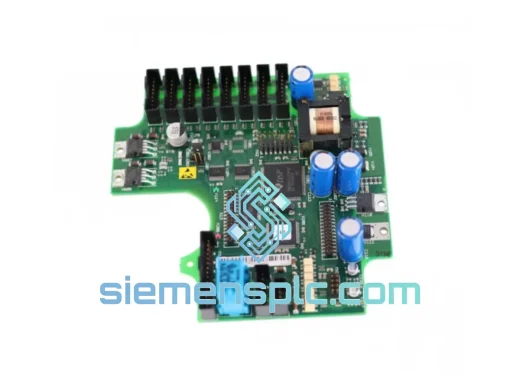
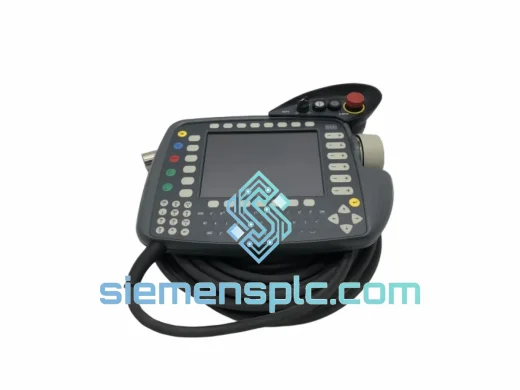
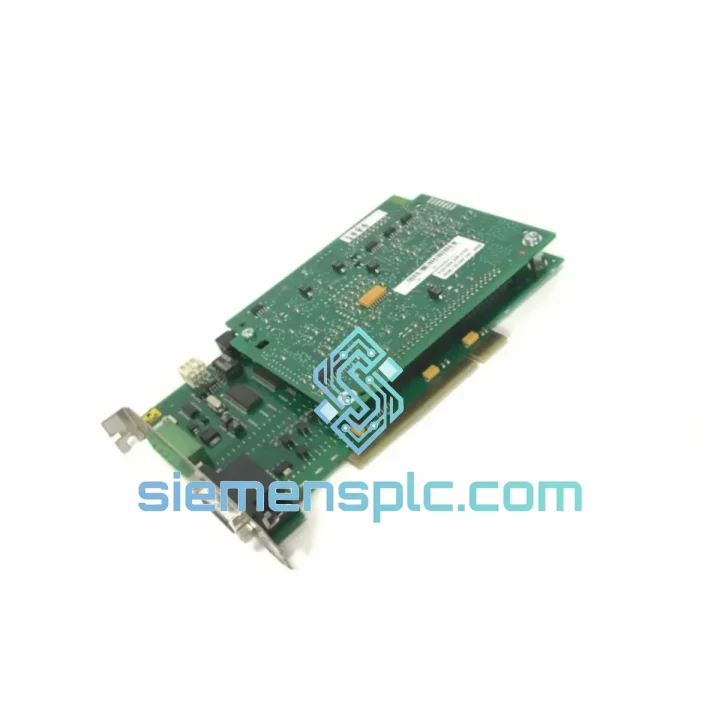
KUKA KRC400-195-245 KPC400-255-229 Robot Controller PC Unit
00-211-996 KRC4 PC Unit
Origin DE
PLC Controller Module
Request verified availability, condition, replacement risk review, packing options and courier lead time for 00-117-336.
Click Request Quote and the part number is inserted into the inquiry form automatically.
Core fields for model confirmation and RFQ routing. Detailed product narrative remains below.
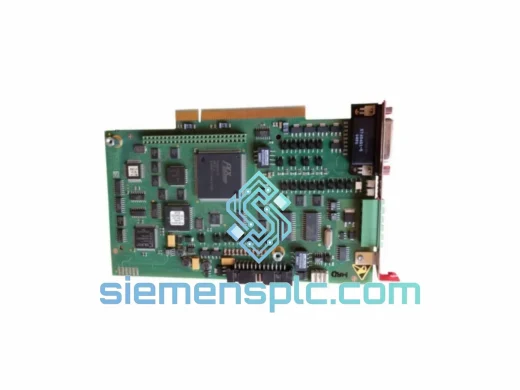
A failed MFC3 card doesn’t just halt one robot — it shuts down the entire cell. On a high-volume automotive or assembly line, that translates to thousands of dollars per hour in lost throughput. The KUKA MFC3 00-117-336 is the central motion-coordination brain of the KR C2 and KR C4 controller families. When it fails, nothing moves. We stock it. We ship it fast. That’s the only thing that matters right now.
URGENT REQUIREMENT? Contact: [email protected] | WhatsApp: +86 18359268345
| Parameter | Specification |
|---|---|
| Part Number | 00-117-336 |
| Model | MFC3 (Motion & Function Control Card, Gen 3) |
| Compatible Controllers | KUKA KR C2, KR C2 ed05, KR C4, KR C4 compact |
| Compatible Robot Series | KR 6 / 16 / 30 / 60 / 100 / 150 / 210 / 240 / 360 and variants |
| Axes Supported | Up to 9 synchronized servo axes (6 robot + 3 external) |
| Firmware Compatibility | KSS 5.x (KR C2) | KSS 8.x (KR C4) |
| Communication Interfaces | KUKA KRL bus, EtherCAT (KR C4), DeviceNet, PROFIBUS DP |
| Operating Voltage | 5 VDC / 12 VDC via controller backplane |
| Operating Temperature | 0 °C to +55 °C (cabinet ambient) |
| Storage Temperature | −25 °C to +70 °C |
| Humidity | 5% – 95% RH, non-condensing |
| Weight | ~560 g |
| Country of Origin | Germany |
| Certifications | CE, UL (controller-level) |
| Stock Status | ✔ Ready to Ship — Xiamen, China |
Before you pull the card, rule out the obvious. Nine times out of ten, a KSS error pointing at the MFC3 is actually a drive bus fault or a loose backplane connector. Work through this sequence first:
Common fault signatures that point to a dead MFC3:
Replacement procedure — field-tested sequence:
KR C2-specific note: On older KR C2 cabinets, check the KUKA System Bus (KSB) ribbon cable between the MFC3 and the DSE board. Cracked ribbon cables mimic MFC3 failure and are frequently overlooked.
KR C4-specific note: The KR C4 MFC3 communicates with servo drives over EtherCAT. After card replacement, verify the EtherCAT topology scan in WorkVisual matches the physical drive configuration. A topology mismatch will prevent KSS from starting the motion kernel.
The MFC3 00-117-336 was designed for environments that would destroy consumer-grade electronics. KUKA’s engineering specification for this card addresses the three primary failure vectors in industrial settings:
Vibration: The PCB uses through-hole mounting for all heavy components and conformal coating on critical signal traces. In foundry and press-shop installations — where floor vibration is constant and significant — MFC3 cards routinely run for years without mechanical fatigue failures. The backplane connector is a high-retention design that resists fretting corrosion from micro-vibration.
Thermal cycling: Industrial robot cells are not climate-controlled. Cabinet temperatures swing from cold-start in winter to sustained high-load summer operation. The MFC3’s thermal design accounts for this: the FPGA and DSP packages are specified for the full 0–55 °C cabinet ambient range, and the power regulation circuitry is sized with margin above the rated operating point. Units that fail prematurely almost always trace back to blocked cabinet ventilation, not component weakness.
Electrical noise: Welding cells are the worst-case EMC environment in manufacturing. High-frequency spatter from MIG/MAG processes, VFD switching transients from servo drives, and ground loops from poorly bonded cable trays all inject noise into the controller backplane. The MFC3 addresses this with multi-layer PCB shielding, filtered I/O lines, and isolated communication interfaces. In practice, MFC3 cards in active welding cells outlast the robots they control.
Every unit we ship has been stored in ESD-safe, humidity-controlled conditions. Packaging includes an anti-static bag, foam-lined carton, and a humidity indicator card. What arrives at your facility is in the same condition it left the factory.
We operate from Xiamen, China — one of the country’s primary export hubs with direct access to DHL, FedEx, and UPS international gateways. When you place an order before 15:00 CST, the unit ships the same business day.
Typical transit times from Xiamen:
Every shipment includes a commercial invoice, packing list, and certificate of origin formatted for customs clearance. HS Code 8537.10 applies to this part in most jurisdictions. For shipments to the EU, we provide the necessary documentation for CE compliance verification. For time-critical situations, we can arrange Saturday delivery and hold-at-location options through DHL and FedEx — contact us before placing the order to confirm availability for your destination.
Tracking is provided immediately upon dispatch. We monitor shipments proactively and will notify you of any carrier delays before you have to ask.
Email: [email protected]
WhatsApp: +86 18359268345
Web: siemensplc.com
© 2026 siemensplc.com. All rights reserved.
We check the full part number, brand, series and visible nameplate information before quotation.
Sales confirms stock path, condition option, quantity and realistic lead time for export dispatch.
DHL, FedEx, UPS or buyer courier arrangements can be reviewed with packing requirements.
Similar brand or category products for fast comparison and multi-item RFQ lists.