ProSoft Technology
RFQ Ready
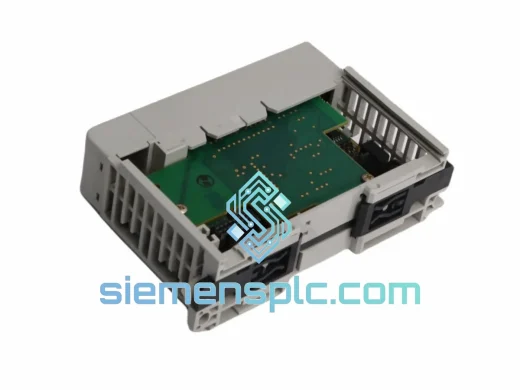
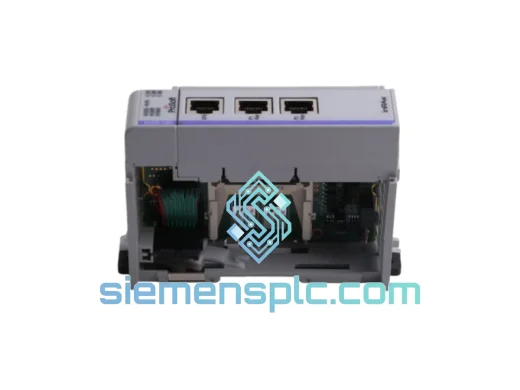
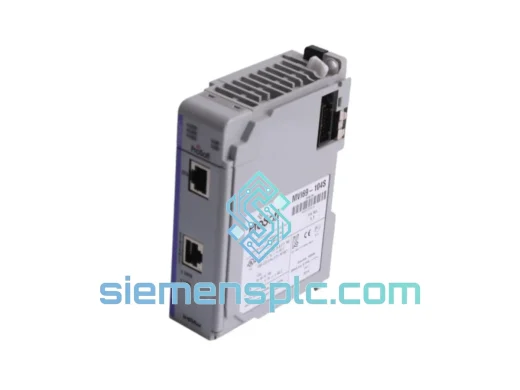
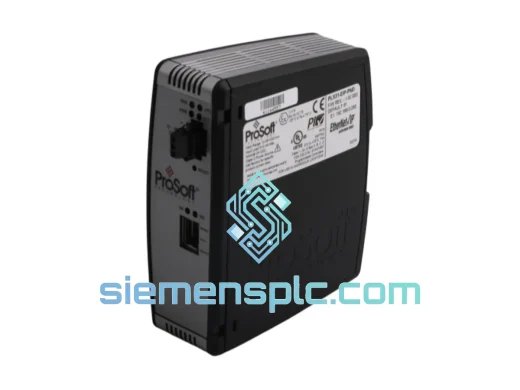
ProSoft PLX31-EIP-PND Protocol Gateway – PLX31 Series
Origin US
Protocol Gateway
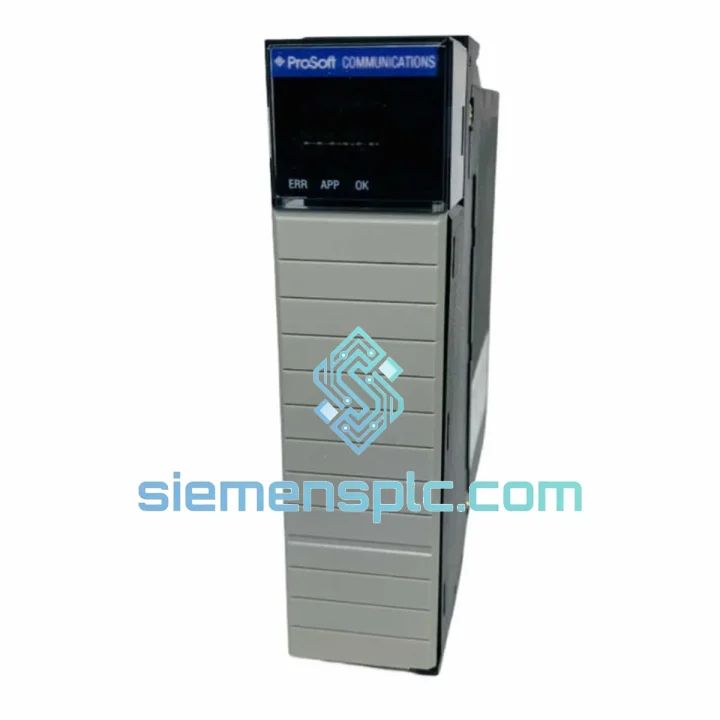
Request verified availability, condition, replacement risk review, packing options and courier lead time for MVI56E-MCM.
Click Request Quote and the part number is inserted into the inquiry form automatically.
Core fields for model confirmation and RFQ routing. Detailed product narrative remains below.
Every minute your ControlLogix system sits idle waiting on a failed MVI56E-MCM, you’re burning money. Lost throughput, idle labor, delayed shipments — the cost compounds fast. We stock the ProSoft MVI56E-MCM in Xiamen and ship same-day via DHL/FedEx International Priority. This is not a sourcing promise. This is a ready-to-pull unit on the shelf, verified, tested, and boxed for your emergency.
URGENT REQUIREMENT? Contact: [email protected] | WhatsApp: +86 18359268345
| Part Number | MVI56E-MCM ✅ Ready to Ship |
| Manufacturer | ProSoft Technology |
| Series | MVI56E (Enhanced) |
| Platform Compatibility | Allen-Bradley ControlLogix® 1756 chassis |
| Supported Protocols | Modbus RTU/ASCII Master & Slave, DF1 Master & Slave, ASCII |
| Serial Ports | 2 × RS-232 / RS-422 / RS-485 (software-selectable per port) |
| Backplane Interface | ControlLogix 1756 backplane (single slot) |
| Configuration Tool | ProSoft Configuration Builder (PCB) v4.x+ |
| Backplane Current Draw | 800 mA @ 5 VDC |
| Operating Temperature | 0 °C to 60 °C |
| Storage Temperature | -40 °C to 85 °C |
| Humidity | 5–95% RH, non-condensing |
| Form Factor | Standard 1756 single-slot module |
| Weight | 330 g |
| Certifications | CE, UL, cUL, RoHS |
| HS Code | 8537.10 |
| Ship From | Xiamen, China ✅ Ready to Ship |
Pulled from real field experience. These are the failure modes and gotchas that bite engineers on the MVI56E-MCM swap:
Top Failure Indicators:
Replacement Checklist (Do This Before You Power Up):
The MVI56E-MCM is not a lab instrument. It was designed for the floor — cement plants, offshore platforms, chemical processing units, and steel mills where ambient conditions are hostile by default.
The module’s conformal-coated PCB resists moisture ingress and condensation that would corrode unprotected boards within months in high-humidity environments. Operating across 0 °C to 60 °C without derating, it handles the thermal cycling that comes with daily production shutdowns and startups. The 1756 backplane connector is rated for hundreds of insertion cycles — relevant when you’re doing frequent module swaps during commissioning or troubleshooting.
Vibration tolerance meets IEC 61131-2 standards, which means it survives the mechanical shock of heavy machinery running adjacent to the control panel. The metal faceplate and robust housing prevent flex damage to the PCB during handling — a common failure point on cheaper third-party alternatives.
Units shipped from our Xiamen warehouse are stored in climate-controlled conditions and individually inspected before dispatch. We do not ship modules that have been sitting in uncontrolled storage. Every unit leaves in factory-equivalent condition.
Our dispatch hub is in Xiamen, China — one of the most connected export ports in Asia, with direct DHL and FedEx gateway access. Here’s exactly how your order moves:
We have shipped to over 40 countries. Downtime doesn’t wait for standard lead times — and neither do we.
📧 Email: [email protected]
💬 WhatsApp: +86 18359268345
🌐 Web: siemensplc.com
© 2026 siemensplc.com. All rights reserved.
We check the full part number, brand, series and visible nameplate information before quotation.
Sales confirms stock path, condition option, quantity and realistic lead time for export dispatch.
DHL, FedEx, UPS or buyer courier arrangements can be reviewed with packing requirements.
Similar brand or category products for fast comparison and multi-item RFQ lists.