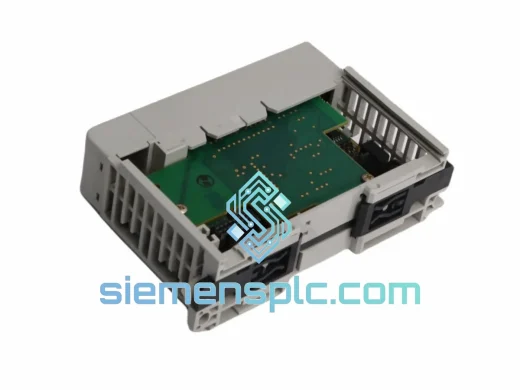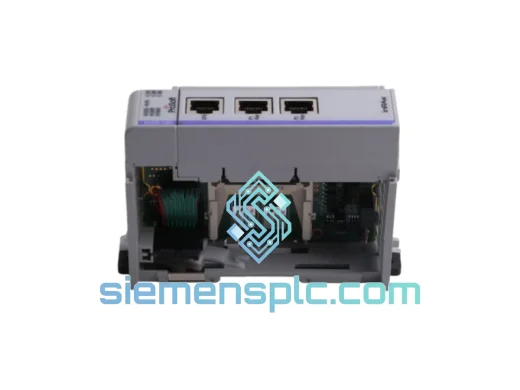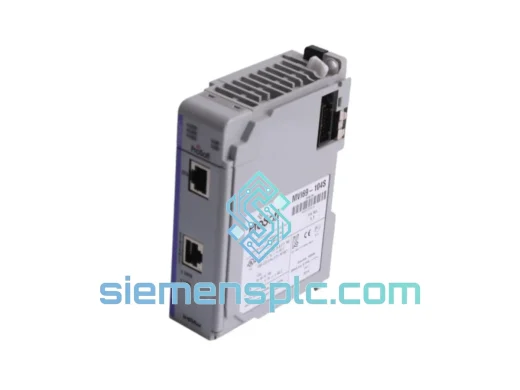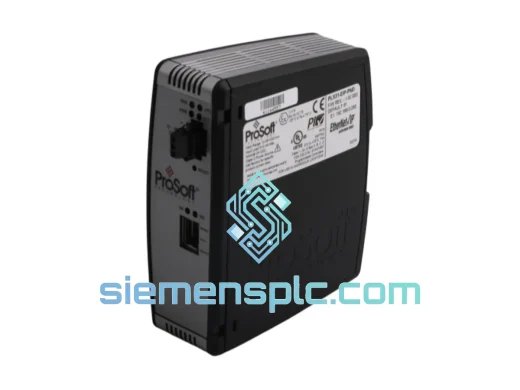
ProSoft Technology
RFQ Ready
ProSoft PLX31-EIP-PND Protocol Gateway – PLX31 Series
Origin US
Protocol Gateway
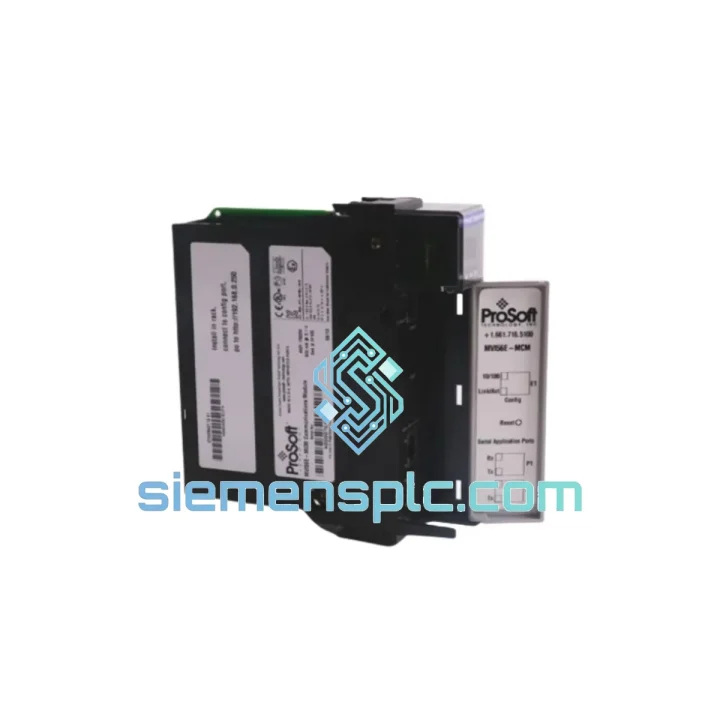
Request verified availability, condition, replacement risk review, packing options and courier lead time for MVI56E-MCMR.
Click Request Quote and the part number is inserted into the inquiry form automatically.
Core fields for model confirmation and RFQ routing. Detailed product narrative remains below.
Your ControlLogix rack is dark. The Modbus serial network is silent. Production is at zero. You’ve already traced the fault to the MVI56E-MCMR — now the only question is how fast you can get a replacement on the rail. We stock the ProSoft Technology MVI56E-MCMR in Xiamen and ship globally via DHL/FedEx Express. No broker delays, no grey-market risk. One call, one module, line back up.
URGENT REQUIREMENT? Contact: [email protected] | WhatsApp: +86 18359268345
| Parameter | Specification | Status |
|---|---|---|
| Part Number | MVI56E-MCMR | ✔ Ready to Ship |
| Manufacturer | ProSoft Technology | OEM Original |
| Platform | Rockwell Automation ControlLogix 1756 | Any slot |
| Protocol | Modbus RTU / Modbus ASCII — Master & Slave simultaneous | — |
| Serial Ports | 2 × RS-232 / RS-422 / RS-485 (software-selectable per port) | — |
| Master Sessions | Up to 2 independent Modbus Master sessions | — |
| Slave Sessions | Up to 2 independent Modbus Slave sessions | — |
| Max Slave Nodes / Port | 247 devices | — |
| Data Memory | 5,000 input registers + 5,000 output registers | 2× legacy MVI56-MCMR |
| Backplane Current Draw | 800 mA @ 5 VDC | Verify chassis PSU budget |
| Configuration Interface | Built-in web server (Ethernet) + Studio 5000 AOI | No PCB required |
| Ethernet Port | 10/100 Mbps — config & diagnostics only | — |
| Baud Rate Range | 110 bps – 115,200 bps | — |
| Operating Temperature | 0 °C to +60 °C | — |
| Storage Temperature | −40 °C to +85 °C | — |
| Humidity | 5% – 95% RH non-condensing | — |
| Certifications | UL, CE, RoHS | — |
| Firmware | Field-upgradeable via Ethernet port | — |
| Replaces | MVI56-MCMR (legacy, discontinued) | Drop-in slot replacement |
| Ship-From | Xiamen, China | ✔ Ready to Ship |
Swapping an MVI56E-MCMR under pressure is not the same as a planned maintenance pull. Here is what catches engineers off guard on the bench:
1. AOI version mismatch — the silent killer. The MVI56E-MCMR uses a different Add-On Instruction set than the legacy MVI56-MCMR. If you drop the new module into a project built for the old one without updating the AOI, the backplane handshake will fail and the module will sit in a fault loop. Download the current AOI package from ProSoft’s portal before you touch the chassis. Import it into Studio 5000, re-map the controller tags, and download to the PLC before powering the module.
2. Slot addressing — confirm before download. The MVI56E-MCMR does not use DIP switches for slot addressing. Slot assignment is handled entirely in the Studio 5000 I/O tree. If the replacement module lands in a different physical slot than the faulted unit, update the slot number in the I/O configuration and re-download. Mismatched slot = immediate major fault on the CPU.
3. Serial port wiring — RS-485 termination. On long RS-485 runs (>100 m) or multi-drop networks with more than 10 nodes, check termination resistors at both ends of the bus. A common post-replacement symptom is intermittent CRC errors or slave timeouts that were masked by the old module’s firmware. The MVI56E-MCMR’s web diagnostic page (port statistics tab) will show framing errors in real time — use it before assuming a wiring fault.
4. Firmware version — match to project. If the plant has a validated firmware baseline, confirm the replacement unit’s firmware revision before installation. The Ethernet port label on the module face shows the firmware string. Field upgrade via the web interface takes under 5 minutes and requires no module removal.
5. Common fault codes to know:
6. Power budget check. The MVI56E-MCMR draws 800 mA at 5 VDC from the backplane. Before inserting the replacement, verify the chassis power supply has sufficient headroom. A marginal PSU will cause random resets that look like module faults but are actually brown-out events.
Industrial environments do not forgive weak hardware. The MVI56E-MCMR is built to operate continuously in conditions that would degrade consumer-grade electronics within weeks. The module’s conformal-coated PCB resists moisture ingress and condensation — a critical factor in coastal plants, paper mills, and food processing facilities where humidity swings are routine. Operating temperature range of 0 °C to +60 °C covers the majority of panel enclosure environments without forced cooling, and the −40 °C storage rating means units can be warehoused in unheated facilities without risk of component stress.
Vibration tolerance is validated to IEC 68-2-6 standards, making the module suitable for installation near compressors, presses, and rotating machinery where panel vibration is a constant. The ControlLogix backplane connector is a latching, keyed interface — it does not work loose under vibration cycles the way terminal-block or ribbon-cable connections can. In high-EMI environments (VFD-heavy panels, arc furnace proximity), the RS-485 differential signaling on the serial ports provides inherent common-mode noise rejection, and the module’s internal isolation between the backplane and serial circuits prevents ground loops from corrupting the ControlLogix CPU.
Every unit we ship has been stored in climate-controlled conditions and undergoes a visual and functional check before dispatch. We do not move aged stock. If a unit has been on the shelf for more than 18 months, it goes through an extended power-on verification before it leaves Xiamen.
Our warehouse is located in Xiamen, Fujian Province — one of China’s primary export hubs with direct access to DHL, FedEx, and UPS international gateways. For urgent orders confirmed before 14:00 CST, same-day dispatch is standard. Here is how the process works from the moment you send the purchase order:
For plant shutdowns or production emergencies, contact us directly on WhatsApp for real-time coordination. We have handled same-day air freight arrangements for critical outages — if the situation is urgent, tell us and we will find the fastest viable routing.
Email: [email protected]
WhatsApp: +86 18359268345
Web: siemensplc.com
© 2026 siemensplc.com. All rights reserved.
We check the full part number, brand, series and visible nameplate information before quotation.
Sales confirms stock path, condition option, quantity and realistic lead time for export dispatch.
DHL, FedEx, UPS or buyer courier arrangements can be reviewed with packing requirements.
Similar brand or category products for fast comparison and multi-item RFQ lists.