ProSoft Technology
RFQ Ready
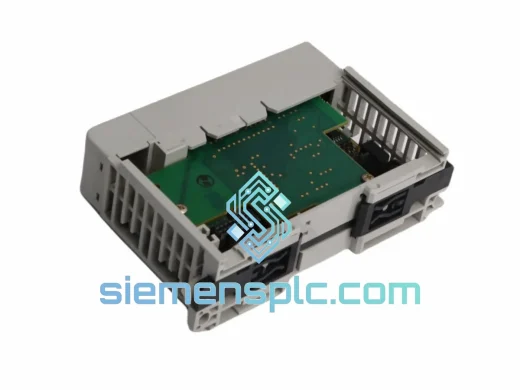
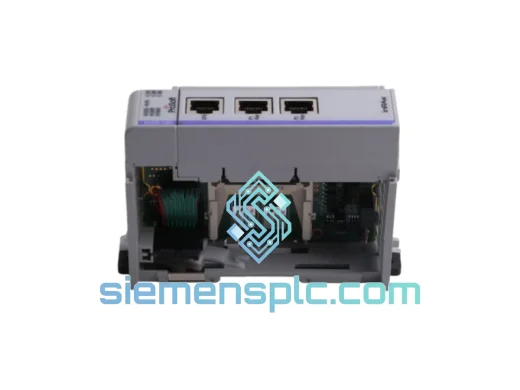
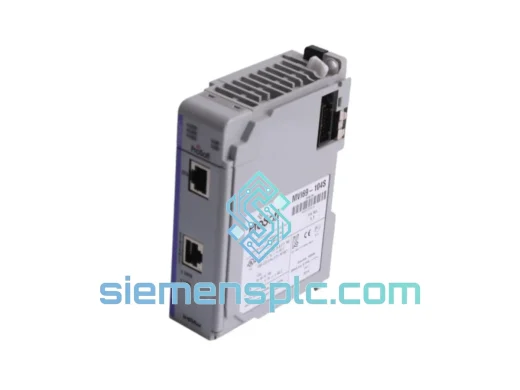
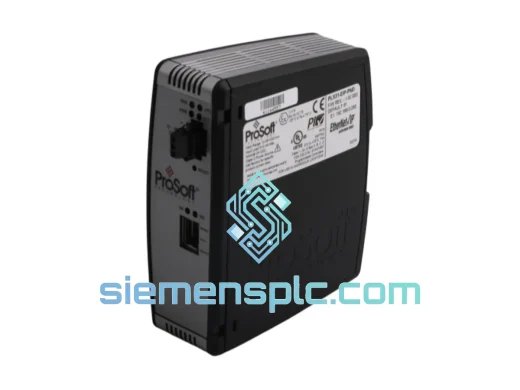
ProSoft PLX31-EIP-PND Protocol Gateway – PLX31 Series
Origin US
Protocol Gateway
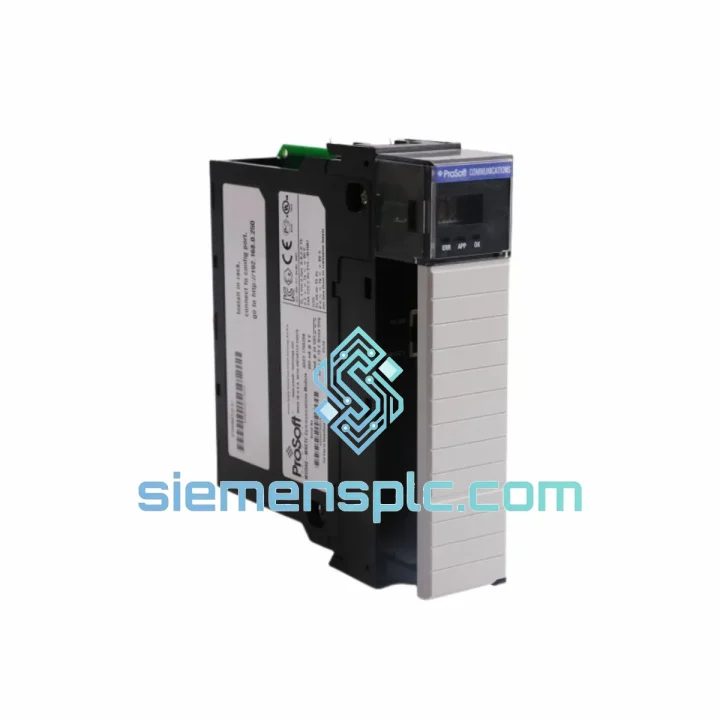
Request verified availability, condition, replacement risk review, packing options and courier lead time for MVI56E-MNETC.
Click Request Quote and the part number is inserted into the inquiry form automatically.
Core fields for model confirmation and RFQ routing. Detailed product narrative remains below.
Your ControlLogix line just tripped. The HMI is screaming Modbus TCP/IP communication fault. Maintenance is on the phone. You’ve already isolated the MVI56E-MNETC as the failed card. The clock is running — and every hour offline is money walking out the door.
We stock the ProSoft MVI56E-MNETC in Xiamen, China. Verified original. Ready to pull from shelf. DHL Express to your dock in 2–5 business days, anywhere on the planet. No waiting for distributor lead times. No minimum order. One card, shipped today.
URGENT REQUIREMENT? Contact: [email protected] | WhatsApp: +86 18359268345
| Parameter | Specification |
|---|---|
| Part Number | MVI56E-MNETC |
| Manufacturer | ProSoft Technology |
| Series | MVI56E |
| Platform | Rockwell Automation ControlLogix (1756 Series) |
| Protocol | Modbus TCP/IP — simultaneous Client & Server |
| Client Connections | Up to 30 concurrent Modbus TCP/IP client sessions |
| Server Connections | Up to 10 concurrent Modbus TCP/IP server sessions |
| Ethernet Port | 10/100 Mbps RJ45, auto-negotiation, auto-MDIX |
| Backplane Interface | ControlLogix 1756 backplane (any slot) |
| Data Registers | 5,000 read/write registers |
| Backplane Current Draw | 800 mA @ 5 VDC |
| Operating Temperature | 0°C to 60°C |
| Storage Temperature | -40°C to 85°C |
| Relative Humidity | 5% to 95% non-condensing |
| Certifications | CE, UL, cUL, RoHS |
| Firmware Update | Field-upgradeable via ProSoft Configuration Builder (PCB) |
| Weight | ~500 g |
| Stock Status | ✅ Ready to Ship — Xiamen Warehouse |
After ten years of field work, here’s what actually matters when you’re swapping an MVI56E-MNETC under pressure:
1. Confirm the fault before you pull the card. Check RSLogix/Studio 5000 for Module Fault Code. Code 16#0001 (connection timeout) and 16#0204 (module not responding) both point to the MVI56E-MNETC, but 16#0204 can also be a backplane power issue — verify the 1756 power supply output is stable at 5 VDC before condemning the module.
2. Export your configuration first. Open ProSoft Configuration Builder (PCB), connect to the module via Ethernet, and export the full .mnetc configuration file. If the module is completely dead and PCB can’t connect, retrieve the config from your Studio 5000 project — the module configuration is embedded in the Add-On Profile (AOP) parameters. Do not skip this step. Rebuilding 30 client connection definitions from scratch during a shutdown is a nightmare.
3. Slot addressing — no DIP switches on the MVI56E. Unlike older MVI56 variants, the MVI56E-MNETC uses automatic backplane slot addressing. Insert the replacement into the same chassis slot as the failed unit and the controller will recognize it immediately. If you must use a different slot, update the module path in Studio 5000 and re-download the program.
4. Firmware version matching. Check the firmware version on the failed card’s label (or from the PCB diagnostic screen if you captured it). The replacement unit ships with the latest factory firmware. If your PCB configuration file was created with an older firmware version, import it into the new unit — PCB will flag any parameter incompatibilities. In most cases, older configs load cleanly into newer firmware. If you’re running firmware below v1.10, upgrade before importing to avoid register mapping conflicts.
5. IP address conflict after swap. The MVI56E-MNETC stores its IP address in non-volatile memory on the module itself, not in the controller. Your replacement unit ships with a default IP of 192.168.0.250. Before inserting it into the live network, either: (a) connect a laptop directly to the module’s Ethernet port and assign the correct IP via PCB, or (b) use the BOOTP/DHCP server in RSLinx to push the correct IP. Inserting a card with the wrong IP into a live Modbus network will cause immediate client connection failures and may trigger cascading faults on connected slave devices.
6. Common fault codes at startup after replacement:
7. First scan after go-live. Monitor the MVI56E-MNETC diagnostic counters in Studio 5000 (via the AOP General tab) for the first 10 minutes. Watch for incrementing Rx/Tx error counters on any client connection — this indicates a slave device that’s not responding on the expected register map. Cross-reference against your Modbus register documentation before declaring the swap successful.
The MVI56E-MNETC is not a office-grade device dressed up in industrial packaging. It’s built to run continuously in environments that would kill consumer electronics inside a week.
The module operates across a full 0°C to 60°C ambient range without derating — relevant for control panels in foundries, outdoor substations, and tropical process plants where panel internal temperatures routinely exceed 45°C. Storage tolerance extends to -40°C, meaning units can be warehoused in unheated facilities in northern climates without risk of component damage.
Vibration resistance meets IEC 61131-2 requirements — the same standard that governs the ControlLogix chassis itself. The conformal-coated PCB provides protection against humidity up to 95% non-condensing, guarding against condensation events in coastal and high-humidity industrial environments. The RJ45 Ethernet connector is recessed and mechanically retained, reducing the risk of cable pull-out from vibration or accidental contact.
The backplane connector is rated for hundreds of insertion cycles — relevant for maintenance environments where modules are frequently swapped during troubleshooting. Gold-plated contacts resist oxidation in environments with airborne sulfur compounds, common in pulp and paper, wastewater, and chemical processing facilities.
In short: this module is designed to run 24/7/365 in the same conditions your process runs in. That’s the baseline expectation for ControlLogix-class hardware, and the MVI56E-MNETC meets it.
Our warehouse is located in Xiamen, Fujian Province — one of China’s primary export hubs with direct access to international courier consolidation centers for DHL, FedEx, and UPS.
Standard dispatch process: Orders confirmed before 14:00 CST ship same business day. Orders confirmed after 14:00 ship the following morning. You receive a tracking number within 2 hours of dispatch.
Transit times (DHL Express from Xiamen):
Export documentation provided as standard: Commercial invoice with declared value, packing list, certificate of origin (Form A or CO available on request), HS Code 8537.10 classification, and EEI/AES filing for US-bound shipments where required. All documentation is prepared to minimize customs clearance delays.
For critical shutdowns requiring next-flight-out courier options, contact us directly on WhatsApp — we can arrange hand-carry or charter courier services for time-critical situations where standard express timelines are not acceptable.
📧 Email: [email protected]
📱 WhatsApp: +86 18359268345
🌐 Web: siemensplc.com
© 2026 siemensplc.com. All rights reserved.
We check the full part number, brand, series and visible nameplate information before quotation.
Sales confirms stock path, condition option, quantity and realistic lead time for export dispatch.
DHL, FedEx, UPS or buyer courier arrangements can be reviewed with packing requirements.
Similar brand or category products for fast comparison and multi-item RFQ lists.