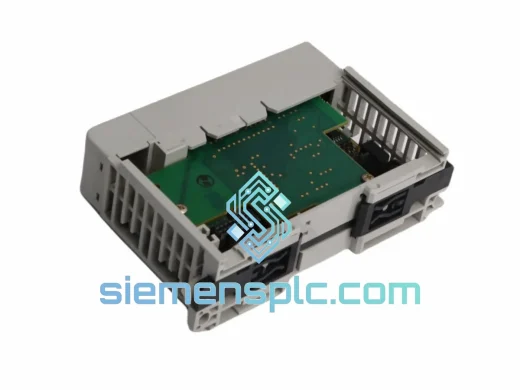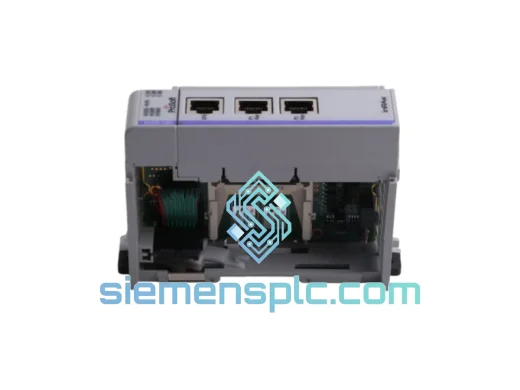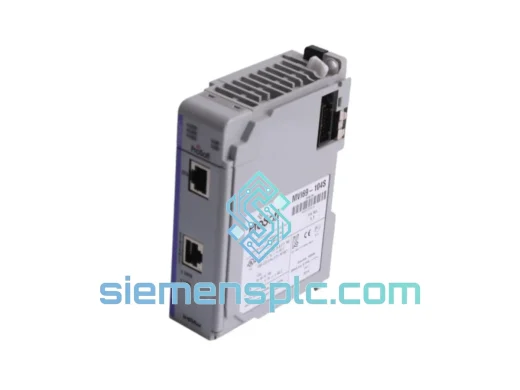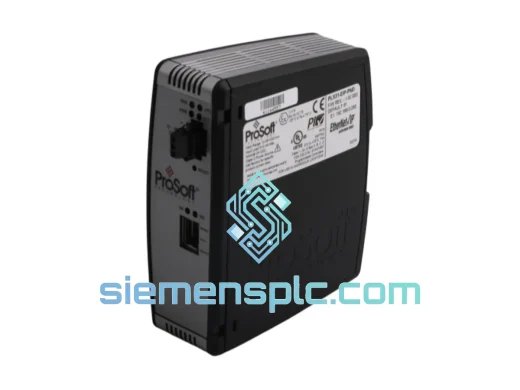
ProSoft Technology
RFQ Ready
ProSoft PLX31-EIP-PND Protocol Gateway – PLX31 Series
Origin US
Protocol Gateway
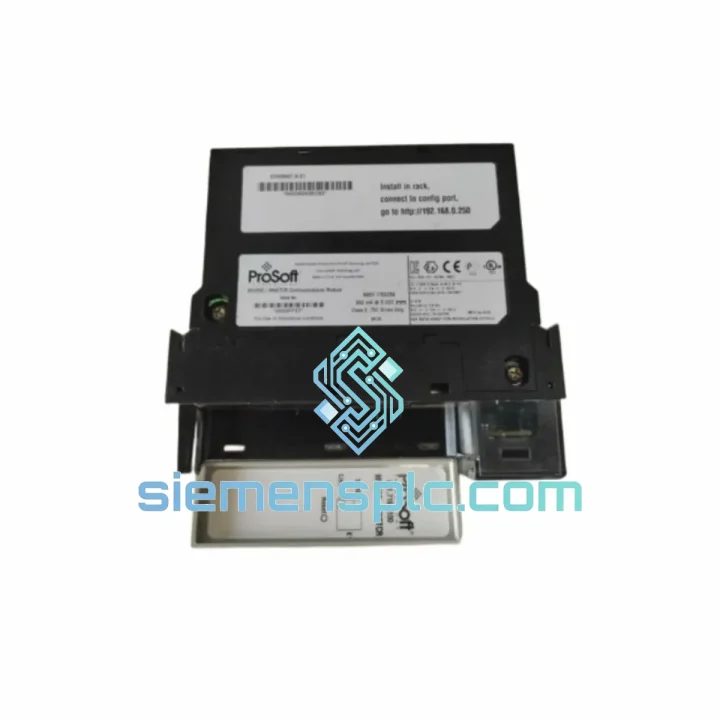
Request verified availability, condition, replacement risk review, packing options and courier lead time for MVI56E-MNETCR.
Click Request Quote and the part number is inserted into the inquiry form automatically.
Core fields for model confirmation and RFQ routing. Detailed product narrative remains below.
Your ControlLogix rack is dark. The MVI56E-MNETCR has faulted, and your Modbus TCP network is silent. Production is stopped. Maintenance is standing by. You don’t need a datasheet lecture right now — you need a replacement module on your bench, configured and running, before the next shift. We stock the ProSoft MVI56E-MNETCR in Xiamen and ship globally via DHL/FedEx Express. Most orders clear customs and land on your dock within 3–5 business days. That’s the difference between a bad day and a catastrophic week.
URGENT REQUIREMENT? Contact: [email protected] | WhatsApp: +86 18359268345
| Parameter | Value |
|---|---|
| Part Number | MVI56E-MNETCR |
| Manufacturer | ProSoft Technology |
| Protocol | Modbus TCP/IP — Client & Server simultaneous |
| Platform | Allen-Bradley ControlLogix 1756 backplane |
| Ethernet Ports | 2 × RJ45, 10/100 Mbps (dual-port, DLR capable) |
| Max Client Sessions | 16 simultaneous Modbus TCP clients |
| Max Server Sessions | 16 simultaneous Modbus TCP servers |
| Register Capacity | 5,000 read/write registers |
| Backplane Draw | 800 mA @ 5 VDC |
| Operating Temp | 0°C to 60°C |
| Storage Temp | −40°C to 85°C |
| Humidity | 5%–95% non-condensing |
| Certifications | UL, CE, RoHS |
| Form Factor | Single-slot ControlLogix module |
| Stock Status | Ready to Ship — Xiamen Warehouse |
Ten years of field calls on ProSoft modules teach you the same lessons repeatedly. Here is what actually matters when you are swapping an MVI56E-MNETCR under pressure.
1. Slot Address Auto-Configuration
The MVI56E-MNETCR reads its backplane slot position automatically at power-up — no DIP switch for slot addressing. However, the slot number is embedded in the Studio 5000 Add-On Instruction (AOI) configuration. If you are dropping the replacement into a different slot than the original, open the AOI parameters and update the Slot value to match the physical position. Failure to do this produces a continuous Module Fault (Error Code 16#0204) and the module will never go online.
2. Firmware Version Matching
Before you pull the failed unit, note its firmware revision from the RSLogix 5000 Module Properties screen. The replacement module ships with the latest firmware. If your project file was built against an older revision, you will get an Electronic Keying mismatch fault. Options: (a) update the project keying to Compatible Module temporarily, (b) flash the replacement to match the original firmware using ProSoft Configuration Manager (PCM), or (c) upgrade the project to accept the new firmware — the safest long-term fix.
3. Configuration File Transfer
The MVI56E-MNETCR stores its Modbus TCP client/server configuration in the module internal flash, not in the PLC project. Export the configuration from the failed unit using PCM before it is completely dead — even a faulted module can often still communicate via Ethernet for a PCM backup. If the module is fully unresponsive, locate the last saved .mnetcr PCM project file on the engineering workstation. Load it into the replacement via PCM before inserting into the rack.
4. Common Fault Codes
| Fault Code | Meaning | Field Fix |
|---|---|---|
| 16#0001 | Module not in correct slot | Verify slot number in AOI matches physical slot |
| 16#0010 | Firmware mismatch / keying error | Set keying to Compatible Module or reflash firmware |
| 16#0204 | Configuration not loaded | Push config via PCM over Ethernet port 1 |
| 16#0301 | Modbus TCP client timeout | Check IP reachability of target devices; verify firewall rules |
| 16#0401 | Backplane communication error | Reseat module; check chassis power supply voltage |
5. IP Address Conflict After Swap
The replacement module ships with a default IP of 192.168.0.250. Before inserting into the live network, connect a laptop directly to Ethernet Port 1 and use PCM to assign the correct static IP. Inserting a module with a conflicting IP into a live plant network causes immediate communication disruption across all devices on that subnet.
6. Dual-Port Topology Verification
If your installation uses Device Level Ring (DLR) topology across both Ethernet ports, verify the ring supervisor settings in PCM after replacement. A new module defaults to ring participant mode — confirm this matches your network design before closing the ring.
Vibration: Designed to IEC 60068-2-6 standards, the module withstands continuous sinusoidal vibration across the 10–500 Hz spectrum. The conformal-coated PCB prevents micro-fractures at solder joints — the failure mode that takes out cheaper modules after six months on a compressor skid or a press line.
Thermal Cycling: Operating range of 0°C to 60°C with storage down to −40°C means the module survives unheated enclosures in northern climates and high-ambient machine rooms in Southeast Asian facilities. The onboard thermal management keeps critical components within spec even when the cabinet door stays closed on a 45°C summer day.
Humidity and Condensation: Rated to 95% non-condensing humidity. The conformal coating on the PCB provides a barrier against moisture ingress — critical in food processing, water treatment, and coastal installations where humidity swings are daily events.
EMI/RFI Immunity: CE-marked and tested to EN 61000 series standards. The module maintains stable Modbus TCP communication in environments with variable frequency drives, large motor starters, and welding equipment operating in adjacent panels — the exact conditions where unshielded communication hardware fails intermittently and drives maintenance teams insane chasing ghost faults.
Power Quality: The 5 VDC backplane supply is regulated and filtered within the ControlLogix chassis. The MVI56E-MNETCR draws a clean 800 mA — well within the budget of standard 1756-PA72 and 1756-PB72 power supplies. No external power conditioning required.
Our warehouse is in Xiamen, Fujian Province — one of China primary export hubs with direct access to international freight lanes via Xiamen Gaoqi International Airport and Xiamen Port.
| Destination | Carrier | Transit Time |
|---|---|---|
| Southeast Asia (SG, MY, TH, VN) | DHL Express / FedEx IP | 2–3 business days |
| Middle East (AE, SA, QA) | DHL Express | 3–4 business days |
| Europe (DE, NL, FR, UK, PL) | FedEx International Priority | 3–5 business days |
| North America (US, CA, MX) | FedEx IP / DHL Express | 4–6 business days |
| Australia / New Zealand | DHL Express | 3–5 business days |
| South America (BR, CL, CO) | FedEx IP | 5–7 business days |
Orders confirmed before 14:00 CST are packed and handed to the carrier the same day. Each shipment includes a commercial invoice, packing list, and certificate of origin. For destinations requiring import permits or specific HS code documentation, our logistics team prepares the paperwork in advance to prevent customs holds. Tracking numbers are sent via email and WhatsApp within 2 hours of carrier pickup. For critical downtime situations, contact us directly — we can arrange same-day pickup with DHL On-Demand Delivery for priority routing. All modules are packed in anti-static bags, placed in foam-lined boxes, and outer-carton sealed with tamper-evident tape.
Email: [email protected]
WhatsApp: +86 18359268345
Web: siemensplc.com
© 2026 siemensplc.com. All rights reserved.
We check the full part number, brand, series and visible nameplate information before quotation.
Sales confirms stock path, condition option, quantity and realistic lead time for export dispatch.
DHL, FedEx, UPS or buyer courier arrangements can be reviewed with packing requirements.
Similar brand or category products for fast comparison and multi-item RFQ lists.