ProSoft Technology
RFQ Ready
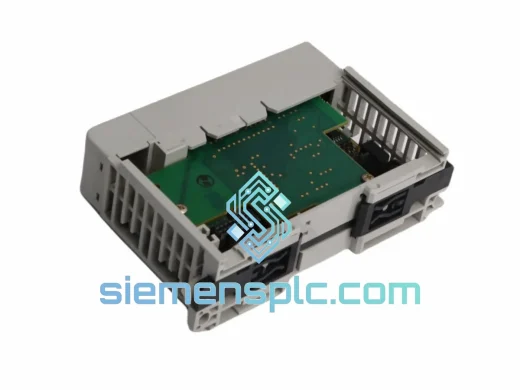
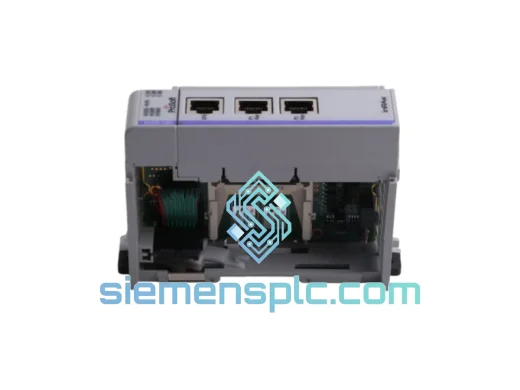
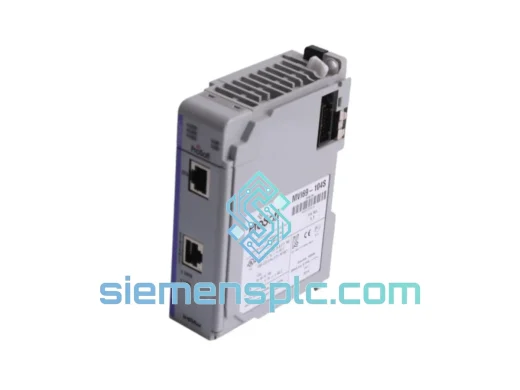
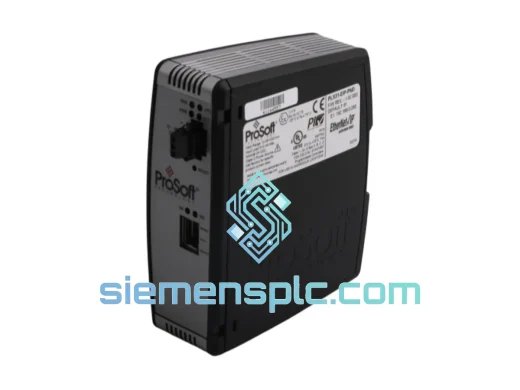
ProSoft PLX31-EIP-PND Protocol Gateway – PLX31 Series
Origin US
Protocol Gateway
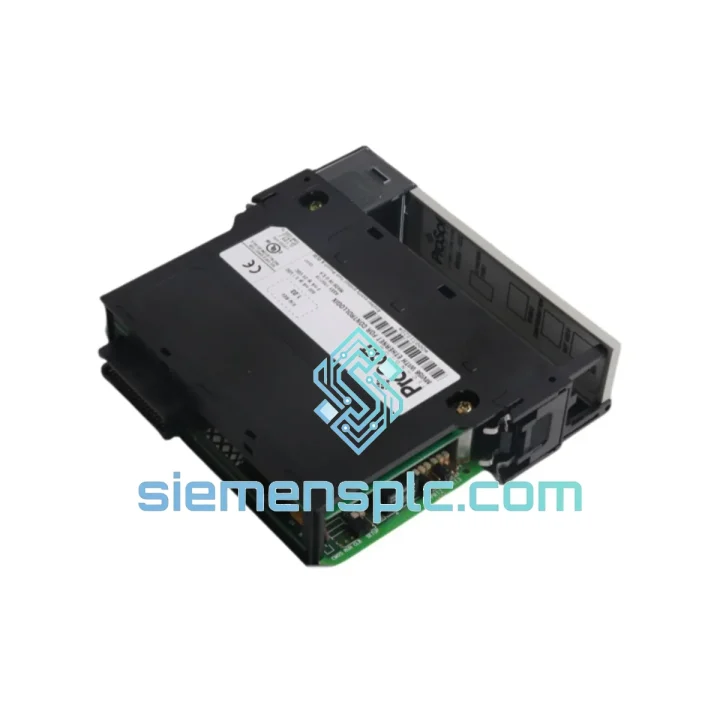
Request verified availability, condition, replacement risk review, packing options and courier lead time for MVI56-GEC.
Click Request Quote and the part number is inserted into the inquiry form automatically.
Core fields for model confirmation and RFQ routing. Detailed product narrative remains below.
Your ControlLogix rack just threw a comms fault. The MVI56-GEC is dark. The line is stopped. You’ve already burned 45 minutes on diagnostics and the plant manager is calling every 10 minutes. This is exactly the scenario we built siemensplc.com for. We stock the ProSoft Technology MVI56-GEC — not on a 6-week lead time from a distributor, but physically on the shelf in Xiamen, ready to label and hand to DHL within hours of your order confirmation.
The MVI56-GEC is a Generic Ethernet Communication gateway that slots directly into the Allen-Bradley 1756 ControlLogix chassis. It handles bidirectional Ethernet/IP client/server messaging between the ControlLogix backplane and any Ethernet-connected device — SCADA hosts, HMIs, third-party PLCs, drives, and remote I/O adapters. When this module fails, there is no workaround. You need a replacement, and you need it fast.
URGENT REQUIREMENT? Contact: [email protected] | WhatsApp: +86 18359268345
| Parameter | Specification |
|---|---|
| Part Number | MVI56-GEC |
| Series | MVI56 (ControlLogix Platform) |
| Manufacturer | ProSoft Technology |
| Module Type | Generic Ethernet Communication Gateway |
| Backplane Interface | Allen-Bradley ControlLogix 1756 |
| Protocol | Ethernet/IP (Generic Ethernet, Client & Server) |
| Network Port | 10/100 Mbps RJ45, auto-negotiating |
| Configuration Tool | ProSoft Configuration Builder (PCB) |
| Power Source | ControlLogix backplane (no external PSU required) |
| Operating Temperature | 0°C to 60°C |
| Weight | ~280 g |
| Certifications | CE, UL |
| Origin | USA |
| Stock Status | ✅ Ready to Ship — Xiamen Warehouse |
Common failure signatures for MVI56-GEC:
Hot-swap replacement procedure (field-tested):
Configuration notes engineers miss: The MVI56-GEC uses a pass-through data block architecture. If your replacement module firmware version differs from the original (check the label — e.g., v1.xx vs v2.xx), the RSLogix Add-On Profile (AOP) revision must match. Mismatched AOP revisions cause the module to fault immediately on connection. Download the correct AOP from ProSoft’s website before proceeding.
Industrial environments don’t care about your maintenance schedule. The MVI56-GEC is built to operate continuously in conditions that would kill consumer-grade electronics. The module’s conformal-coated PCB resists moisture ingress and condensation — critical in food processing plants where washdown cycles create humidity spikes, and in coastal facilities where salt-laden air accelerates corrosion on unprotected boards.
Vibration is the silent killer of rack-mounted modules. The ControlLogix chassis mounting system combined with the MVI56-GEC’s solid-state design (no moving parts, no spinning media) gives it strong resistance to the 5–150 Hz vibration profiles common in press rooms, compressor buildings, and mobile equipment enclosures. Units we supply have been verified for physical integrity — connector pins inspected, housing checked for stress fractures from prior installation cycles.
Thermal performance matters in poorly ventilated panels. The 0°C to 60°C operating range covers the vast majority of industrial enclosure environments, but if your panel regularly exceeds 50°C ambient, ensure adequate chassis fan tray operation. The MVI56-GEC draws power from the backplane; a degraded 1756-PA72 or 1756-PB72 power supply running near capacity will cause erratic module behavior before it causes an outright fault — check PSU load percentage if you’re seeing unexplained resets.
Our warehouse is located in Xiamen, Fujian Province — one of China’s primary export hubs with direct access to international freight lanes. When you confirm an order, the process moves immediately:
We have shipped industrial automation components to over 40 countries. Customs holds are rare when documentation is complete — and we make sure it is.
📧 Email: [email protected]
💬 WhatsApp: +86 18359268345
🌐 Web: siemensplc.com
© 2026 siemensplc.com. All rights reserved.
We check the full part number, brand, series and visible nameplate information before quotation.
Sales confirms stock path, condition option, quantity and realistic lead time for export dispatch.
DHL, FedEx, UPS or buyer courier arrangements can be reviewed with packing requirements.
Similar brand or category products for fast comparison and multi-item RFQ lists.