Siemens
RFQ Ready
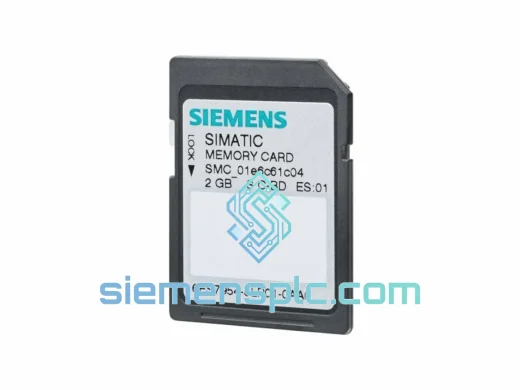
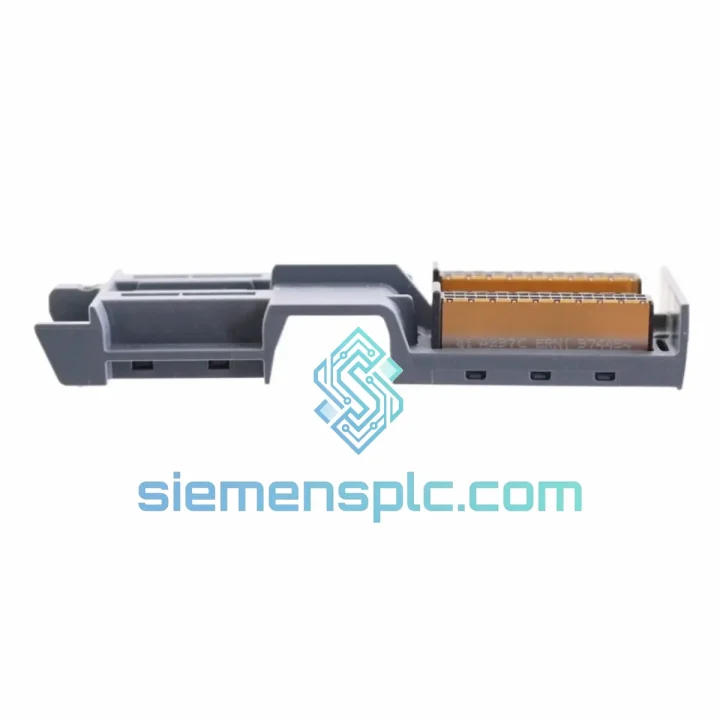
Siemens 6ES7954-8LP03-0AA0 PLC Memory Card
SIMATIC S7-1500
Origin DE
PLC Memory Card
Request verified availability, condition, replacement risk review, packing options and courier lead time for 6ES7590-0AA00-0AA0.
Click Request Quote and the part number is inserted into the inquiry form automatically.
Core fields for model confirmation and RFQ routing. Detailed product narrative remains below.
Your S7-1500 rack is dark. The CPU is throwing BF/SF faults. Maintenance has already pulled the suspect module and found a cracked or missing backplane U-Connector. You know the drill: without 6ES7590-0AA00-0AA0 seated correctly between modules, the entire U-bus collapses — every downstream slot goes offline simultaneously. This is not a “monitor and wait” situation. This is a line-stop event.
We stock 6ES7590-0AA00-0AA0 in Xiamen and ship globally via DHL Express and FedEx International Priority. Most orders clear customs and arrive at your plant within 3–5 business days. For customers in Southeast Asia, transit is often 48–72 hours. While your procurement team is still waiting for a quote from the OEM distributor, your replacement is already in the air.
URGENT REQUIREMENT? Contact: [email protected] | WhatsApp: +86 18359268345
| Parameter | Value |
|---|---|
| Part Number | 6ES7590-0AA00-0AA0 |
| Product Series | SIMATIC S7-1500 |
| Component Type | U-Connector (Backplane Bus Connector) |
| Manufacturer | Siemens AG |
| Bus Interface | S7-1500 internal U-bus (backplane) |
| Installation Method | Tool-free snap-fit, DIN rail compatible |
| Compatible Modules | All S7-1500 I/O, CPU, CM, TM modules |
| Operating Temperature | 0 °C to +60 °C (horizontal), 0 °C to +40 °C (vertical) |
| Storage Temperature | -40 °C to +70 °C |
| Degree of Protection | IP20 |
| Weight | Approx. 100 g |
| Certifications | CE, UL, cULus, ATEX (per Siemens certification) |
| Country of Origin | Germany |
| Stock Status | ✅ Ready to Ship — Xiamen Warehouse |
Symptom pattern that points directly to a failed U-Connector:
Step-by-step replacement procedure (field-tested):
Common mistakes that cause repeat failures:
The S7-1500 platform is deployed in environments that would destroy consumer-grade electronics within days. Siemens engineers the 6ES7590-0AA00-0AA0 to survive the same conditions your production equipment endures.
Vibration resistance: The snap-fit locking mechanism is designed to maintain positive electrical contact under continuous vibration loads consistent with IEC 60068-2-6 test profiles. In press shops, compressor rooms, and heavy machining centers where the floor itself vibrates, the connector stays seated. The locking geometry prevents micro-movement that would otherwise cause fretting corrosion on the contact surfaces over time.
Thermal cycling: Industrial control cabinets routinely see 30–40 °C swings between startup and steady-state operation. The connector housing material is selected for a coefficient of thermal expansion that matches the DIN rail and module housing, preventing mechanical stress buildup at the contact interface across thousands of thermal cycles. Rated operating range of 0 °C to +60 °C covers the vast majority of industrial cabinet environments without derating.
Humidity and condensation: IP20 protection keeps the connector functional in environments with up to 95% relative humidity (non-condensing). For applications in coastal facilities, food processing plants, or outdoor enclosures subject to temperature swings that cause condensation, the connector’s gold-plated contact surfaces resist oxidation that would degrade signal integrity on bare copper contacts.
EMC robustness: The backplane bus carries both power and high-speed data signals. The connector’s shielding geometry is integral to the S7-1500’s EMC design — it is not an afterthought. Using a non-genuine connector risks introducing impedance discontinuities that manifest as sporadic communication errors, particularly in environments with heavy VFD switching noise or welding equipment nearby.
Our warehouse is located in Xiamen, Fujian Province — one of China’s primary export hubs with direct access to Xiamen Gaoqi International Airport and Xiamen Port. This geography is not accidental: it gives us access to daily DHL Express and FedEx International Priority flights to major hubs in Europe, the Middle East, Southeast Asia, and the Americas.
Typical transit times from Xiamen:
Our logistics process for urgent orders:
We have shipped to over 40 countries. Customs clearance delays are rare for this product category (HS code 8538.90), but if your shipment is held, our logistics team will provide the necessary supporting documents to your customs broker within 24 hours of notification.
Email: [email protected]
WhatsApp: +86 18359268345
Web: siemensplc.com
© 2026 siemensplc.com. All rights reserved.
We check the full part number, brand, series and visible nameplate information before quotation.
Sales confirms stock path, condition option, quantity and realistic lead time for export dispatch.
DHL, FedEx, UPS or buyer courier arrangements can be reviewed with packing requirements.
Similar brand or category products for fast comparison and multi-item RFQ lists.