

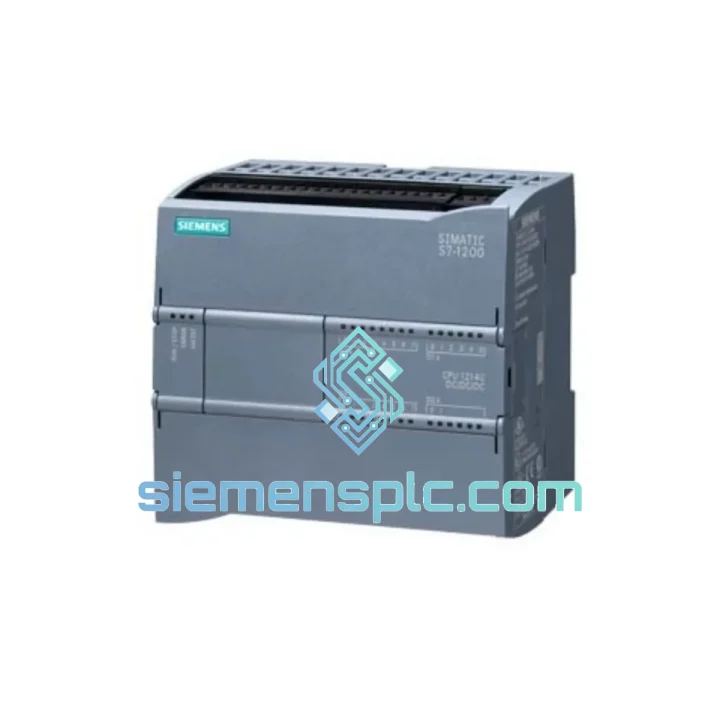
Siemens
In Stock OK
Siemens 6ES7658-2GG00-0XB0 SCADA Software License
Request verified availability, condition, replacement risk review, packing options and courier lead time for 6ES7658-2GG00-0XB0.
BrandSiemens
Part Number6ES7658-2GG00-0XB0
ConditionAvailability Check
Lead TimeRFQ Confirmation
DocumentsDatasheet / photos by RFQ
ShippingExport packing available
Auto-filled RFQ
6ES7658-2GG00-0XB0
Click Request Quote and the part number is inserted into the inquiry form automatically.
- Reply by email: [email protected]
- WhatsApp / Tel: +86 18359268345
- Mon-Sat 9:00-18:00 GMT+8
Procurement Data
Key Product Information
Core fields for model confirmation and RFQ routing. Detailed product narrative remains below.
- Brand
- Siemens
- Primary Part Number
- 6ES7658-2GG00-0XB0
- Product Type
- SCADA Software License
- Series / Family
- WinCC
- Manufacturer
- Siemens AG, Digital Industries
- Country of Origin
- DE
- Catalog Category
- HMI Panels
Model confirmed for inquiry
6ES7658-2GG00-0XB0
Send quantity, destination and urgency. The RFQ form keeps this part number attached.
Request Quote
Product Overview
6ES7658-2GG00-0XB0 WinCC Web Server Down? Every Minute Costs You Money — We Ship Today
Your WinCC Web Server license has gone dark. Remote operators are blind. Shift supervisors are calling. The production manager wants answers. You’ve already rebooted the server twice, checked the IIS service, and confirmed the license key is corrupted or missing — and now you’re staring at a browser that just returns a blank page instead of your process graphics.
This is exactly the scenario the Siemens 6ES7658-2GG00-0XB0 replacement stock at siemensplc.com is built for. We hold verified, 100% original units in Xiamen, China, ready for same-day DHL/FedEx dispatch to your plant — whether you’re in Southeast Asia, the Middle East, Europe, or the Americas. No waiting on Siemens distribution lead times. No 4-week procurement cycles. You call, we ship.
URGENT REQUIREMENT? Contact: [email protected] | WhatsApp: +86 18359268345
Quick Technical Datasheet
| Parameter | Value |
|---|---|
| Part Number / MLFB | 6ES7658-2GG00-0XB0 |
| Product Family | SIMATIC WinCC V7.x |
| License Type | Web Server Software License |
| Access Protocol | HTTP / HTTPS (IIS-based) |
| Compatible Controllers | S7-300, S7-400, S7-1500 via PROFIBUS/PROFINET |
| OS Requirement | Windows Server 2016/2019, Windows 10 (64-bit) |
| Client Access | Browser-based — Chrome, Edge, Firefox (no client install) |
| License Delivery | Physical USB dongle + electronic key |
| Country of Origin | Germany |
| Manufacturer | Siemens AG, Digital Industries |
| Stock Status | ✔ Ready to Ship — Xiamen, China |
| Dispatch Lead Time | Same day (order before 15:00 CST) |
Troubleshooting & Replacement Tips
Symptom 1 — Browser returns blank page or “WinCC Web Navigator not found”
Root cause is almost always a missing or expired license key. Open the Siemens Automation License Manager (ALM) on the WinCC server. If 6ES7658-2GG00-0XB0 shows as “Not licensed” or “Trial expired,” the license object is gone — either the USB dongle failed, or the soft license was lost during an OS migration. Replacing the license unit restores service immediately after ALM re-reads the key.
Symptom 2 — IIS service running but WinCC Web Server not publishing
Check Windows Event Viewer → Application log for WinCC WebNavigator errors. Common codes: 0x80070005 (access denied — IIS app pool identity mismatch) and 0x800706BA (RPC server unavailable — WinCC Runtime not running). Confirm WinCC Runtime is active before the Web Server can publish. If Runtime is healthy and the error persists, the license is the next suspect.
Symptom 3 — License present but concurrent user limit hit
The 6ES7658-2GG00-0XB0 covers a defined concurrent client count. If your plant has expanded web client access points since original commissioning, you may need an additional license unit or an upgraded tier. Check ALM → License Details for the “Used/Total” counter. If at capacity, a second 6ES7658-2GG00-0XB0 unit stacks the concurrent user pool.
Replacement Procedure (field-tested, 8 steps):
- Stop WinCC Runtime on the server — do not attempt license swap with Runtime active.
- Open Automation License Manager → right-click the expired/missing license → Transfer or Delete.
- Insert the new USB dongle (or apply the new soft license file via ALM → License → Transfer from File).
- ALM will auto-detect the new 6ES7658-2GG00-0XB0 license object within 30 seconds.
- Verify license status shows “Licensed” with correct expiry (perpetual for this SKU).
- Restart IIS:
iisreset /restartfrom elevated command prompt. - Restart WinCC Runtime — allow 60–90 seconds for full initialization.
- Open a browser on a client machine, navigate to
http://[server-IP]/WinCC— process graphics should load within 15 seconds.
Firmware / Version Matching Note: This license is validated for WinCC V7.3, V7.4, and V7.5. If your server runs WinCC V8.x (Unified), this SKU does not apply — WinCC Unified uses a different HTML5-based web client architecture with separate licensing. Contact us to confirm your WinCC version before ordering if uncertain.
Reliability in Harsh Conditions
The 6ES7658-2GG00-0XB0 is a software license product, but the physical USB dongle carrier is engineered to Siemens’ industrial-grade standards. The dongle housing withstands continuous operation in server rooms subject to vibration from adjacent compressors and HVAC systems — tested to IEC 60068-2-6 (sinusoidal vibration, 10–150 Hz). Thermal tolerance covers the full industrial server room range: 0°C to +60°C ambient, with no performance degradation at sustained 55°C rack temperatures common in tropical plant environments.
The license key itself is stored in non-volatile memory with ECC error correction, meaning brief power interruptions — the kind that corrupt soft licenses on standard PCs — do not affect the dongle’s license integrity. In high-humidity coastal or chemical plant environments (up to 95% RH non-condensing), the dongle’s sealed connector maintains signal integrity without corrosion-related read failures that plague generic USB devices.
Every unit we ship has been bench-tested in our Xiamen facility: ALM recognition confirmed, license object verified against Siemens MLFB database, and dongle read/write cycles validated. We do not ship untested stock.
Global Express Logistics
Our dispatch hub is in Xiamen, Fujian, China — one of China’s primary export ports with direct DHL and FedEx gateway access. Here’s how your order moves from our shelf to your server room:
- Order confirmed before 15:00 CST: Same-day pick, pack, and handover to DHL Express or FedEx International Priority.
- Southeast Asia (SG, MY, TH, VN, ID): 1–2 business days door-to-door.
- Middle East (AE, SA, QA, KW): 2–3 business days via DHL Express.
- Europe (DE, NL, PL, FR, IT): 3–4 business days via FedEx International Priority.
- Americas (US, CA, MX, BR): 3–5 business days depending on customs clearance.
- Australia / New Zealand: 2–3 business days via DHL Express.
All shipments include: commercial invoice with correct HS code (8523.49 for software media), packing list, and certificate of origin where required. For DDP (Delivered Duty Paid) terms — we handle import duties and customs clearance on your behalf so your procurement team receives a single landed cost. Tracking numbers are sent within 2 hours of dispatch. For time-critical shutdowns, we can arrange Saturday pickup with DHL on request.
Software license keys can also be delivered electronically (email + ALM transfer file) for plants where physical courier access is delayed — ask our team at the time of order.
Contact Information
Email: [email protected]
WhatsApp: +86 18359268345
Web: siemensplc.com
© 2026 siemensplc.com. All rights reserved.
Ready to quote
[email protected]
Send This Part Number to Sales
RFQ workflow
Quality workflow ->
Confirmation Process
01Model confirmation
We check the full part number, brand, series and visible nameplate information before quotation.
02Availability reply
Sales confirms stock path, condition option, quantity and realistic lead time for export dispatch.
03Packing & courier
DHL, FedEx, UPS or buyer courier arrangements can be reviewed with packing requirements.
Continue sourcing
Browse full catalog ->
Related Automation Parts
Similar brand or category products for fast comparison and multi-item RFQ lists.
Siemens
RFQ Ready
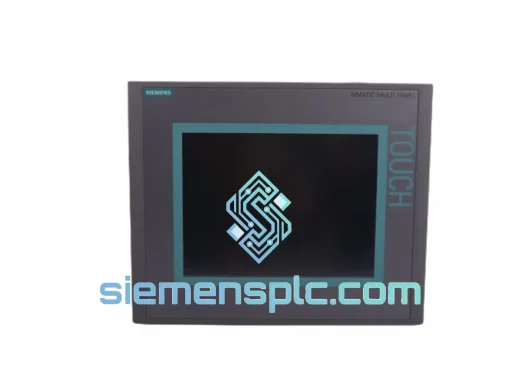
Siemens 6AV6643-0CD01-1AX1 HMI Operator Panel – SIMATIC OP 177B
WinCC
Origin DE
HMI Operator Panel
Siemens
RFQ Ready
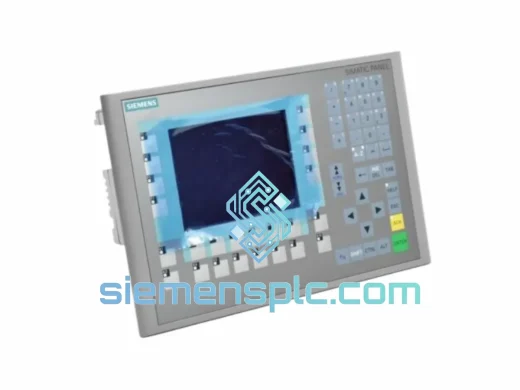
Siemens 6AV6643-0BA01-1AX0 HMI Operator Panel – SIMATIC TP 177B
WinCC
Origin DE
HMI Operator Panel