

Siemens
RFQ Ready
SIEMENS 6GK5108-0BA00-2AA3 Industrial Ethernet Switch
SIMATIC
Origin DE
Industrial Ethernet Switch
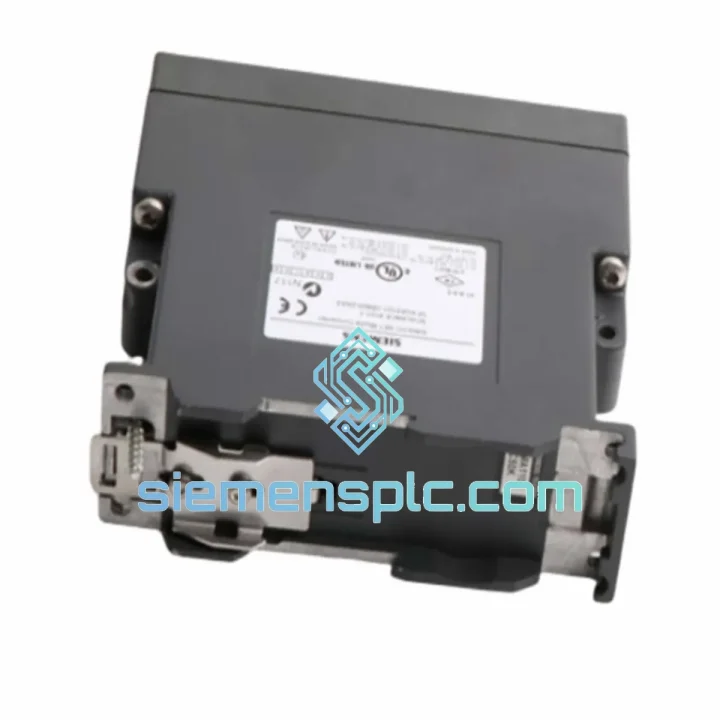
Request verified availability, condition, replacement risk review, packing options and courier lead time for 6GK5212-2BB00-2AA3.
Click Request Quote and the part number is inserted into the inquiry form automatically.
Core fields for model confirmation and RFQ routing. Detailed product narrative remains below.
Your PROFINET fiber segment is down. The line is stopped. Maintenance is standing by. You’ve already confirmed the fault: the SCALANCE X212-2 (6GK5212-2BB00-2AA3) media converter has failed — no link light, no fiber sync, no traffic. You don’t need a datasheet lecture. You need the part on a plane tonight.
We stock the Siemens 6GK5212-2BB00-2AA3 in Xiamen and ship same-day via DHL Express or FedEx Priority. Most destinations in Southeast Asia, Europe, and the Americas receive within 2–4 business days. While your procurement team is still raising a PO, we’re already pulling the unit off the shelf.
URGENT REQUIREMENT? Contact: [email protected] | WhatsApp: +86 18359268345
| Parameter | Specification |
|---|---|
| Part Number | 6GK5212-2BB00-2AA3 |
| Product Family | SCALANCE X212-2 (SCALANCE X-200 series) |
| Function | Media Converter — 100 Mbit/s Electrical ↔ 100 Mbit/s Optical |
| Electrical Port | 1× RJ45, 10/100 Mbit/s auto-sensing (MDI/MDIX) |
| Optical Port | 1× SC duplex, 100BASE-FX multimode fiber |
| Fiber Type | Multimode 50/125 µm or 62.5/125 µm |
| Max. Fiber Distance | 3,000 m (multimode) |
| Supply Voltage | 24 V DC (18–32 V DC) |
| Power Consumption | ≈ 3 W |
| Operating Temperature | −10 °C to +60 °C |
| Protection Rating | IP30 |
| Mounting | 35 mm DIN rail or S7-300 rail |
| Dimensions (W×H×D) | 30 × 125 × 114 mm |
| Weight | ≈ 560 g |
| Certifications | CE, UL, ATEX Zone 2 |
| PROFINET Support | Transparent — no configuration required |
| Stock Status | ✅ Ready to Ship — Xiamen Warehouse |
After 10 years of field work, here’s what actually goes wrong with the X212-2 and what to watch when you swap it out:
Common Failure Modes
Replacement Procedure — Field Checklist
Configuration Notes
The 6GK5212-2BB00-2AA3 is not a commercial-grade converter in an industrial enclosure. It is designed from the ground up for plant-floor conditions where commercial equipment fails within months.
The unit operates continuously from −10 °C to +60 °C without derating — relevant in foundries, outdoor substations, and non-climate-controlled control rooms in tropical climates. The conformal-coated PCB resists condensation and corrosive atmospheres, which matters in chemical plants and coastal installations where humidity regularly exceeds 95% RH.
Vibration resistance meets IEC 60068-2-6 (sinusoidal) and IEC 60068-2-27 (shock), making it suitable for installation near heavy presses, compressors, and conveyor drives where mechanical shock is a daily reality. The DIN rail clip is spring-loaded steel — it does not loosen under vibration the way plastic clips do on cheaper units.
EMC immunity is tested to EN 61000-6-2 (industrial immunity), covering conducted and radiated interference from variable frequency drives, welding equipment, and high-voltage switchgear. In high-EMI environments, the fiber optic link provides inherent galvanic isolation — no ground loops, no common-mode noise injection into the PROFINET segment.
ATEX Zone 2 certification (II 3G Ex nA IIC T4 Gc) allows installation in areas with occasional explosive atmospheres — relevant in oil & gas, chemical, and pharmaceutical applications where Zone 2 classification is common in utility areas adjacent to process zones.
Our warehouse is located in Xiamen, Fujian — one of China’s primary export hubs with direct access to DHL, FedEx, and UPS international gateways. Orders confirmed before 15:00 CST ship same day.
Every shipment includes a commercial invoice, packing list, and certificate of origin. For orders requiring an end-user declaration or import license, contact us before placing the order — we handle this documentation daily and know the requirements for most jurisdictions.
Tracking numbers are sent via email within 2 hours of dispatch. For urgent shipments, we provide the AWB number directly via WhatsApp so you can monitor the shipment in real time.
All units are packed in anti-static bags with foam inserts inside double-wall corrugated cartons. The 6GK5212-2BB00-2AA3 is a precision optical device — we do not cut corners on packaging.
Line down? Don’t wait. Reach us now:
© 2026 siemensplc.com. All rights reserved.
We check the full part number, brand, series and visible nameplate information before quotation.
Sales confirms stock path, condition option, quantity and realistic lead time for export dispatch.
DHL, FedEx, UPS or buyer courier arrangements can be reviewed with packing requirements.
Similar brand or category products for fast comparison and multi-item RFQ lists.


