Yokogawa
RFQ Ready
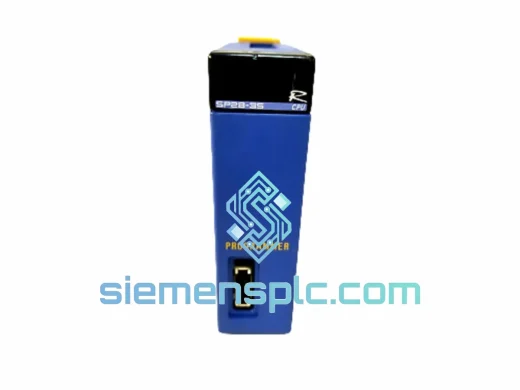
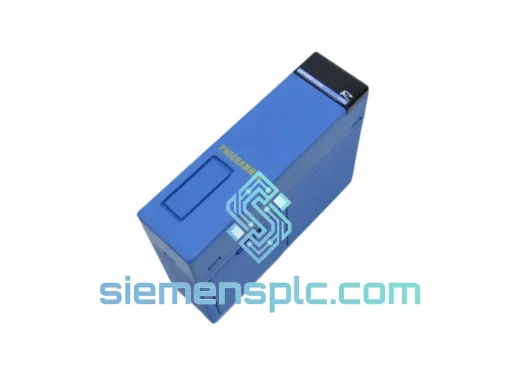
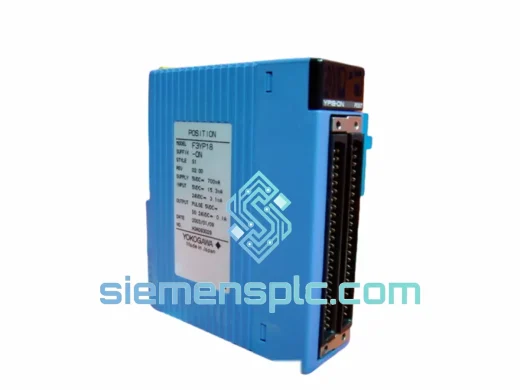
YOKOGAWA YNT511D PLC Communication Module
FA-M3
Origin JP
PLC Communication Module
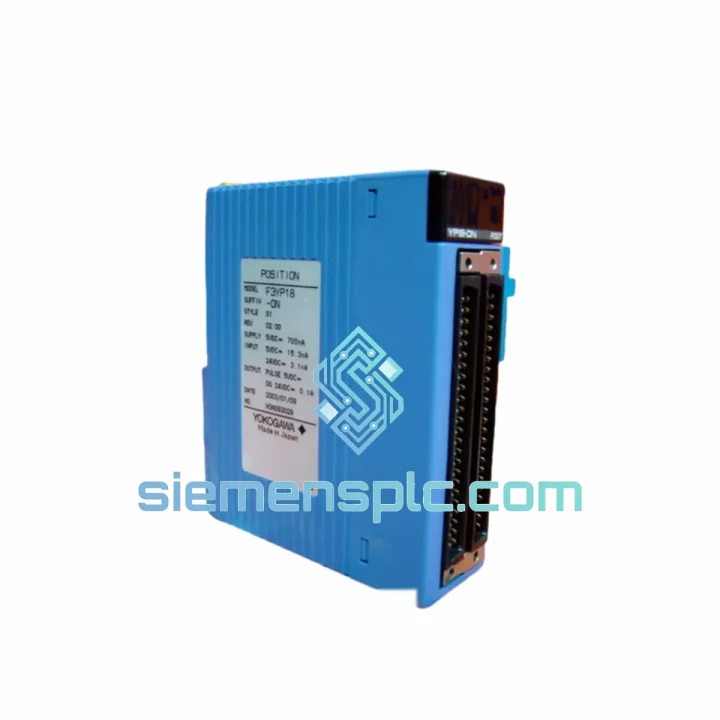
Request verified availability, condition, replacement risk review, packing options and courier lead time for F3LD01-ON.
Click Request Quote and the part number is inserted into the inquiry form automatically.
Core fields for model confirmation and RFQ routing. Detailed product narrative remains below.
Your FA-M3 rack just dropped the DeviceNet segment. Drives are faulted, the line is cold, and every minute is burning money. The F3LD01-ON is the exact scanner module you need — and we have it on the shelf right now. One call, one shipment, back online before your next shift.
We stock the YOKOGAWA F3LD01-ON specifically for emergency replacement scenarios. No lead-time negotiation, no factory order queue. Our Xiamen warehouse dispatches DHL/FedEx express within hours of payment confirmation. Whether you’re in Seoul, Stuttgart, or São Paulo, this module can be in your hands in 48–72 hours.
URGENT REQUIREMENT?
📧 Email: [email protected] | 📱 WhatsApp: +86 18359268345
| Part Number | F3LD01-ON ✅ Ready to Ship |
| Manufacturer | YOKOGAWA Electric Corporation |
| Series | FA-M3 (STARDOM / Sequence CPU Compatible) |
| Module Function | DeviceNet Master / Scanner |
| Network Standard | DeviceNet (CAN-based, IEC 62026-3, ODVA Certified) |
| Max Slave Nodes | 63 nodes per network segment |
| I/O Data Capacity | 256 bytes IN / 256 bytes OUT |
| Supported Baud Rates | 125 kbps / 250 kbps / 500 kbps |
| Backplane Power | 5 VDC (from FA-M3 base unit bus) |
| Operating Temperature | 0°C to +55°C |
| Storage Temperature | -20°C to +70°C |
| Humidity | 10%–90% RH, non-condensing |
| Module Weight | Approx. 213 g |
| Mounting | FA-M3 standard base unit slot |
| Certifications | CE, UL 508, ODVA Conformance Tested, RoHS |
| Country of Origin | Japan |
| Stock Status | ✅ In Stock — Ships within 24 hrs |
Swapping an F3LD01-ON is not a plug-and-pull job if you want the network back up cleanly. Here’s what ten years of field calls have taught us:
1. Confirm the fault is the scanner, not the network. Before pulling the module, check the RUN/ERR LEDs. A solid red ERR with no MS/NS activity almost always points to the scanner hardware. Flashing red ERR with partial node communication usually means a cable fault or termination issue — replacing the module won’t fix that. Measure bus voltage at the trunk (should be 24 VDC ±1%) and verify both 121 Ω terminating resistors are in place before condemning the F3LD01-ON.
2. Record the node address table before power-down. Open WideField3 and export the DeviceNet configuration (EDS-based node list) to a file. If the CPU is still communicating, pull the I/O map from the scanner’s parameter area (D registers). You’ll need this to rebuild the scan list on the replacement unit — the F3LD01-ON does not store configuration in non-volatile memory on the module itself; it reads from the CPU’s parameter area at startup.
3. Slot position matters. The FA-M3 system assigns I/O addresses based on physical slot position. Install the replacement F3LD01-ON in the exact same slot as the failed unit. If you move it even one slot, the CPU will map it to a different register block and your ladder logic will reference wrong addresses — causing silent data corruption or immediate fault trips.
4. Baud rate DIP switch — check before power-up. The F3LD01-ON has a rotary or DIP switch for baud rate selection (SW1). Confirm it matches your network setting (typically 500 kbps on modern installations). A mismatch will result in all nodes showing offline immediately after power-up, which is easily misdiagnosed as a wiring fault.
5. Firmware version awareness. If your FA-M3 CPU is running firmware below R9.03, verify compatibility with the F3LD01-ON hardware revision you receive. YOKOGAWA issued a compatibility matrix (document IM 34M06H62-01E, Appendix B) covering scanner hardware revisions vs. CPU firmware. Mismatched combinations can cause intermittent scan cycle overruns under high node counts.
6. Re-commission node by node. After replacement, bring slaves online one at a time starting from node 0. Watch the MS (Module Status) and NS (Network Status) LEDs on each slave. This isolates any node that developed a fault during the downtime event — a common scenario when the scanner failure was caused by a bus short that also damaged slave transceivers.
Common fault codes to know:
The FA-M3 platform was engineered for environments where consumer-grade electronics simply fail. The F3LD01-ON carries that same design philosophy into the DeviceNet communication layer.
Vibration resistance: The module is designed to IEC 60068-2-6 vibration test standards — 10–57 Hz at 0.075 mm amplitude, 57–150 Hz at 9.8 m/s². In practice, this means it survives continuous operation on press machine frames, compressor skids, and mobile equipment platforms without connector fatigue or PCB trace cracking.
Thermal cycling tolerance: Operating range of 0°C to +55°C with storage down to -20°C. The conformal coating on the PCB prevents condensation damage during cold-start cycles in unheated enclosures — a common failure mode for uncoated boards in northern European and high-altitude installations.
EMI/RFI immunity: CE-marked to EMC Directive 2014/30/EU. The module’s CAN transceiver circuit includes common-mode chokes and TVS diode protection on the DeviceNet bus lines, providing immunity against the voltage spikes generated by large VFD installations and contactor switching — exactly the environment where DeviceNet networks are most commonly deployed.
Humidity and contamination: Rated to 90% RH non-condensing. The module’s gold-plated backplane connector maintains reliable contact resistance even in high-humidity foundry and food processing environments where oxidation degrades standard tin-plated connectors within 18–24 months.
Our dispatch hub is in Xiamen, China — one of the most connected export ports in Asia, with direct DHL and FedEx gateway access. Here’s exactly how your order moves:
If your plant is facing a hard deadline — shift restart, customer audit, regulatory inspection — message us on WhatsApp with your delivery address and we will give you a confirmed delivery window before you place the order.
📧 Email: [email protected]
📱 WhatsApp: +86 18359268345
🌐 Web: siemensplc.com
© 2026 siemensplc.com. All rights reserved.
We check the full part number, brand, series and visible nameplate information before quotation.
Sales confirms stock path, condition option, quantity and realistic lead time for export dispatch.
DHL, FedEx, UPS or buyer courier arrangements can be reviewed with packing requirements.
Similar brand or category products for fast comparison and multi-item RFQ lists.