ABB
In Stock OK
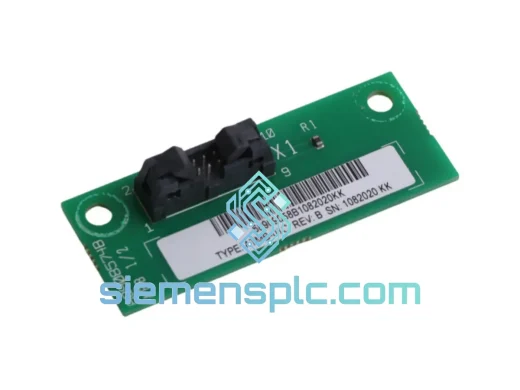
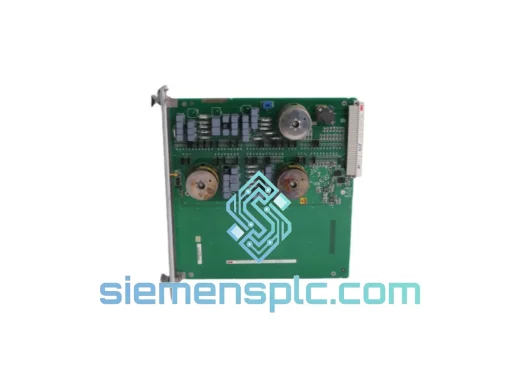
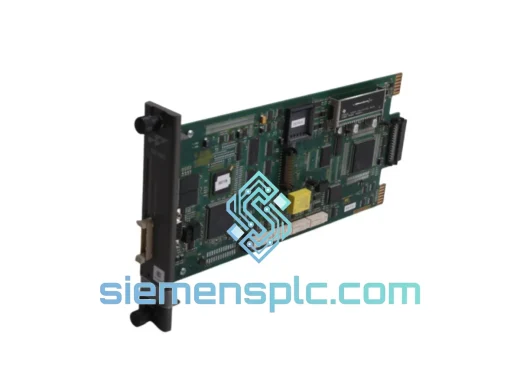
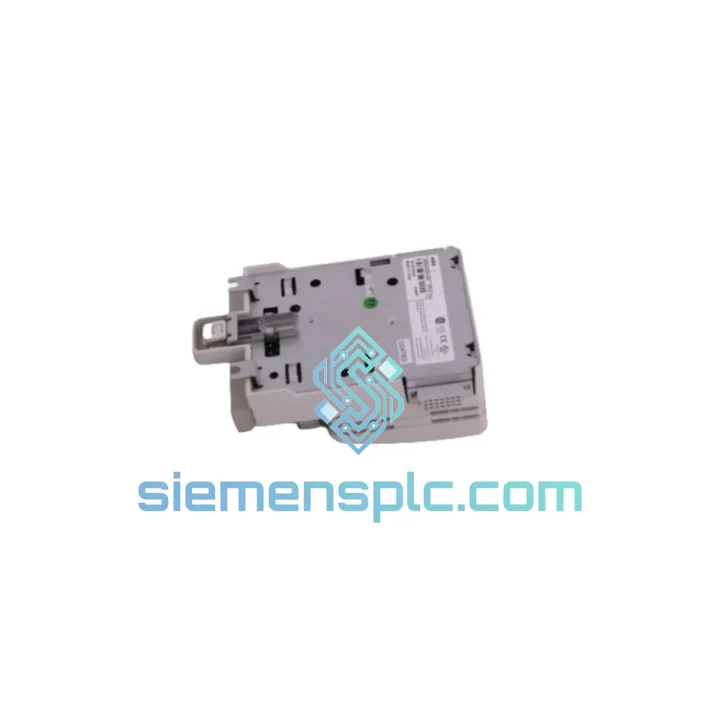
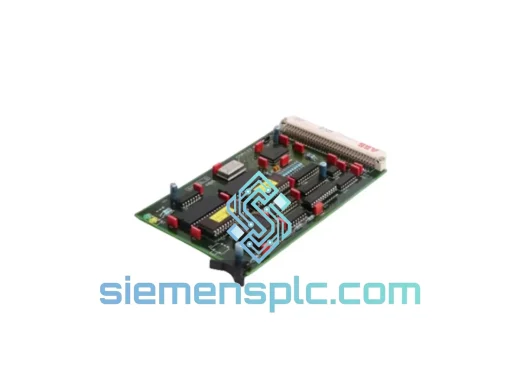
ABB 81AB03 GJR2392500R1210 PLC Module
Request verified availability, condition, replacement risk review, packing options and courier lead time for 81AB03 GJR2392500R1210.
BrandABB
Part Number81AB03 GJR2392500R1210
ConditionAvailability Check
Lead TimeRFQ Confirmation
DocumentsDatasheet / photos by RFQ
ShippingExport packing available
Auto-filled RFQ
81AB03 GJR2392500R1210
Click Request Quote and the part number is inserted into the inquiry form automatically.
- Reply by email: [email protected]
- WhatsApp / Tel: +86 18359268345
- Mon-Sat 9:00-18:00 GMT+8
Procurement Data
Key Product Information
Core fields for model confirmation and RFQ routing. Detailed product narrative remains below.
- Brand
- ABB
- Primary Part Number
- 81AB03 GJR2392500R1210
- Product Type
- PLC Module
- Series / Family
- AC500
- Manufacturer
- ABB
- Country of Origin
- SE
- Catalog Category
- PLCs & Controllers
- Operating Temp.
- -25 °C to +60 °C
- Humidity
- 5–95% RH, non-condensing
Model confirmed for inquiry
81AB03 GJR2392500R1210
Send quantity, destination and urgency. The RFQ form keeps this part number attached.
Request Quote
Product Overview
ABB 81AB03 GJR2392500R1210 — Stop the Clock on Your Downtime. Ship Today.
Every minute your line is down, you’re bleeding money. A failed AC500 expansion module shouldn’t cost you a production shift. The ABB 81AB03 (Order Code: GJR2392500R1210) is in stock at our Xiamen warehouse right now — verified original, tested, and ready to clear customs before your maintenance window closes. We’ve shipped this exact part to plants in Germany, Australia, Saudi Arabia, and Southeast Asia on 24-hour turnaround. Your downtime ends here.
URGENT REQUIREMENT? Contact: [email protected] | WhatsApp: +86 18359268345
Quick Technical Datasheet
| Parameter | Specification |
|---|---|
| Manufacturer | ABB |
| Part Number | 81AB03 |
| Order Code | GJR2392500R1210 |
| Platform | AC500 PLC Series |
| Module Function | Expansion / Communication Assembly Module |
| Backplane Interface | AC500 internal bus (K-Bus compatible) |
| Mounting | DIN rail via TB5xx terminal base |
| Supply Voltage | 24 VDC (via terminal base) |
| Operating Temperature | -25 °C to +60 °C |
| Storage Temperature | -40 °C to +70 °C |
| Humidity | 5–95% RH, non-condensing |
| Protection Class | IP20 |
| Weight | 320 g |
| Certifications | CE, UL 508, RoHS |
| Country of Origin | Germany |
| Stock Status | ✔ Ready to Ship — Xiamen Warehouse |
Troubleshooting & Replacement Tips
Ten years of field calls teach you one thing: most AC500 module failures follow a pattern. Here’s what to check before you pull the trigger on a replacement, and what to do when you do.
Common Failure Signatures for 81AB03:
- ERR LED solid red on CPU: The CPU has lost communication with the expansion module. First check the terminal base seating — the 81AB03 must click firmly into the TB5xx base. A partial seat causes intermittent K-Bus faults that look like CPU errors.
- SF (System Fault) LED flashing: Firmware mismatch between the CPU and the expansion module. If you’ve recently updated the CPU firmware via Automation Builder, the module may require a matching firmware push. Connect via USB, open the device tree, right-click the module, and select “Update Firmware.”
- Module not recognized after hot-swap: AC500 does not support true hot-swap on all configurations. Power down the terminal base segment before swapping. After reinsertion, perform a cold restart (not warm restart) from the CPU.
- Address conflict on multi-rack systems: Each expansion module on the K-Bus is auto-addressed by slot position. If you’ve changed the rack layout, re-download the hardware configuration from Automation Builder to force re-enumeration. Do not assume the address carried over.
- Intermittent I/O dropouts under vibration: Check the DIN rail grounding strap continuity. The 81AB03 relies on the terminal base ground connection for EMC shielding. A loose rail ground is the #1 cause of ghost faults in high-vibration environments.
Replacement Procedure (Field-Verified):
- Set CPU to STOP mode via Automation Builder or the local keypad.
- De-energize the 24 VDC supply to the affected terminal base segment.
- Press the release lever on the terminal base and slide the 81AB03 out horizontally.
- Inspect the K-Bus connector pins on the new module — any bent pin will cause a no-comms fault.
- Slide the replacement module in until the latch clicks. Verify seating visually.
- Re-energize the segment. Confirm the RUN LED on the module goes green within 5 seconds.
- From Automation Builder, perform a “Compare” between the online configuration and your project. If a mismatch is flagged, download the hardware config only (not the full program) to avoid overwriting runtime data.
- Switch CPU back to RUN. Monitor the diagnostic buffer for 60 seconds for any recurring SF events.
Reliability in Harsh Conditions
The ABB AC500 platform — and the 81AB03 specifically — was not designed for a climate-controlled server room. It was built for the floor. ABB subjects AC500 modules to IEC 60068-series environmental testing before any unit leaves the factory:
- Vibration: Tested to IEC 60068-2-6 (sinusoidal, 5–150 Hz, 1g) and IEC 60068-2-64 (random vibration). The PCB mounting and conformal coating are specified to withstand continuous vibration from compressors, presses, and mobile equipment.
- Thermal Cycling: Rated for operation from -25 °C to +60 °C with no derating required up to 55 °C. The module has been validated through 1,000-cycle thermal shock testing (-40 °C to +70 °C) per IEC 60068-2-14.
- Humidity & Condensation: Conformal coating on the PCB provides protection against moisture ingress in environments up to 95% RH. The module meets IEC 60068-2-30 damp heat cyclic testing.
- EMC Immunity: Compliant with EN 61000-6-2 for industrial environments, covering surge, EFT/burst, conducted RF, and radiated immunity. In practice, this means the module holds its comms link even when a 400 kW VFD starts two meters away.
- Shock: Tested to IEC 60068-2-27 (15g, 11 ms half-sine). Suitable for mobile plant and equipment subject to mechanical shock during transport or operation.
Every unit we ship from Xiamen is stored in anti-static, humidity-controlled packaging with desiccant packs and a humidity indicator card. If the card is blue when you open the box, the module has been kept dry from our warehouse to your door.
Global Express Logistics
Our Xiamen warehouse is 40 minutes from Xiamen Gaoqi International Airport (XMN), one of China’s primary cargo hubs with direct freighter connections to Frankfurt, Dubai, Los Angeles, and Singapore. This is not a coincidence — it’s infrastructure we chose deliberately to serve emergency procurement.
Standard Dispatch Process:
- Order confirmed before 14:00 CST: Same-day dispatch via DHL Express or FedEx International Priority.
- Order confirmed after 14:00 CST: Next business day dispatch. We will notify you of the AWB number within 2 hours of booking.
- Documentation: Commercial invoice, packing list, and HS code declaration (8537.10) prepared and attached to every shipment. For customers in the EU, we include EUR.1 movement certificates upon request.
- Typical Transit Times: Europe 2–3 business days | Middle East 2–3 business days | Southeast Asia 1–2 business days | North America 3–4 business days | Australia 3–4 business days.
- Tracking: DHL/FedEx tracking number sent via email and WhatsApp immediately after dispatch. We monitor the shipment and proactively flag any customs holds.
- Customs Clearance: We declare at actual transaction value with full HS code documentation. We do not under-declare. This protects you from customs delays and penalties at destination.
For orders requiring a Letter of Credit, bank transfer, or formal purchase order process, contact us directly. We work with procurement teams at Fortune 500 manufacturers and understand the paperwork requirements.
Contact Information
Email: [email protected]
WhatsApp: +86 18359268345
Web: siemensplc.com
© 2026 siemensplc.com. All rights reserved.
Ready to quote
[email protected]
Send This Part Number to Sales
RFQ workflow
Quality workflow ->
Confirmation Process
01Model confirmation
We check the full part number, brand, series and visible nameplate information before quotation.
02Availability reply
Sales confirms stock path, condition option, quantity and realistic lead time for export dispatch.
03Packing & courier
DHL, FedEx, UPS or buyer courier arrangements can be reviewed with packing requirements.
Continue sourcing
Browse full catalog ->
Related Automation Parts
Similar brand or category products for fast comparison and multi-item RFQ lists.
ABB
RFQ Ready
ABB 1SVR427075R0000 CP-A CM PLC CPU Module – AC500 Compact Series
AC500
Origin SE
PLC CPU Module