ABB
In Stock OK
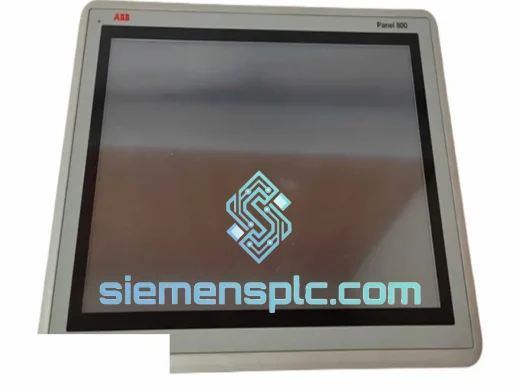
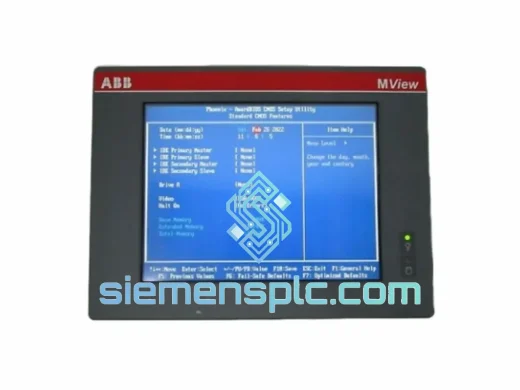
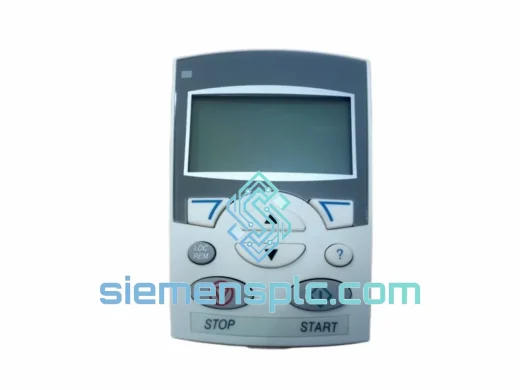
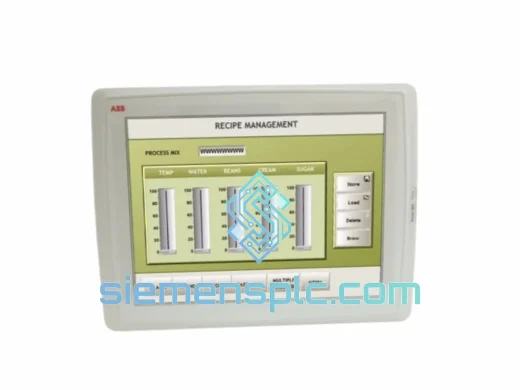
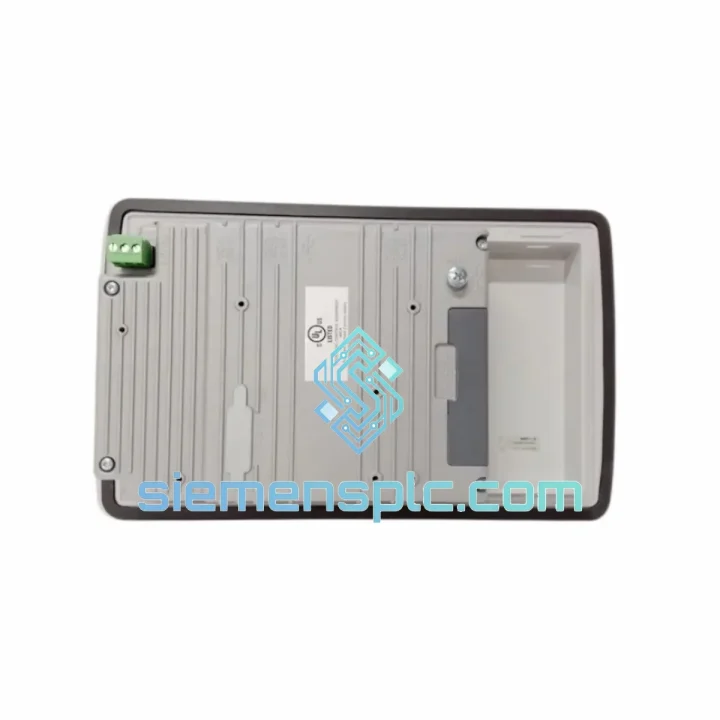
ABB PP836A 3BSE042237R2 Operator Panel
Request verified availability, condition, replacement risk review, packing options and courier lead time for PP836A 3BSE042237R2.
BrandABB
Part NumberPP836A 3BSE042237R2
ConditionAvailability Check
Lead TimeRFQ Confirmation
DocumentsDatasheet / photos by RFQ
ShippingExport packing available
Auto-filled RFQ
PP836A 3BSE042237R2
Click Request Quote and the part number is inserted into the inquiry form automatically.
- Reply by email: [email protected]
- WhatsApp / Tel: +86 18359268345
- Mon-Sat 9:00-18:00 GMT+8
Procurement Data
Key Product Information
Core fields for model confirmation and RFQ routing. Detailed product narrative remains below.
- Brand
- ABB
- Primary Part Number
- PP836A 3BSE042237R2
- Product Type
- Operator Panel / HMI
- Series / Family
- AC 800M
- Manufacturer
- ABB Ltd.
- Country of Origin
- SE
- Catalog Category
- HMI Panels
- Operating Temp.
- 0 °C to +55 °C
- Humidity
- 5–95 % RH, non-condensing
Model confirmed for inquiry
PP836A 3BSE042237R2
Send quantity, destination and urgency. The RFQ form keeps this part number attached.
Request Quote
Product Overview
ABB PP836A 3BSE042237R2 – Stop the Clock on Your Downtime, Ship Today
Every minute your AC 800M DCS sits dark because of a failed PP836A panel is money bleeding out of your operation. Compressor trips, batch aborts, turbine shutdowns — the cascade is fast and the cost is real. We stock the ABB PP836A 3BSE042237R2 precisely for this moment. Verified OEM hardware, pre-tested, export-packed, and ready to leave Xiamen on the next DHL or FedEx cut-off. Your replacement panel can be on-site in 24–72 hours depending on your region. That is the difference between a shift delay and a week-long outage.
URGENT REQUIREMENT? Contact: [email protected] | WhatsApp: +86 18359268345
Quick Technical Datasheet
| Part Number | PP836A |
| Order Code | 3BSE042237R2 |
| Manufacturer | ABB Ltd. |
| Series / Platform | AC 800M / AC 800PEC DCS |
| Display | 10.4″ Color TFT LCD, 640 × 480 VGA |
| Touchscreen | Resistive – gloved-hand and stylus compatible |
| Communication | Ethernet RJ-45, RS-232 |
| Compatible Controllers | PM851, PM856, PM860, PM861, PM864, PM866, AC 800PEC |
| Supply Voltage | 24 V DC |
| Power Draw | ≤ 25 W typical |
| Operating Temperature | 0 °C to +55 °C |
| Storage Temperature | −25 °C to +70 °C |
| Humidity | 5–95 % RH, non-condensing |
| Ingress Protection | IP65 front panel |
| Mounting | Panel cut-out, flush mount |
| Dimensions (W × H × D) | ~310 × 240 × 60 mm |
| Weight | ~1.88 kg |
| Certifications | CE, UL, cUL |
| Country of Origin | Sweden |
| Stock Status | ✔ Ready to Ship – Xiamen Warehouse |
Troubleshooting & Replacement Tips
Common failure signatures on the PP836A:
- Blank or frozen display on power-up: Usually a backlight inverter failure or corrupted Panel Builder runtime flash. Before condemning the unit, cycle 24 V DC power and hold the reset button for 8 seconds. If the ABB boot logo does not appear within 30 seconds, the unit requires replacement.
- Touch input unresponsive or drifting: Resistive digitizer degradation — common after 5–8 years in high-vibration cabinets. Calibration via the service menu (hold top-left corner on boot) may recover mild drift; hardware failure requires swap.
- Ethernet link lost / controller communication fault: Check the RJ-45 connector for corrosion first. If the link LED is solid but the panel shows “Controller Not Found,” verify the IP address assignment in Panel Builder matches the controller’s configured panel IP. Mismatched subnet masks after a controller firmware upgrade are a frequent culprit.
- Alarm: “Panel Runtime Error” or “Application Download Failed”: Panel Builder 800 project compiled for a different hardware target (e.g., PP835A). Re-compile the project explicitly targeting PP836A hardware type and re-download via Ethernet.
Step-by-step hot-swap procedure:
- Export the current Panel Builder 800 project from the engineering workstation and confirm the backup is complete.
- Isolate 24 V DC supply to the panel — do not cut controller power; the AC 800M continues running in headless mode.
- Disconnect Ethernet and RS-232 cables, label them before removal.
- Release the four panel mounting clamps from the rear and extract the unit from the cut-out.
- Fit the replacement PP836A — mounting dimensions are identical to PP835A (monochrome predecessor), no cut-out modification required.
- Reconnect cables. Apply 24 V DC. Confirm boot logo appears.
- Assign the same static IP address as the failed unit (check your network documentation or the controller’s panel configuration in Control Builder M).
- Download the Panel Builder 800 project compiled for PP836A target. Runtime loads in approximately 2–4 minutes depending on project size.
- Perform touchscreen calibration via service menu if required.
- Verify all process values, alarms, and operator inputs are live before returning the loop to automatic.
Firmware note: PP836A hardware is compatible with AC 800M controller firmware 5.x and 6.x. Panel Builder 800 version 1.1 or later is required. If your site runs firmware 4.x, contact us — we can advise on compatibility paths before you commit to the swap.
Reliability in Harsh Conditions
The PP836A was not designed for a climate-controlled server room. ABB built it for the kinds of environments where panels get splashed, vibrated, and cooked — and it shows in the construction choices.
The IP65-rated front bezel creates a continuous seal against dust ingress and directed water jets, making it suitable for wash-down areas in food processing and chemical plants. The resistive touchscreen glass is rated for continuous operation without degradation from cleaning solvents commonly used in pharmaceutical and biotech facilities.
Internally, the unit is qualified for 0–55 °C continuous ambient without forced air cooling. In practice, this covers the majority of industrial cabinet environments globally, including outdoor enclosures in tropical climates where ambient temperatures inside a sun-exposed cabinet can spike well above 40 °C. The wide storage range of −25 °C to +70 °C means units shipped to cold-climate sites (Siberia, northern Canada, Scandinavia) arrive without thermal shock damage to the LCD assembly.
Vibration tolerance is a critical spec for offshore platforms and rotating machinery skids. The PP836A’s panel-mount design distributes mechanical stress across the cabinet cut-out frame rather than concentrating it at connector points — a meaningful advantage over rack-mount HMIs in high-vibration applications. Units in our stock are individually inspected for connector integrity and display uniformity before dispatch, catching any transit-induced damage before it reaches your site.
Global Express Logistics
Our dispatch hub is in Xiamen, China — one of the country’s primary export ports with direct DHL and FedEx service connections to major industrial hubs worldwide. Here is how the process works from the moment you confirm your order:
- Same-day cut-off: Orders confirmed before 14:00 CST are packed and handed to the carrier the same business day.
- Export documentation: Commercial invoice, packing list, and Certificate of Origin are prepared in parallel with packing — no delays waiting for paperwork.
- Carrier selection: DHL Express Worldwide or FedEx International Priority, depending on destination and your preference. Both provide door-to-door tracking and customs clearance support.
- Transit times (estimated): Southeast Asia 1–2 days | Europe 2–3 days | North America 2–4 days | Middle East 2–3 days | Australia 2–3 days.
- Packaging standard: Anti-static bag, foam-lined export carton, humidity indicator card, and corner protectors. The PP836A’s LCD panel is particularly sensitive to corner impacts — our packing spec accounts for this.
- Tracking: AWB number sent to you within 2 hours of carrier pickup. Real-time tracking link provided.
- Customs: HS code pre-declared; we handle export customs clearance from China. Import duties at destination are the buyer’s responsibility — we provide all documentation needed for smooth clearance.
If your plant is in a remote location or requires a specific freight forwarder, contact us before ordering — we can coordinate with your nominated agent.
Contact Information
Email: [email protected]
WhatsApp: +86 18359268345
Web: siemensplc.com
© 2026. All rights reserved.
Ready to quote
[email protected]
Send This Part Number to Sales
RFQ workflow
Quality workflow ->
Confirmation Process
01Model confirmation
We check the full part number, brand, series and visible nameplate information before quotation.
02Availability reply
Sales confirms stock path, condition option, quantity and realistic lead time for export dispatch.
03Packing & courier
DHL, FedEx, UPS or buyer courier arrangements can be reviewed with packing requirements.
Continue sourcing
Browse full catalog ->
Related Automation Parts
Similar brand or category products for fast comparison and multi-item RFQ lists.